Tablet Charging Locker for Schools: What Matters

A dead classroom set at 8:05 a.m. creates problems fast. Teachers lose time, students share devices that were meant to be one-to-one, and IT gets pulled into a preventable issue before first period really starts. That is why a tablet charging locker for schools is not just a storage accessory. It is part of the workflow that keeps devices secure, charged, organized, and ready for instruction.
Schools that rely on tablets every day need more than a place to plug them in. They need a system that fits how devices are actually used, checked out, returned, cleaned, and tracked across classrooms, libraries, media centers, and shared learning spaces. The right locker can reduce device loss, cut cable chaos, and make daily charging far more predictable. The wrong one can slow down distribution, create bottlenecks, and add another headache for teachers and support staff.
Why a tablet charging locker for schools solves more than charging
When buyers first evaluate charging furniture, the conversation often starts with battery life. That makes sense, but schools usually feel the pain in other ways first. Missing tablets, tangled cables, inconsistent charging habits, and unsecured storage create daily friction long before a device hits 0%.
A good locker addresses several operational problems at once. It gives students and staff a clear return point. It keeps devices in assigned spaces. It reduces the chance that tablets are left on desks, carried off unintentionally, or damaged while charging in the open. Just as important, it helps schools maintain a reliable routine. If every device has a home, classrooms start the day in much better shape.
There is also a security dimension that matters to administrators and facilities teams. Tablets are valuable assets, and schools do not want them sitting unattended in high-traffic areas. Lockable charging storage adds a layer of protection without making access so difficult that staff avoid using it.
What buyers should look for first
Capacity is the most obvious place to start, but it should not be the only one. A school may have 10 tablets in one setting, 30 in another, and mixed deployment across departments. Buying strictly around current device count can lead to a mismatch if the fleet expands or if a single locker gets reassigned to a different program.
The better question is how the locker will be used day to day. Is it dedicated to one classroom, shared between teachers, or placed in a central area for rotating checkout? A classroom teacher may value speed and simplicity above all else. A media specialist may care more about controlled access and inventory discipline. IT may focus on cable protection, charging reliability, and whether the unit supports the tablet sizes and cases already in use.
Physical footprint matters too. Some schools need a compact wall-adjacent unit that does not interfere with circulation. Others can accommodate a larger freestanding locker in a device room or media center. If space is tight, door swing, ventilation clearance, and outlet placement become important very quickly.
Security should be practical, not complicated
Schools need secure charging, but security only works if staff actually use it. If locking and unlocking takes too long, or if the process is confusing, tablets end up on counters instead. That defeats the purpose.
A tablet charging locker for schools should offer a lockable design that feels straightforward for authorized staff while still restricting casual access. The right approach depends on the environment. Some schools prefer keyed access for simplicity. Others want a more controlled system managed by designated staff. There is no universal answer, but ease of operation should carry real weight in the decision.
It is also worth thinking about visibility. In some settings, fully enclosed storage makes sense. In others, staff may want a design that allows quick visual checks to confirm devices have been returned. That trade-off between privacy, visibility, and security should be considered before purchase, not after installation.
Charging performance is about compatibility and protection
Fast charging claims can sound good in a spec sheet, but schools should focus on consistent, safe charging across their actual device mix. Tablet models vary. So do cases, ports, cable types, and charging requirements. USB-C has simplified some of this, but not all schools operate in a fully standardized environment.
That is why compatibility matters more than marketing language. Buyers should confirm that the locker supports the tablets they use now and the devices they may adopt next. Cable management is part of this as well. Poorly routed or exposed cables wear out faster, get disconnected, and create confusion when staff try to identify why one device did not charge overnight.
Charging protection is another factor that deserves attention. Schools are storing multiple devices in a concentrated footprint, often for long periods. A well-designed system should support safe charging practices and reduce stress on both hardware and batteries. That is one reason experienced providers such as ChargeBar emphasize protected charging architecture rather than treating power delivery as an afterthought.
Ease of use matters more than buyers expect
In education environments, the best equipment is often the equipment that needs the least explanation. Teachers are not looking for another system that requires training, workarounds, or a laminated instruction sheet taped to the side.
A useful locker should make device return intuitive. Slots should be easy to identify. Connections should be simple to reach. Staff should not have to fight with doors, thread cables through cramped spaces, or remove protective cases just to make a charge connection work.
This is where buyer priorities can differ. IT teams may care about internal cable routing and service access. Teachers may care about how quickly students can return tablets at the end of class. Administrators may care about whether the locker supports accountability. None of those perspectives is wrong. The best choice is usually the one that balances all three without overcomplicating the experience.
Where schools place lockers affects results
Placement can determine whether the locker becomes part of the routine or an underused piece of equipment. In a classroom, proximity supports daily consistency. In a library or media center, centralization may improve oversight and checkout control. In shared device programs, a secure staging area near staff offices or instructional support rooms may make more sense.
Traffic flow should be part of the conversation. If 25 students need to return tablets at once, can they do that without creating a backup at the end of class? If the locker sits in a hallway-accessible area, is supervision adequate? If it is in a room used after hours, who controls access?
Power access matters too. Schools sometimes focus on locker specs and forget the installation context. The best unit on paper can become inconvenient if outlets are poorly placed or if the locker blocks normal movement through a room.
Thinking beyond the purchase price
Budget always matters in K-12, and it should. But the lowest upfront cost is not always the lowest operating cost. If a cheaper unit leads to cable failure, inconsistent charging, difficult access, or faster wear, schools may pay for that decision in staff time and replacement parts.
A better buying approach looks at useful life, security value, and the amount of friction removed from the school day. If a charging locker reduces lost devices, cuts setup time, and helps tablets stay instruction-ready, that operational value adds up. For schools managing limited capital budgets, flexible acquisition models such as leasing or financing can also make a higher-quality solution more practical.
There is also an internal cost to disorganization. Every minute spent hunting for a charged device, replacing a damaged cable, or sorting out who last used a tablet is a minute that does not support instruction.
Questions schools should ask before choosing
Before making a final decision, buyers should pressure-test the fit. How many tablets need to charge at once, and will that number change? Will devices remain in cases? Who needs access – teachers, IT, library staff, or students? Does the locker need to prioritize compact storage, stronger security, or quicker turnover?
They should also ask what problem they are really solving. If theft prevention is the top concern, security features lead the conversation. If classroom readiness is the problem, ease of return and charging reliability may matter more. If multiple departments share devices, organization and access control move to the front.
That is why there is no single best tablet charging locker for schools in every scenario. The right choice depends on device volume, location, supervision, user behavior, and budget structure. What works perfectly in a middle school classroom may be the wrong fit for a district media center or a private school with smaller shared fleets.
The strongest solutions do not ask teachers or IT teams to adapt around the equipment. They support the routine the school already needs to run. When a charging locker fits that routine, tablets stay powered, assets stay protected, and the school day starts with fewer preventable problems.
Related posts
Charging Locker System Review for Busy Venues
Sep 27, 2026
Read this charging locker system review to compare security, charging speed, payment options, and ROI for events, offices, retail, and venues nationwide.
Lockers Versus Powerbanks: Which Fits Your Space?
Sep 25, 2026
Lockers versus powerbanks: compare security, dwell time, staffing, revenue, and deployment needs to choose the right charging amenity for your venue today.
Public Device Charging Trends for Venues
Sep 23, 2026
Public device charging trends are reshaping venues, events, and workplaces with secure USB-C access, locker charging, and revenue-ready options for guests.
How to Create Branded Power Bank Docks That Sell
Sep 21, 2026
Learn how to create branded power bank docks that keep visitors engaged, strengthen your brand, and support free or paid charging programs on-site daily.

Locker Deployment Example for Busy Venues
Sep 19, 2026
See a locker deployment example that helps venues provide secure phone charging, reduce low-battery stress, and create a practical revenue option for guests.
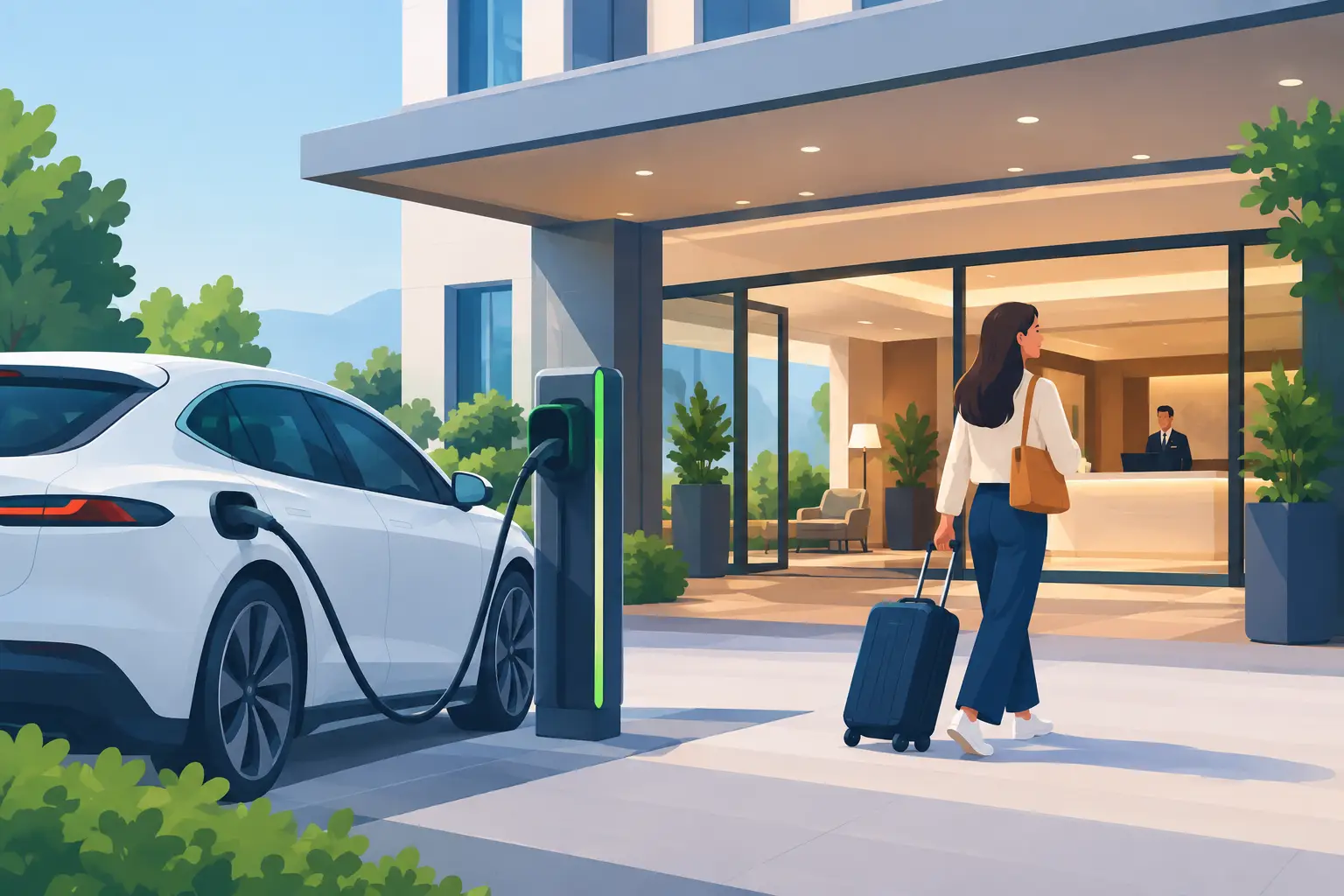
Hotel Charging That Keeps Guests On Property
Sep 17, 2026
Hotel charging gives guests a secure place to power phones and laptops, extend their stay, and create new hospitality revenue opportunities on site daily.
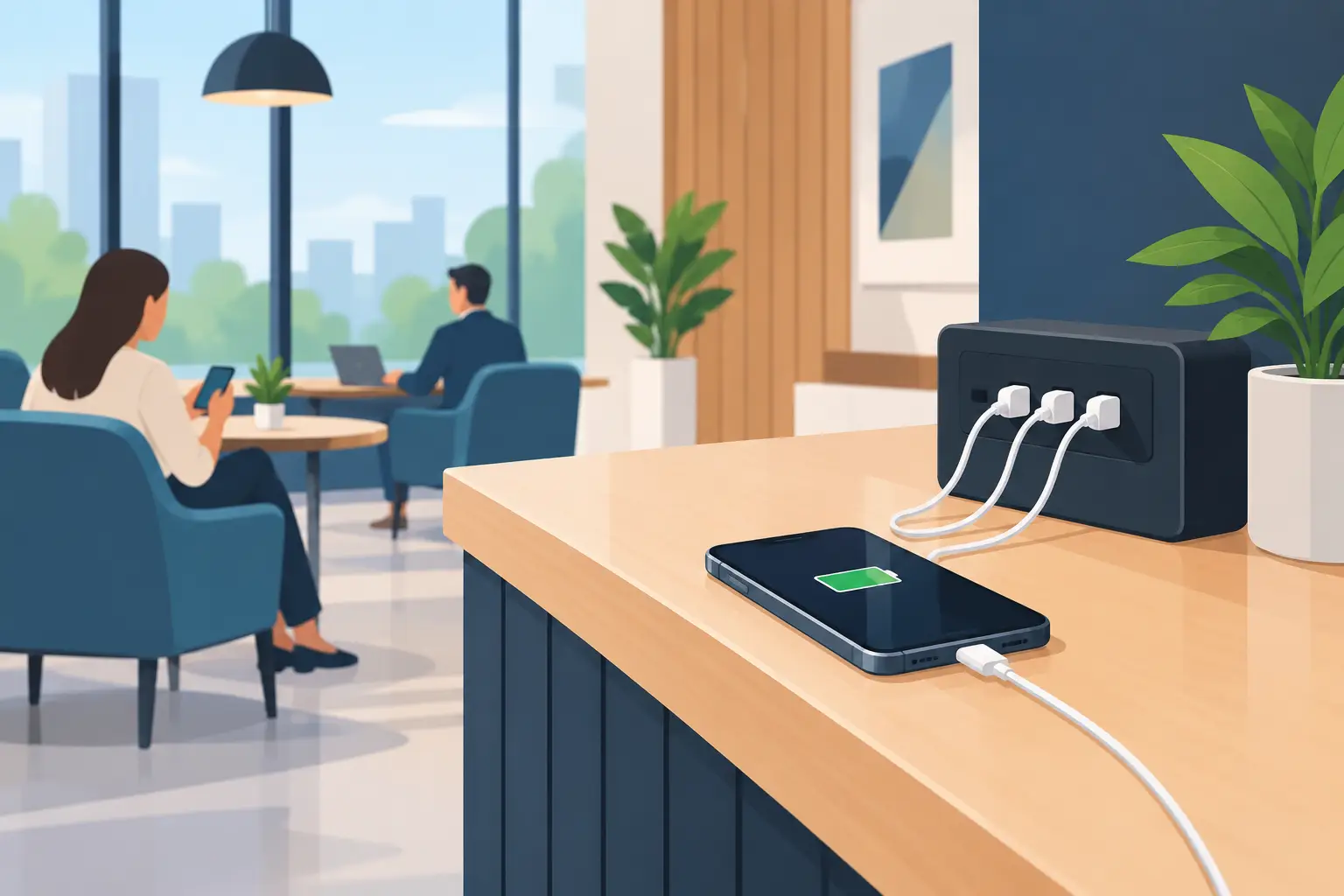
How to Add Phone Charging to Your Business
Sep 15, 2026
Learn how to add phone charging to your business with secure, scalable stations that improve guest experience, dwell time, and revenue potential daily.
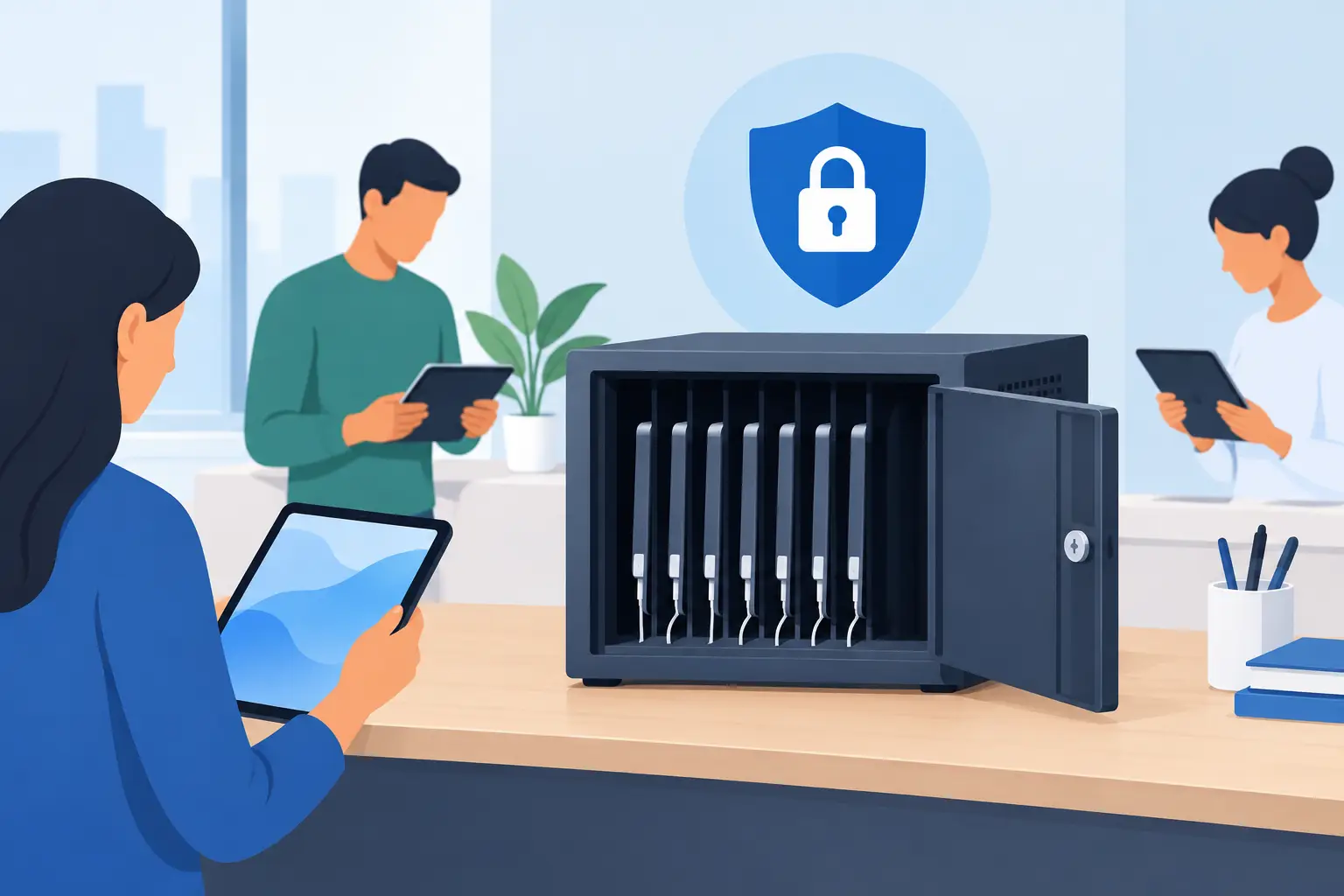
Best Secure Tablet Storage for Shared Devices
Sep 13, 2026
Find the best secure tablet storage for shared devices, events, offices, and public spaces with charging, access control, and room to scale confidently.

Power Bank Docking Review for Busy Venues
Sep 11, 2026
Use this power bank docking review to compare charging speed, security, payment options, branding, and operating costs before committing to deployment.

Charging Locker Procurement That Pays Off
Sep 09, 2026
Make charging locker procurement simpler with a practical plan for capacity, security, payment options, deployment, and long-term operating daily value.
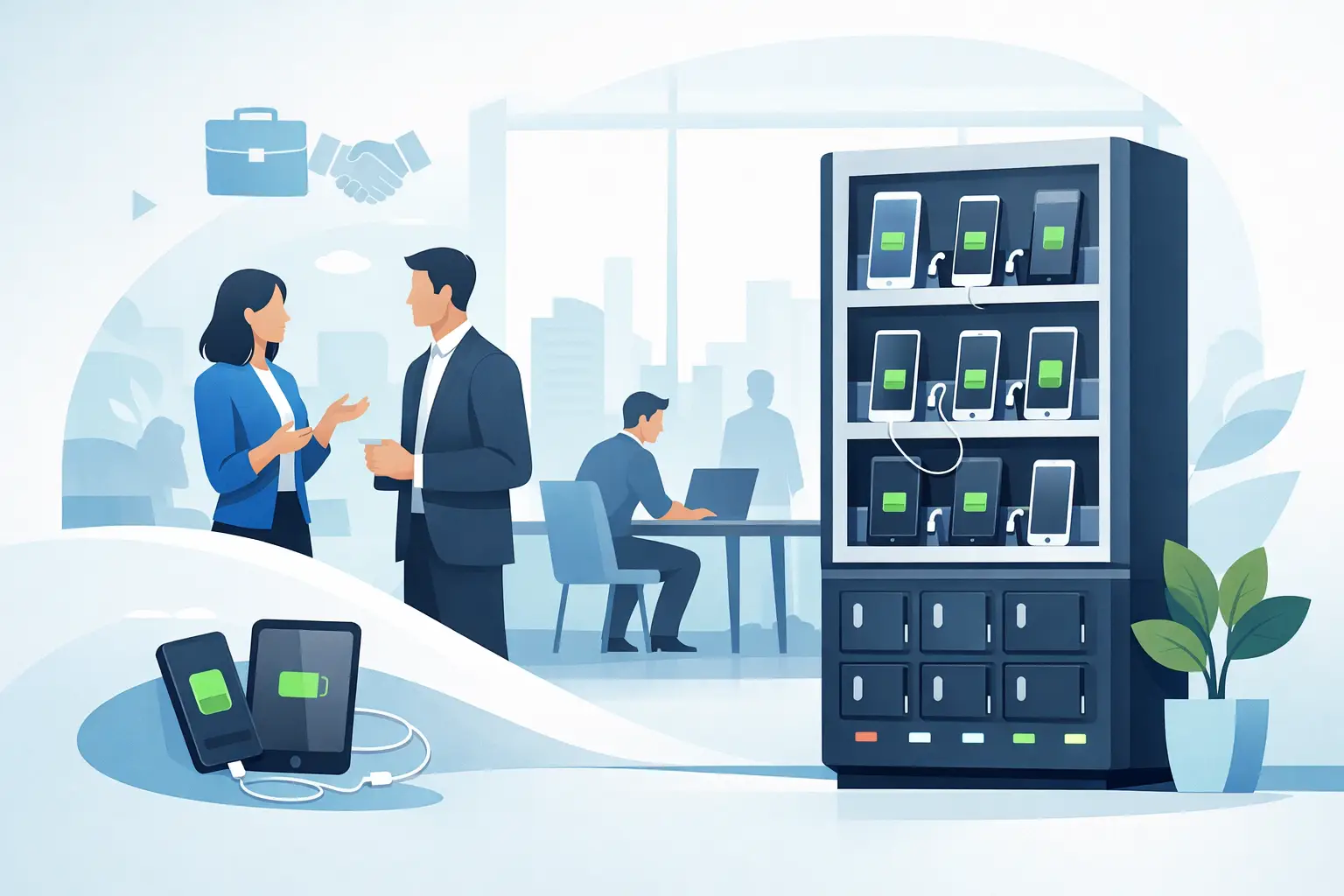
Phone Charging Station Leasing for Businesses
Sep 08, 2026
Phone charging station leasing gives businesses a flexible way to add secure, branded charging while protecting cash flow and creating new revenue streams

Multi Device Charging Cabinets for Busy Venues
Sep 06, 2026
Multi device charging cabinets give visitors secure power, help staff manage shared devices, and create a practical amenity or revenue stream for venues.

How to Rent Charging Stations for Your Event
Sep 04, 2026
Learn how to rent charging stations for events, offices, and venues, from choosing secure formats to planning power, branding, delivery, and ROI needs.
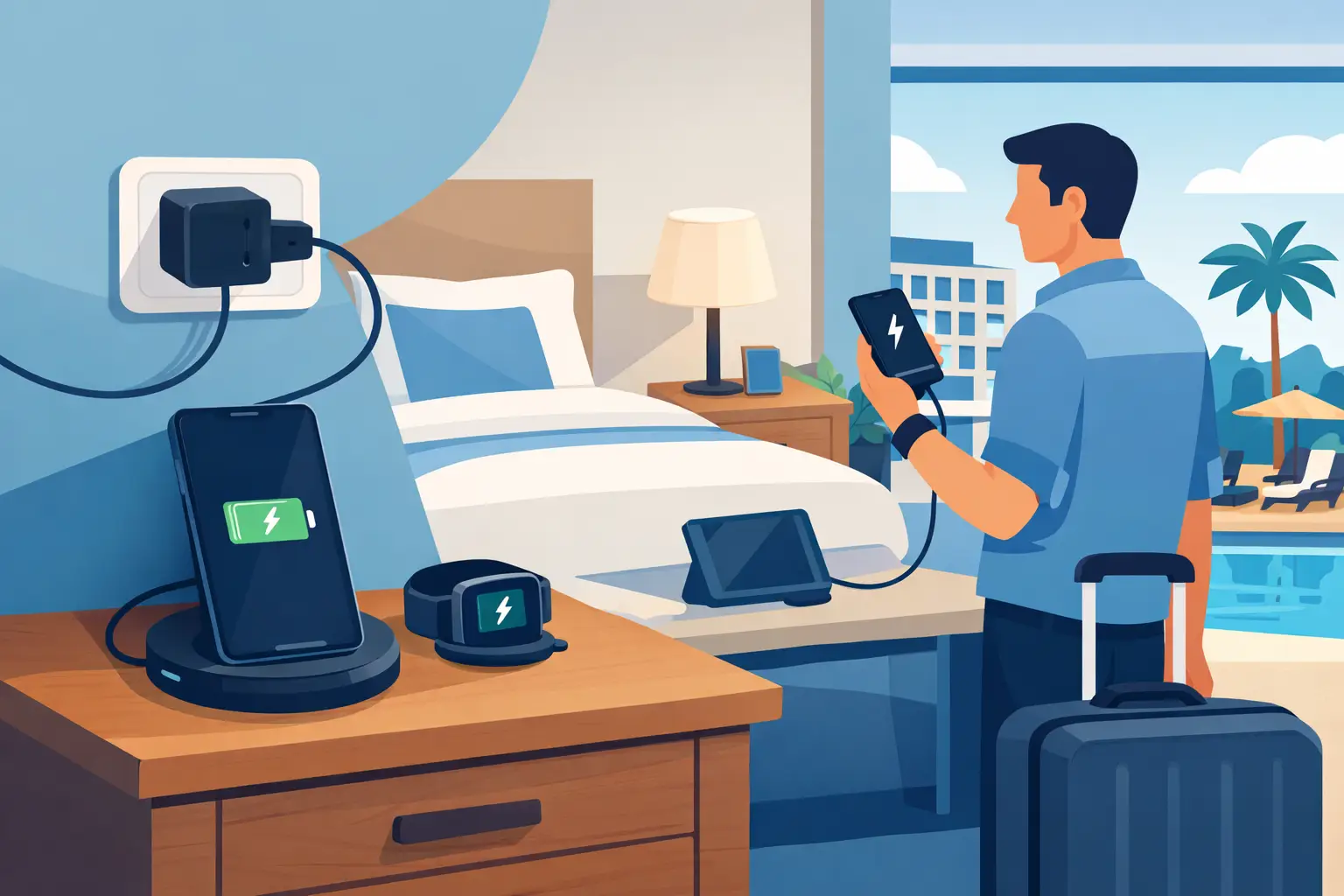
Best Phone Charging for Hotels and Their Guests
Sep 02, 2026
Find the best phone charging for hotels with secure, guest-ready options that improve stays, support staff, and create new revenue opportunities on property.
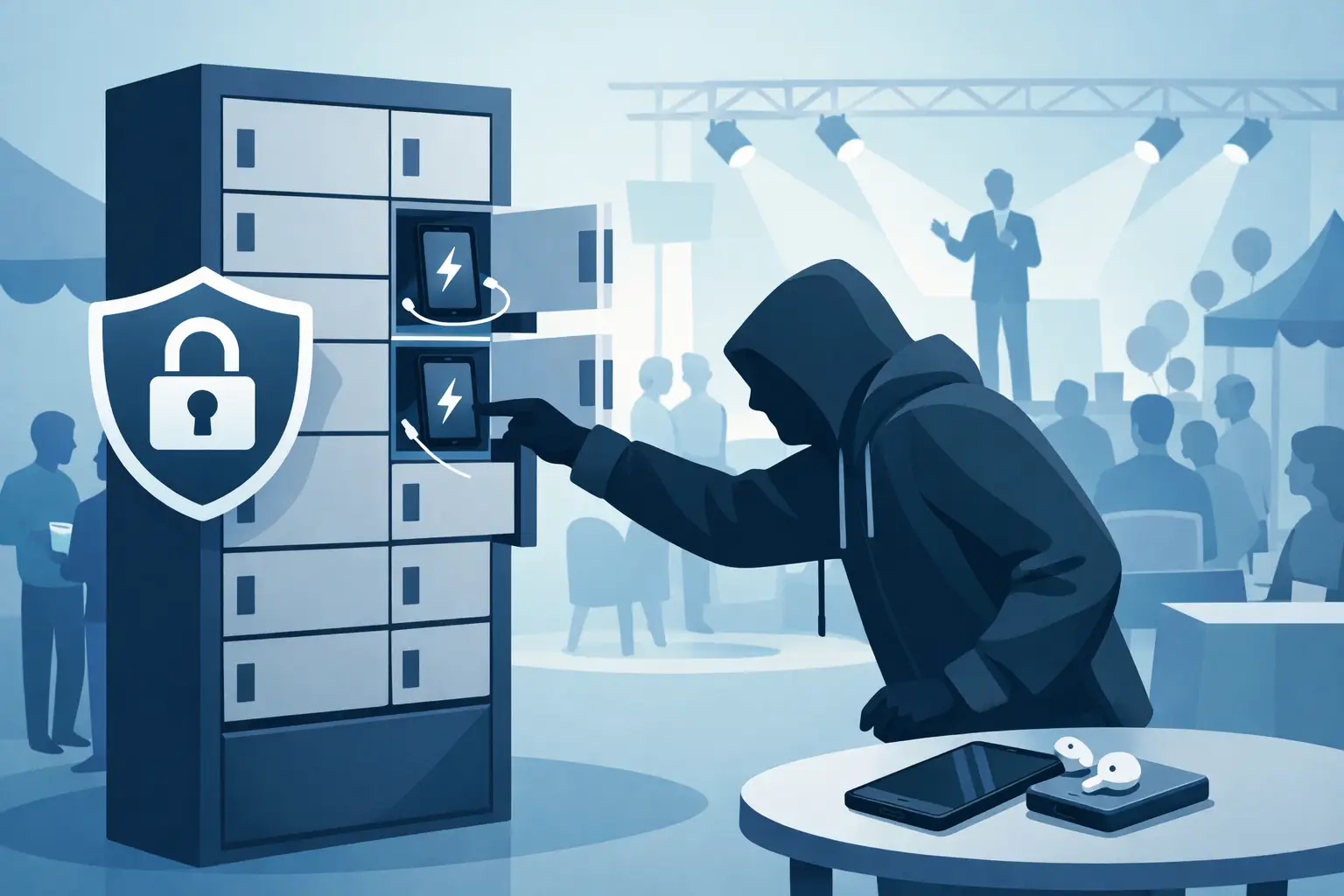
Do Charging Lockers Prevent Theft at Events?
Aug 31, 2026
Do charging lockers prevent theft? Learn how lockable charging stations protect devices, reduce staff burden, and improve visitor confidence on site daily.
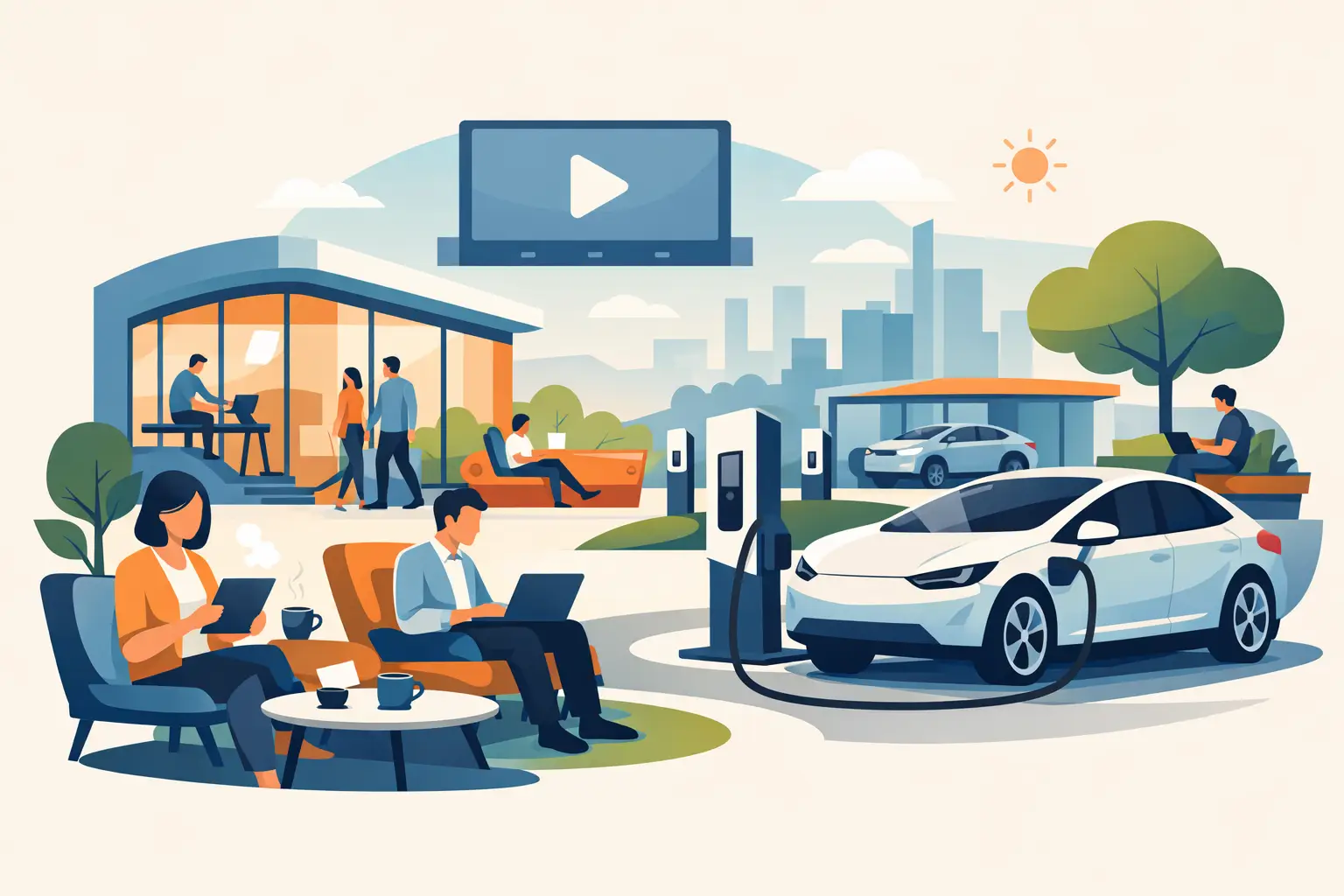
The Future of Public Charging Is Built for Dwell Time
Aug 29, 2026
The future of public charging will reward venues that pair fast, secure power with payment flexibility, strong uptime, and better visitor experiences.

How to Deploy Phone Charging Furniture Well
Aug 27, 2026
Learn how to deploy phone charging furniture in high-traffic spaces, from selecting locations and power to security, branding, pricing, and daily upkeep.
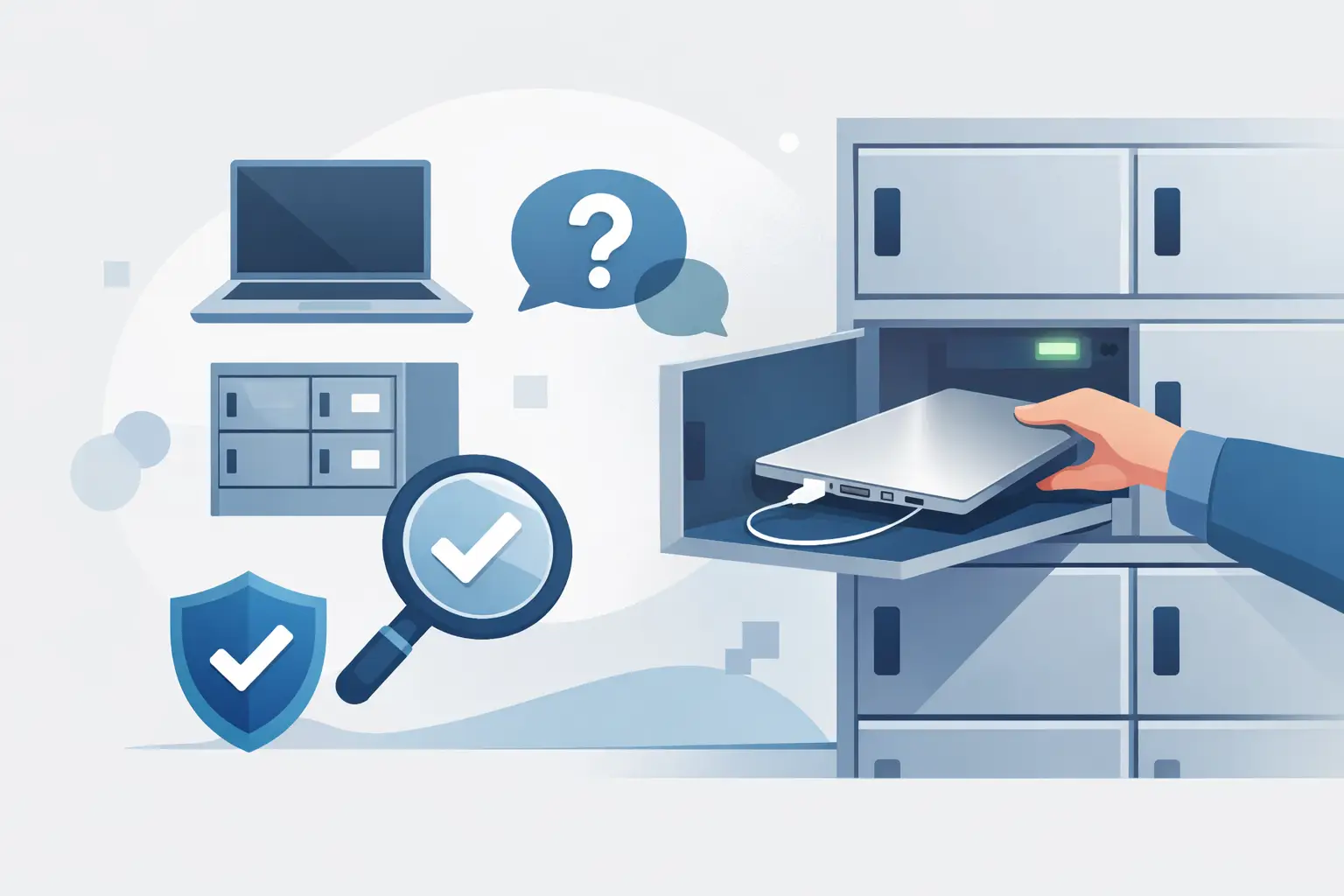
Can Charging Lockers Fit Laptops? What to Check
Aug 25, 2026
Can charging lockers fit laptops? Learn which locker dimensions, outlets, cables, and power limits support secure laptop charging at work and events today.
How to Lease Charging Lockers for Your Venue
Aug 23, 2026
Learn how to lease charging lockers with the right term, payment model, security features, and deployment plan for each location.
Best Charging Kiosks for Retail Stores Compared
Aug 21, 2026
Compare the best charging kiosks for retail to increase dwell time, protect customer devices, support modern USB-C needs, and create new revenue safely.
Can Charging Stations Charge Laptops Safely?
Aug 19, 2026
Can charging stations charge laptops? Learn which ports, wattages, and safety features businesses need to provide laptop power for visitors and staff.
Emergency Phone Charger Kiosk for Busy Venues
Aug 17, 2026
An emergency phone charger kiosk keeps guests connected, extends dwell time, and can turn charging access into a secure revenue opportunity for your venue today.

Fleet Device Charging Management That Works
Aug 15, 2026
Fleet device charging management keeps phones, tablets, and laptops ready, secure, and accounted for across every shift, site, and deployment without delays daily.
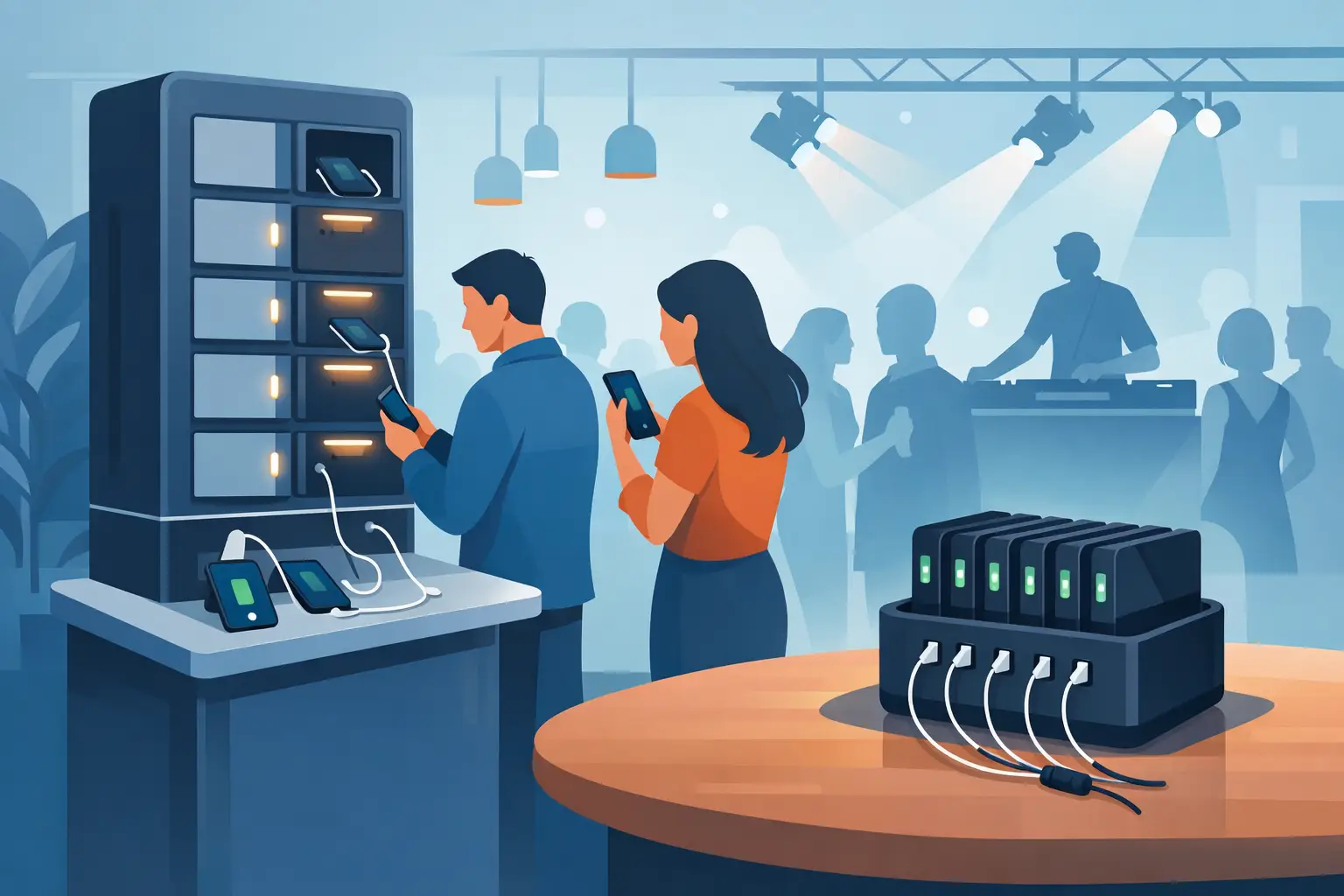
Best Event Phone Charging Rentals for Busy Venues
Aug 13, 2026
Find the best event phone charging rentals for secure, fast, branded power that keeps attendees engaged, extends dwell time, and can create event revenue.
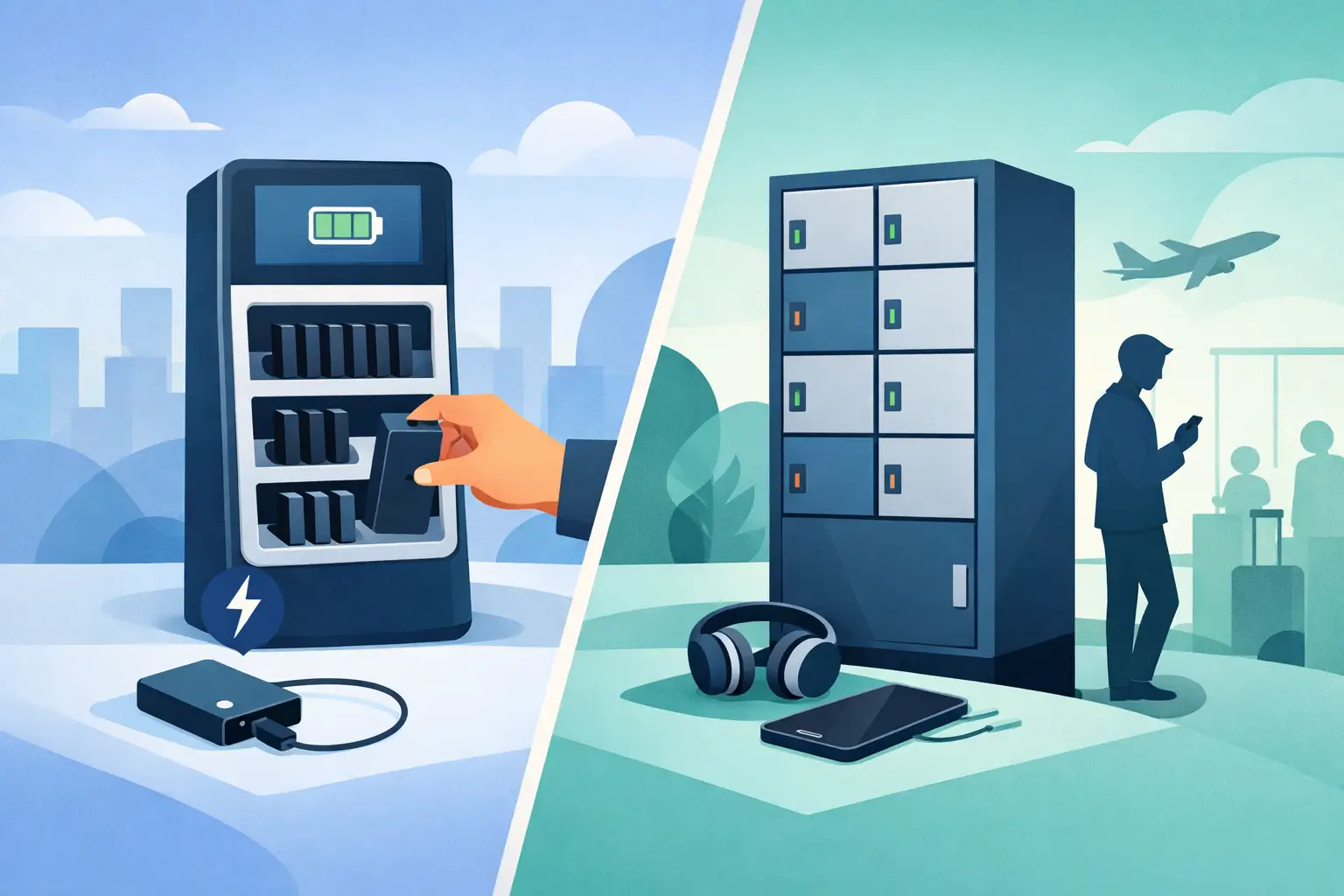
Power Bank Rental vs Lockers: Which Fits?
Aug 11, 2026
Compare power bank rental vs lockers to choose the right charging solution for your venue, event, or workplace and improve guest experience and ROI today.
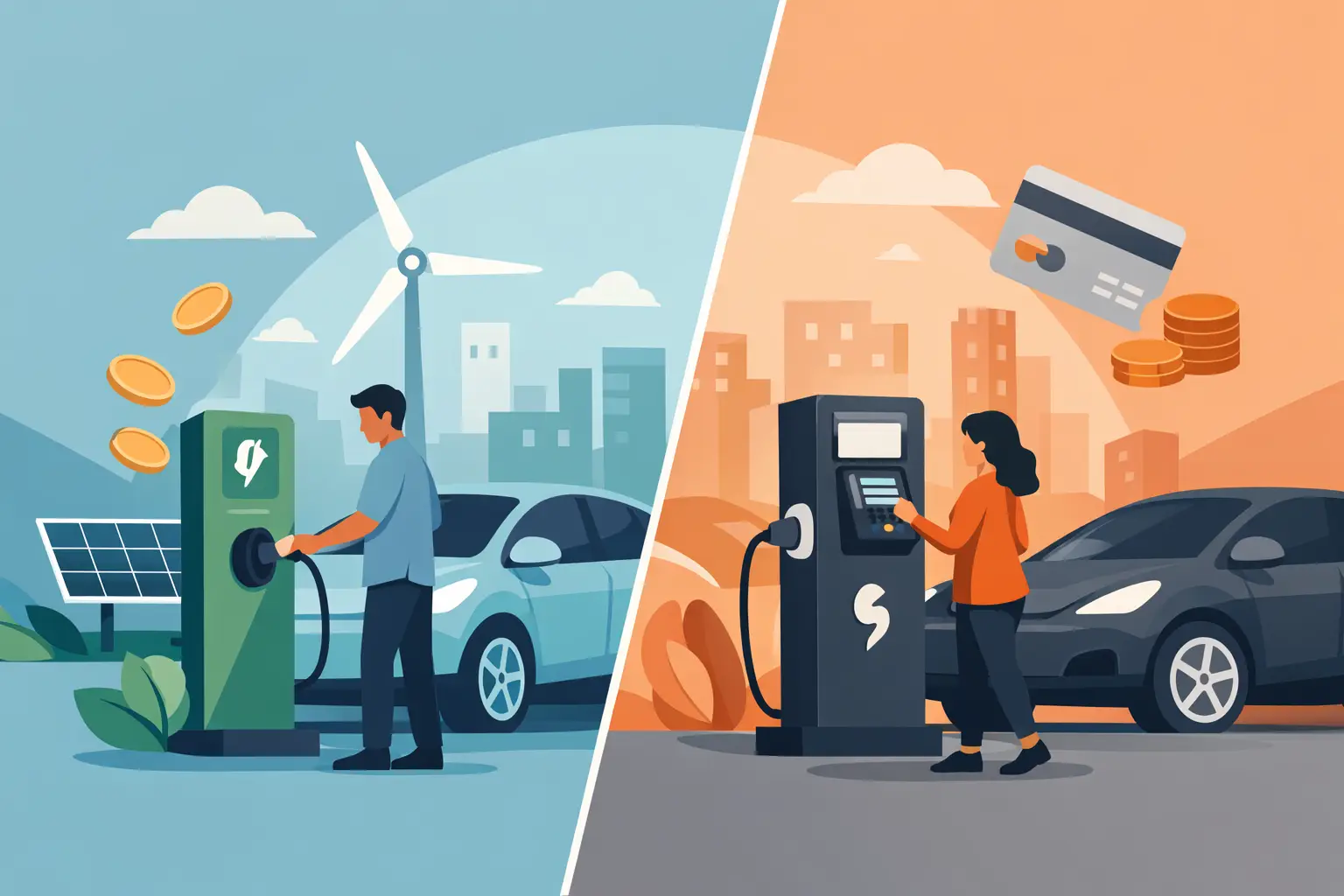
Free Charging vs Paid Charging: Which Works?
Aug 09, 2026
Free charging vs paid charging can improve visitor experience or create revenue. Learn how to choose the right model for your venue, event, or workplace.
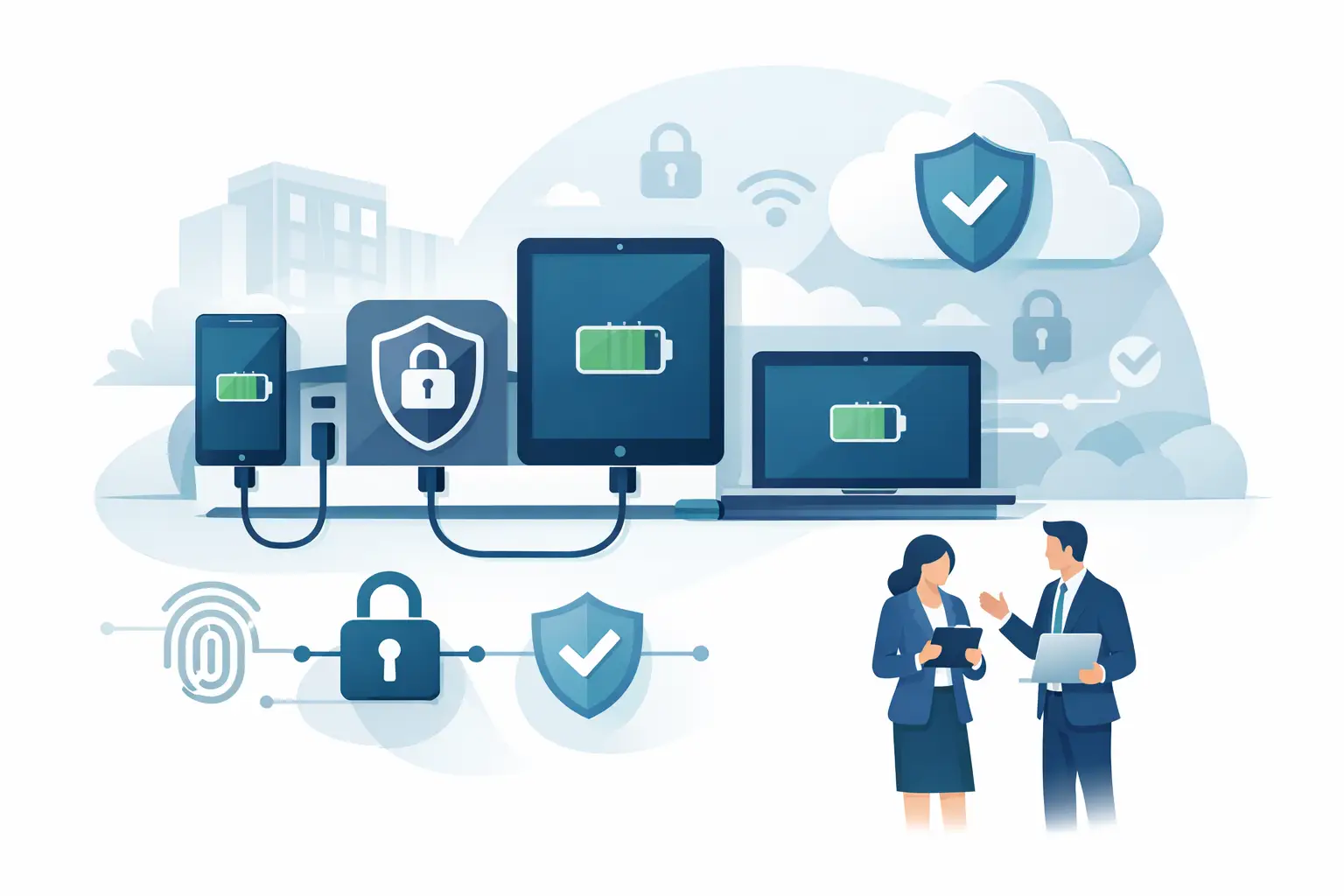
Secure Device Charging Guide for Businesses
Aug 07, 2026
Use this secure device charging guide to protect phones, tablets, and laptops while providing reliable, convenient power for every guest at your venue.

Charging Station Leasing Guide for Businesses
Aug 04, 2026
Use this charging station leasing guide to compare terms, station types, payment options, and ROI before adding secure device charging to your space today.

Laptop Charging Kiosk for Libraries That Works
Aug 03, 2026
Choose a laptop charging kiosk for libraries with secure storage, laptop-ready power, simple access, and a funding model that fits your space reliably.
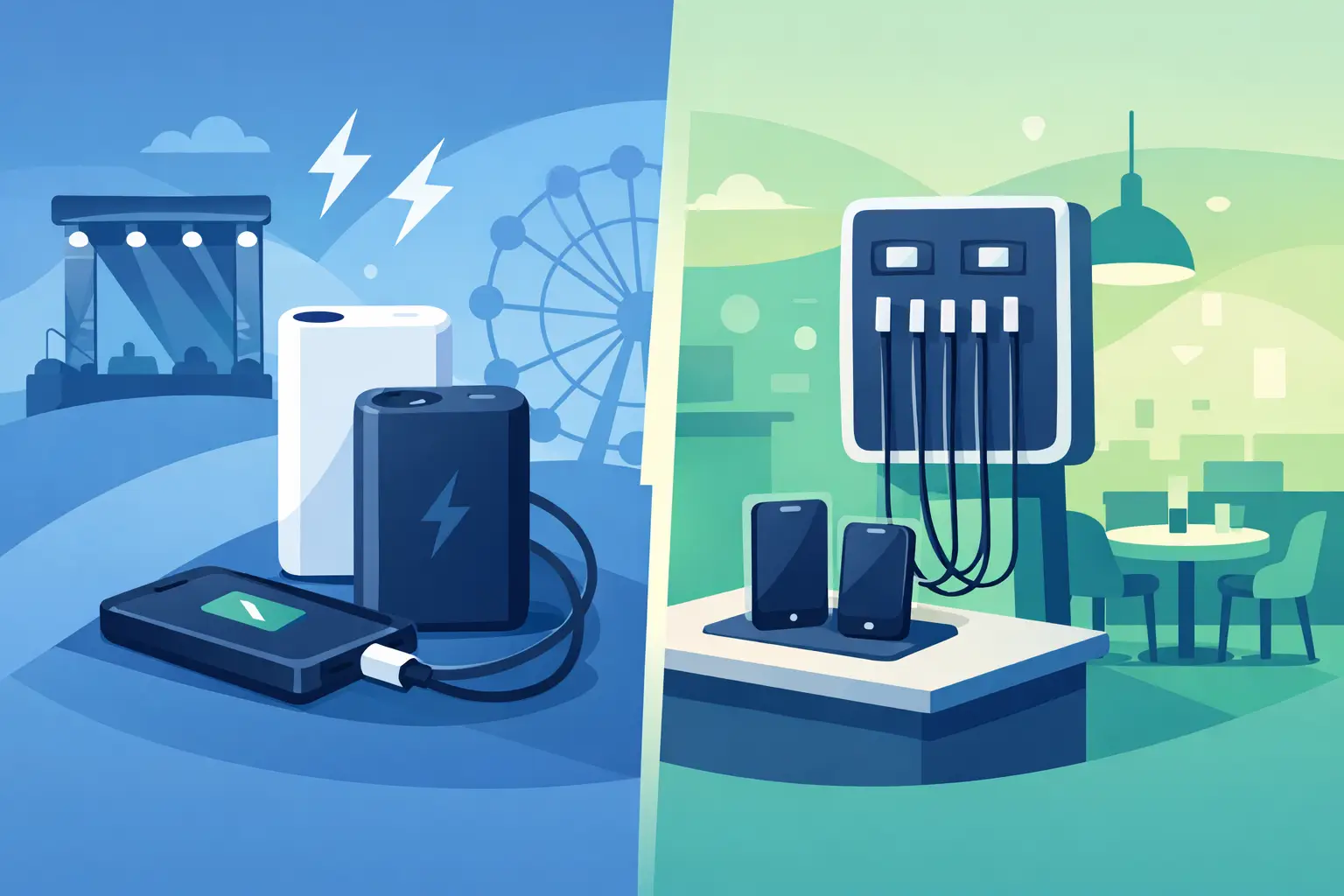
Power Banks vs Fixed Chargers for Venues
Aug 01, 2026
Compare power banks vs fixed chargers for events, venues, and workplaces. Choose secure charging that improves guest experience, uptime, and revenue onsite.
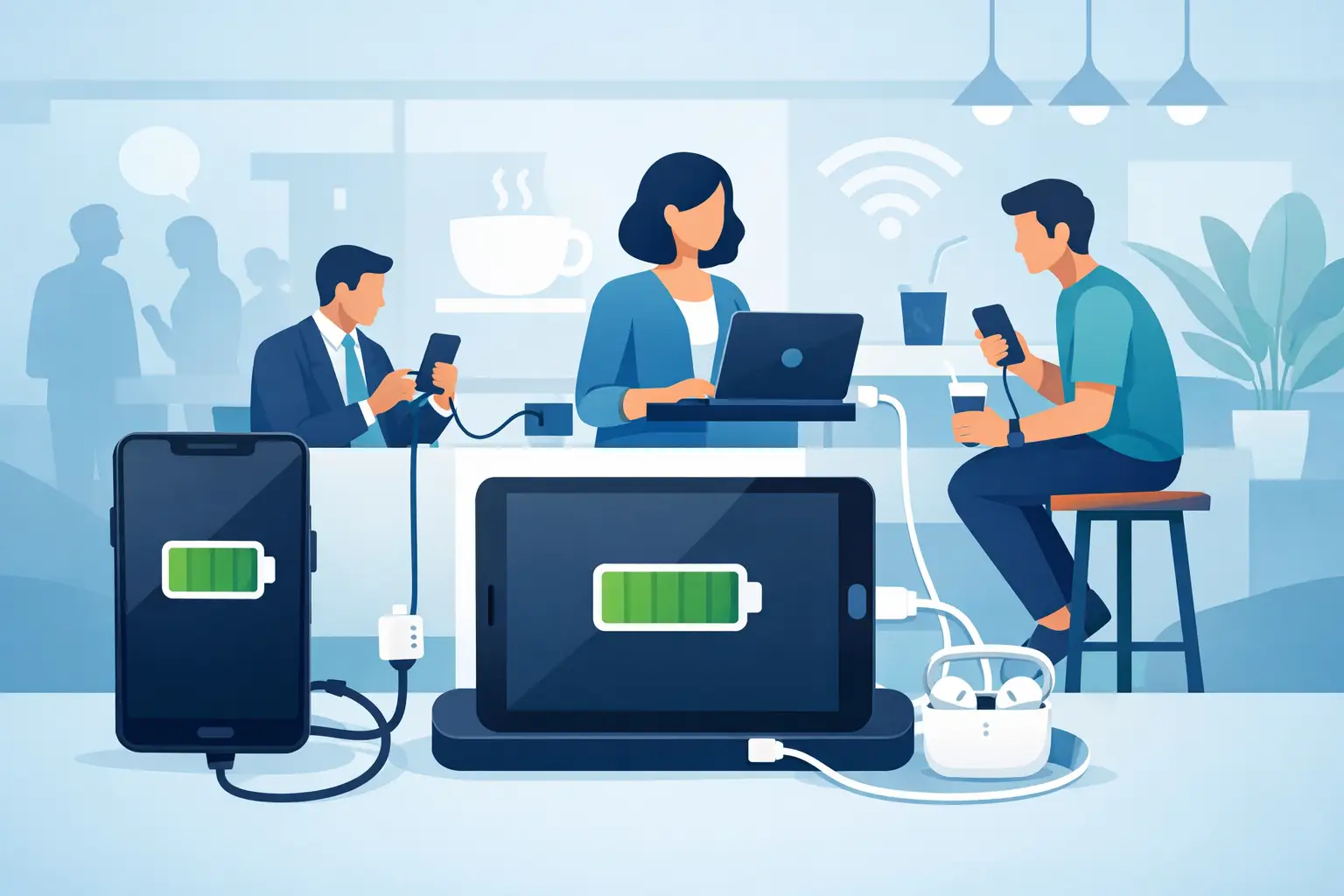
Why Offer Free Device Charging at Your Venue?
Jul 29, 2026
Why offer free device charging? Learn how it keeps visitors engaged, strengthens your brand, supports operations, and can create new revenue opportunities.
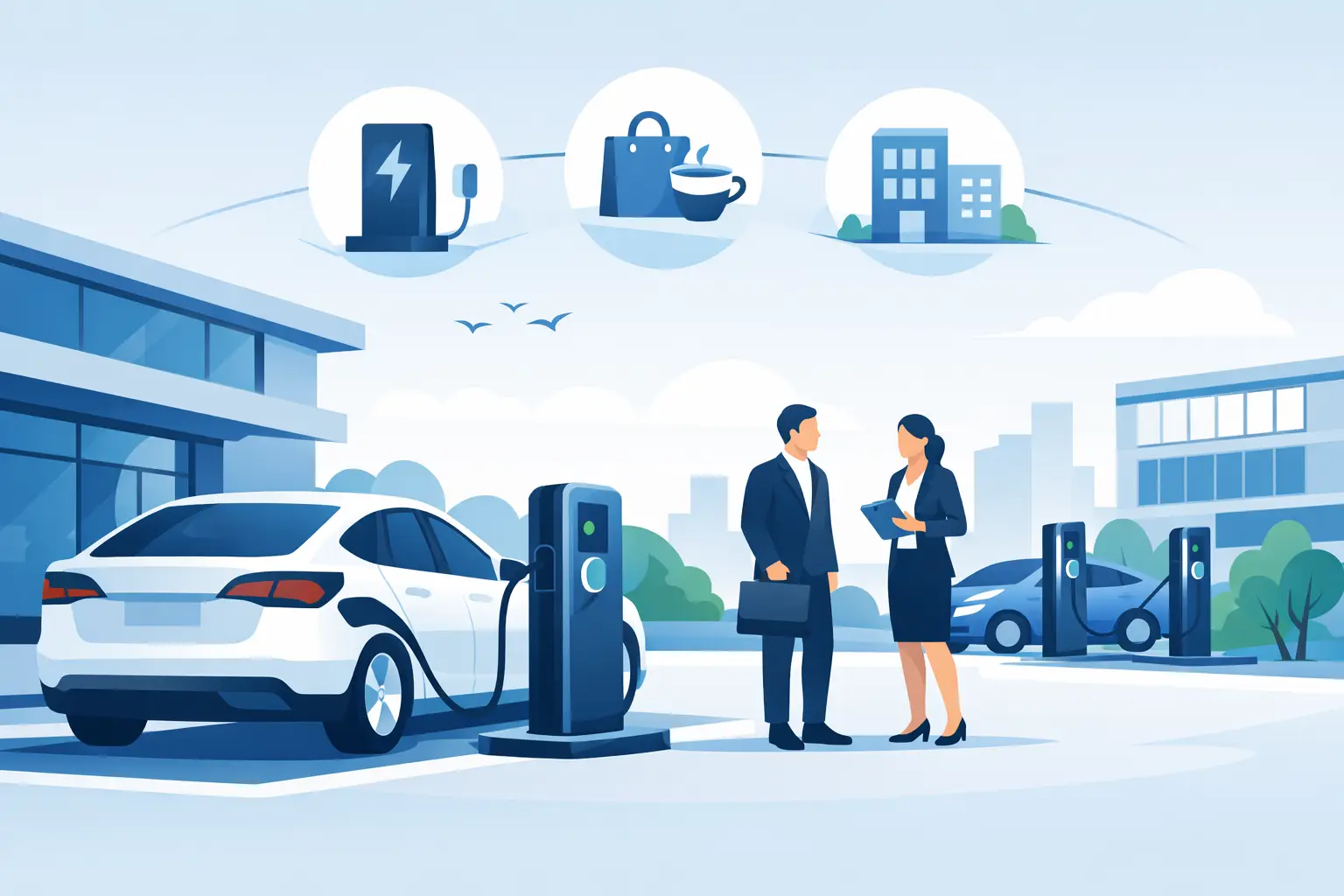
Public Charging Station Benefits for Business
Jul 27, 2026
Public charging station benefits include longer visits, happier guests, stronger brand visibility, and practical revenue options for high-traffic venues.

Phone Charging Lockers for Gyms That Members Use
Jul 26, 2026
Phone charging lockers for gyms keep members powered, valuables secure, and workouts on track while creating a valuable amenity or revenue opportunity.
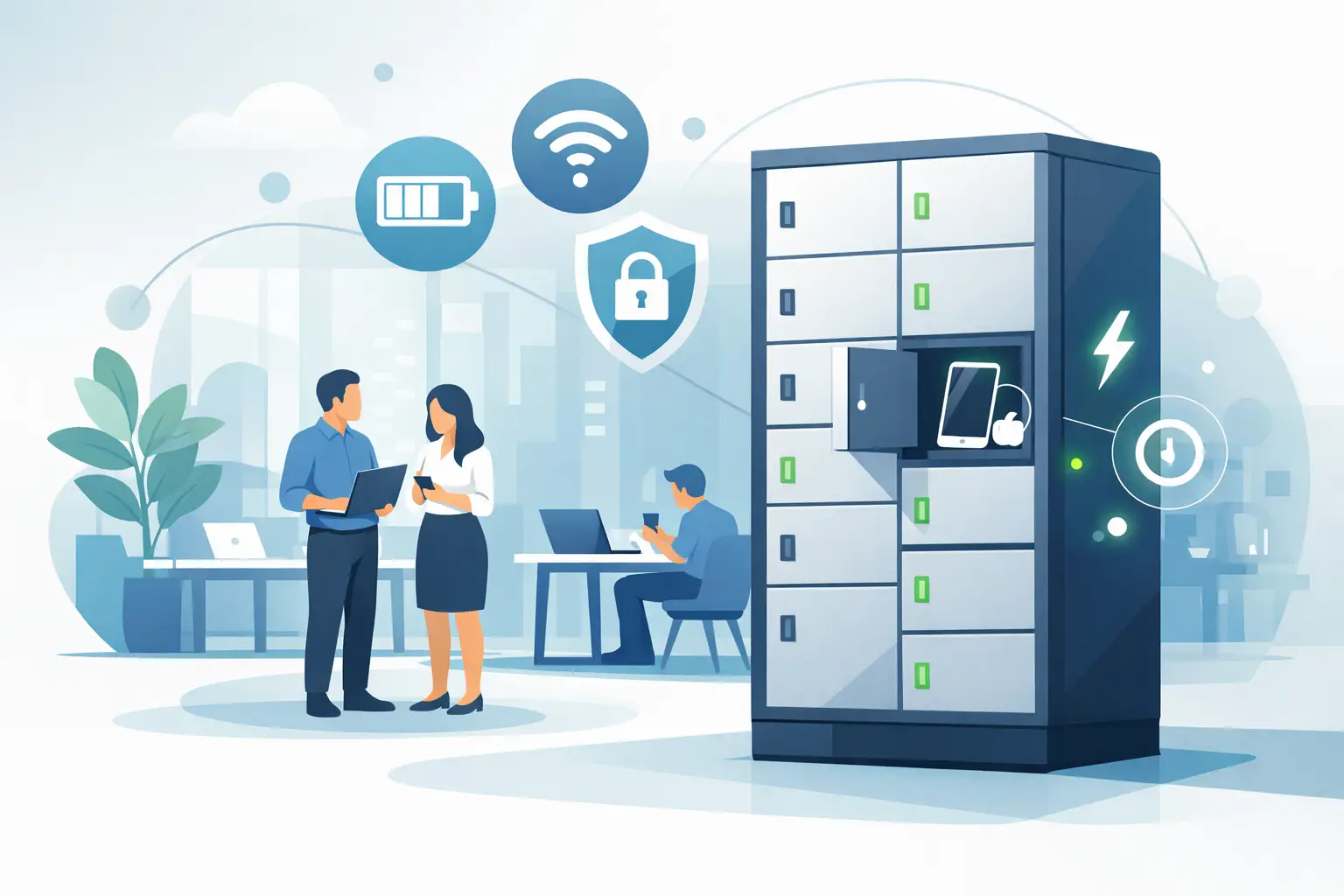
Best Charging Lockers for Offices in 2026
Jul 23, 2026
Find the best charging lockers for offices with secure storage, USB-C support, smart access, and the right capacity for staff, guests, and shared devices.
Phone Charging Stations That Work Harder
Jul 21, 2026
Phone charging stations keep guests engaged, staff productive, and events moving. Learn how to choose secure, scalable options that can earn revenue too.

How to Deploy Charging Amenities That Pay Off
Jul 19, 2026
Learn how to deploy charging amenities that keep visitors powered, increase dwell time, support operations, and create revenue in any venue with clarity.
Secure Charging for Employee Devices at Work
Jul 18, 2026
Secure charging for employee devices keeps work moving while protecting phones, tablets, and laptops. Learn what a practical workplace setup needs today.
Venue Device Charging Solutions That Pay Off
Jul 16, 2026
Venue device charging solutions keep guests connected, increase dwell time, protect devices, and can create new revenue at events and public spaces daily.
Can Charging Kiosks Take Payments? Yes, Here’s How
Jul 14, 2026
Can charging kiosks take payments? See how POS-enabled charging turns low-battery demand into convenience, longer visits, and new venue revenue streams.

Custom Branded Charging Stations That Earn Attention
Jul 11, 2026
Custom branded charging stations turn low-battery stress into longer visits, stronger brand visibility, and a practical revenue opportunity for venues.
Charging Kiosks That People Actually Use
Jul 10, 2026
Charging kiosks keep guests powered, on-site, and engaged. Learn how to choose the right setup for security, revenue, and everyday use.

Charging Stations for Convention Centers
Jul 08, 2026
Charging stations for convention centers reduce attendee stress, boost dwell time, support sponsors, and create new revenue opportunities.

How to Lease Charging Kiosks Smartly
Jul 06, 2026
Learn how to lease charging kiosks with the right terms, pricing, features, and support so your venue adds convenience and potential revenue.

Visitor Amenity Charging Kiosk: What to Buy
Jul 04, 2026
A visitor amenity charging kiosk helps venues keep guests powered, engaged, and on-site while supporting security, branding, and revenue goals.

Business Charging Station Buying Guide
Jul 02, 2026
Business charging station buying guide for choosing secure, scalable charging solutions that improve guest experience and create revenue.
Contactless Payment Charging Station Benefits
Jun 30, 2026
A contactless payment charging station helps venues boost convenience, capture revenue, and keep guests engaged without adding operational friction.
How to Choose Charging Lockers for Your Space
Jun 28, 2026
Learn how to choose charging lockers for events, venues, offices, and retail spaces based on security, device mix, power needs, and ROI.

Are Public Charging Stations Safe to Use?
Jun 26, 2026
Are public charging stations safe to use? Learn the real risks, how secure charging stations work, and what businesses should provide.
Best Desktop Charging Station for Office Use
Jun 24, 2026
Find the right desktop charging station for office use with tips on safety, device mix, cable management, security, and long-term value.
Leasing vs Buying Charging Stations
Jun 22, 2026
Leasing vs buying charging stations comes down to budget, flexibility, and ROI. Learn which model fits events, venues, offices, and retail.
Charging Lockers vs Kiosks: What Fits Best?
Jun 20, 2026
Charging lockers vs kiosks: compare security, throughput, revenue, and fit by venue so you can choose the right charging setup for your space.

Charging Locker ROI Calculator Guide
Jun 17, 2026
Use a charging locker ROI calculator to estimate payback, revenue, and visitor impact. Learn which costs, assumptions, and metrics matter most.

How to Monetize Charging Kiosks
Jun 16, 2026
Learn how to monetize charging kiosks with the right pricing, placement, sponsorships, and formats to turn charging access into revenue.
What Is Juice Jacking Protection?
Jun 13, 2026
What is juice jacking protection? Learn how it blocks data theft through USB ports and why businesses should offer safer public charging access.
USB C Charging Trends Businesses Should Track
Jun 12, 2026
USB C charging trends are reshaping public, workplace, and event charging. See what matters for compatibility, speed, safety, and ROI.
USB C Charging Station Commercial Guide
Jun 09, 2026
A practical look at usb c charging station commercial options, including use cases, power, security, placement, pricing, and ROI for busy venues.

Charging Table for Waiting Room Buyers
Jun 08, 2026
A charging table for waiting room spaces keeps guests powered, improves dwell time, and adds convenience without adding operational friction.

What a Custom Charging Kiosk Wrap Should Do
Jun 07, 2026
A custom charging kiosk wrap should attract attention, fit the venue, and support ROI. Learn what to include and what to avoid.
Branded Charging Station for Events That Works
Jun 06, 2026
A branded charging station for events keeps guests powered, boosts dwell time, supports sponsors, and adds measurable value to the event floor.
Conference Charging Locker Rental That Works
Jun 05, 2026
Conference charging locker rental keeps attendees powered, secure, and engaged while creating smoother events, stronger sponsor value, and revenue.

Trade Show Phone Charging Station Guide
Jun 04, 2026
A trade show phone charging station can boost booth traffic, dwell time, and leads while reducing attendee battery stress and improving event ROI.

Event Charging Station Rental That Works
Jun 03, 2026
Event charging station rental keeps guests powered, engaged, and on site longer. Learn what to rent, what to ask, and how to avoid event-day issues.

Free Phone Charging Station Retail ROI
Jun 02, 2026
See how free phone charging station retail setups increase dwell time, improve customer experience, and support smarter in-store traffic flow.
Charging Kiosk With Payment System: Worth It?
Jun 01, 2026
A charging kiosk with payment system can add revenue, improve guest experience, and extend dwell time. Here's how to choose the right setup.
Pay Per Use Charging Station ROI Explained
May 31, 2026
Learn how a pay per use charging station creates revenue, improves visitor experience, and fits retail, events, offices, and public venues.
Power Bank Rental Station Buyer’s Guide
May 30, 2026
A power bank rental station helps venues keep guests charged, boost dwell time, and create revenue with flexible, low-friction charging access.
Choosing a Laptop Charging Locker Cabinet
May 29, 2026
Learn how to choose a laptop charging locker cabinet for offices, schools, events, and venues with the right mix of security, power, and ROI.
Tablet Charging Locker for Schools: What Matters
May 28, 2026
A tablet charging locker for schools improves device security, charging access, and classroom readiness. Here’s what buyers should evaluate.
Secure Phone Charging Locker Buying Guide
May 27, 2026
Choose a secure phone charging locker that protects devices, improves guest experience, and fits your space, budget, and usage model.

Phone Charging Station for Business ROI
May 26, 2026
A phone charging station for business can boost dwell time, improve customer experience, and create revenue when matched to the right space.

How to make your phone battery last longer
Mar 20, 2025
It’s no secret that some smartphones have more powerful and longer lasting batteries than others. However, no matter how powerful the battery or how energy efficient your phone is, there are a number of apps and settings that will drain your battery faster. Identifying these apps and settings will help you keep usage to a […]

Phone Batteries – The Best and The Worst
Mar 29, 2017
When buying a new smartphone, there are a number of factors you will consider. From the brand and price, to the operating system, and other features like the camera. No matter what kind of phone you choose or the reason behind your purchase, one thing is for sure – you want the battery to last […]
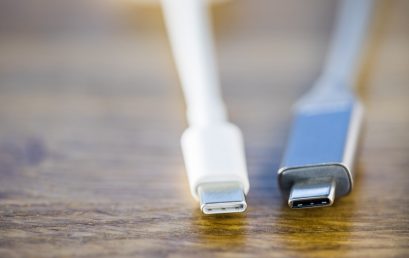
What is USB-C and why is it important?
Mar 15, 2017
By now, you may have heard people talking about USB type C or perhaps you have even tried it out yourself. Either way, many experts agree that this is the future of USB ports and cables. What many people may not realize is that this particular type of connection is significantly different from older types […]