Fleet Device Charging Management That Works
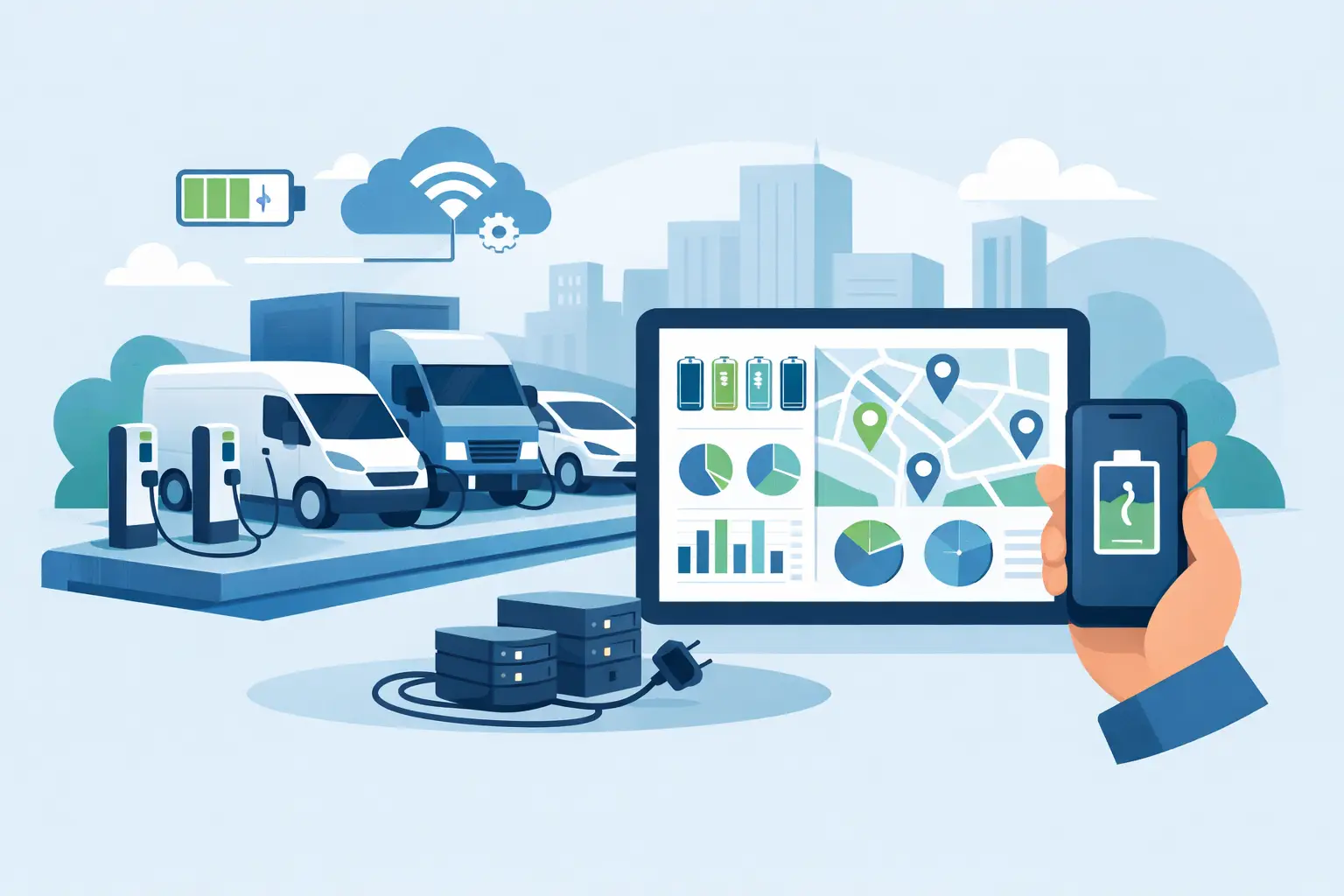
A dead tablet at the start of a field shift is not a minor inconvenience. It can delay inspections, interrupt point-of-sale transactions, leave a technician without work orders, or force staff to share the one device that still has power. Fleet device charging management turns that recurring operational problem into a controlled process: devices are charged, secured, assigned, and ready when people need them.
For organizations managing a growing inventory of phones, tablets, laptops, scanners, radios, or payment terminals, the right charging setup protects more than battery life. It protects productivity, accountability, and the investment made in every device.
Why fleet charging becomes an operational problem
A few shared devices can usually live on a counter with a collection of wall adapters. That approach breaks down quickly when devices move between shifts, departments, vehicles, job sites, classrooms, retail locations, or event teams. Cables disappear. Outlets become overloaded. Devices get plugged in inconsistently. Nobody knows whether a missing tablet is charging, in use, or simply gone.
The cost shows up in small, repeatable losses. Staff spend time hunting for cables. Supervisors issue replacement devices before checking inventory. Workers begin shifts with partially charged equipment and carry portable batteries as a workaround. An IT team may be responsible for the devices but have little visibility into how they are stored or handled after deployment.
The goal is not to create a complicated charging policy. It is to give every device a predictable home between uses and make the right action easier than the improvised one.
Start with the fleet, not the charger
A charging station should fit the devices, workflow, and physical space it serves. Before selecting equipment, map the fleet in practical terms: how many devices need power at once, which connector types they use, how long they are off duty, and who needs access.
A warehouse may have dozens of handheld units returned at the end of each shift. A mobile sales team may need tablets staged and signed out each morning. A convention organizer may manage loaner devices, registration tablets, and staff phones for a three-day event. These are all fleet charging needs, but they call for different layouts and access controls.
Device type matters as well. USB-C has simplified many deployments, yet mixed fleets remain common. Older tablets may use different connectors, laptops may require higher-power USB-C charging, and rugged devices may use manufacturer-specific docks. Standardizing devices over time can reduce cable and support costs, but the charging system still needs to support the equipment already in service.
Ask a simple question: what must be true at handoff? For some teams, every unit must be at 100 percent and paired with assigned accessories. For others, a confirmed 80 percent charge is enough. That requirement determines the charging capacity and turnaround time you need.
Build fleet device charging management around the shift
The best fleet device charging management process follows the actual rhythm of work. If devices are returned at 6 p.m. and needed again at 7 a.m., overnight charging in secure lockers may be ideal. If equipment rotates continuously, a central bank of fast-charging bays near the operations desk could be more useful.
Match capacity to real demand
Count the maximum number of devices that can arrive for charging at the same time, not just the total number owned. Then leave room for growth, replacement units, and occasional device failures. A 20-device fleet may need 24 charging positions if every unit returns together and a few spare devices are kept ready.
Under-sizing creates the same counter clutter you were trying to eliminate. Over-sizing has a cost, so the right answer depends on usage patterns and future expansion plans. Modular charging infrastructure can be a practical choice when fleet growth is expected but not yet certain.
Make access intentional
Open charging shelves work for low-risk, staff-only environments where devices remain visible and the fleet is small. They are less suitable for shared spaces, public-facing locations, or high-value equipment. In those settings, lockable charging lockers provide a more disciplined handoff point.
Individual compartments let users store and charge a phone, tablet, or laptop without leaving it exposed. They also reduce disputes about who moved or unplugged a device. For a managed device fleet, designated locker numbers can correspond to users, departments, vehicles, or asset IDs.
Access can be as simple as keyed locks or as structured as PIN, RFID, badge, or network-enabled controls. More technology is not automatically better. A small crew with stable assignments may need only durable locks and a clear return routine. A large facility with rotating workers may benefit from an access method that supports audit trails and role-based permissions.
Put charging where returns happen
Convenience drives compliance. If employees have to walk across a building to return a device, many will leave it at a desk, in a vehicle, or in a bag. Position charging stations near shift exits, dispatch areas, break rooms, equipment cages, or the counter where devices are issued.
The station should also be easy for supervisors to check without becoming an obstacle. Visibility helps reinforce the routine, while a protected, lockable format keeps devices out of casual reach. In customer-facing settings, a branded charging cabinet or kiosk can also present a more organized, professional operation than a tangle of adapters behind the counter.
Security and charging safety deserve equal attention
Device fleets combine two concerns that should be managed together: physical security and electrical protection. A locked cabinet that delivers inadequate power is still a poor solution. So is a fast charger that leaves devices exposed to theft, damage, or accidental unplugging.
Look for charging equipment built for the number and type of devices in the fleet. The system should manage power distribution across active ports, use cables and connectors designed for regular use, and protect equipment from common charging faults. Patented charging protection and properly engineered power management can help reduce risk when multiple devices are connected for long periods.
Cable management is a practical safety issue, too. Loose cords are easily damaged, borrowed, or pulled from ports. Integrated cables or secured cable routing keep the charging area cleaner and reduce the daily friction that causes staff to bypass the system.
For laptops and high-demand tablets, verify actual power delivery rather than assuming any USB-C port will meet the need. A device may show that it is charging while gaining battery too slowly to be useful by the next shift. Test representative devices under normal conditions before rolling out a large installation.
Add accountability without adding busywork
Charging management works best when it becomes part of the asset process rather than a separate task people forget. A device checkout log, barcode scan, badge swipe, or assigned locker can create enough accountability for most operations. The right level of tracking depends on the cost of the device, turnover among users, and the consequences of downtime.
For a simple office tablet pool, a labeled locker and sign-out sheet may be sufficient. For a field service fleet, pairing each device with a technician, vehicle, and charging position can make missing equipment easier to identify before the next dispatch. For enterprise deployments, custom asset management solutions can connect physical storage with established IT and inventory practices.
Do not make the process so burdensome that people work around it. If a user has to complete multiple forms just to return a phone, devices will end up on desks. The strongest system asks for the minimum action needed to create reliable ownership: return it, plug it in, lock it, and confirm the handoff when appropriate.
Measure the cost of the current workaround
A charging deployment should be evaluated against the operational costs it replaces. Start with missed work time, replacement cables and adapters, lost or damaged devices, battery-related support tickets, and the labor spent preparing equipment for each shift. Even a short delay multiplied across many employees can justify a better setup.
There are also customer-facing returns. Retail teams can keep mobile POS devices available during peak traffic. Event operators can issue charged tablets to registration staff and keep attendee-facing equipment online. Hospitality and venue teams can avoid the awkward moment when staff must apologize because the device needed to serve a guest is charging in a back room.
ChargeBar offers charging lockers, desktop solutions, kiosks, and custom configurations that can be purchased, leased, financed, or rented for temporary deployments. That flexibility matters when a fleet need is permanent in one location, seasonal across several sites, or tied to a specific event.
A practical rollout plan
Begin with one workflow that is causing visible downtime. Document when devices are issued, returned, charged, and found missing. Then choose a charging location that sits naturally in that path, define who owns the station, and test the process with a representative group.
Train users on one clear expectation: a device is not returned until it is connected to power and placed in its assigned space. Supervisors should check the station at transition points, especially during the first few weeks. Those quick checks reveal whether capacity, cable type, access rules, or station placement needs adjustment.
A well-run charging area gives people a reliable starting point for their workday. When every device has a place to charge and a clear path back to service, your team spends less time managing low batteries and more time using technology to do the job.
Related posts
How to Charge Customers for Phone Charging
Nov 05, 2026
Learn how to charge customers for phone charging with practical pricing, payment, placement, and service strategies that turn power into revenue reliably.
Power Bank Sharing Trends Businesses Can Use
Nov 02, 2026
Power bank sharing trends are reshaping venue charging. See what operators need to know about convenience, security, payments, and deployment options.
USB-C Migration Trends Businesses Need to Plan For
Oct 31, 2026
USB-C migration trends are changing public charging. See what businesses should upgrade to support phones, tablets, laptops, safety, and revenue growth.

Event Charging Sponsorship Guide for Better ROI
Oct 29, 2026
Use this event charging sponsorship guide to build sponsor value, select the right charging setup, measure results, and improve attendee experience now.
Charging Station Financing Options for Business
Oct 28, 2026
Compare charging station financing options for your business, from purchase and leasing to rentals and revenue-share models that fit your rollout goals.

Charging Furniture That Keeps Visitors Longer
Oct 25, 2026
Charging furniture gives visitors a place to power up, stay longer, and keep moving. Learn how to choose secure, profitable options for your space with confidence.

Kiosk Revenue Case Study That Can Pay Off
Oct 23, 2026
A kiosk revenue case study for venue operators: learn how pricing, foot traffic, payment flow, and placement shape charging station returns over time.
How to Lease Charging Equipment for Your Venue
Oct 21, 2026
Learn how to lease charging equipment that fits your venue, protects devices, supports modern USB-C needs, and can create a new revenue stream for guests.
How to Prevent Cable Theft at Charging Stations
Oct 19, 2026
Learn how to prevent cable theft at public and workplace charging stations with better hardware, placement, inspections, and simple operating policies.
Charging Station Durability That Holds Up
Oct 17, 2026
Charging station durability protects uptime, visitor trust, and revenue. Learn what to look for in materials, cables, locks, power, and service needs.

Commercial Charging Procurement Guide for Buyers
Oct 15, 2026
Use this commercial charging procurement guide to choose secure, scalable device charging for venues, staff, and events while managing cost and ROI wisely.
Public Phone Charging Setup Guide for Venues
Oct 13, 2026
A public phone charging setup guide for venues that want safer access, longer visits, and practical revenue from reliable charging stations on site daily.
What Is Power Bank Rental for Businesses?
Oct 11, 2026
What is power bank rental? Learn how rental stations work, where they fit, and how businesses can improve guest experience and create revenue on-site.
Charging Station Sponsorship Results That Matter
Oct 09, 2026
Measure charging station sponsorship results with practical metrics for brand exposure, engagement, leads, dwell time, and revenue across live events.
How to Finance Charging Infrastructure Wisely
Oct 07, 2026
Learn how to finance charging infrastructure with purchase, lease, rental, and revenue models that fit your venue, event, budget, and growth goals today.
How to Install Charging Lockers Safely at Work
Oct 05, 2026
Learn how to install charging lockers safely with practical placement, power, security, and maintenance guidance for workplaces and public venues every.
Commercial Charging Locker Review for Buyers
Oct 03, 2026
A commercial charging locker review for buyers comparing security, charging speed, payment options, capacity, and long-term operating value at venues.

How to Manage Shared Devices Without the Chaos
Oct 01, 2026
Learn how to manage shared devices with clear ownership, secure charging, simple checkout rules, and reporting that keeps teams productive every shift.
Charging Station Maintenance That Protects Uptime
Sep 29, 2026
Charging station maintenance protects uptime, revenue, and user trust with practical inspections, cleaning, cable care, and payment system checks weekly.
Charging Locker System Review for Busy Venues
Sep 27, 2026
Read this charging locker system review to compare security, charging speed, payment options, and ROI for events, offices, retail, and venues nationwide.
Lockers Versus Powerbanks: Which Fits Your Space?
Sep 25, 2026
Lockers versus powerbanks: compare security, dwell time, staffing, revenue, and deployment needs to choose the right charging amenity for your venue today.

Public Device Charging Trends for Venues
Sep 23, 2026
Public device charging trends are reshaping venues, events, and workplaces with secure USB-C access, locker charging, and revenue-ready options for guests.
How to Create Branded Power Bank Docks That Sell
Sep 21, 2026
Learn how to create branded power bank docks that keep visitors engaged, strengthen your brand, and support free or paid charging programs on-site daily.

Locker Deployment Example for Busy Venues
Sep 19, 2026
See a locker deployment example that helps venues provide secure phone charging, reduce low-battery stress, and create a practical revenue option for guests.
Hotel Charging That Keeps Guests On Property
Sep 17, 2026
Hotel charging gives guests a secure place to power phones and laptops, extend their stay, and create new hospitality revenue opportunities on site daily.
How to Add Phone Charging to Your Business
Sep 15, 2026
Learn how to add phone charging to your business with secure, scalable stations that improve guest experience, dwell time, and revenue potential daily.
Best Secure Tablet Storage for Shared Devices
Sep 13, 2026
Find the best secure tablet storage for shared devices, events, offices, and public spaces with charging, access control, and room to scale confidently.

Power Bank Docking Review for Busy Venues
Sep 11, 2026
Use this power bank docking review to compare charging speed, security, payment options, branding, and operating costs before committing to deployment.

Charging Locker Procurement That Pays Off
Sep 09, 2026
Make charging locker procurement simpler with a practical plan for capacity, security, payment options, deployment, and long-term operating daily value.
Phone Charging Station Leasing for Businesses
Sep 08, 2026
Phone charging station leasing gives businesses a flexible way to add secure, branded charging while protecting cash flow and creating new revenue streams

Multi Device Charging Cabinets for Busy Venues
Sep 06, 2026
Multi device charging cabinets give visitors secure power, help staff manage shared devices, and create a practical amenity or revenue stream for venues.

How to Rent Charging Stations for Your Event
Sep 04, 2026
Learn how to rent charging stations for events, offices, and venues, from choosing secure formats to planning power, branding, delivery, and ROI needs.
Best Phone Charging for Hotels and Their Guests
Sep 02, 2026
Find the best phone charging for hotels with secure, guest-ready options that improve stays, support staff, and create new revenue opportunities on property.
Do Charging Lockers Prevent Theft at Events?
Aug 31, 2026
Do charging lockers prevent theft? Learn how lockable charging stations protect devices, reduce staff burden, and improve visitor confidence on site daily.
The Future of Public Charging Is Built for Dwell Time
Aug 29, 2026
The future of public charging will reward venues that pair fast, secure power with payment flexibility, strong uptime, and better visitor experiences.

How to Deploy Phone Charging Furniture Well
Aug 27, 2026
Learn how to deploy phone charging furniture in high-traffic spaces, from selecting locations and power to security, branding, pricing, and daily upkeep.
Can Charging Lockers Fit Laptops? What to Check
Aug 25, 2026
Can charging lockers fit laptops? Learn which locker dimensions, outlets, cables, and power limits support secure laptop charging at work and events today.
How to Lease Charging Lockers for Your Venue
Aug 23, 2026
Learn how to lease charging lockers with the right term, payment model, security features, and deployment plan for each location.
Best Charging Kiosks for Retail Stores Compared
Aug 21, 2026
Compare the best charging kiosks for retail to increase dwell time, protect customer devices, support modern USB-C needs, and create new revenue safely.
Can Charging Stations Charge Laptops Safely?
Aug 19, 2026
Can charging stations charge laptops? Learn which ports, wattages, and safety features businesses need to provide laptop power for visitors and staff.
Emergency Phone Charger Kiosk for Busy Venues
Aug 17, 2026
An emergency phone charger kiosk keeps guests connected, extends dwell time, and can turn charging access into a secure revenue opportunity for your venue today.
Fleet Device Charging Management That Works
Aug 15, 2026
Fleet device charging management keeps phones, tablets, and laptops ready, secure, and accounted for across every shift, site, and deployment without delays daily.
Best Event Phone Charging Rentals for Busy Venues
Aug 13, 2026
Find the best event phone charging rentals for secure, fast, branded power that keeps attendees engaged, extends dwell time, and can create event revenue.
Power Bank Rental vs Lockers: Which Fits?
Aug 11, 2026
Compare power bank rental vs lockers to choose the right charging solution for your venue, event, or workplace and improve guest experience and ROI today.
Free Charging vs Paid Charging: Which Works?
Aug 09, 2026
Free charging vs paid charging can improve visitor experience or create revenue. Learn how to choose the right model for your venue, event, or workplace.
Secure Device Charging Guide for Businesses
Aug 07, 2026
Use this secure device charging guide to protect phones, tablets, and laptops while providing reliable, convenient power for every guest at your venue.

Charging Station Leasing Guide for Businesses
Aug 04, 2026
Use this charging station leasing guide to compare terms, station types, payment options, and ROI before adding secure device charging to your space today.
Laptop Charging Kiosk for Libraries That Works
Aug 03, 2026
Choose a laptop charging kiosk for libraries with secure storage, laptop-ready power, simple access, and a funding model that fits your space reliably.
Power Banks vs Fixed Chargers for Venues
Aug 01, 2026
Compare power banks vs fixed chargers for events, venues, and workplaces. Choose secure charging that improves guest experience, uptime, and revenue onsite.
Why Offer Free Device Charging at Your Venue?
Jul 29, 2026
Why offer free device charging? Learn how it keeps visitors engaged, strengthens your brand, supports operations, and can create new revenue opportunities.
Public Charging Station Benefits for Business
Jul 27, 2026
Public charging station benefits include longer visits, happier guests, stronger brand visibility, and practical revenue options for high-traffic venues.

Phone Charging Lockers for Gyms That Members Use
Jul 26, 2026
Phone charging lockers for gyms keep members powered, valuables secure, and workouts on track while creating a valuable amenity or revenue opportunity.
Best Charging Lockers for Offices in 2026
Jul 23, 2026
Find the best charging lockers for offices with secure storage, USB-C support, smart access, and the right capacity for staff, guests, and shared devices.
Phone Charging Stations That Work Harder
Jul 21, 2026
Phone charging stations keep guests engaged, staff productive, and events moving. Learn how to choose secure, scalable options that can earn revenue too.

How to Deploy Charging Amenities That Pay Off
Jul 19, 2026
Learn how to deploy charging amenities that keep visitors powered, increase dwell time, support operations, and create revenue in any venue with clarity.
Secure Charging for Employee Devices at Work
Jul 18, 2026
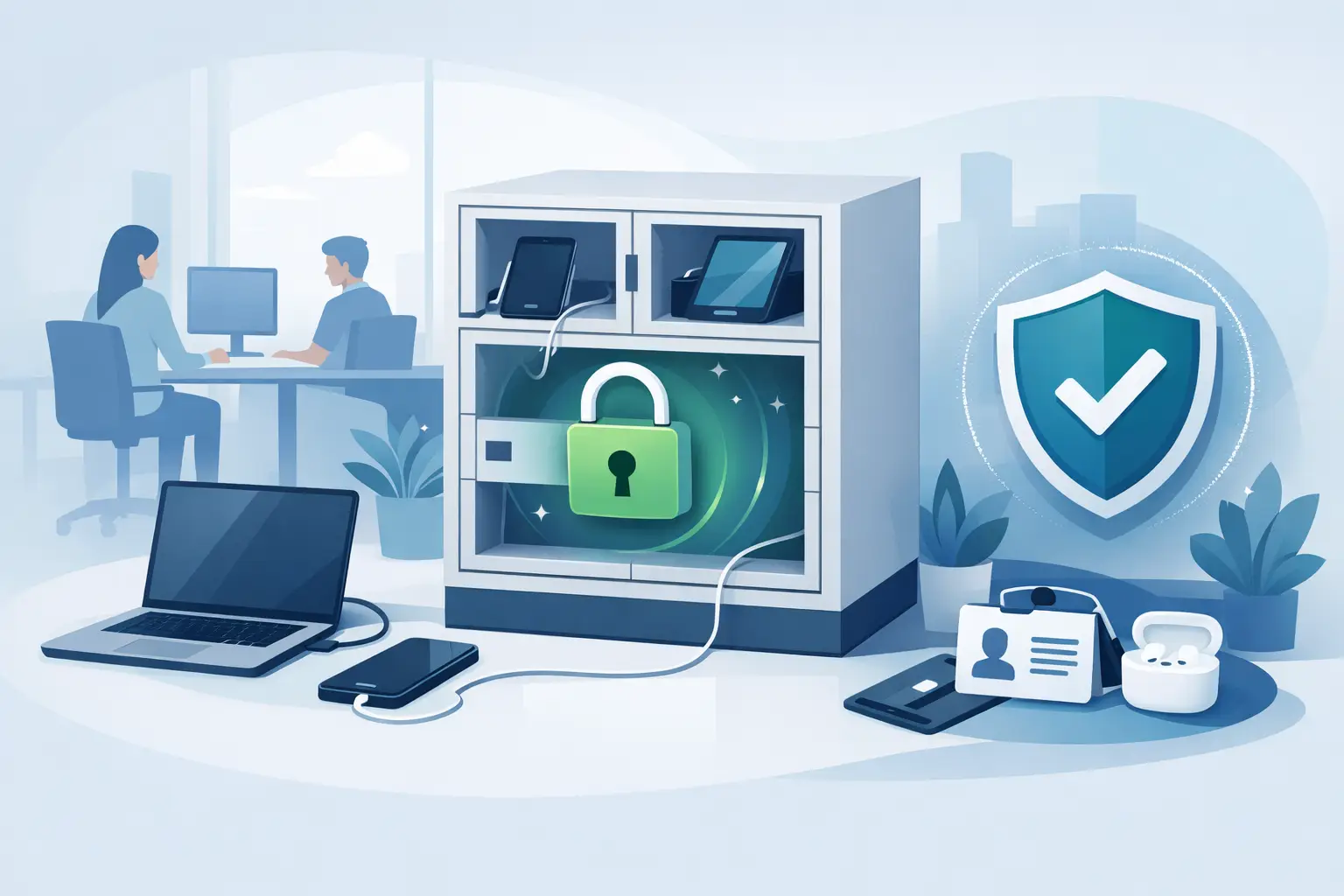
Secure charging for employee devices keeps work moving while protecting phones, tablets, and laptops. Learn what a practical workplace setup needs today.
Venue Device Charging Solutions That Pay Off
Jul 16, 2026
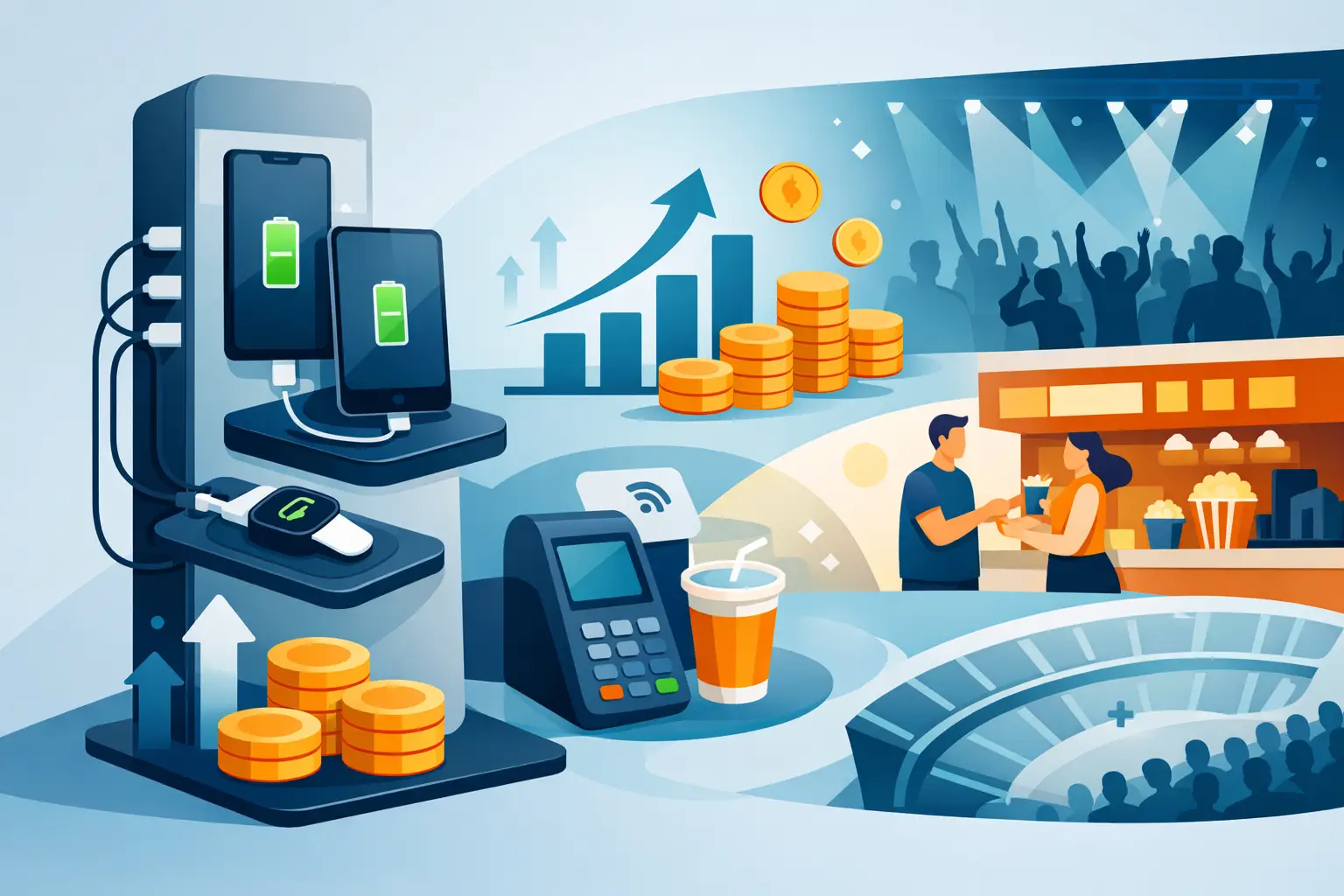
Venue device charging solutions keep guests connected, increase dwell time, protect devices, and can create new revenue at events and public spaces daily.
Can Charging Kiosks Take Payments? Yes, Here’s How
Jul 14, 2026
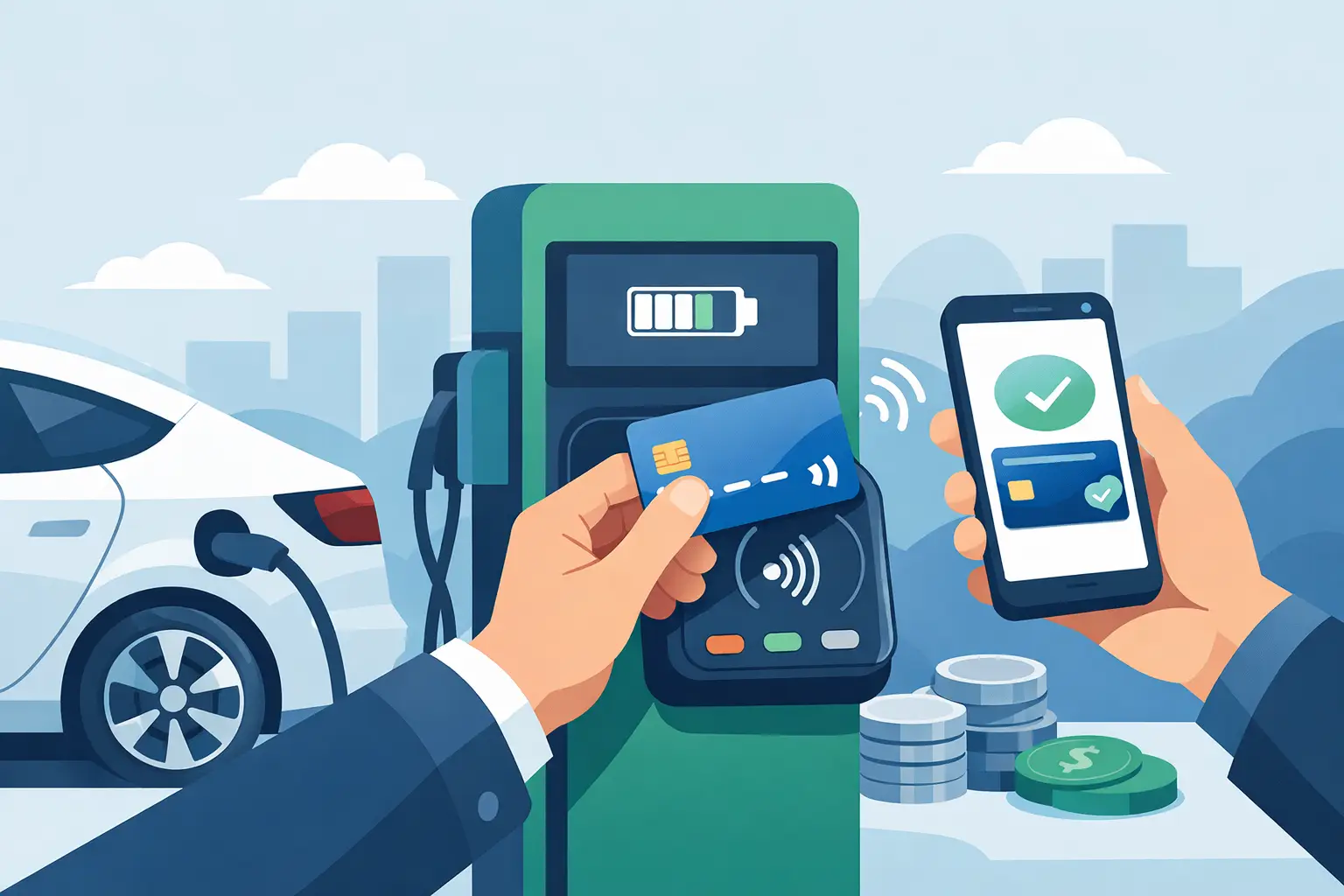
Can charging kiosks take payments? See how POS-enabled charging turns low-battery demand into convenience, longer visits, and new venue revenue streams.

Custom Branded Charging Stations That Earn Attention
Jul 11, 2026
Custom branded charging stations turn low-battery stress into longer visits, stronger brand visibility, and a practical revenue opportunity for venues.
Charging Kiosks That People Actually Use
Jul 10, 2026
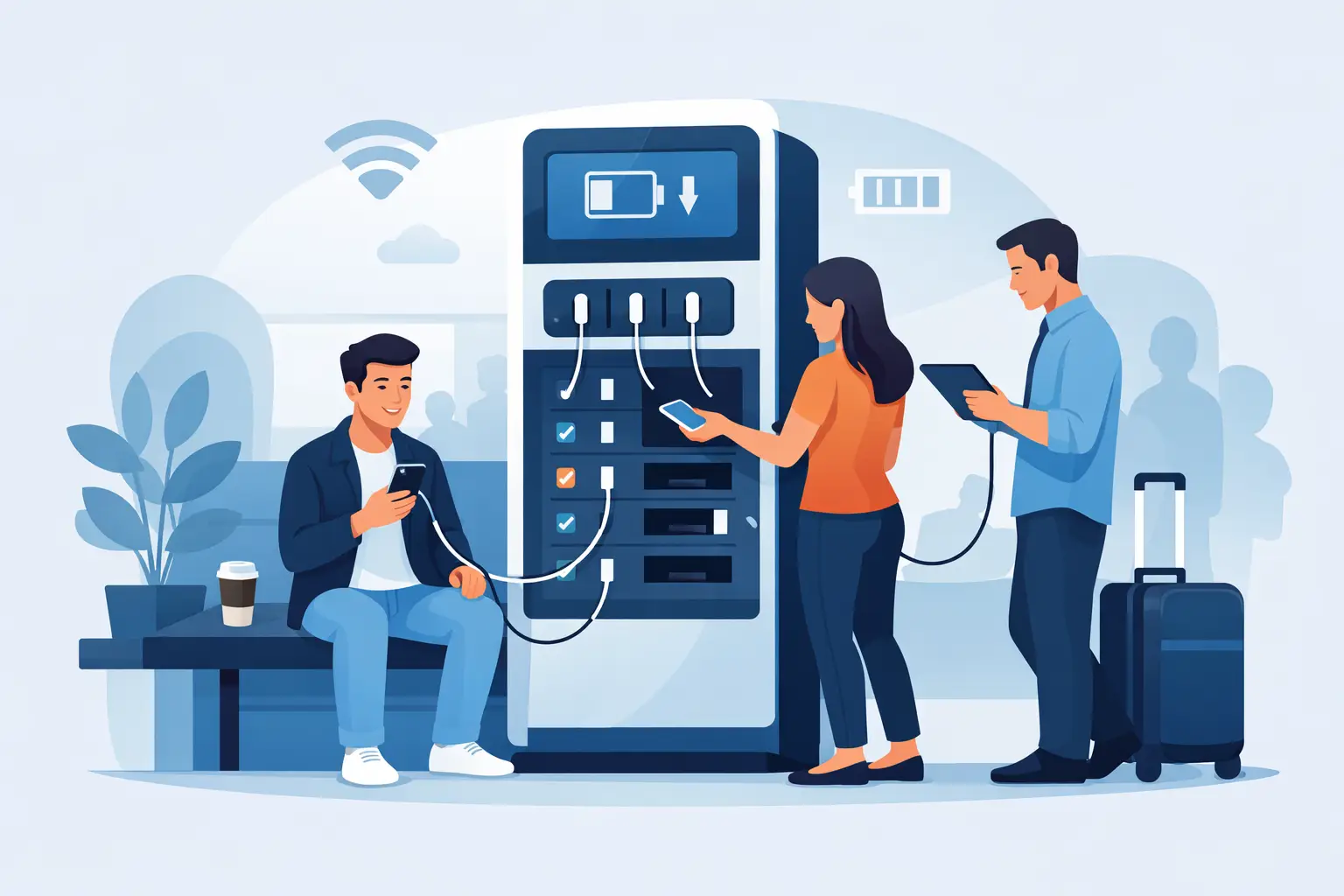
Charging kiosks keep guests powered, on-site, and engaged. Learn how to choose the right setup for security, revenue, and everyday use.
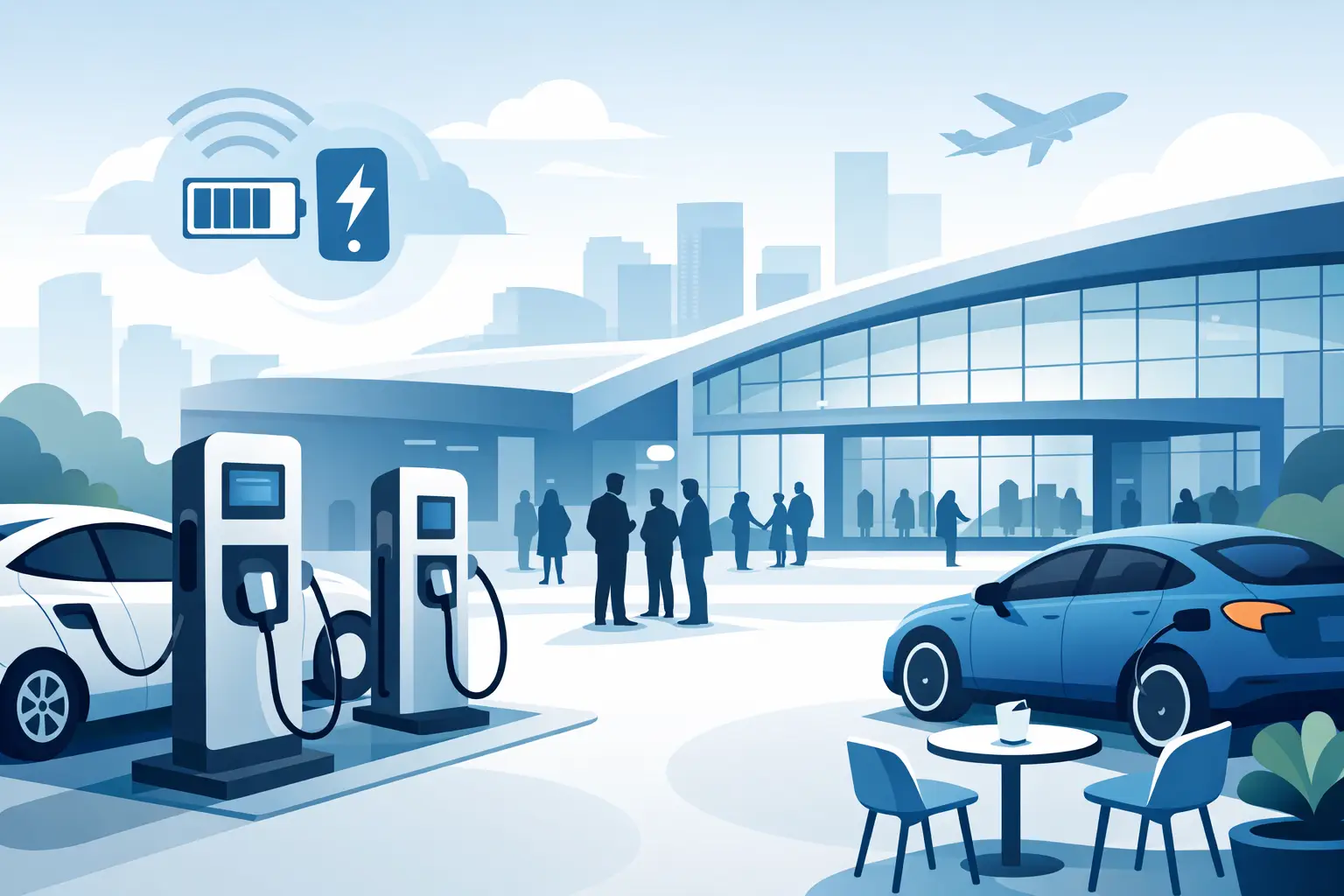
Charging Stations for Convention Centers
Jul 08, 2026
Charging stations for convention centers reduce attendee stress, boost dwell time, support sponsors, and create new revenue opportunities.

How to Lease Charging Kiosks Smartly
Jul 06, 2026
Learn how to lease charging kiosks with the right terms, pricing, features, and support so your venue adds convenience and potential revenue.

Visitor Amenity Charging Kiosk: What to Buy
Jul 04, 2026
A visitor amenity charging kiosk helps venues keep guests powered, engaged, and on-site while supporting security, branding, and revenue goals.

Business Charging Station Buying Guide
Jul 02, 2026
Business charging station buying guide for choosing secure, scalable charging solutions that improve guest experience and create revenue.
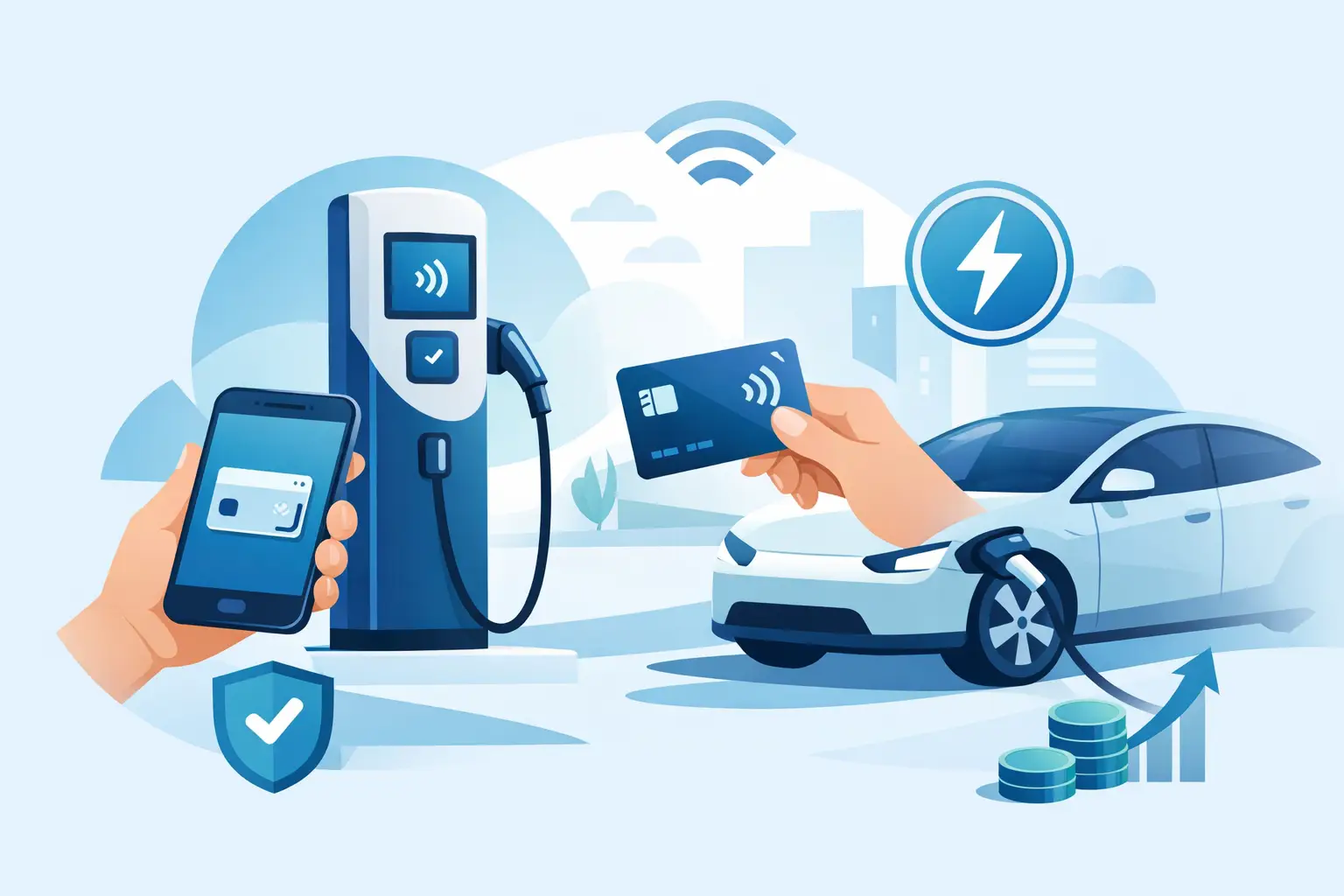
Contactless Payment Charging Station Benefits
Jun 30, 2026
A contactless payment charging station helps venues boost convenience, capture revenue, and keep guests engaged without adding operational friction.
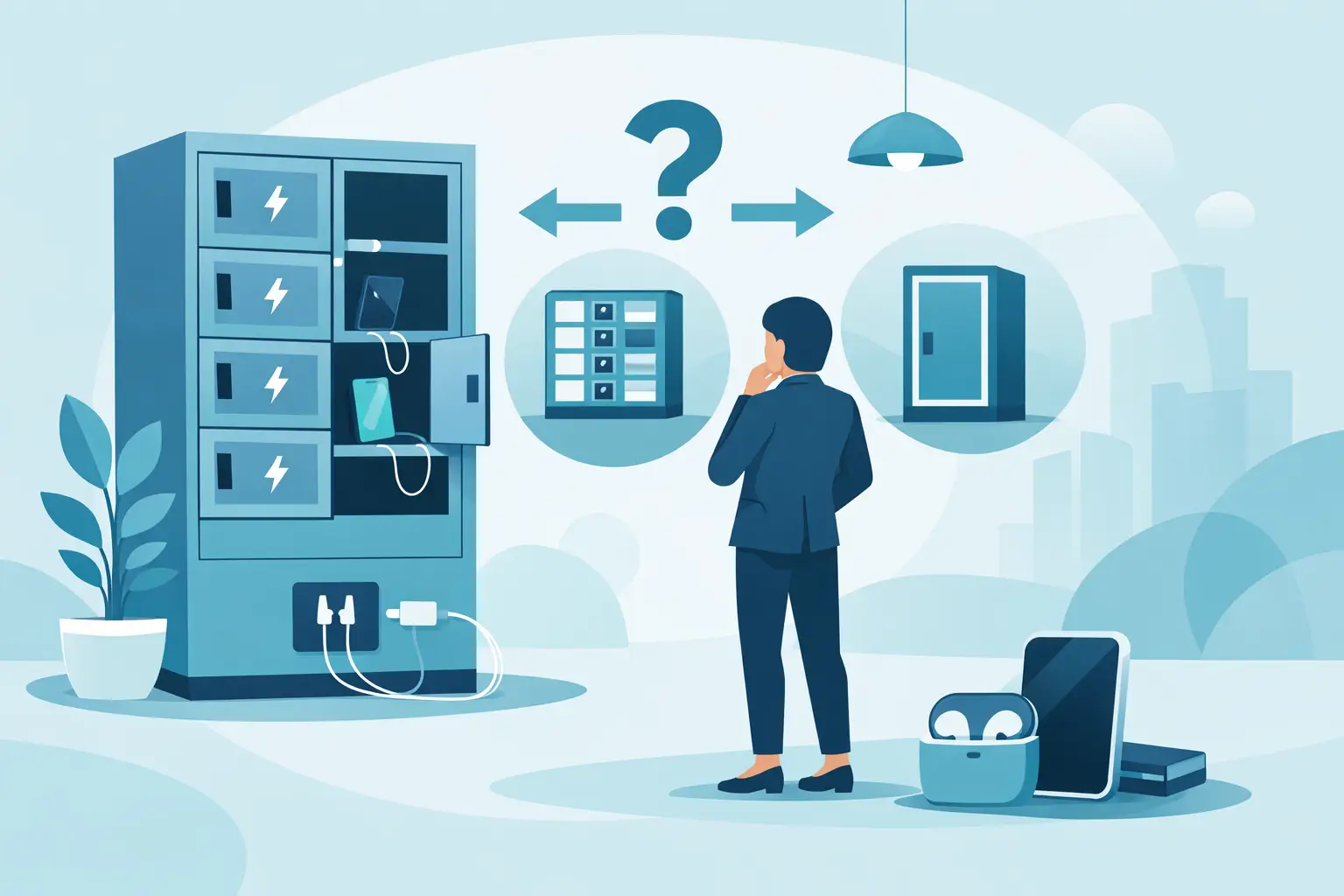
How to Choose Charging Lockers for Your Space
Jun 28, 2026
Learn how to choose charging lockers for events, venues, offices, and retail spaces based on security, device mix, power needs, and ROI.

Are Public Charging Stations Safe to Use?
Jun 26, 2026
Are public charging stations safe to use? Learn the real risks, how secure charging stations work, and what businesses should provide.
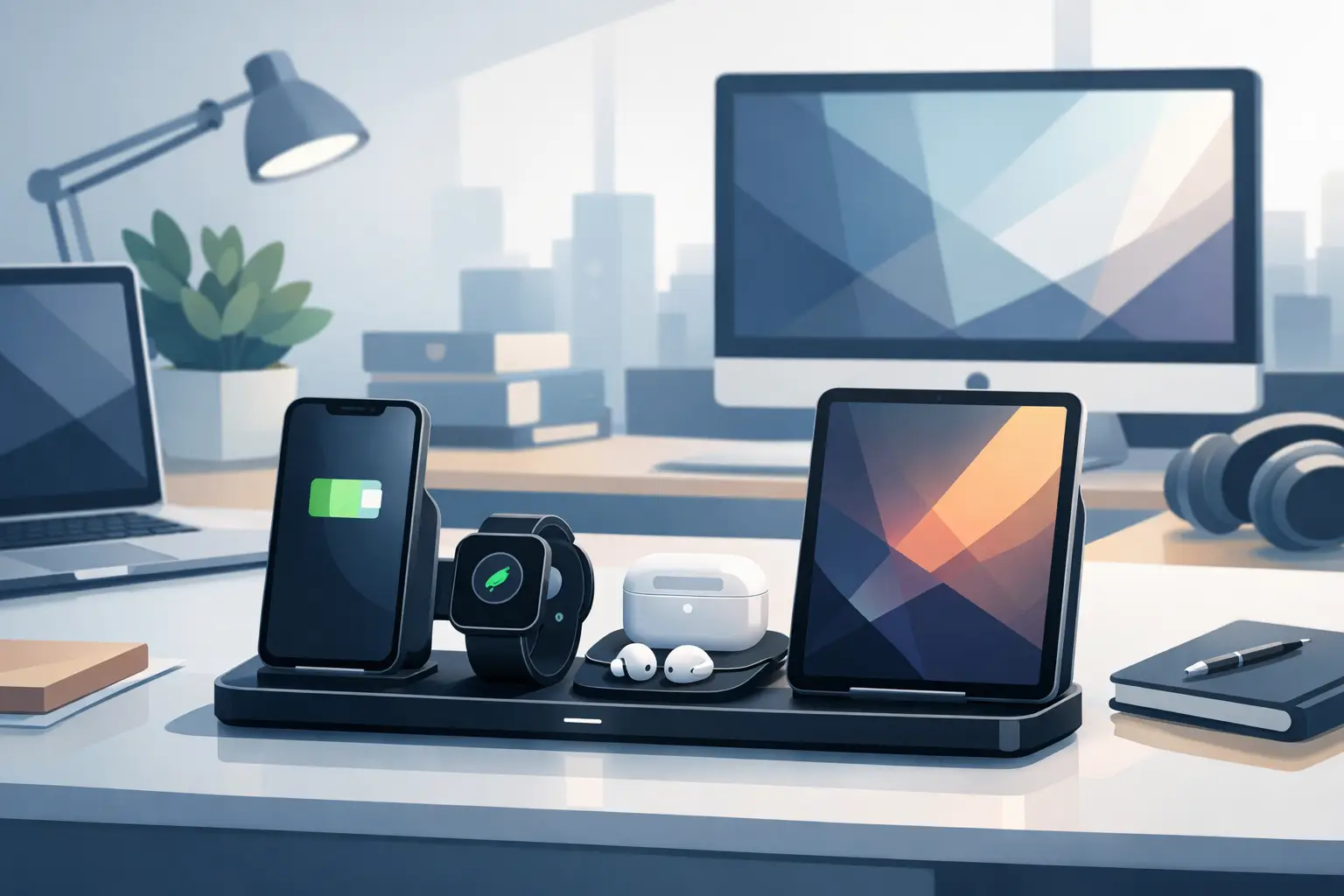
Best Desktop Charging Station for Office Use
Jun 24, 2026
Find the right desktop charging station for office use with tips on safety, device mix, cable management, security, and long-term value.
Leasing vs Buying Charging Stations
Jun 22, 2026
Leasing vs buying charging stations comes down to budget, flexibility, and ROI. Learn which model fits events, venues, offices, and retail.
Charging Lockers vs Kiosks: What Fits Best?
Jun 20, 2026
Charging lockers vs kiosks: compare security, throughput, revenue, and fit by venue so you can choose the right charging setup for your space.

Charging Locker ROI Calculator Guide
Jun 17, 2026
Use a charging locker ROI calculator to estimate payback, revenue, and visitor impact. Learn which costs, assumptions, and metrics matter most.

How to Monetize Charging Kiosks
Jun 16, 2026
Learn how to monetize charging kiosks with the right pricing, placement, sponsorships, and formats to turn charging access into revenue.
What Is Juice Jacking Protection?
Jun 13, 2026
What is juice jacking protection? Learn how it blocks data theft through USB ports and why businesses should offer safer public charging access.
USB C Charging Trends Businesses Should Track
Jun 12, 2026
USB C charging trends are reshaping public, workplace, and event charging. See what matters for compatibility, speed, safety, and ROI.
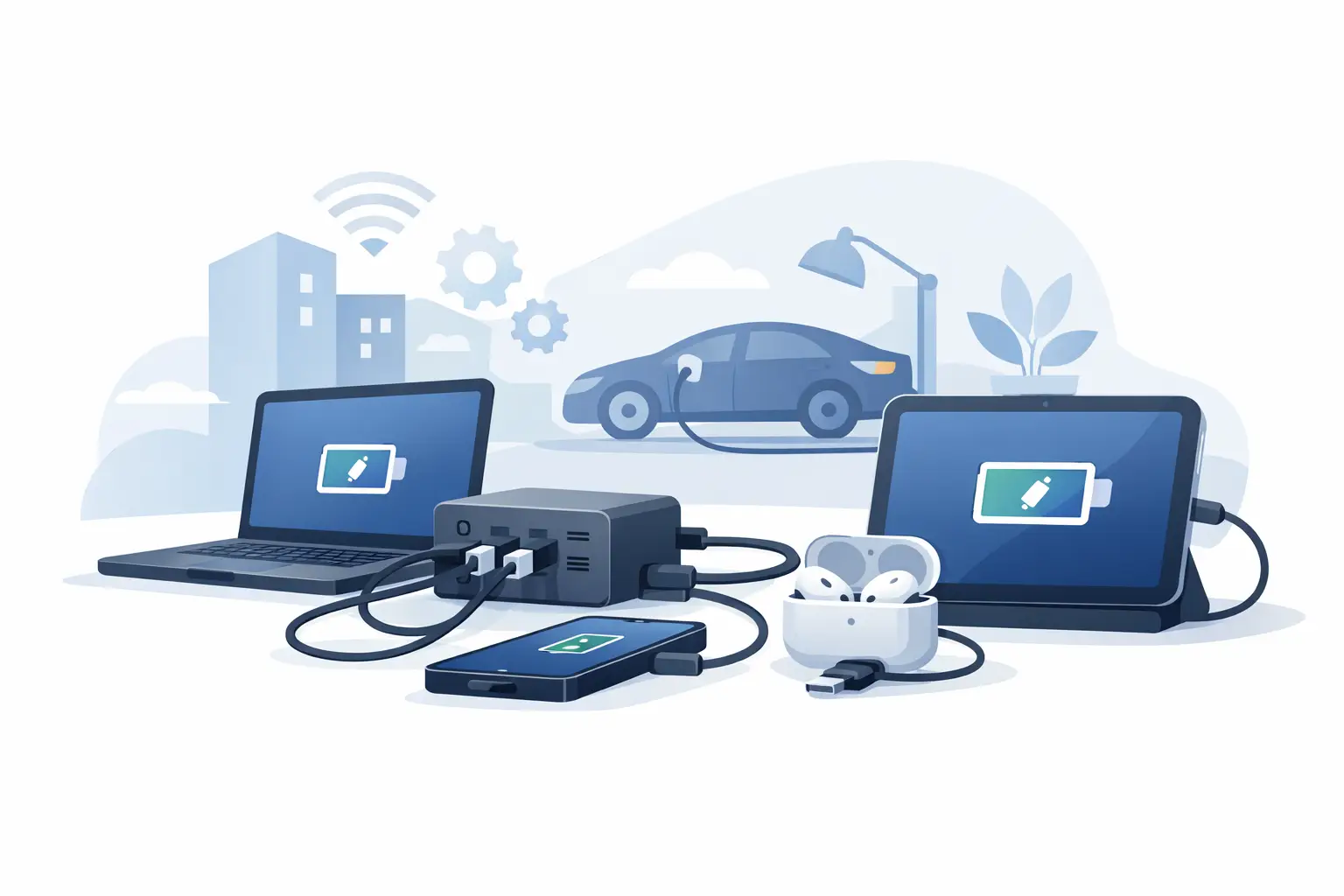
USB C Charging Station Commercial Guide
Jun 09, 2026
A practical look at usb c charging station commercial options, including use cases, power, security, placement, pricing, and ROI for busy venues.

Charging Table for Waiting Room Buyers
Jun 08, 2026
A charging table for waiting room spaces keeps guests powered, improves dwell time, and adds convenience without adding operational friction.

What a Custom Charging Kiosk Wrap Should Do
Jun 07, 2026
A custom charging kiosk wrap should attract attention, fit the venue, and support ROI. Learn what to include and what to avoid.
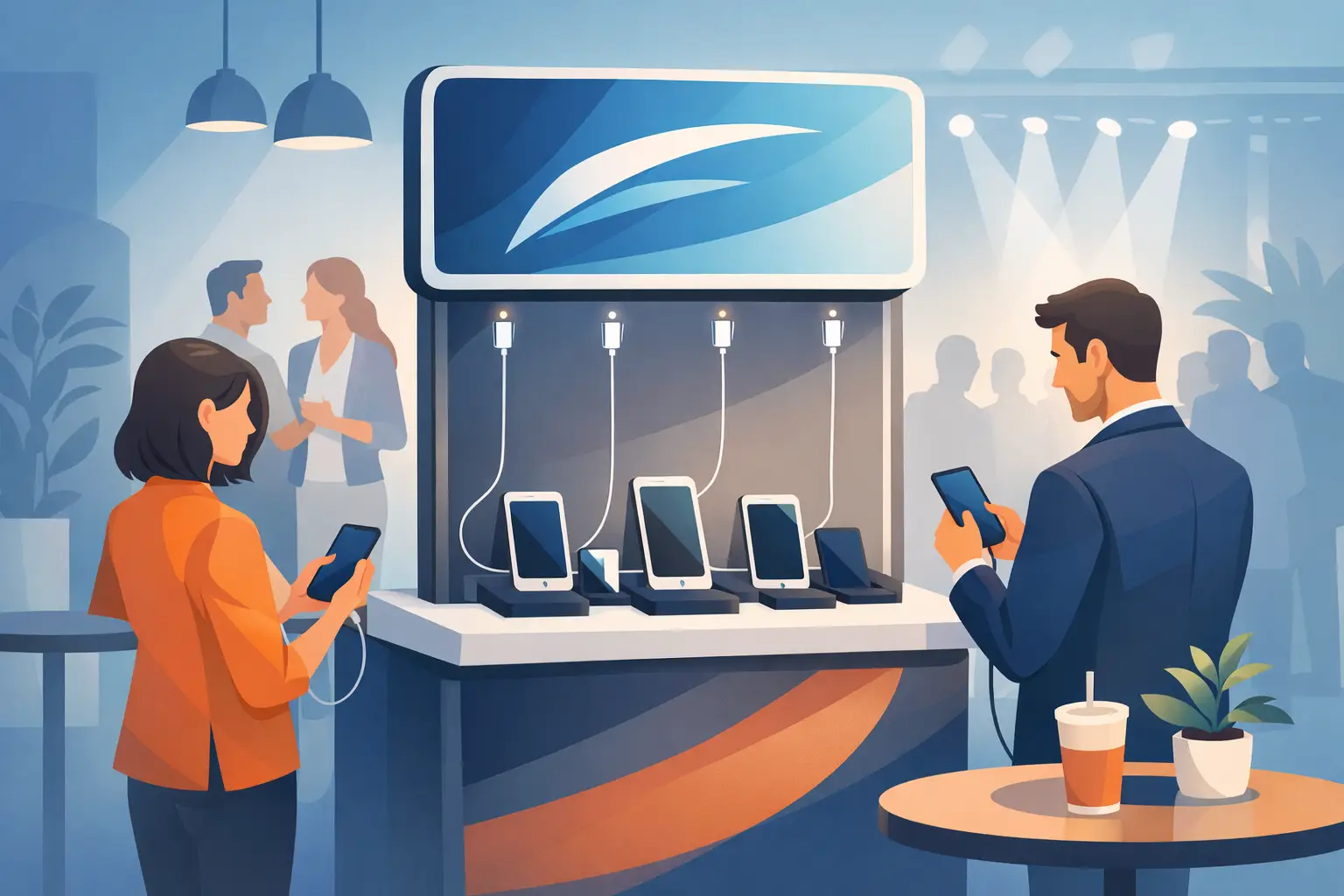
Branded Charging Station for Events That Works
Jun 06, 2026
A branded charging station for events keeps guests powered, boosts dwell time, supports sponsors, and adds measurable value to the event floor.
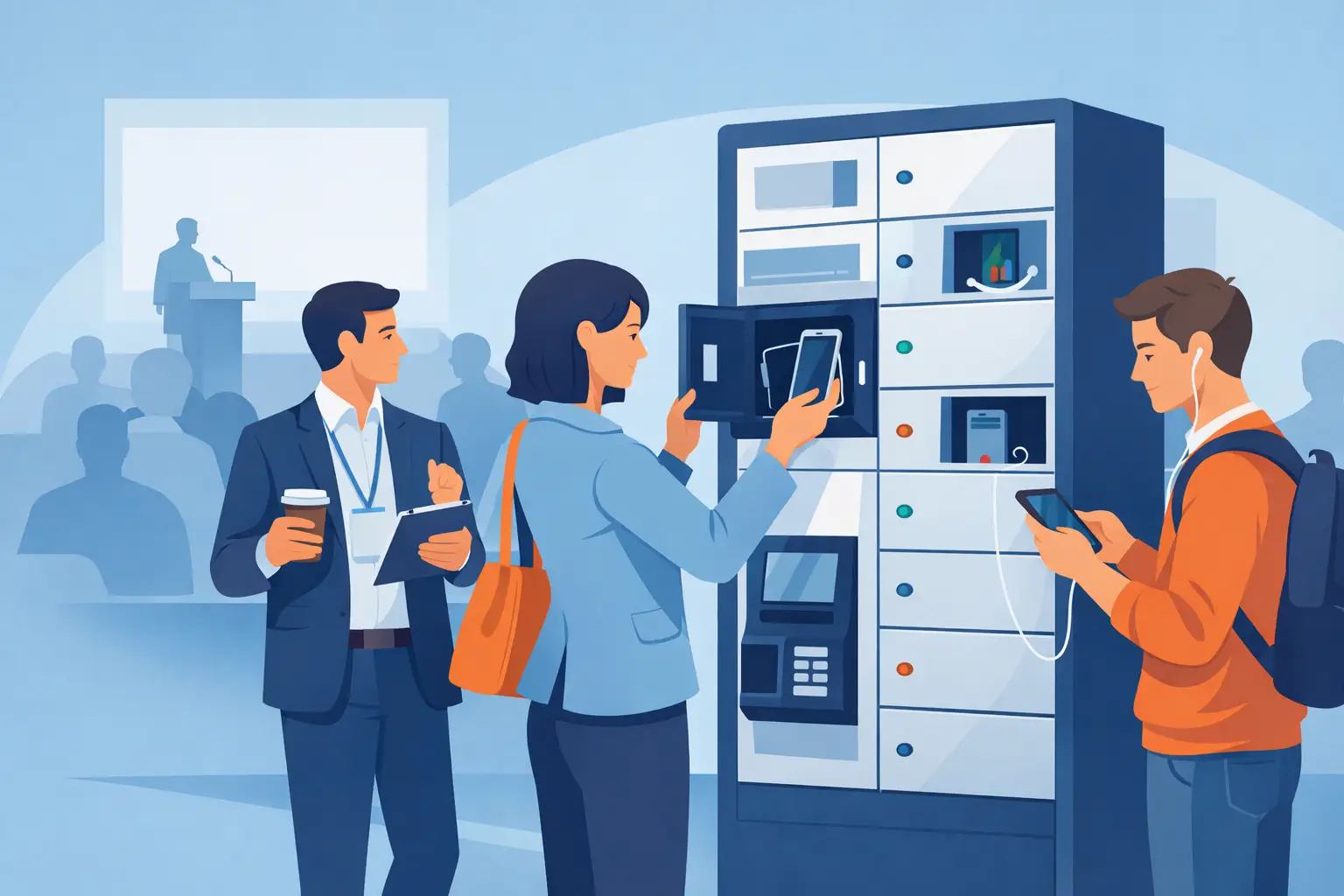
Conference Charging Locker Rental That Works
Jun 05, 2026
Conference charging locker rental keeps attendees powered, secure, and engaged while creating smoother events, stronger sponsor value, and revenue.
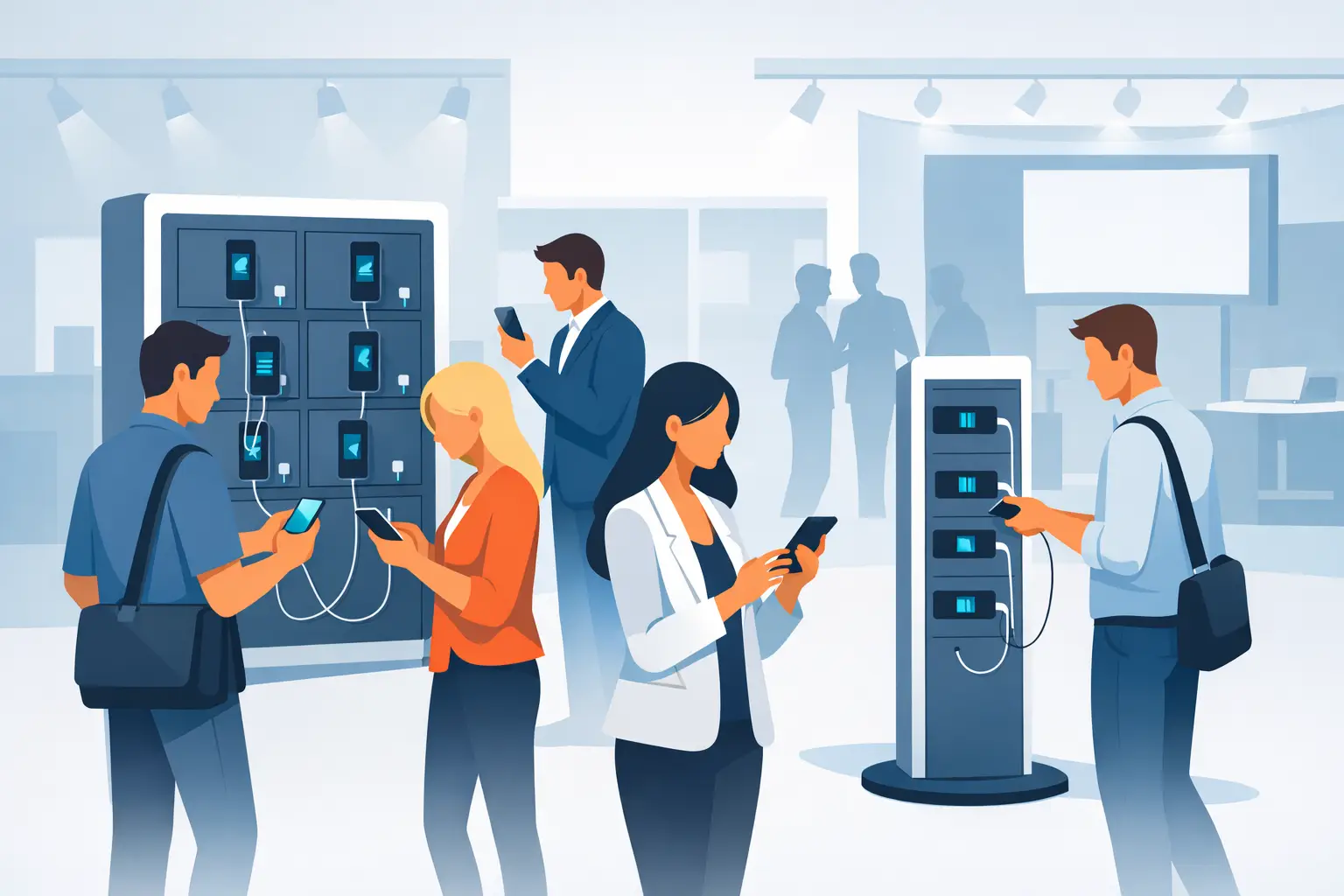
Trade Show Phone Charging Station Guide
Jun 04, 2026
A trade show phone charging station can boost booth traffic, dwell time, and leads while reducing attendee battery stress and improving event ROI.
Event Charging Station Rental That Works
Jun 03, 2026
Event charging station rental keeps guests powered, engaged, and on site longer. Learn what to rent, what to ask, and how to avoid event-day issues.

Free Phone Charging Station Retail ROI
Jun 02, 2026
See how free phone charging station retail setups increase dwell time, improve customer experience, and support smarter in-store traffic flow.
Charging Kiosk With Payment System: Worth It?
Jun 01, 2026
A charging kiosk with payment system can add revenue, improve guest experience, and extend dwell time. Here's how to choose the right setup.
Pay Per Use Charging Station ROI Explained
May 31, 2026
Learn how a pay per use charging station creates revenue, improves visitor experience, and fits retail, events, offices, and public venues.
Power Bank Rental Station Buyer’s Guide
May 30, 2026
A power bank rental station helps venues keep guests charged, boost dwell time, and create revenue with flexible, low-friction charging access.
Choosing a Laptop Charging Locker Cabinet
May 29, 2026
Learn how to choose a laptop charging locker cabinet for offices, schools, events, and venues with the right mix of security, power, and ROI.

Tablet Charging Locker for Schools: What Matters
May 28, 2026
A tablet charging locker for schools improves device security, charging access, and classroom readiness. Here’s what buyers should evaluate.
Secure Phone Charging Locker Buying Guide
May 27, 2026
Choose a secure phone charging locker that protects devices, improves guest experience, and fits your space, budget, and usage model.

Phone Charging Station for Business ROI
May 26, 2026
A phone charging station for business can boost dwell time, improve customer experience, and create revenue when matched to the right space.

How to make your phone battery last longer
Mar 20, 2025
It’s no secret that some smartphones have more powerful and longer lasting batteries than others. However, no matter how powerful the battery or how energy efficient your phone is, there are a number of apps and settings that will drain your battery faster. Identifying these apps and settings will help you keep usage to a […]

Phone Batteries – The Best and The Worst
Mar 29, 2017
When buying a new smartphone, there are a number of factors you will consider. From the brand and price, to the operating system, and other features like the camera. No matter what kind of phone you choose or the reason behind your purchase, one thing is for sure – you want the battery to last […]
What is USB-C and why is it important?
Mar 15, 2017
By now, you may have heard people talking about USB type C or perhaps you have even tried it out yourself. Either way, many experts agree that this is the future of USB ports and cables. What many people may not realize is that this particular type of connection is significantly different from older types […]