How to Add Phone Charging to Your Business
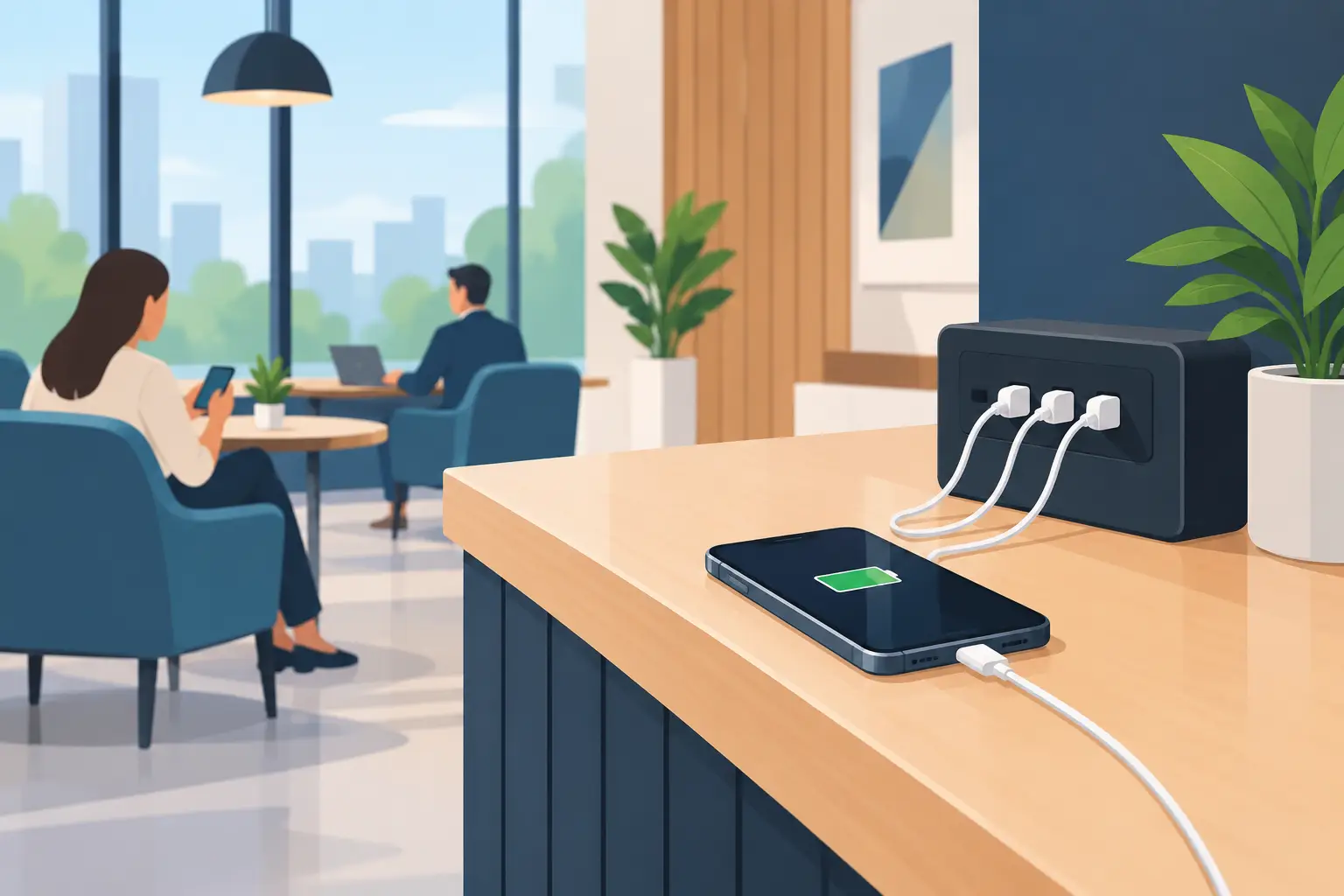
A customer at 8% battery is not focused on your menu, your exhibit, or your next appointment. They are looking for an outlet, guarding their phone, or leaving early to find power. Knowing how to add phone charging to your business turns that common frustration into a practical amenity that keeps people comfortable, connected, and present.
For a retail location, venue, office, hotel, healthcare facility, or event, the right solution is more than a few wall outlets. It should fit how people move through your space, protect devices while they charge, and support the business result you want – whether that is longer visits, better service, brand visibility, or added revenue.
Start With the Charging Problem You Need to Solve
The best charging setup begins with a simple question: what are people doing when they need power? A conference attendee may need a quick 20-minute boost between sessions. A hospital visitor may need secure, hands-free charging for several hours. A shopper may need enough power to finish errands without carrying a dead phone. Employees and field teams may need controlled charging for company-owned tablets, scanners, laptops, or radios.
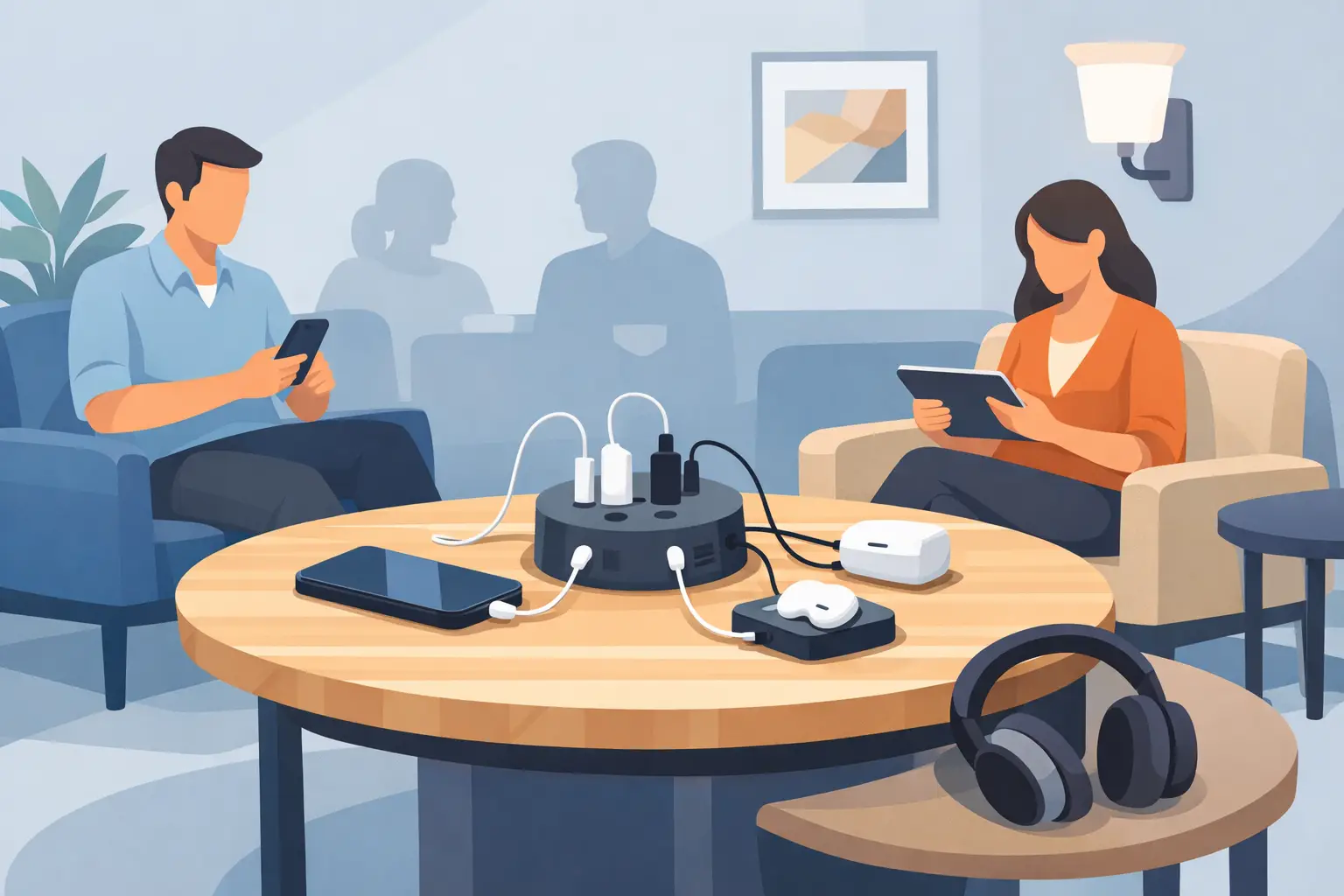
Those situations call for different formats. A desktop charger works well at a reception desk, restaurant counter, or shared workspace where people remain nearby. A charging table or bench makes power part of the furniture in a waiting area or public venue. A kiosk creates a visible destination in high-traffic locations. Lockable charging lockers are a stronger fit when visitors need to leave devices safely while attending meetings, shopping, receiving care, or participating in an event.
Do not default to a wall outlet simply because it is inexpensive. Open outlets create cable clutter, are easy to overlook, and often leave customers standing beside a wall. A purpose-built station puts charging where it adds value to the visitor experience.
How to Add Phone Charging Where It Drives Results
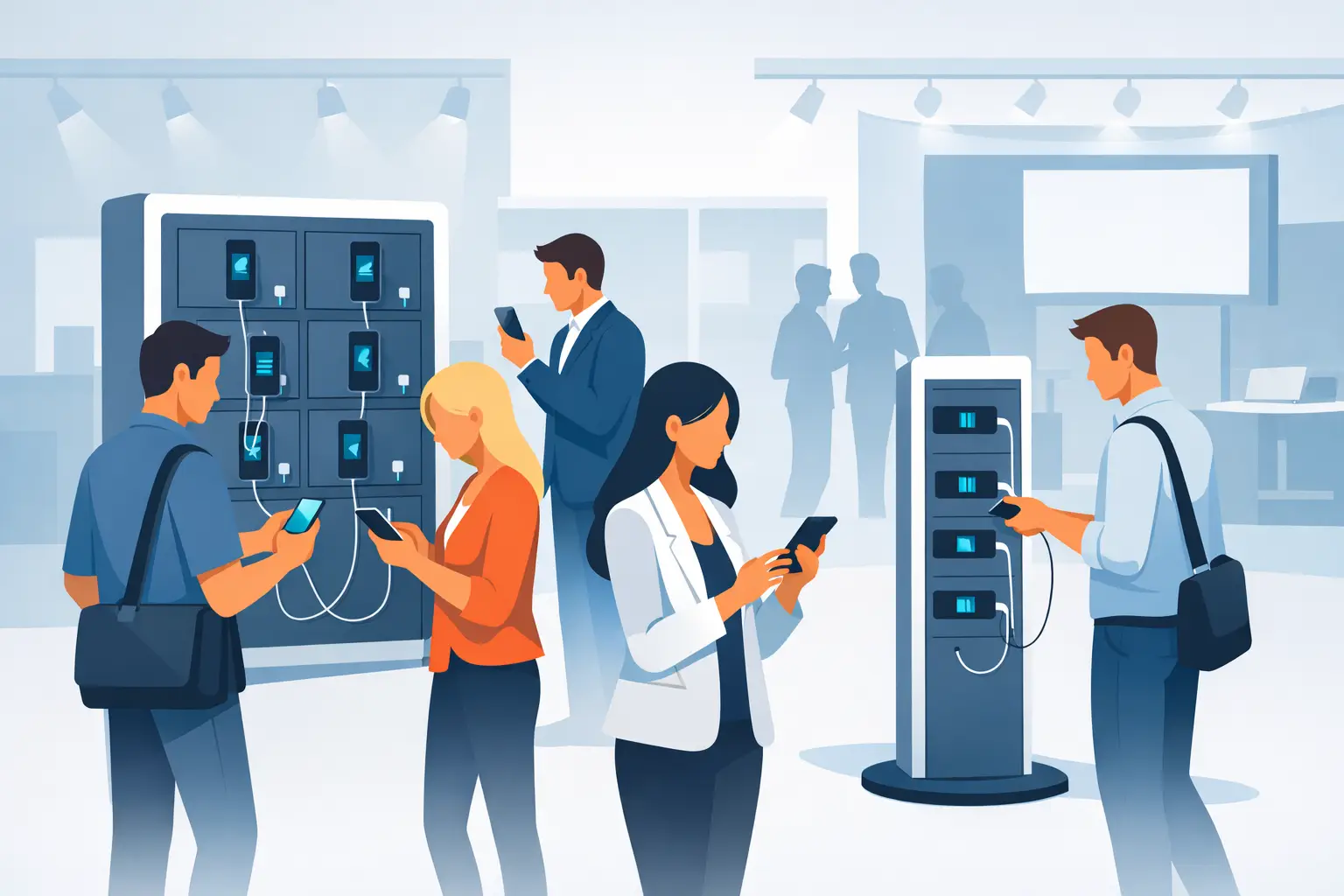
Placement has as much impact as the charging equipment itself. Put stations in locations where guests naturally pause: near seating, entrances, food and beverage areas, waiting rooms, registration desks, service counters, lounges, and event networking spaces. At trade shows, charging can pull attendees toward a booth that might otherwise be passed by.
Think about visibility and dwell time together. A kiosk placed in a hidden corridor may be technically available but will not improve the experience for many people. A charging locker close to a retail fitting area, airport gate, or convention lounge gives users a clear reason to stay in the area. In an office, a charging station near collaboration zones can prevent employees from leaving a meeting to hunt for power.
There is also a trade-off between convenience and crowd management. A highly visible free-use station can attract traffic, but it may create a line at peak times. Larger banks of lockers or multiple charging points are better for busy locations. For events with short, predictable breaks, capacity matters more than all-day access. Estimate the number of simultaneous users, then allow room for peak demand rather than average demand.
Choose Between Open Charging and Secure Charging
Open charging is ideal when people can sit with their devices. It is simple, familiar, and effective for quick top-ups. Charging tables, desktop units, and countertop stations work especially well in hospitality, employee break rooms, libraries, and lounges.
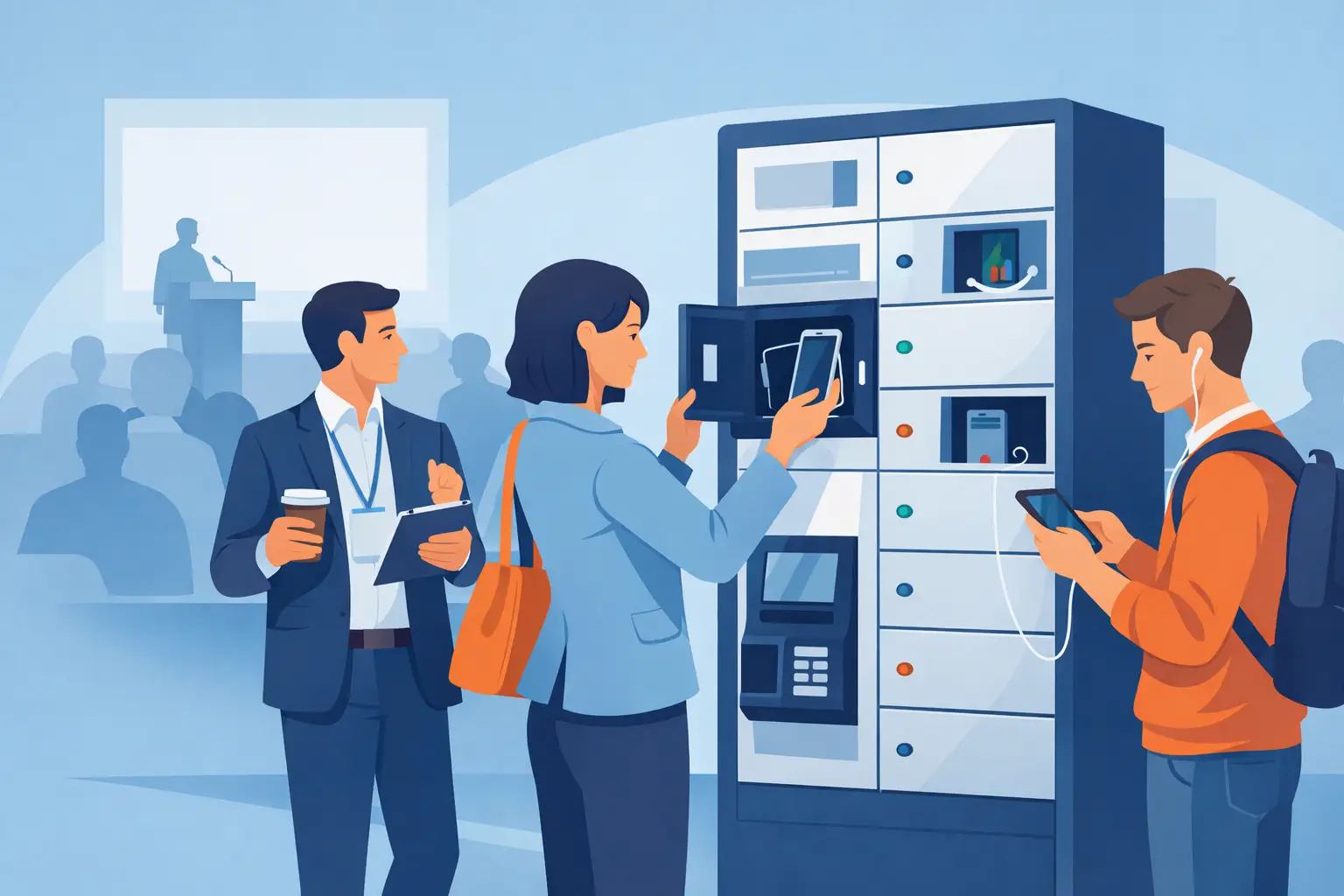
Secure charging is more valuable when a visitor needs to move around. Lockable lockers let users charge a phone, tablet, or laptop without leaving it exposed on a counter or plugged into an unfamiliar wall outlet. That peace of mind is a real part of the amenity. A customer who trusts their device is secure is more likely to keep shopping, attend a session, or enjoy the venue.
For company devices, lockable charging also improves accountability. Centralized device storage reduces missing equipment, tangled cables, and the daily scramble to find a charged tablet or handheld. Consider access controls, compartment size, and charging capacity if your operation supports a mix of phones, tablets, and laptops.
Build for the Devices People Use Now
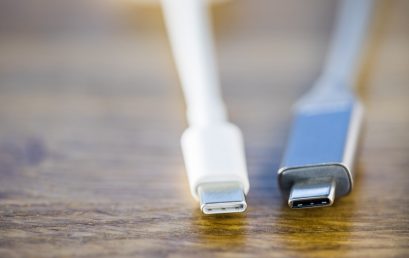
A charging station installed today should support the connector types your audience actually carries. USB-C has become central for newer phones, tablets, and many laptops, but some users still need Lightning or other legacy connections. Stations with built-in, protected cables reduce the chance that guests arrive without the right cord or that shared cables disappear.
Charging speed is equally important. People notice when a station is slow, particularly at an event or busy public location. Look for equipment designed to deliver appropriate power safely across multiple devices. This is not only about fast charging claims. Quality charging infrastructure should protect against electrical issues, manage cables cleanly, and hold up to repeated public use.
If you serve laptop users, verify that the station provides enough power and enough physical space for larger devices. A phone-focused countertop charger may be excellent at a café but insufficient for a university library, corporate office, or conference center where guests need to charge a laptop before a presentation.
Decide Whether Charging Is a Free Amenity or Revenue Stream
Free phone charging is an effective customer service tool. It can improve satisfaction, encourage visitors to stay longer, and give your business an edge over a nearby competitor. For hospitality, retail, healthcare, and workplace settings, that benefit may be more valuable than collecting a small fee per session.
In high-footfall venues, paid charging can also make business sense. Pay-per-use lockers and POS-enabled stations can generate revenue while still solving an urgent customer need. This approach can work well in transportation hubs, entertainment venues, festivals, convention centers, malls, and large events where users value secure charging enough to pay for it.
The right model depends on your goals. If you want booth traffic, a complimentary charging service can start conversations and create goodwill. If you manage a public venue with constant demand, a payment-enabled unit can help offset equipment and operating costs. Some organizations use branding or sponsorship to fund the amenity, turning the station into a visible marketing asset without charging the end user.
Make the Station Part of Your Brand Experience
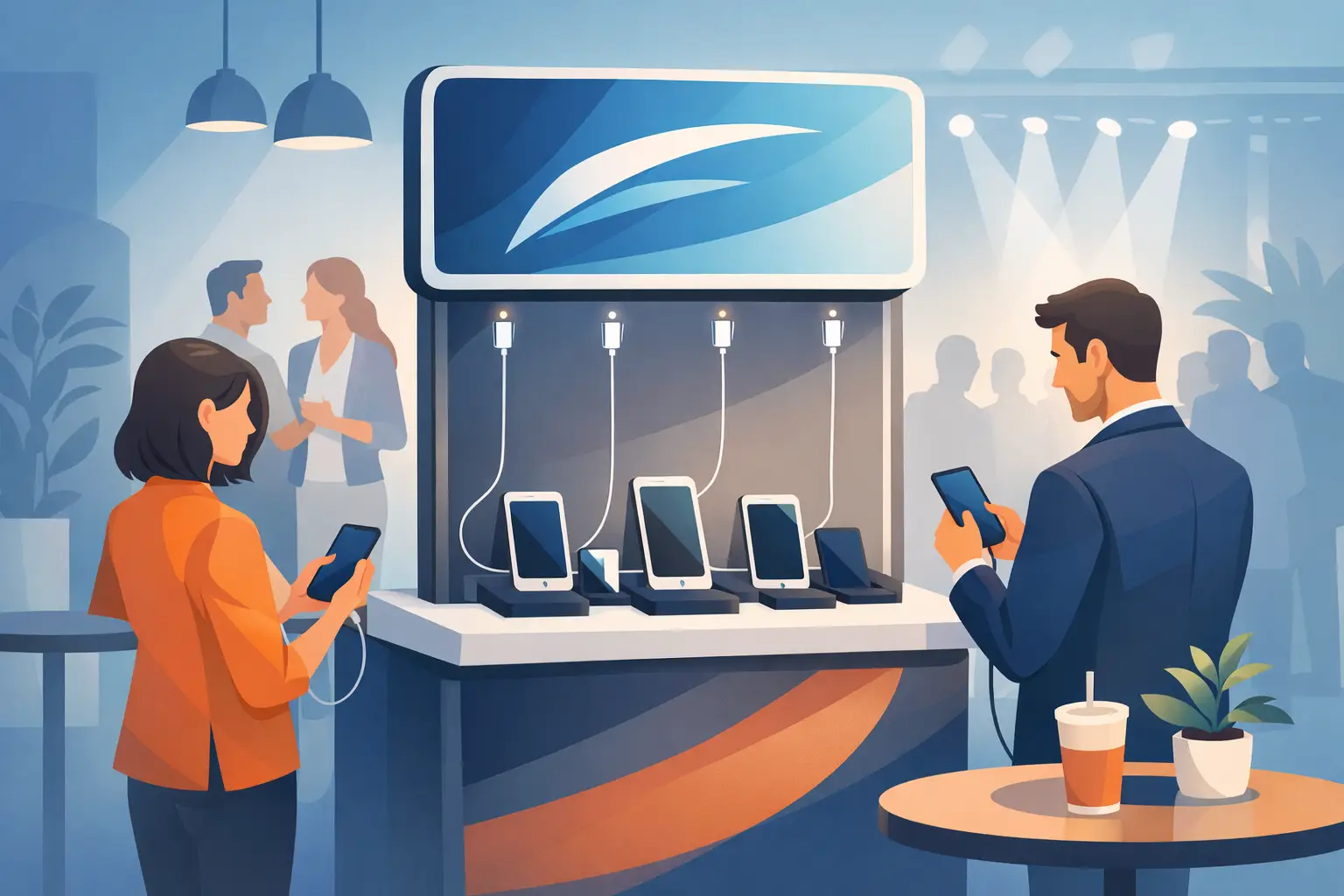
Charging equipment does not need to look like an afterthought. Custom colors, wraps, digital messaging, and logo placement can make it part of your environment. In a trade show booth, a branded charging locker can draw attention from across the aisle. In a hotel or retail space, a polished charging table reinforces that the business has considered the details of the guest experience.
Keep the message useful. Clear instructions, charging time expectations, and support information reduce confusion. If charging is sponsored, make the branding visible without making the experience feel like a barrier. The device user should immediately understand where to plug in, how to secure their phone if applicable, and what to do when charging is complete.
Plan for Installation, Support, and Scale
Before buying equipment, confirm where power is available and how the station will be maintained. Some formats are close to plug-and-play, while larger installations may need facilities input, electrical planning, or network considerations for payment features. Choose locations that staff can see easily and service without disrupting guests.
Assign responsibility for basic checks: cable condition, compartment cleanliness, payment function, and signage. Public charging equipment gets heavy use, so durability and warranty support matter. A cheaper unit can cost more over time if cables fail, devices cannot be secured, or replacement parts are difficult to obtain.
It is also wise to begin with a deployment that can grow. A single charging table may be enough for one lounge, while a multi-location organization may want standardized stations that can be added across properties. ChargeBar offers charging lockers, kiosks, furniture-based charging, desktop units, rentals, and payment-ready options so businesses can match the format to the use case and budget.
Measure What the Amenity Changes
The return on charging is not always captured by a single metric. Retailers can look at dwell time, repeat visits, and engagement near the station. Event organizers can track booth conversations, session attendance, and attendee feedback. Offices can measure fewer device-related interruptions and better availability of shared equipment.
For paid deployments, review sessions, revenue, peak usage times, and the types of devices being charged. For free deployments, ask staff what they hear from guests. If people repeatedly ask for more capacity or longer access, that is a useful signal. If a station is rarely used, the issue may be location and awareness rather than the equipment itself.
The most effective charging program feels simple to the user: power is available when it is needed, devices are protected, and nobody has to leave your space to solve a low-battery problem. That small convenience can become a reason people stay, return, and remember how well your business took care of them.
Related posts

Charging Furniture That Keeps Visitors Longer
Oct 25, 2026
Charging furniture gives visitors a place to power up, stay longer, and keep moving. Learn how to choose secure, profitable options for your space with confidence.
Kiosk Revenue Case Study That Can Pay Off
Oct 23, 2026
A kiosk revenue case study for venue operators: learn how pricing, foot traffic, payment flow, and placement shape charging station returns over time.
How to Lease Charging Equipment for Your Venue
Oct 21, 2026
Learn how to lease charging equipment that fits your venue, protects devices, supports modern USB-C needs, and can create a new revenue stream for guests.
How to Prevent Cable Theft at Charging Stations
Oct 19, 2026
Learn how to prevent cable theft at public and workplace charging stations with better hardware, placement, inspections, and simple operating policies.
Charging Station Durability That Holds Up
Oct 17, 2026
Charging station durability protects uptime, visitor trust, and revenue. Learn what to look for in materials, cables, locks, power, and service needs.
Commercial Charging Procurement Guide for Buyers
Oct 15, 2026
Use this commercial charging procurement guide to choose secure, scalable device charging for venues, staff, and events while managing cost and ROI wisely.
Public Phone Charging Setup Guide for Venues
Oct 13, 2026
A public phone charging setup guide for venues that want safer access, longer visits, and practical revenue from reliable charging stations on site daily.
What Is Power Bank Rental for Businesses?
Oct 11, 2026
What is power bank rental? Learn how rental stations work, where they fit, and how businesses can improve guest experience and create revenue on-site.
Charging Station Sponsorship Results That Matter
Oct 09, 2026
Measure charging station sponsorship results with practical metrics for brand exposure, engagement, leads, dwell time, and revenue across live events.
How to Finance Charging Infrastructure Wisely
Oct 07, 2026
Learn how to finance charging infrastructure with purchase, lease, rental, and revenue models that fit your venue, event, budget, and growth goals today.
How to Install Charging Lockers Safely at Work
Oct 05, 2026
Learn how to install charging lockers safely with practical placement, power, security, and maintenance guidance for workplaces and public venues every.
Commercial Charging Locker Review for Buyers
Oct 03, 2026
A commercial charging locker review for buyers comparing security, charging speed, payment options, capacity, and long-term operating value at venues.

How to Manage Shared Devices Without the Chaos
Oct 01, 2026
Learn how to manage shared devices with clear ownership, secure charging, simple checkout rules, and reporting that keeps teams productive every shift.
Charging Station Maintenance That Protects Uptime
Sep 29, 2026
Charging station maintenance protects uptime, revenue, and user trust with practical inspections, cleaning, cable care, and payment system checks weekly.
Charging Locker System Review for Busy Venues
Sep 27, 2026
Read this charging locker system review to compare security, charging speed, payment options, and ROI for events, offices, retail, and venues nationwide.
Lockers Versus Powerbanks: Which Fits Your Space?
Sep 25, 2026
Lockers versus powerbanks: compare security, dwell time, staffing, revenue, and deployment needs to choose the right charging amenity for your venue today.
Public Device Charging Trends for Venues
Sep 23, 2026
Public device charging trends are reshaping venues, events, and workplaces with secure USB-C access, locker charging, and revenue-ready options for guests.
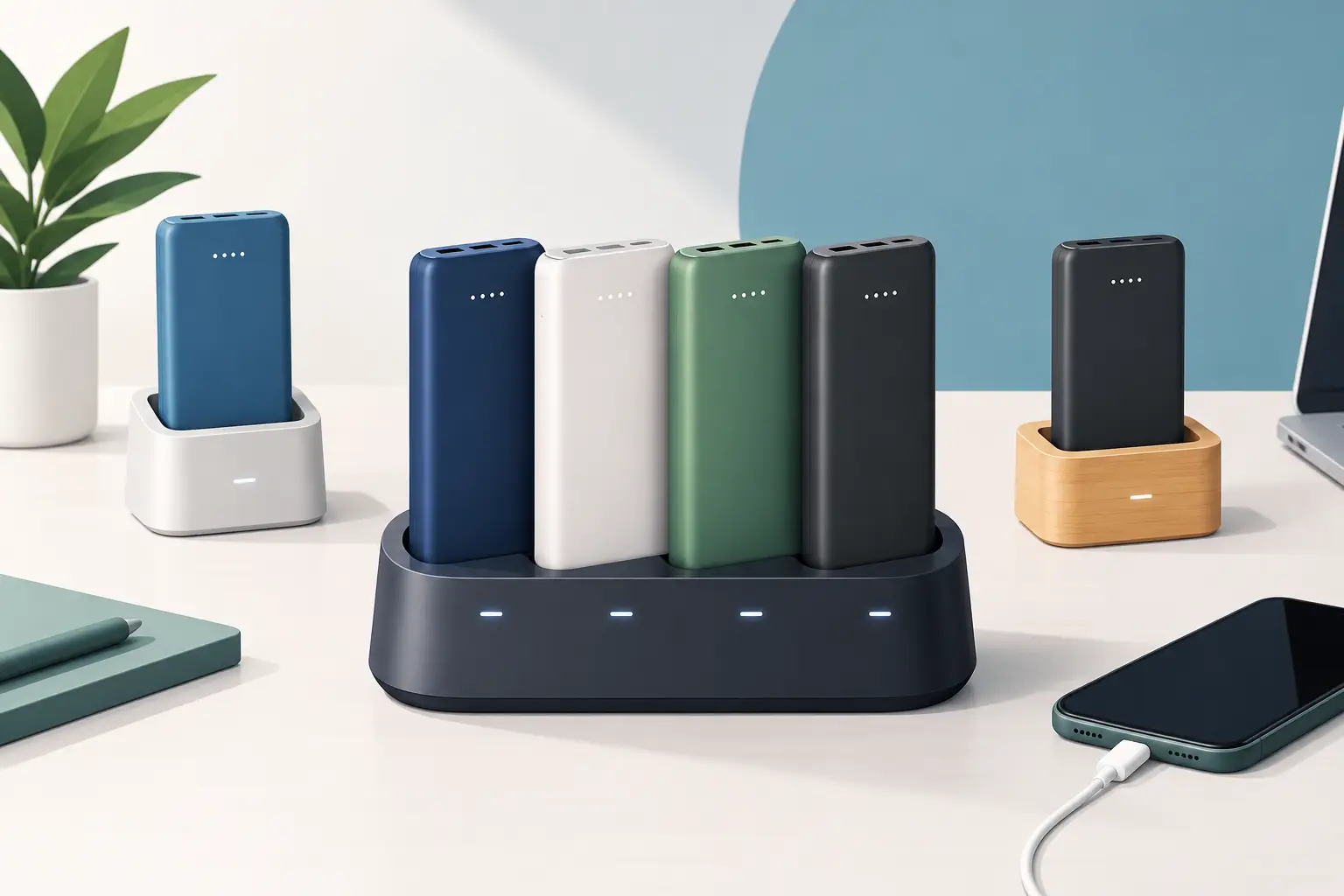
How to Create Branded Power Bank Docks That Sell
Sep 21, 2026
Learn how to create branded power bank docks that keep visitors engaged, strengthen your brand, and support free or paid charging programs on-site daily.

Locker Deployment Example for Busy Venues
Sep 19, 2026
See a locker deployment example that helps venues provide secure phone charging, reduce low-battery stress, and create a practical revenue option for guests.
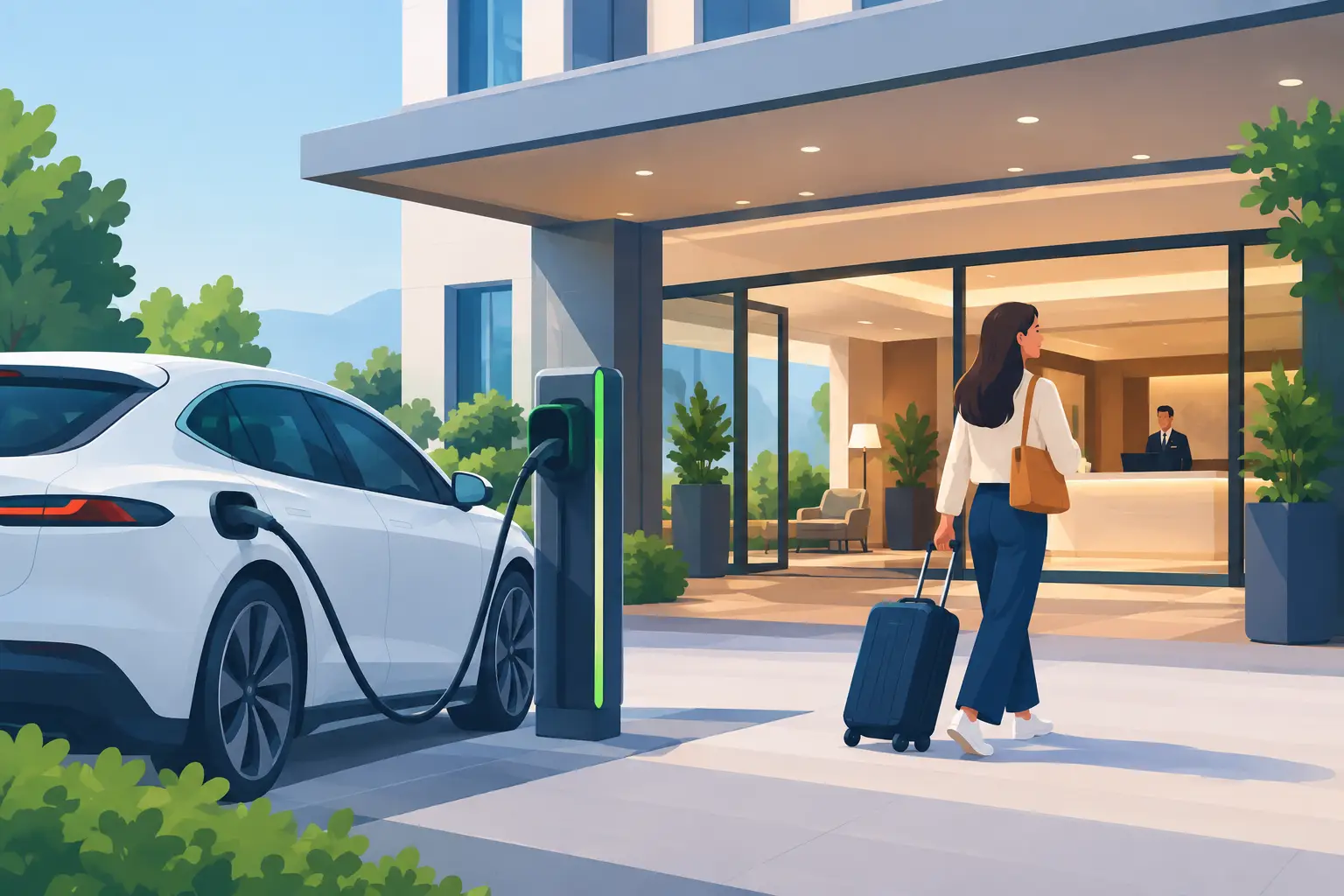
Hotel Charging That Keeps Guests On Property
Sep 17, 2026
Hotel charging gives guests a secure place to power phones and laptops, extend their stay, and create new hospitality revenue opportunities on site daily.
How to Add Phone Charging to Your Business
Sep 15, 2026
Learn how to add phone charging to your business with secure, scalable stations that improve guest experience, dwell time, and revenue potential daily.
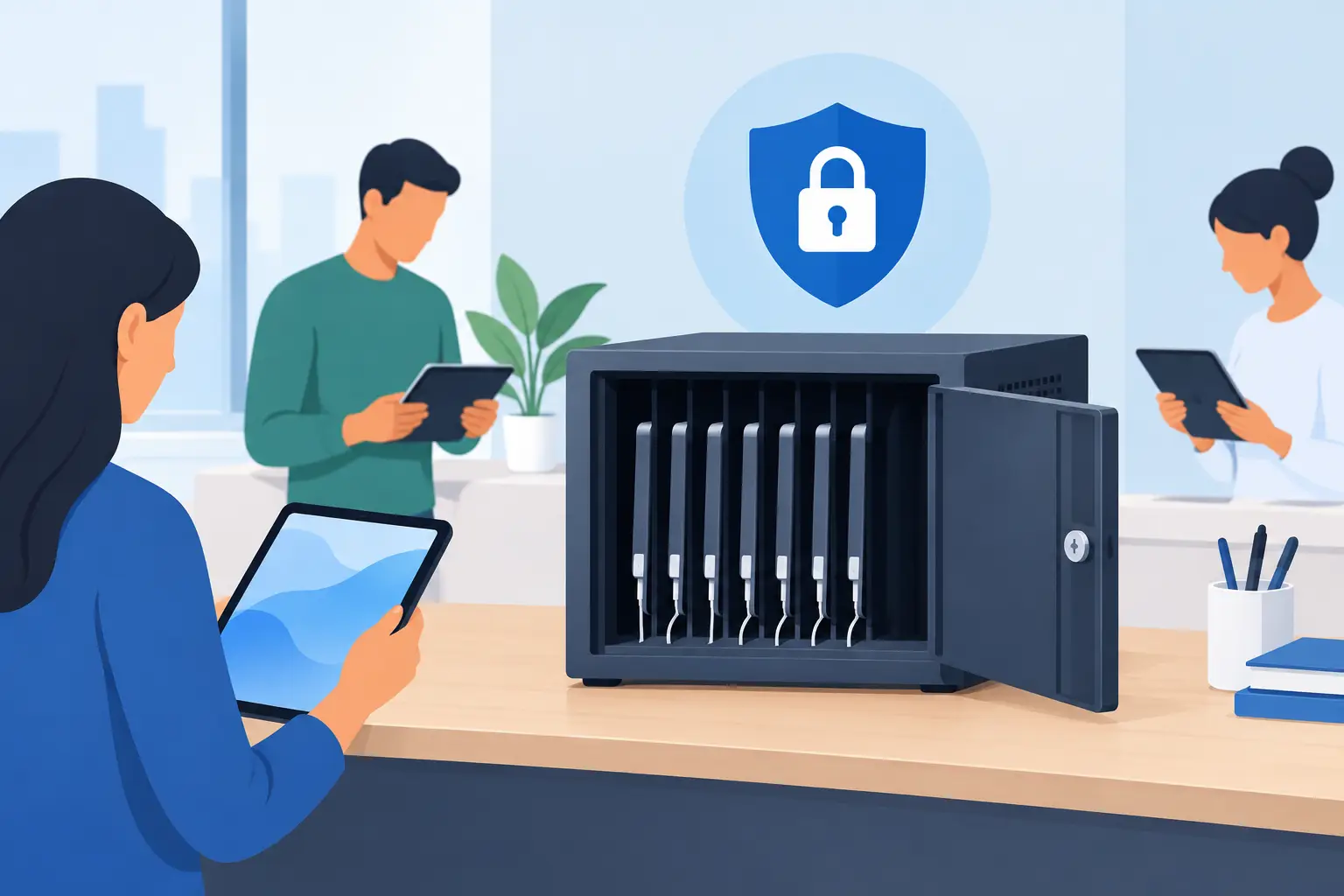
Best Secure Tablet Storage for Shared Devices
Sep 13, 2026
Find the best secure tablet storage for shared devices, events, offices, and public spaces with charging, access control, and room to scale confidently.

Power Bank Docking Review for Busy Venues
Sep 11, 2026
Use this power bank docking review to compare charging speed, security, payment options, branding, and operating costs before committing to deployment.

Charging Locker Procurement That Pays Off
Sep 09, 2026
Make charging locker procurement simpler with a practical plan for capacity, security, payment options, deployment, and long-term operating daily value.
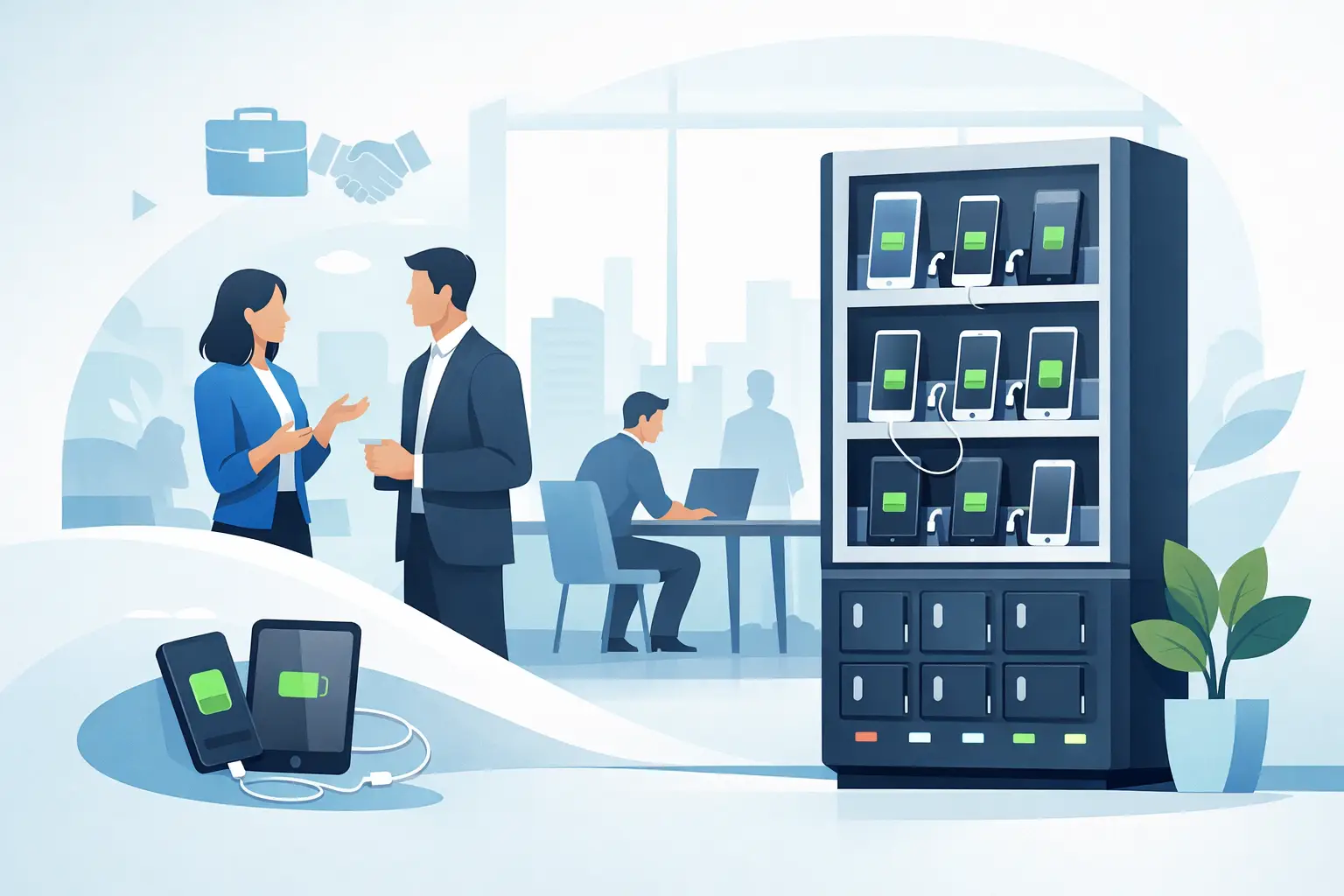
Phone Charging Station Leasing for Businesses
Sep 08, 2026
Phone charging station leasing gives businesses a flexible way to add secure, branded charging while protecting cash flow and creating new revenue streams
Multi Device Charging Cabinets for Busy Venues
Sep 06, 2026
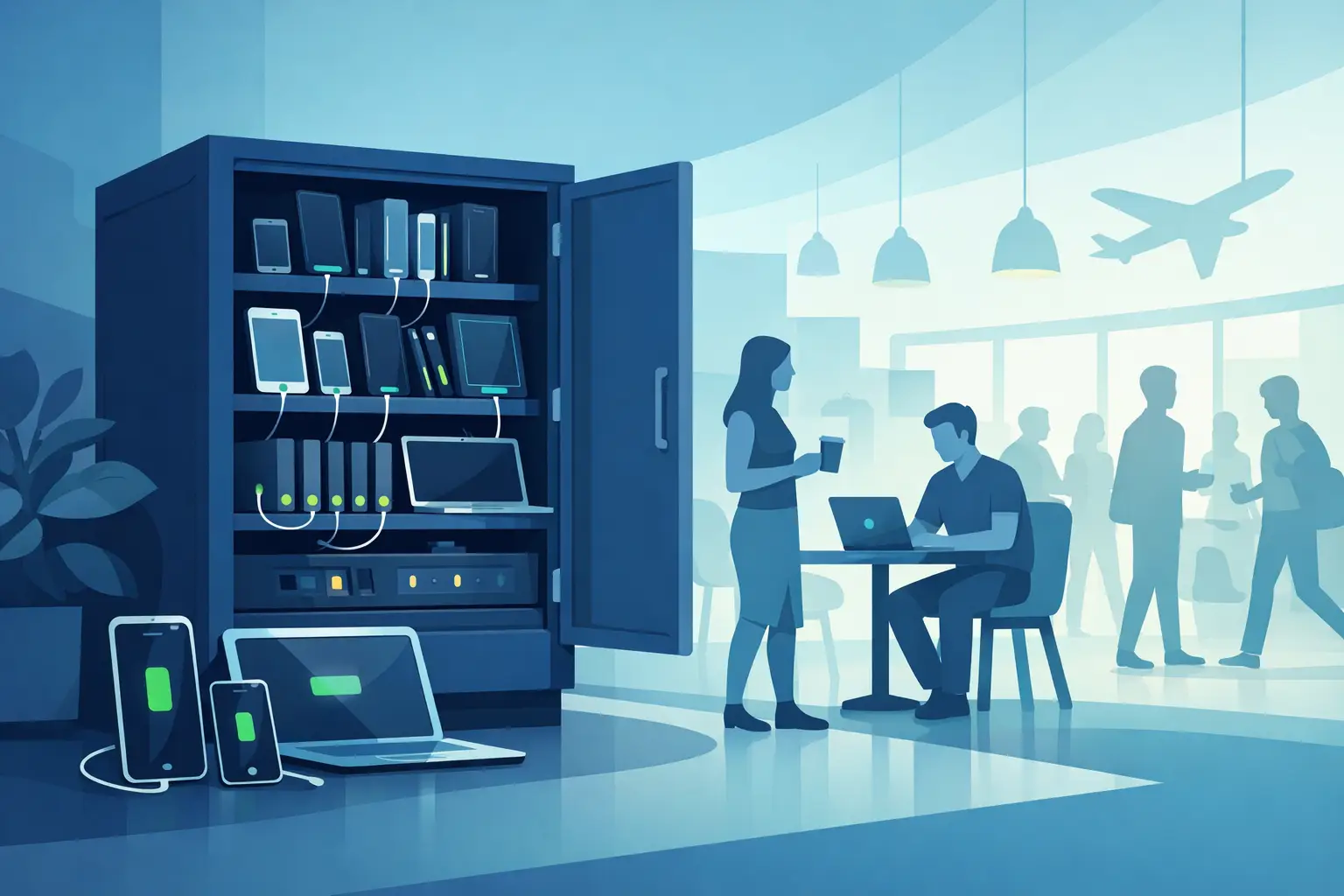
Multi device charging cabinets give visitors secure power, help staff manage shared devices, and create a practical amenity or revenue stream for venues.
How to Rent Charging Stations for Your Event
Sep 04, 2026
Learn how to rent charging stations for events, offices, and venues, from choosing secure formats to planning power, branding, delivery, and ROI needs.
Best Phone Charging for Hotels and Their Guests
Sep 02, 2026
Find the best phone charging for hotels with secure, guest-ready options that improve stays, support staff, and create new revenue opportunities on property.
Do Charging Lockers Prevent Theft at Events?
Aug 31, 2026
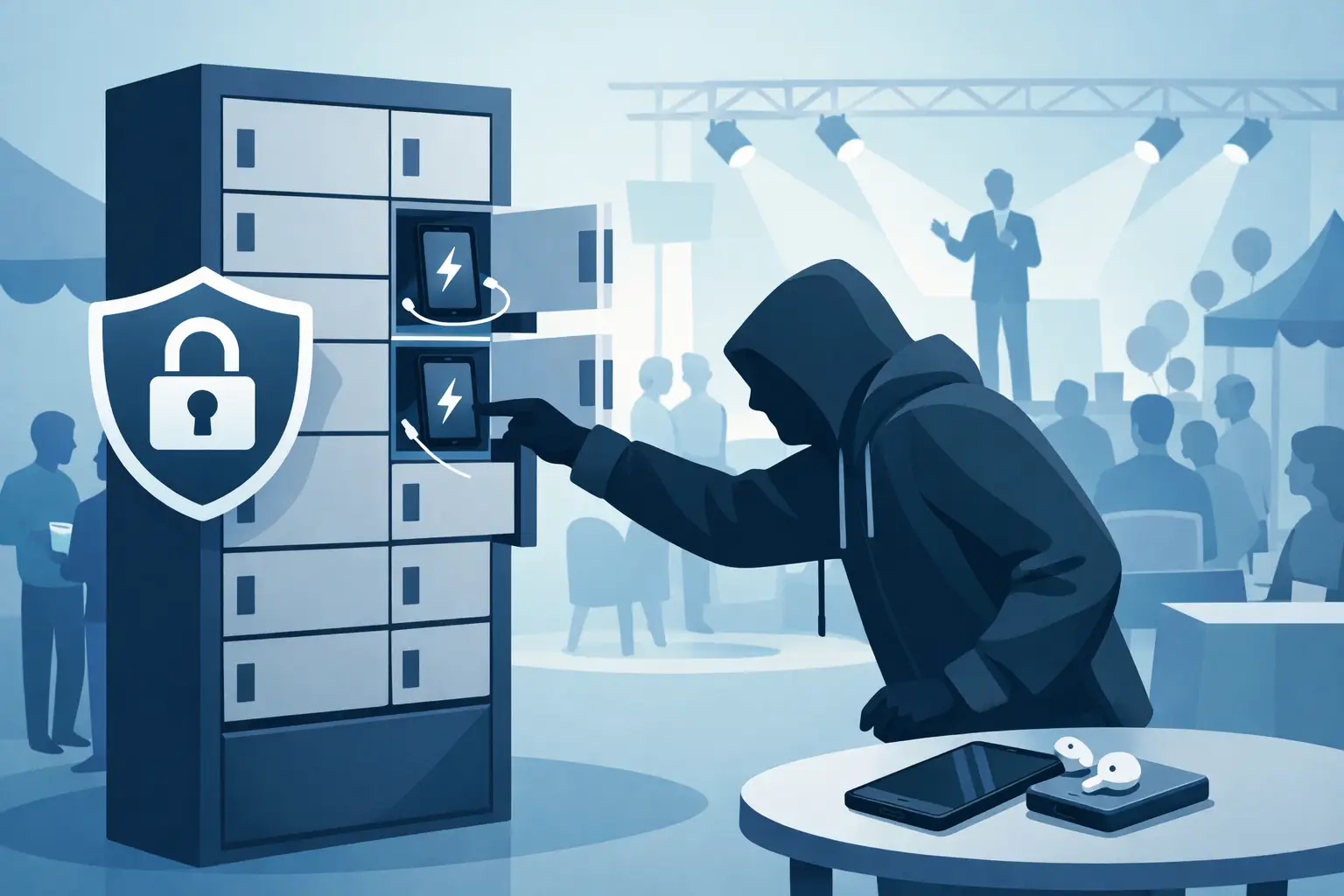
Do charging lockers prevent theft? Learn how lockable charging stations protect devices, reduce staff burden, and improve visitor confidence on site daily.
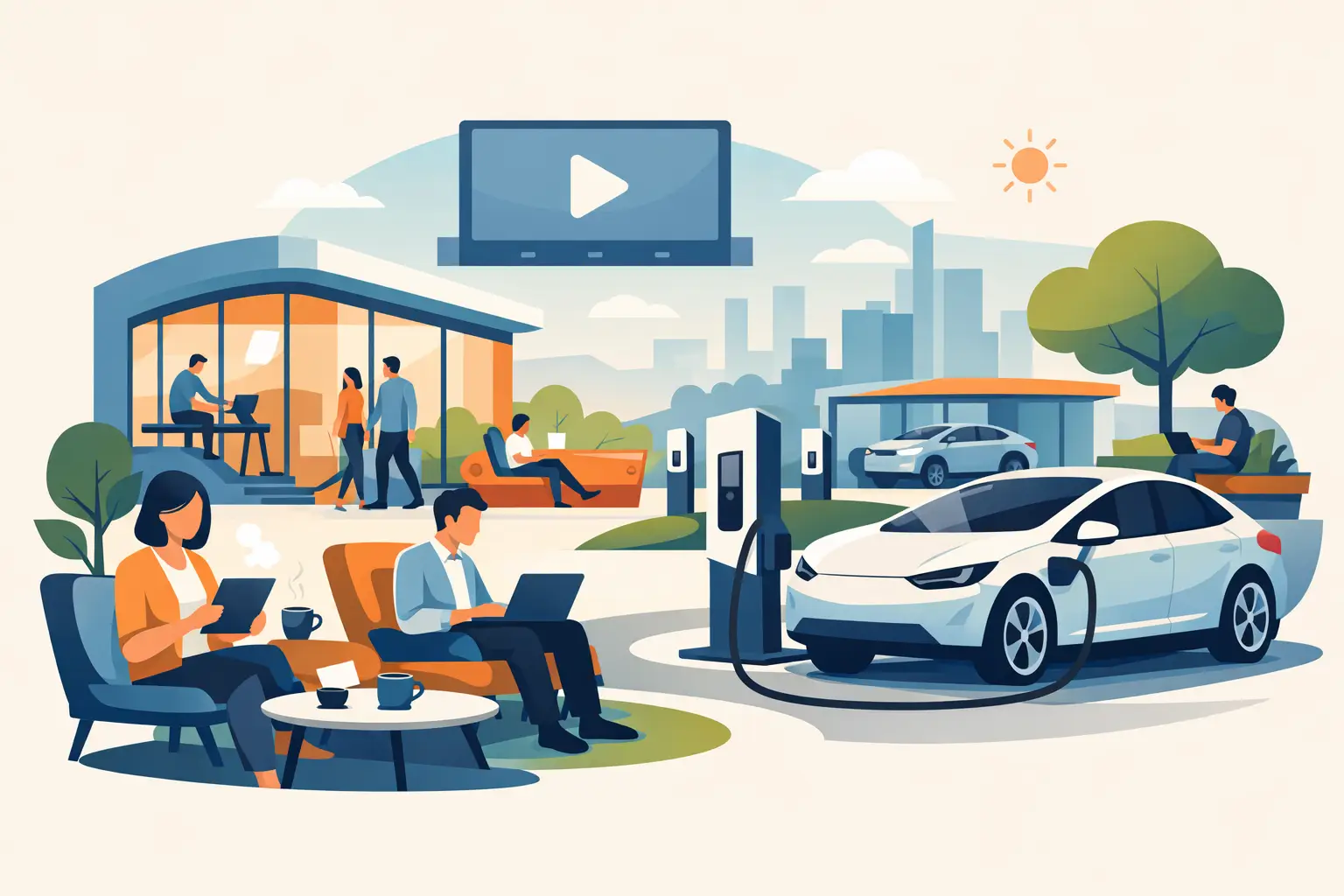
The Future of Public Charging Is Built for Dwell Time
Aug 29, 2026
The future of public charging will reward venues that pair fast, secure power with payment flexibility, strong uptime, and better visitor experiences.

How to Deploy Phone Charging Furniture Well
Aug 27, 2026
Learn how to deploy phone charging furniture in high-traffic spaces, from selecting locations and power to security, branding, pricing, and daily upkeep.
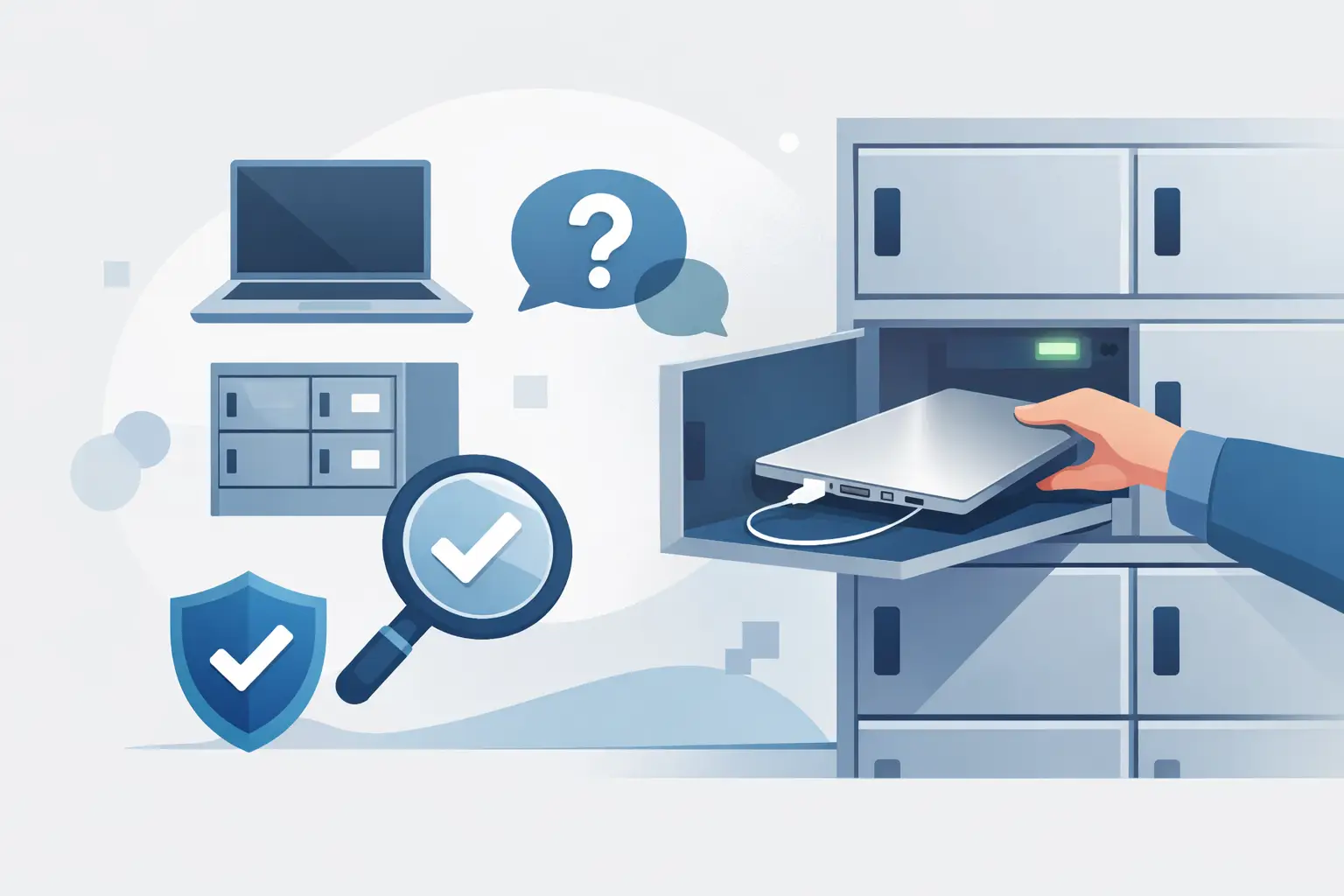
Can Charging Lockers Fit Laptops? What to Check
Aug 25, 2026
Can charging lockers fit laptops? Learn which locker dimensions, outlets, cables, and power limits support secure laptop charging at work and events today.
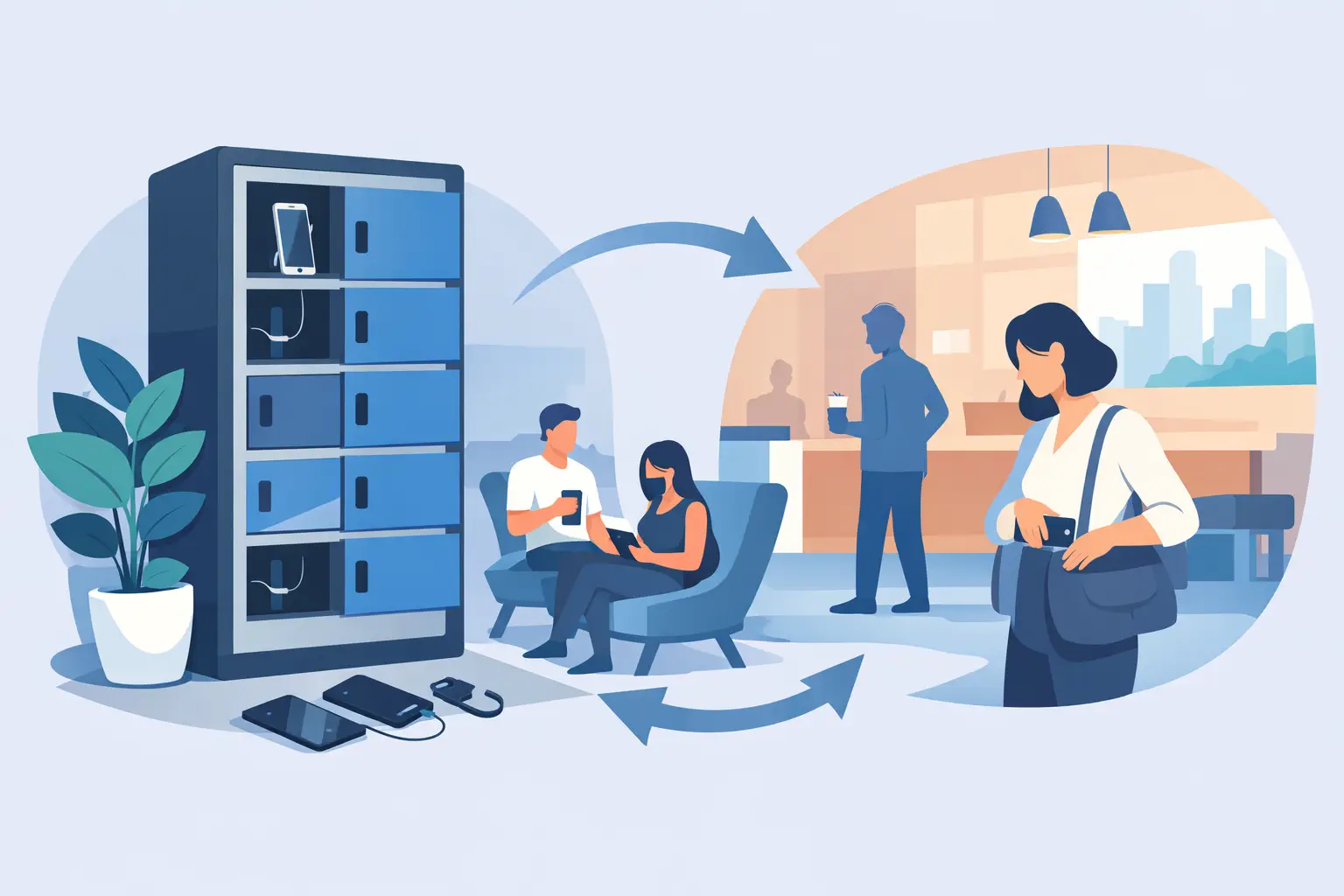
How to Lease Charging Lockers for Your Venue
Aug 23, 2026
Learn how to lease charging lockers with the right term, payment model, security features, and deployment plan for each location.
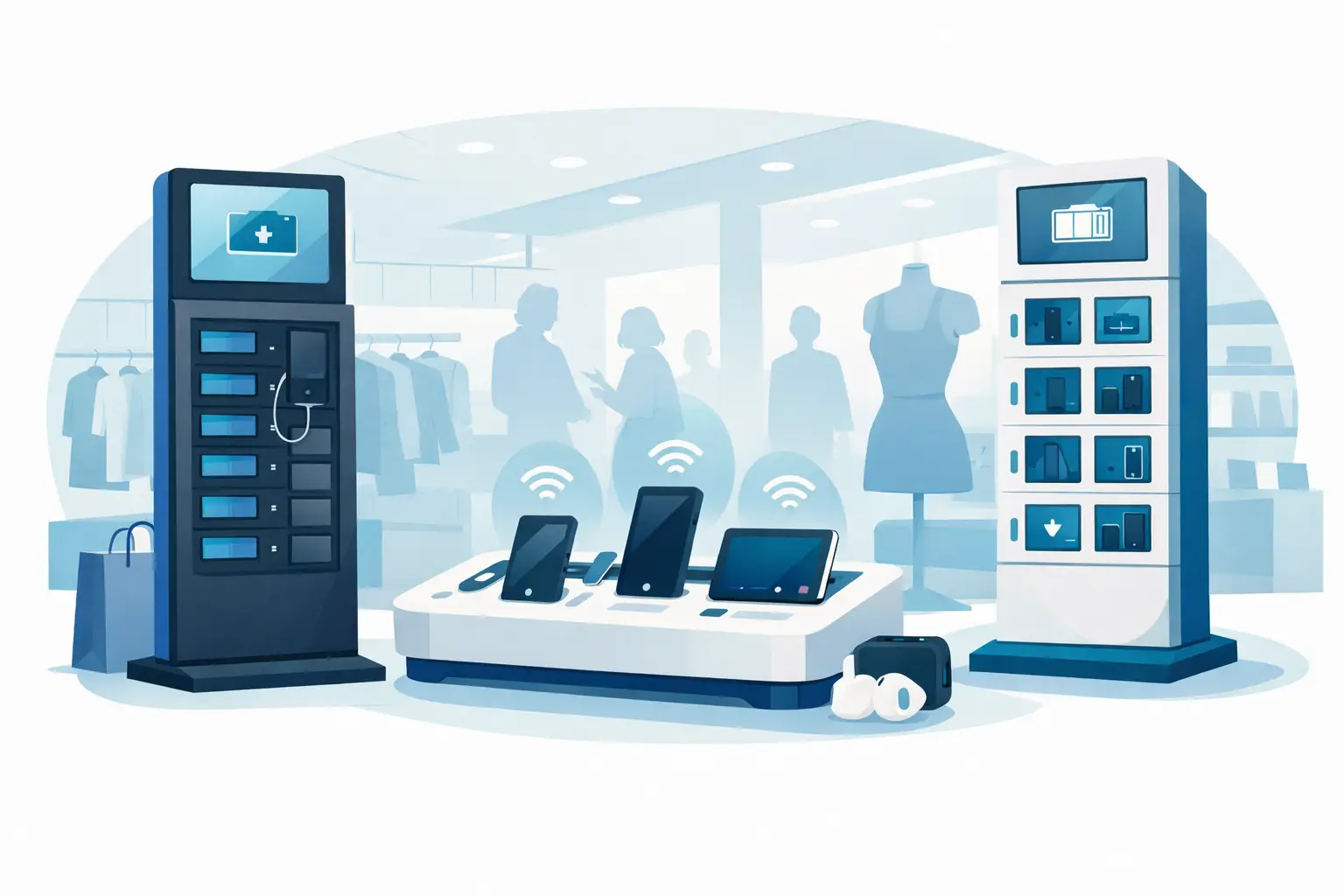
Best Charging Kiosks for Retail Stores Compared
Aug 21, 2026
Compare the best charging kiosks for retail to increase dwell time, protect customer devices, support modern USB-C needs, and create new revenue safely.
Can Charging Stations Charge Laptops Safely?
Aug 19, 2026
Can charging stations charge laptops? Learn which ports, wattages, and safety features businesses need to provide laptop power for visitors and staff.
Emergency Phone Charger Kiosk for Busy Venues
Aug 17, 2026
An emergency phone charger kiosk keeps guests connected, extends dwell time, and can turn charging access into a secure revenue opportunity for your venue today.
Fleet Device Charging Management That Works
Aug 15, 2026
Fleet device charging management keeps phones, tablets, and laptops ready, secure, and accounted for across every shift, site, and deployment without delays daily.
Best Event Phone Charging Rentals for Busy Venues
Aug 13, 2026
Find the best event phone charging rentals for secure, fast, branded power that keeps attendees engaged, extends dwell time, and can create event revenue.
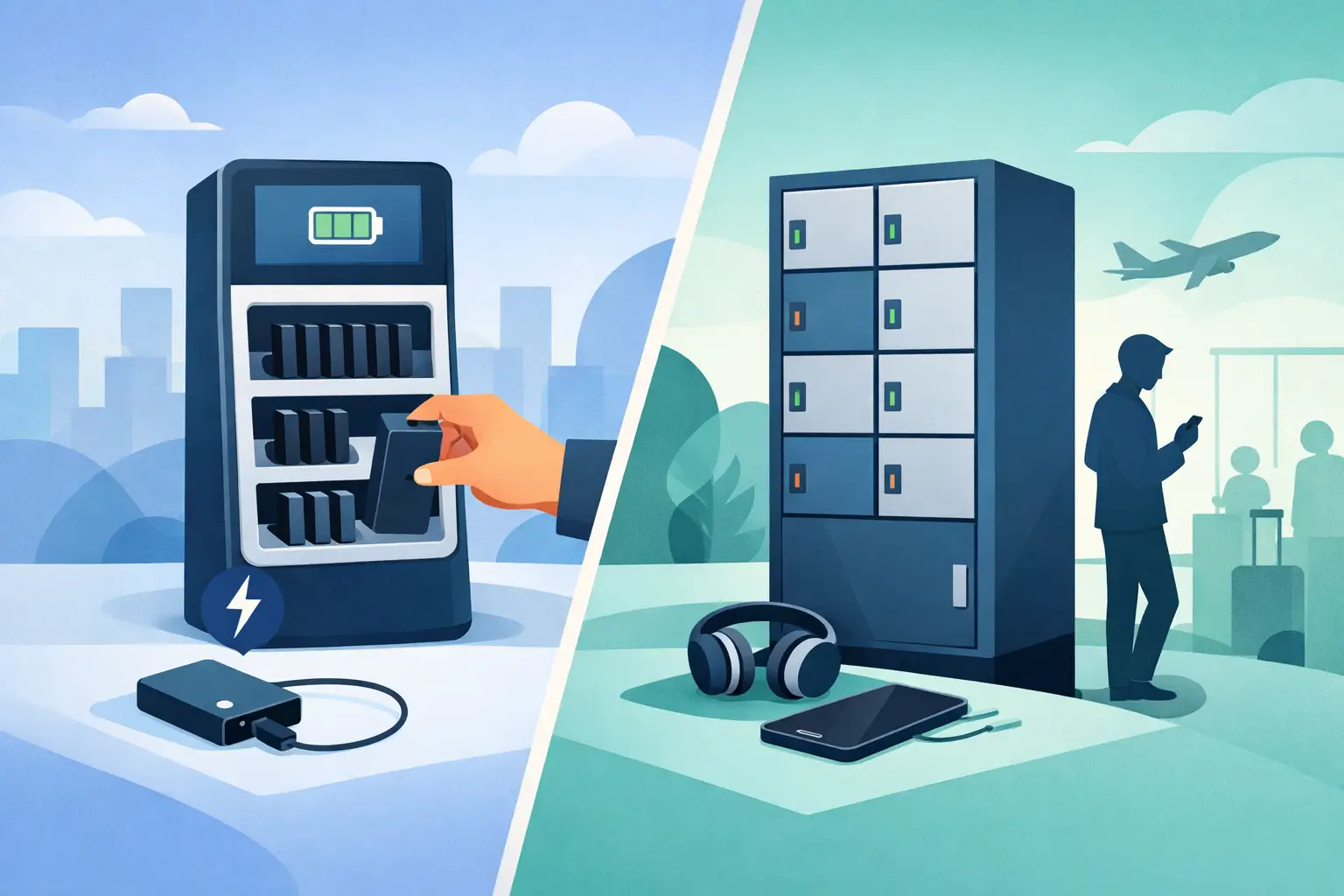
Power Bank Rental vs Lockers: Which Fits?
Aug 11, 2026
Compare power bank rental vs lockers to choose the right charging solution for your venue, event, or workplace and improve guest experience and ROI today.
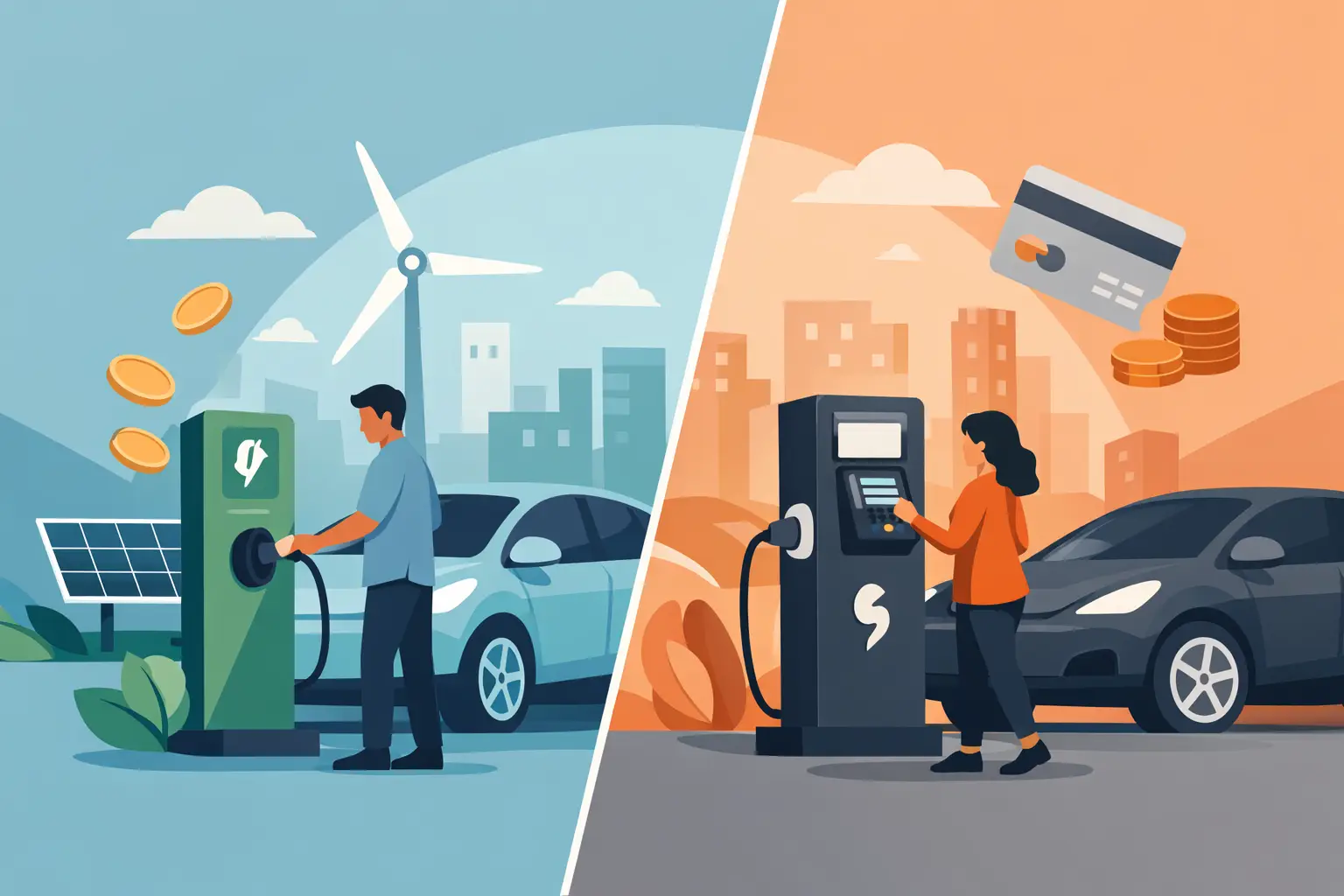
Free Charging vs Paid Charging: Which Works?
Aug 09, 2026
Free charging vs paid charging can improve visitor experience or create revenue. Learn how to choose the right model for your venue, event, or workplace.
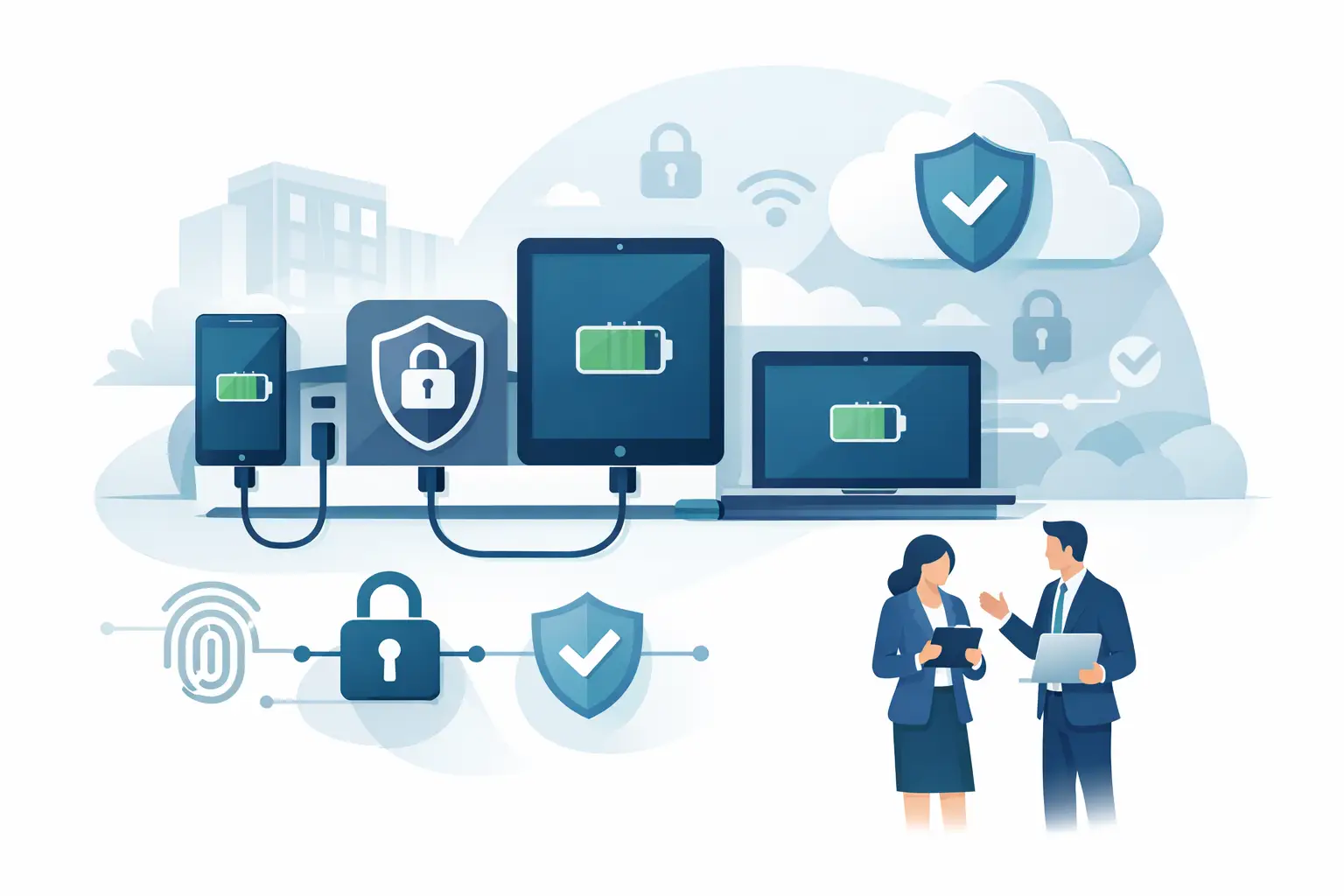
Secure Device Charging Guide for Businesses
Aug 07, 2026
Use this secure device charging guide to protect phones, tablets, and laptops while providing reliable, convenient power for every guest at your venue.
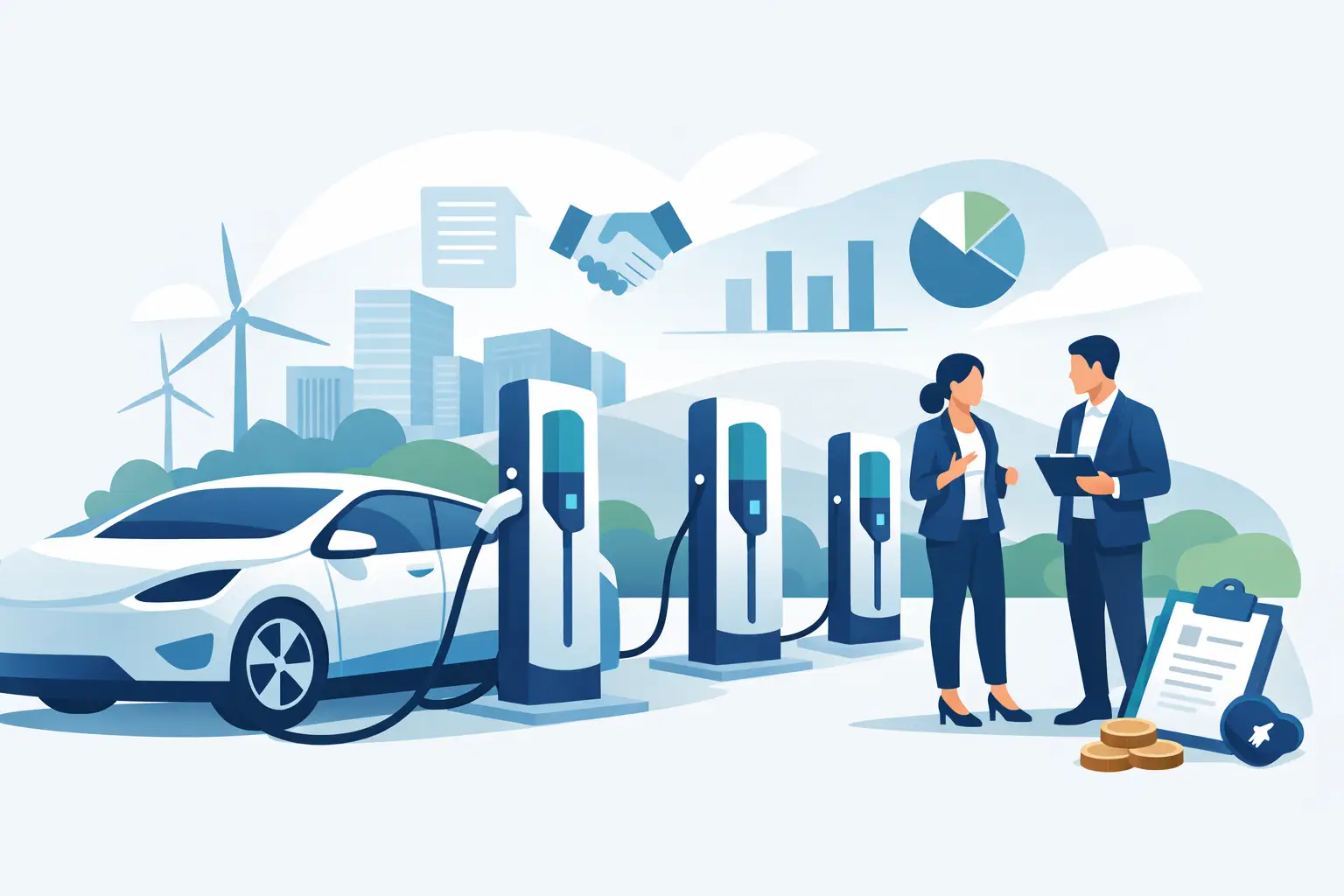
Charging Station Leasing Guide for Businesses
Aug 04, 2026
Use this charging station leasing guide to compare terms, station types, payment options, and ROI before adding secure device charging to your space today.
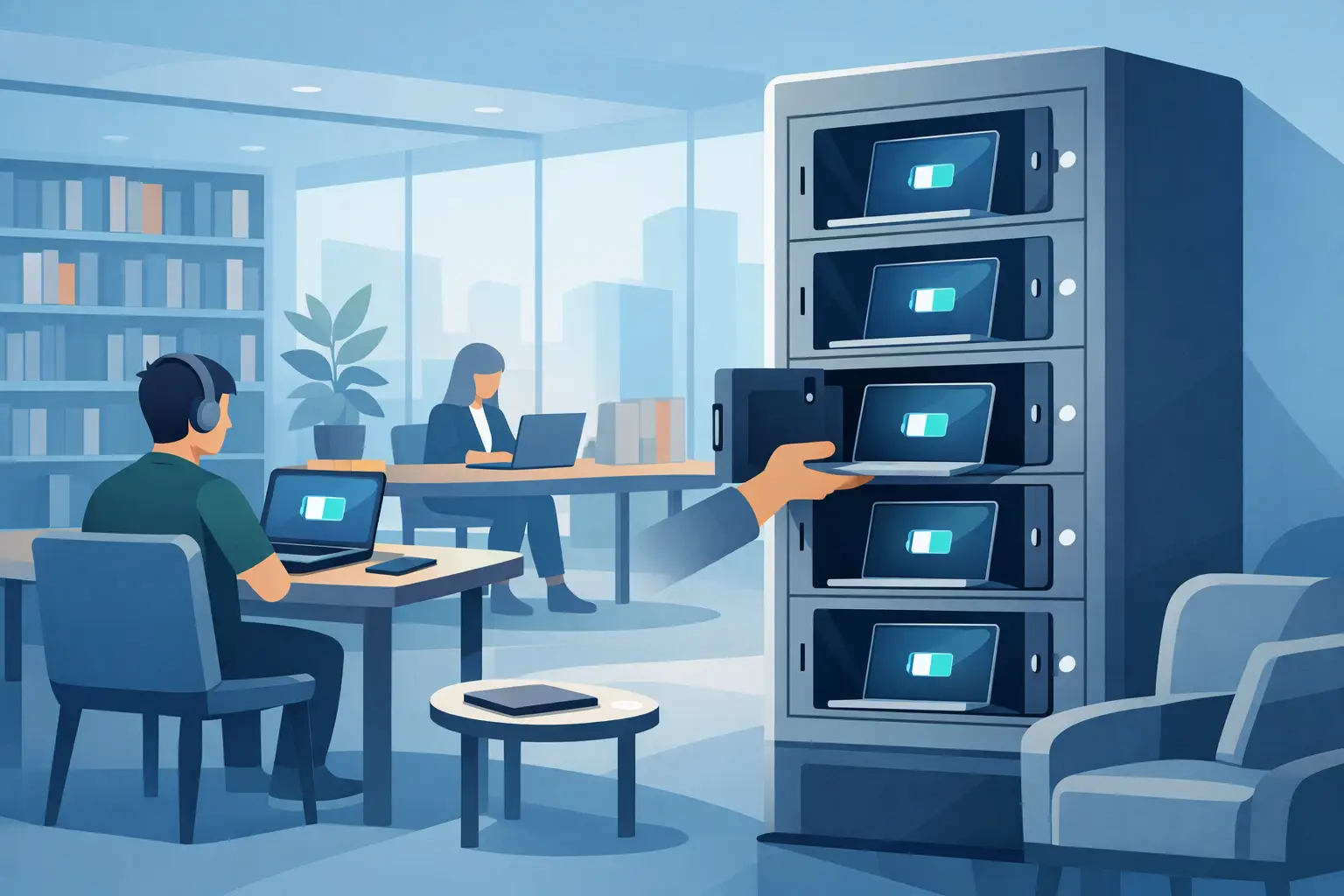
Laptop Charging Kiosk for Libraries That Works
Aug 03, 2026
Choose a laptop charging kiosk for libraries with secure storage, laptop-ready power, simple access, and a funding model that fits your space reliably.
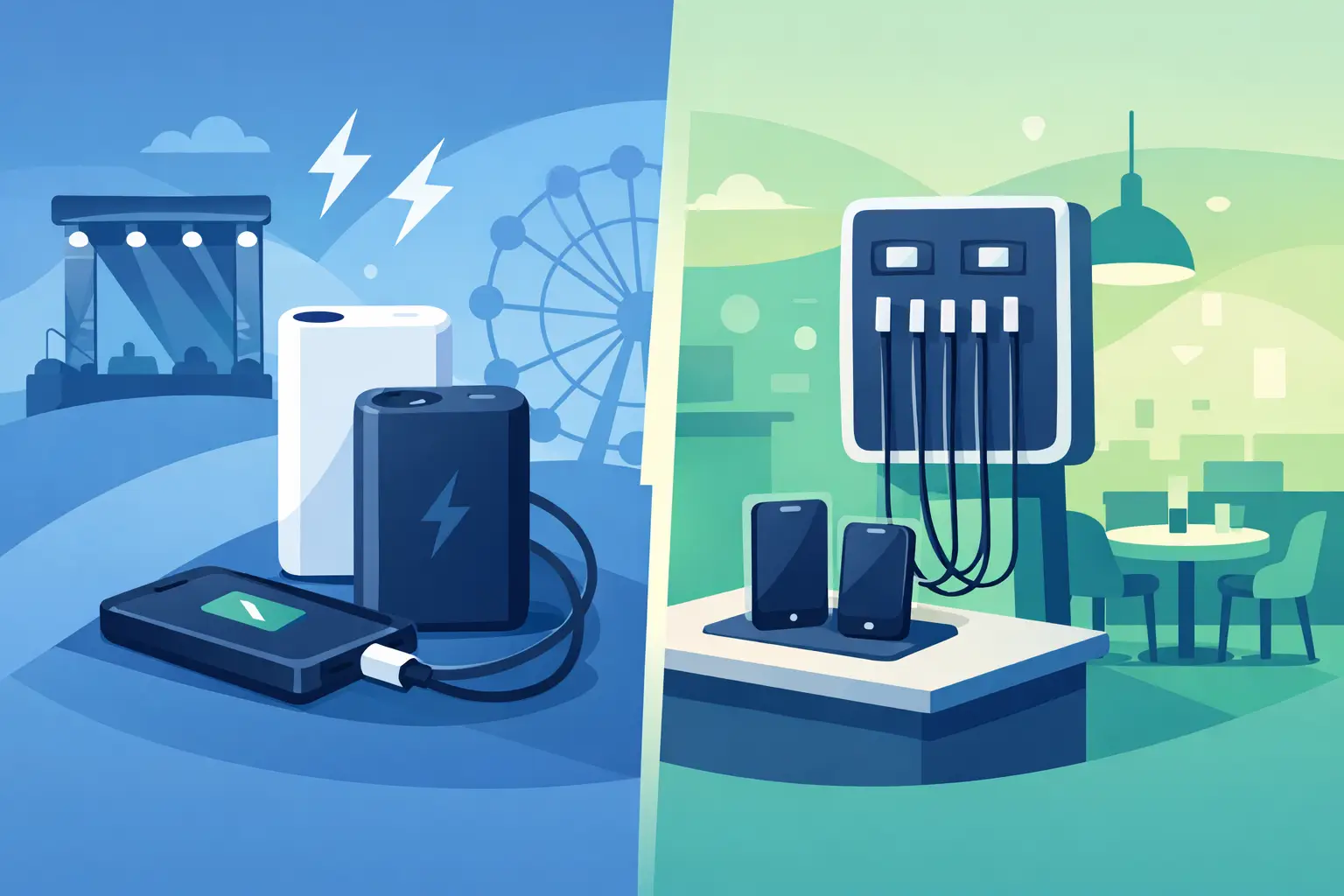
Power Banks vs Fixed Chargers for Venues
Aug 01, 2026
Compare power banks vs fixed chargers for events, venues, and workplaces. Choose secure charging that improves guest experience, uptime, and revenue onsite.
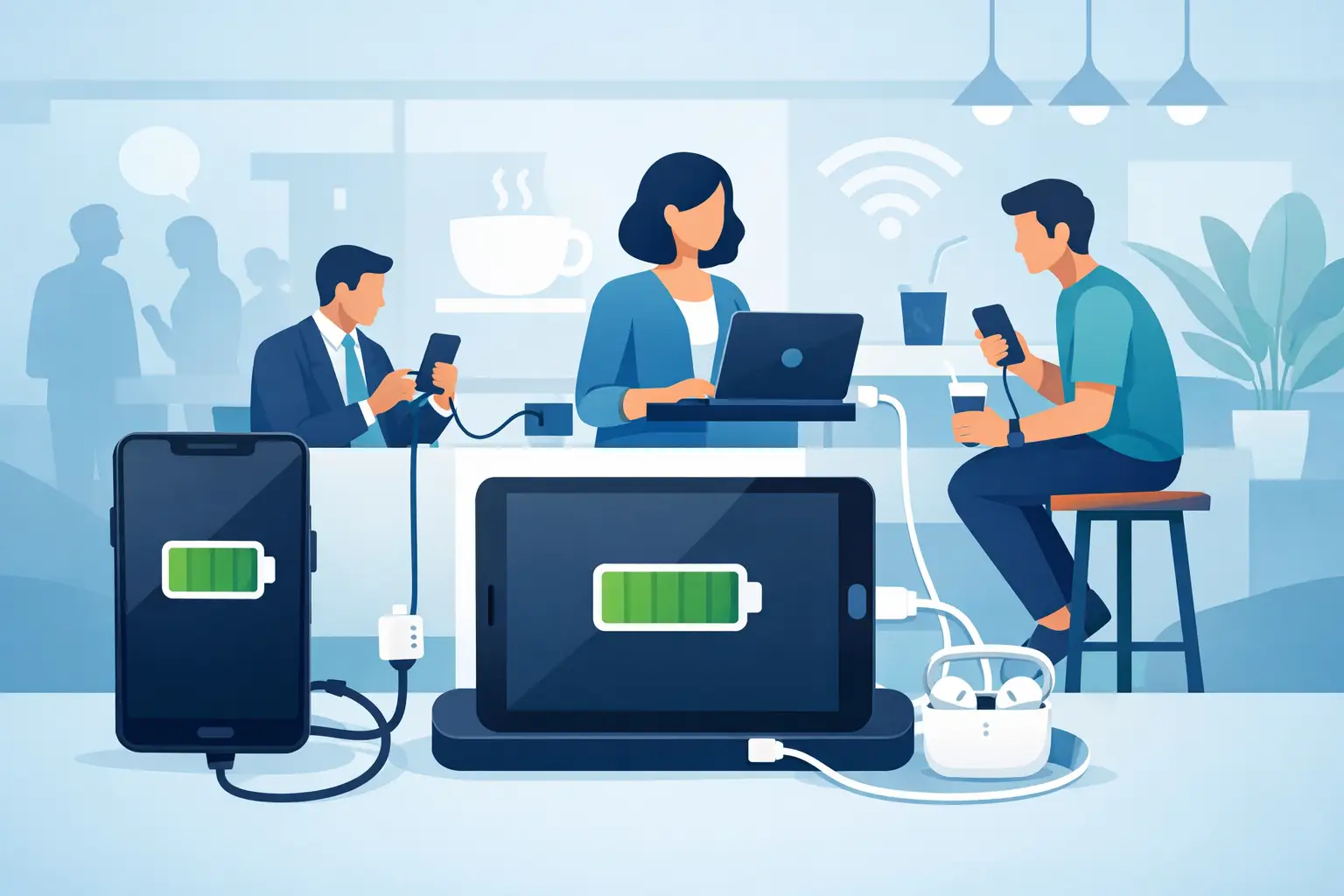
Why Offer Free Device Charging at Your Venue?
Jul 29, 2026
Why offer free device charging? Learn how it keeps visitors engaged, strengthens your brand, supports operations, and can create new revenue opportunities.
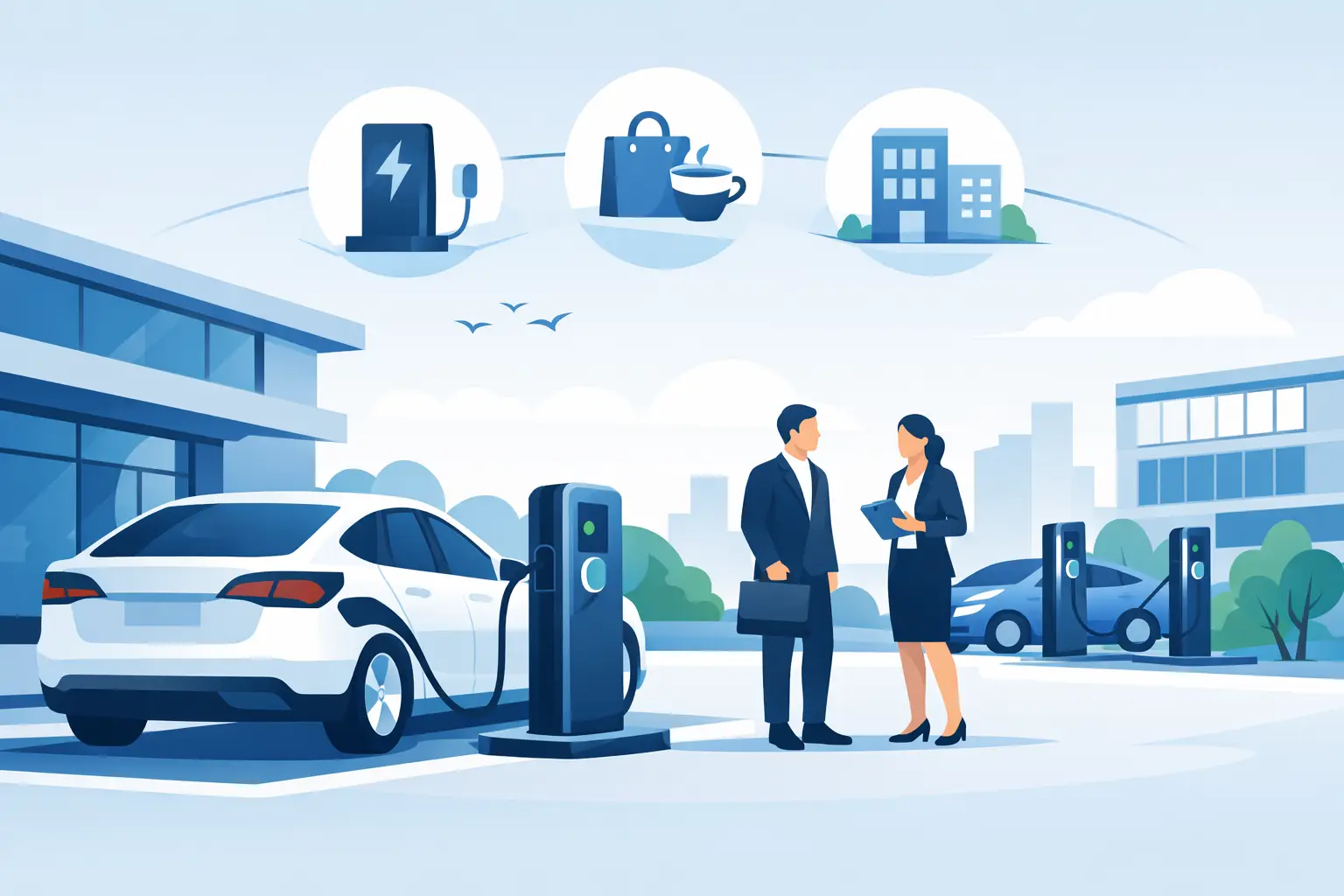
Public Charging Station Benefits for Business
Jul 27, 2026
Public charging station benefits include longer visits, happier guests, stronger brand visibility, and practical revenue options for high-traffic venues.

Phone Charging Lockers for Gyms That Members Use
Jul 26, 2026
Phone charging lockers for gyms keep members powered, valuables secure, and workouts on track while creating a valuable amenity or revenue opportunity.
Best Charging Lockers for Offices in 2026
Jul 23, 2026
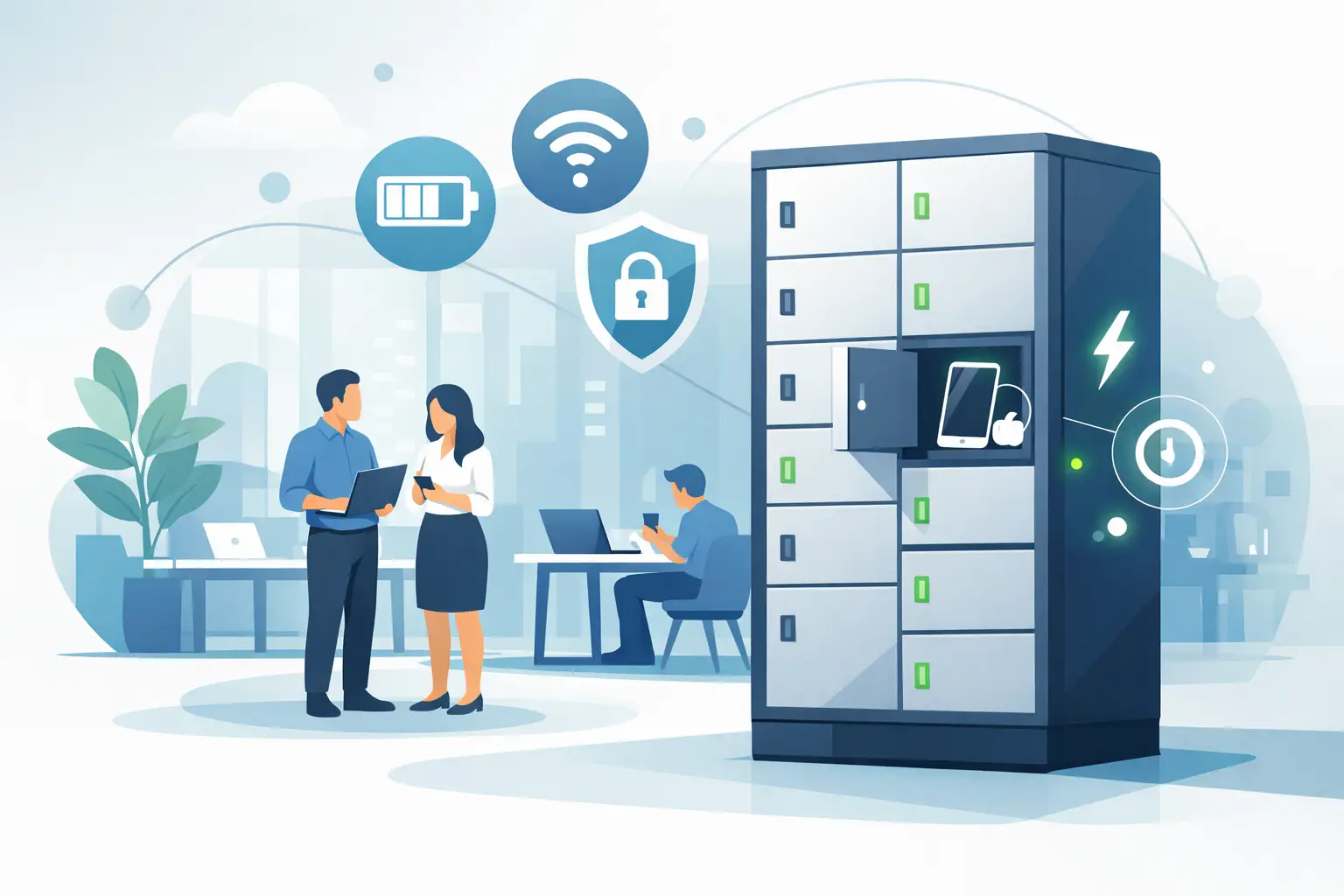
Find the best charging lockers for offices with secure storage, USB-C support, smart access, and the right capacity for staff, guests, and shared devices.
Phone Charging Stations That Work Harder
Jul 21, 2026
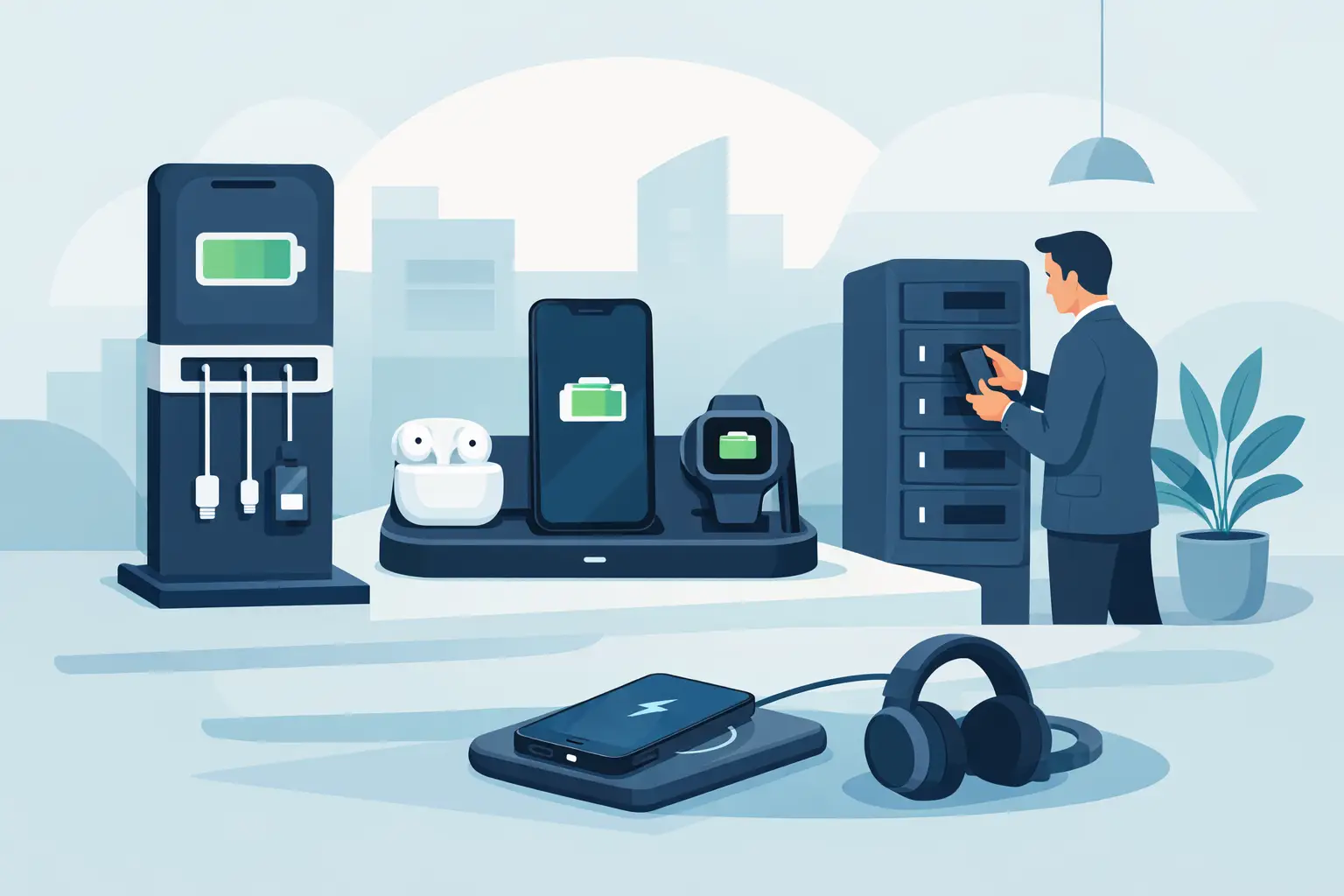
Phone charging stations keep guests engaged, staff productive, and events moving. Learn how to choose secure, scalable options that can earn revenue too.

How to Deploy Charging Amenities That Pay Off
Jul 19, 2026
Learn how to deploy charging amenities that keep visitors powered, increase dwell time, support operations, and create revenue in any venue with clarity.
Secure Charging for Employee Devices at Work
Jul 18, 2026
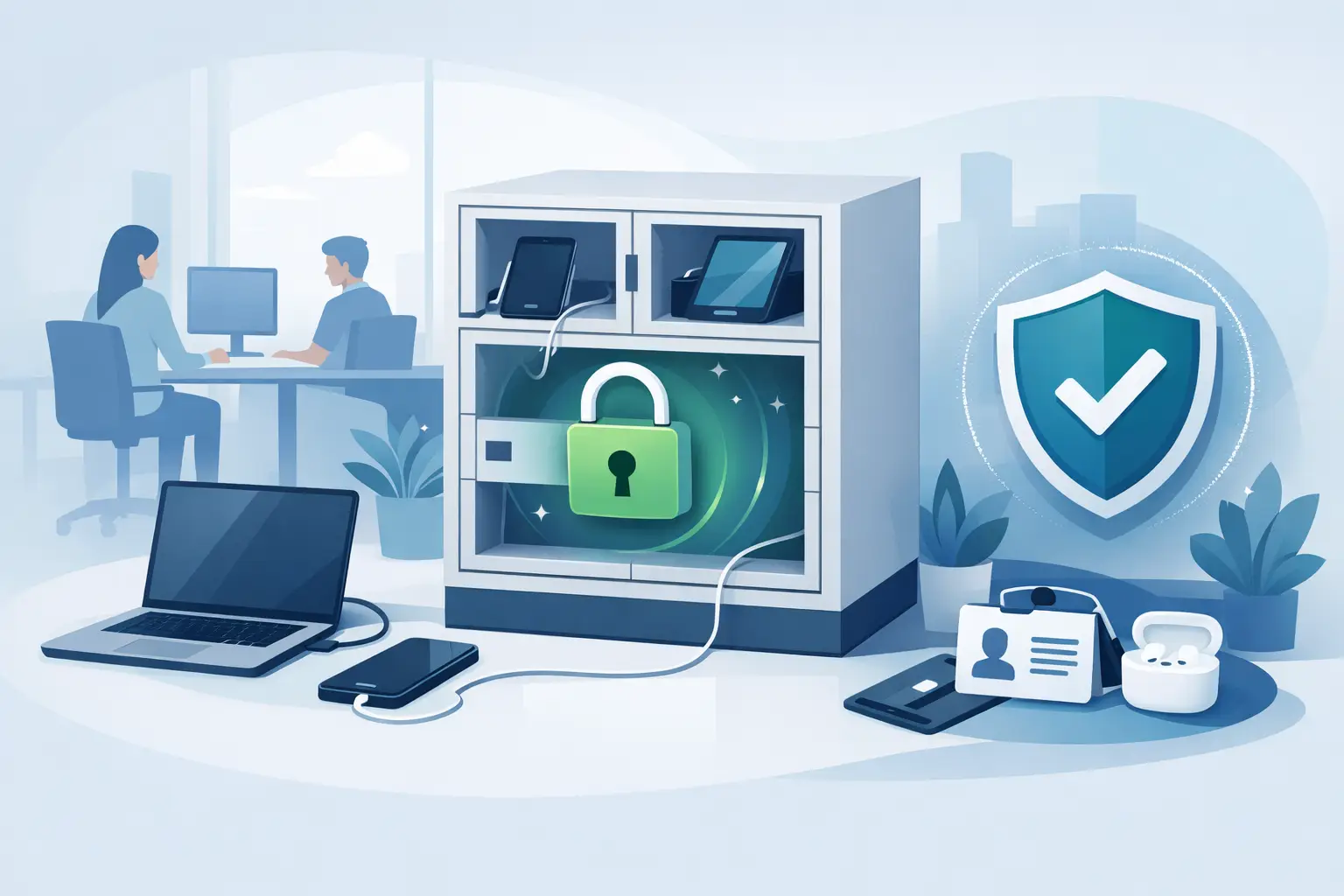
Secure charging for employee devices keeps work moving while protecting phones, tablets, and laptops. Learn what a practical workplace setup needs today.
Venue Device Charging Solutions That Pay Off
Jul 16, 2026
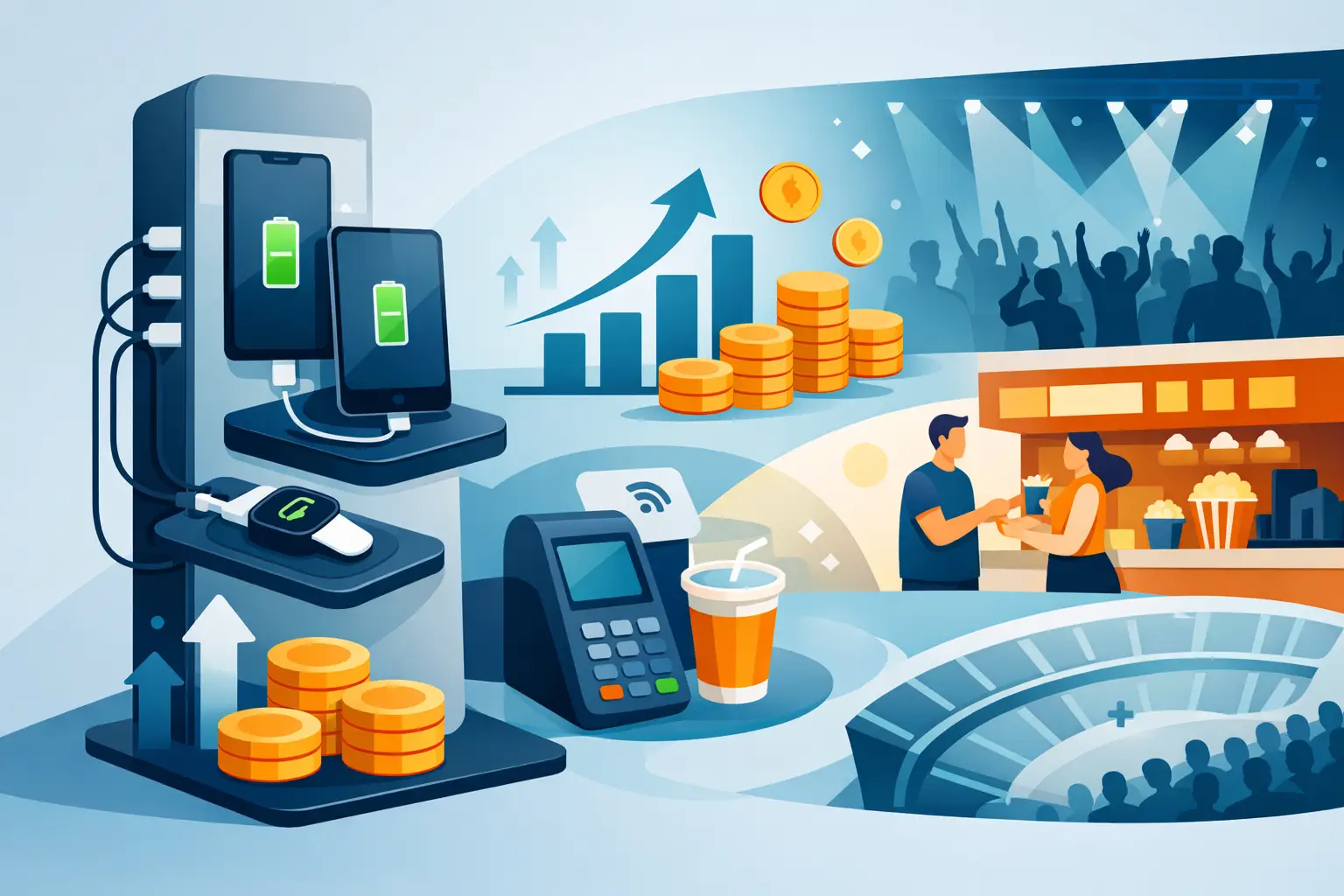
Venue device charging solutions keep guests connected, increase dwell time, protect devices, and can create new revenue at events and public spaces daily.
Can Charging Kiosks Take Payments? Yes, Here’s How
Jul 14, 2026
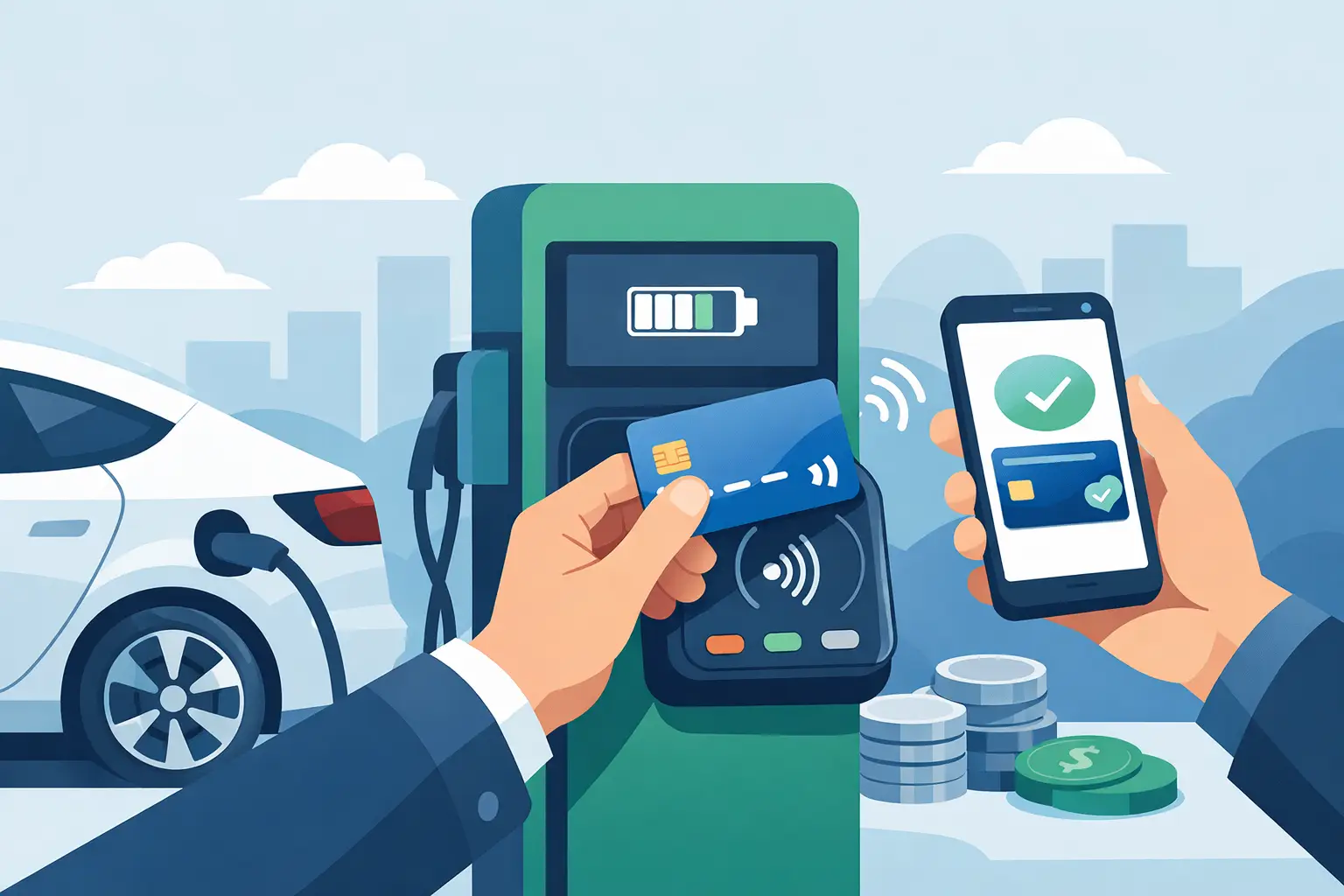
Can charging kiosks take payments? See how POS-enabled charging turns low-battery demand into convenience, longer visits, and new venue revenue streams.

Custom Branded Charging Stations That Earn Attention
Jul 11, 2026
Custom branded charging stations turn low-battery stress into longer visits, stronger brand visibility, and a practical revenue opportunity for venues.
Charging Kiosks That People Actually Use
Jul 10, 2026
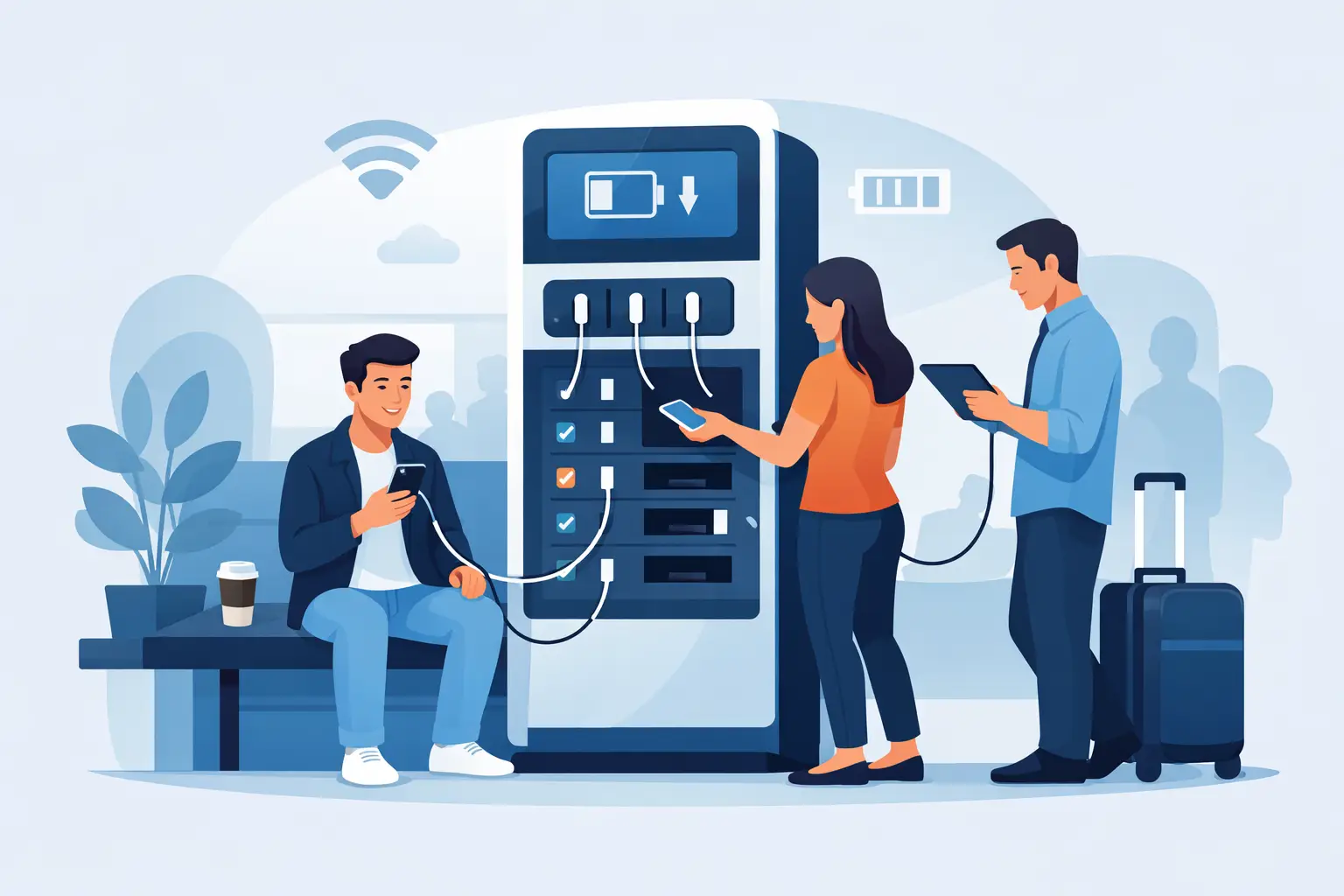
Charging kiosks keep guests powered, on-site, and engaged. Learn how to choose the right setup for security, revenue, and everyday use.
Charging Stations for Convention Centers
Jul 08, 2026
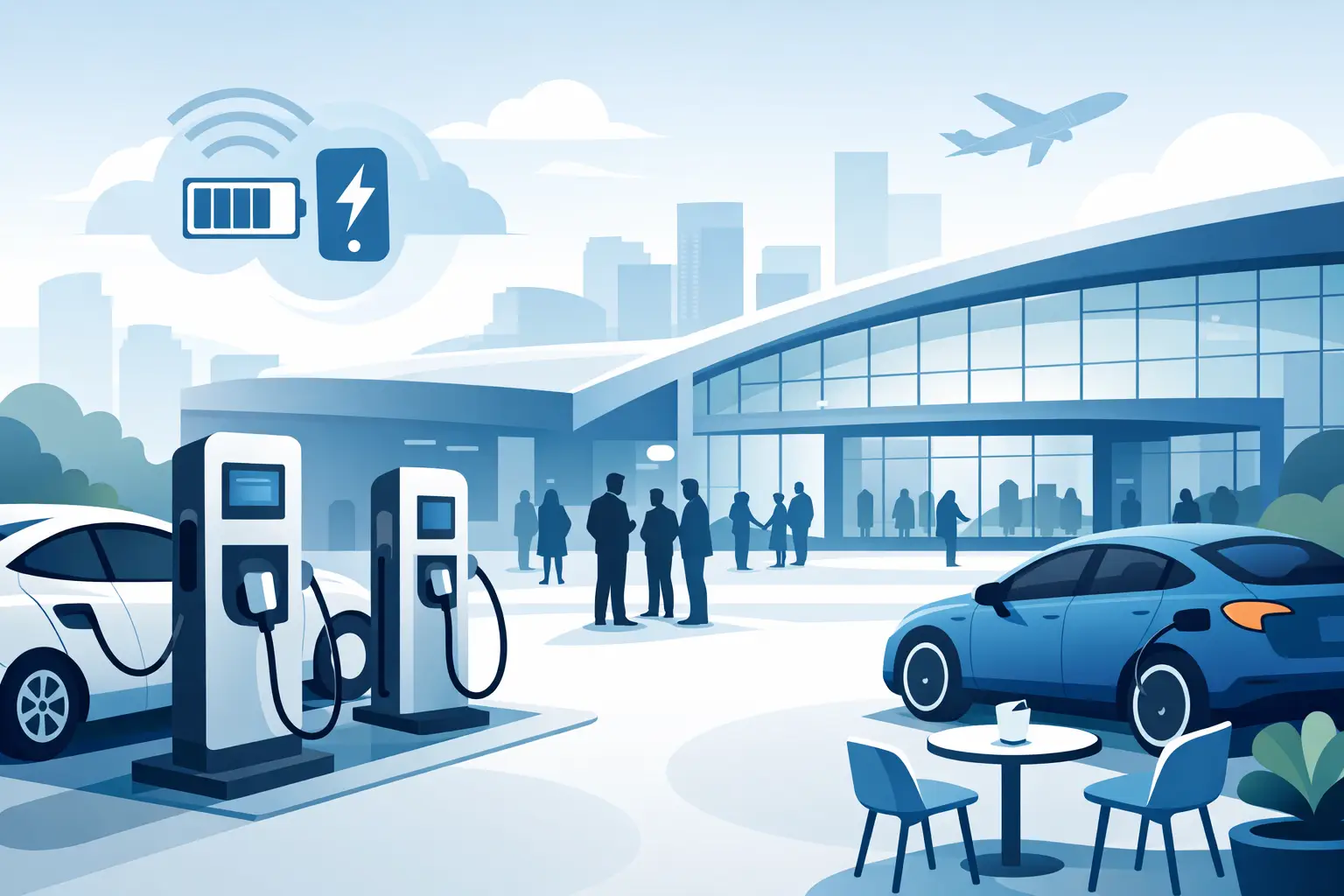
Charging stations for convention centers reduce attendee stress, boost dwell time, support sponsors, and create new revenue opportunities.
How to Lease Charging Kiosks Smartly
Jul 06, 2026
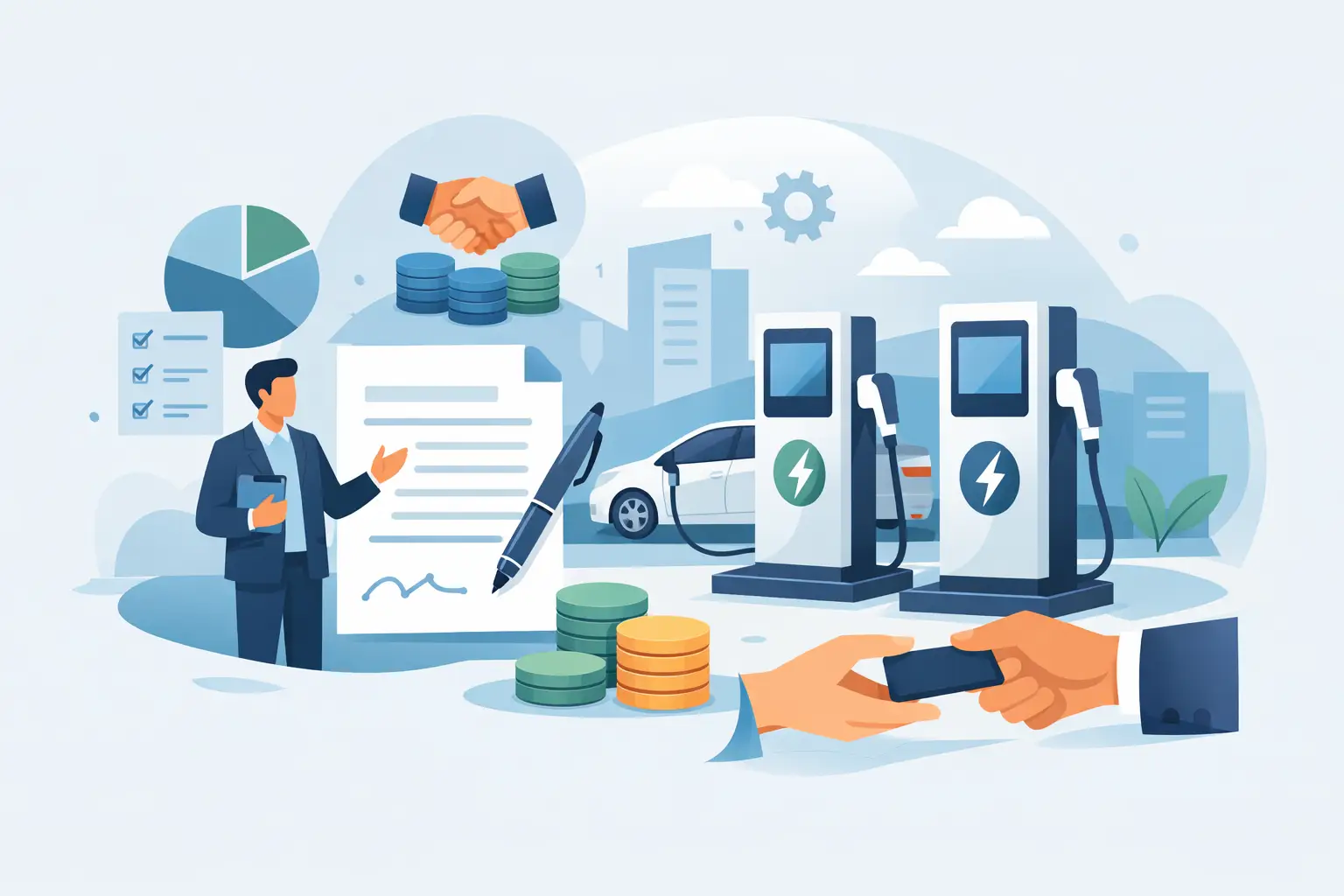
Learn how to lease charging kiosks with the right terms, pricing, features, and support so your venue adds convenience and potential revenue.
Visitor Amenity Charging Kiosk: What to Buy
Jul 04, 2026
A visitor amenity charging kiosk helps venues keep guests powered, engaged, and on-site while supporting security, branding, and revenue goals.
Business Charging Station Buying Guide
Jul 02, 2026
Business charging station buying guide for choosing secure, scalable charging solutions that improve guest experience and create revenue.
Contactless Payment Charging Station Benefits
Jun 30, 2026
A contactless payment charging station helps venues boost convenience, capture revenue, and keep guests engaged without adding operational friction.
How to Choose Charging Lockers for Your Space
Jun 28, 2026
Learn how to choose charging lockers for events, venues, offices, and retail spaces based on security, device mix, power needs, and ROI.
Are Public Charging Stations Safe to Use?
Jun 26, 2026
Are public charging stations safe to use? Learn the real risks, how secure charging stations work, and what businesses should provide.
Best Desktop Charging Station for Office Use
Jun 24, 2026
Find the right desktop charging station for office use with tips on safety, device mix, cable management, security, and long-term value.
Leasing vs Buying Charging Stations
Jun 22, 2026
Leasing vs buying charging stations comes down to budget, flexibility, and ROI. Learn which model fits events, venues, offices, and retail.
Charging Lockers vs Kiosks: What Fits Best?
Jun 20, 2026
Charging lockers vs kiosks: compare security, throughput, revenue, and fit by venue so you can choose the right charging setup for your space.

Charging Locker ROI Calculator Guide
Jun 17, 2026
Use a charging locker ROI calculator to estimate payback, revenue, and visitor impact. Learn which costs, assumptions, and metrics matter most.
How to Monetize Charging Kiosks
Jun 16, 2026
Learn how to monetize charging kiosks with the right pricing, placement, sponsorships, and formats to turn charging access into revenue.
What Is Juice Jacking Protection?
Jun 13, 2026
What is juice jacking protection? Learn how it blocks data theft through USB ports and why businesses should offer safer public charging access.
USB C Charging Trends Businesses Should Track
Jun 12, 2026
USB C charging trends are reshaping public, workplace, and event charging. See what matters for compatibility, speed, safety, and ROI.
USB C Charging Station Commercial Guide
Jun 09, 2026
A practical look at usb c charging station commercial options, including use cases, power, security, placement, pricing, and ROI for busy venues.
Charging Table for Waiting Room Buyers
Jun 08, 2026
A charging table for waiting room spaces keeps guests powered, improves dwell time, and adds convenience without adding operational friction.

What a Custom Charging Kiosk Wrap Should Do
Jun 07, 2026
A custom charging kiosk wrap should attract attention, fit the venue, and support ROI. Learn what to include and what to avoid.
Branded Charging Station for Events That Works
Jun 06, 2026
A branded charging station for events keeps guests powered, boosts dwell time, supports sponsors, and adds measurable value to the event floor.
Conference Charging Locker Rental That Works
Jun 05, 2026
Conference charging locker rental keeps attendees powered, secure, and engaged while creating smoother events, stronger sponsor value, and revenue.
Trade Show Phone Charging Station Guide
Jun 04, 2026
A trade show phone charging station can boost booth traffic, dwell time, and leads while reducing attendee battery stress and improving event ROI.
Event Charging Station Rental That Works
Jun 03, 2026
Event charging station rental keeps guests powered, engaged, and on site longer. Learn what to rent, what to ask, and how to avoid event-day issues.

Free Phone Charging Station Retail ROI
Jun 02, 2026
See how free phone charging station retail setups increase dwell time, improve customer experience, and support smarter in-store traffic flow.
Charging Kiosk With Payment System: Worth It?
Jun 01, 2026
A charging kiosk with payment system can add revenue, improve guest experience, and extend dwell time. Here's how to choose the right setup.
Pay Per Use Charging Station ROI Explained
May 31, 2026
Learn how a pay per use charging station creates revenue, improves visitor experience, and fits retail, events, offices, and public venues.
Power Bank Rental Station Buyer’s Guide
May 30, 2026
A power bank rental station helps venues keep guests charged, boost dwell time, and create revenue with flexible, low-friction charging access.
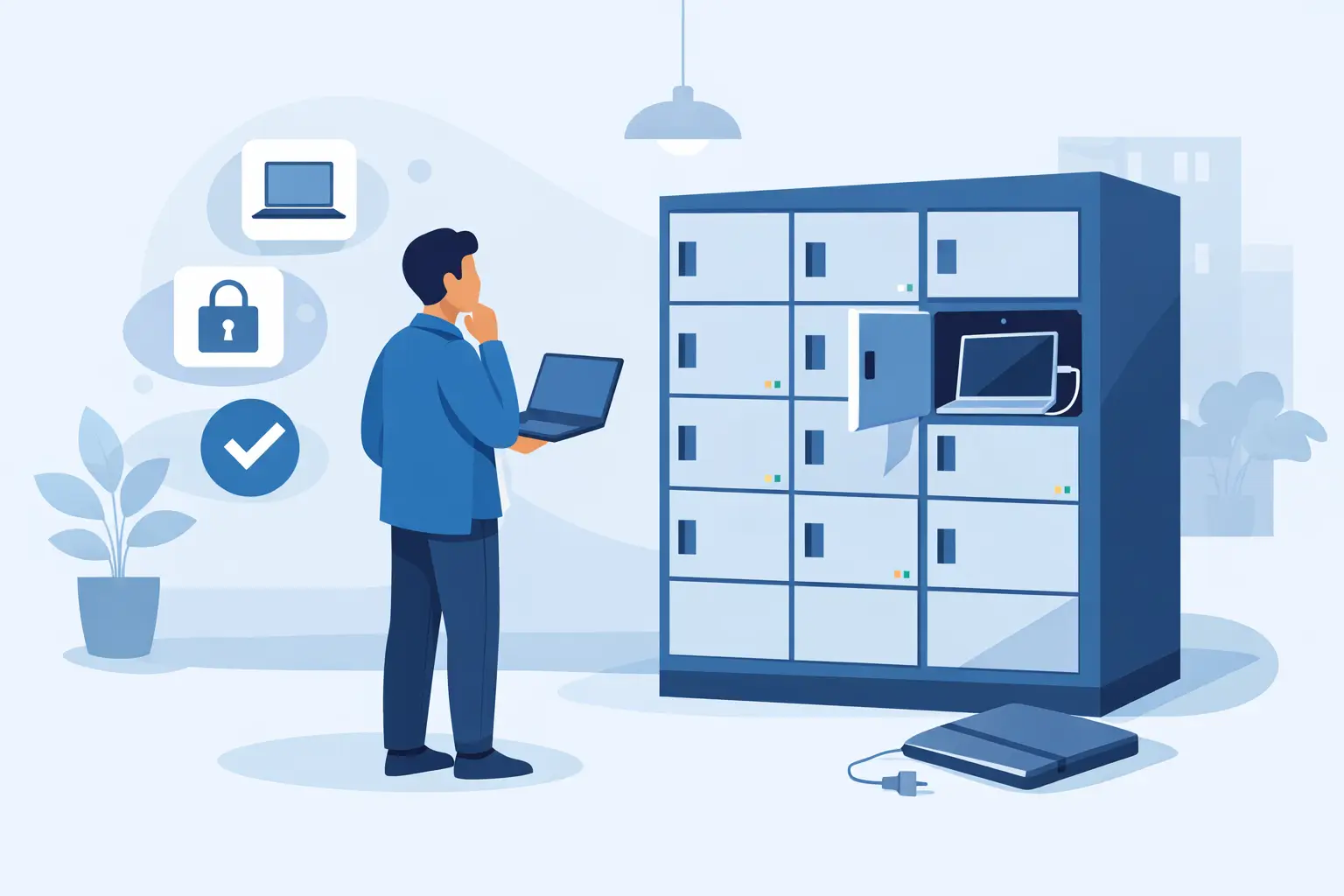
Choosing a Laptop Charging Locker Cabinet
May 29, 2026
Learn how to choose a laptop charging locker cabinet for offices, schools, events, and venues with the right mix of security, power, and ROI.
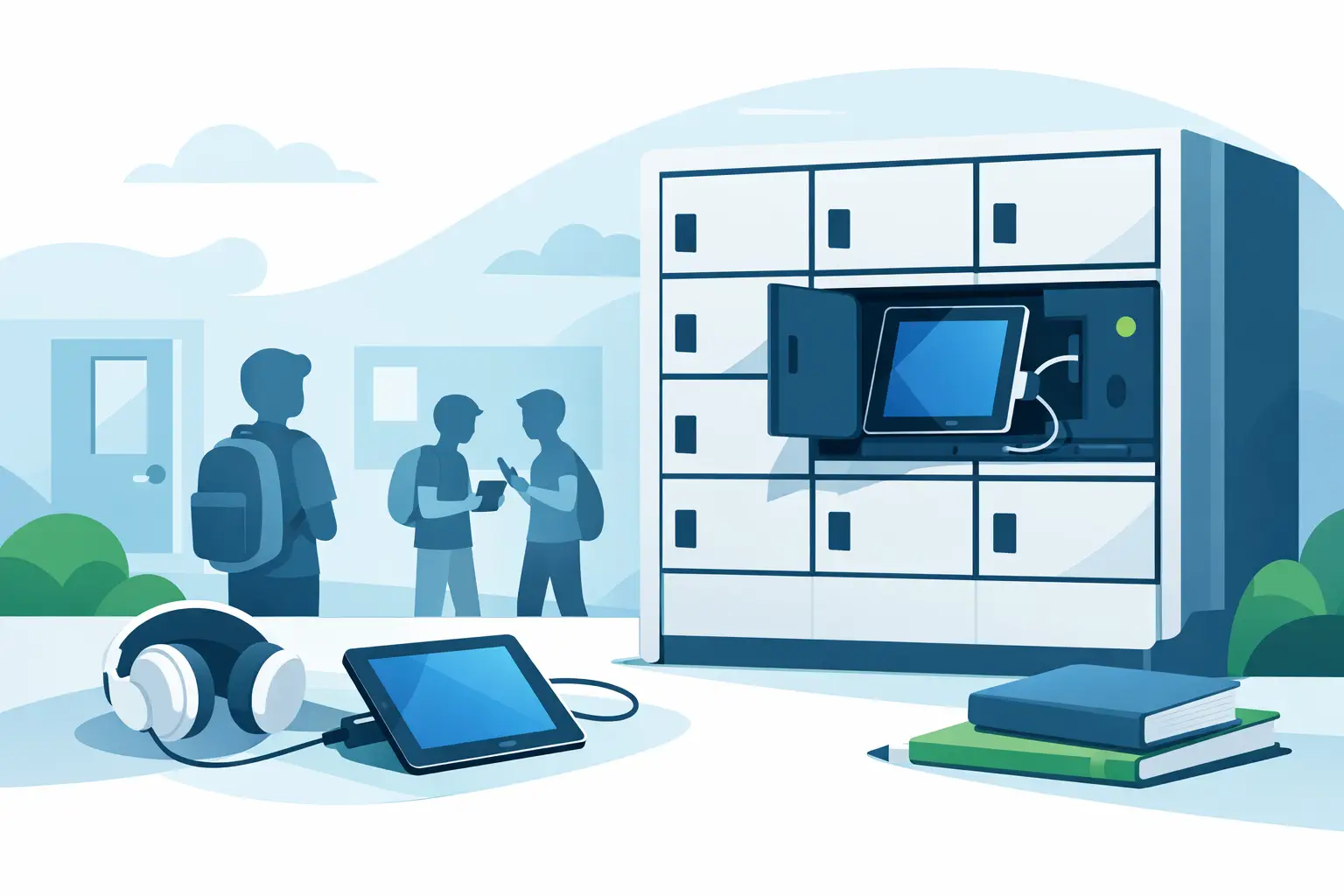
Tablet Charging Locker for Schools: What Matters
May 28, 2026
A tablet charging locker for schools improves device security, charging access, and classroom readiness. Here’s what buyers should evaluate.
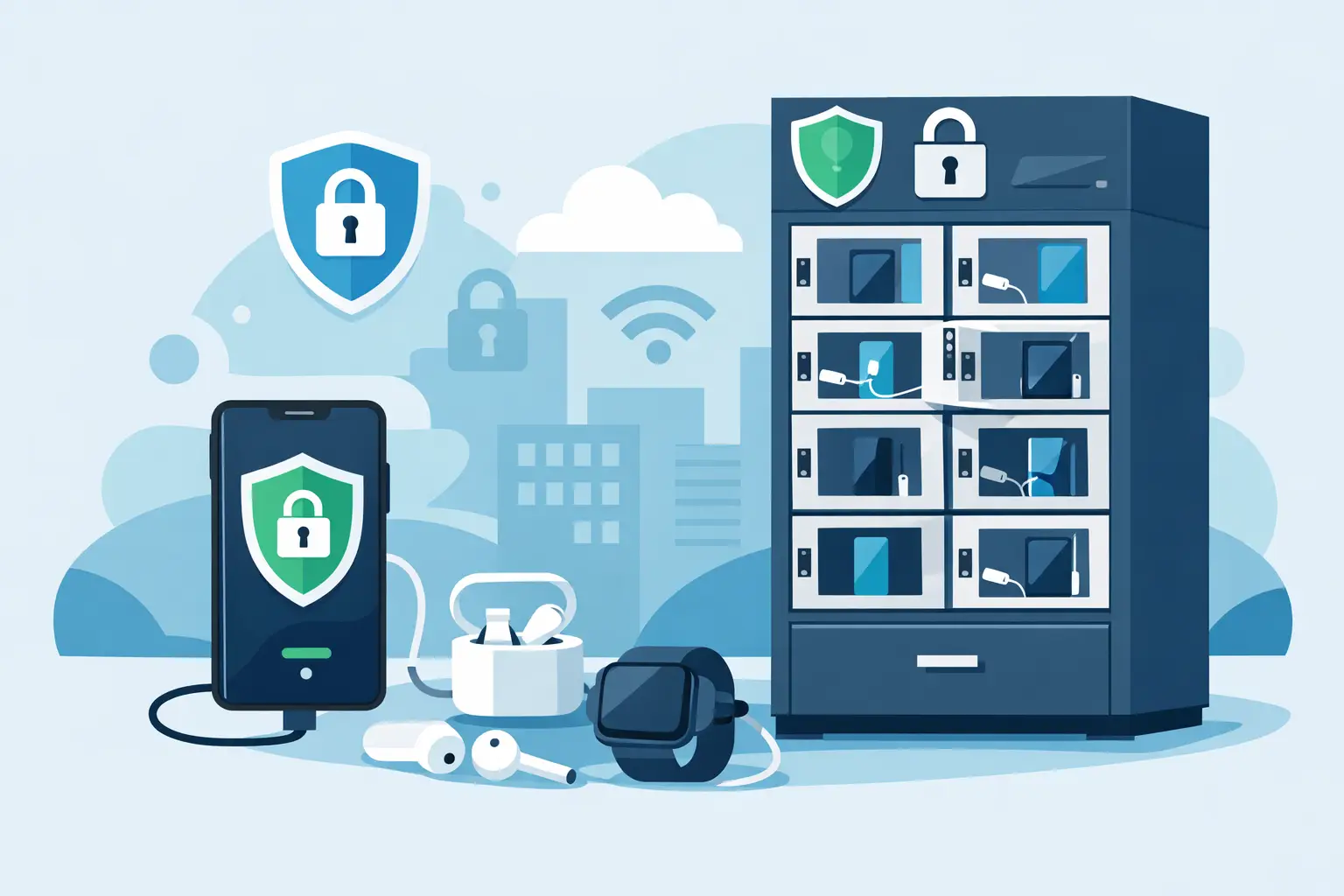
Secure Phone Charging Locker Buying Guide
May 27, 2026
Choose a secure phone charging locker that protects devices, improves guest experience, and fits your space, budget, and usage model.

Phone Charging Station for Business ROI
May 26, 2026
A phone charging station for business can boost dwell time, improve customer experience, and create revenue when matched to the right space.
How to make your phone battery last longer
Mar 20, 2025
It’s no secret that some smartphones have more powerful and longer lasting batteries than others. However, no matter how powerful the battery or how energy efficient your phone is, there are a number of apps and settings that will drain your battery faster. Identifying these apps and settings will help you keep usage to a […]

Phone Batteries – The Best and The Worst
Mar 29, 2017
When buying a new smartphone, there are a number of factors you will consider. From the brand and price, to the operating system, and other features like the camera. No matter what kind of phone you choose or the reason behind your purchase, one thing is for sure – you want the battery to last […]
What is USB-C and why is it important?
Mar 15, 2017
By now, you may have heard people talking about USB type C or perhaps you have even tried it out yourself. Either way, many experts agree that this is the future of USB ports and cables. What many people may not realize is that this particular type of connection is significantly different from older types […]