How to Manage Shared Devices Without the Chaos

A shared tablet that cannot be found at shift change, a dead handheld scanner during a busy rush, or a laptop returned without its charger can stop work far beyond one employee. Knowing how to manage shared devices means treating availability, charging, security, and accountability as one operating system – not as separate problems for IT, facilities, and frontline staff to solve on the fly.
For offices, venues, healthcare teams, retail operations, and event crews, the goal is straightforward: the right device should be charged, secure, and ready when the next person needs it. Getting there takes a few clear decisions.
Start With the Real Job Each Device Must Do
A shared-device program works best when devices are organized around work, not just hardware type. A tablet used for visitor check-in has different requirements than one used for inventory counts. A laptop loaned to conference speakers needs a different handoff process than radios or payment terminals used by a shift team.
Begin by grouping devices by purpose, location, and user group. Document how many are needed during peak demand, where they are used, which accessories are required, and what happens when one is unavailable. This reveals whether your biggest issue is loss, low battery, slow checkout, damaged cables, or simply having too few devices in the right place.
It also prevents a common mistake: buying more devices to solve a process problem. If ten tablets are sitting uncharged in a drawer, adding five more will not improve availability. A better charging and return process will.
Give Every Device a Clear Identity and Status
Every shared device needs an asset ID that is easy for people to see and easy for administrators to track. Use a durable label, barcode, QR code, or asset tag, and assign the same ID in your inventory system. Record the serial number, model, purchase date, warranty details, assigned accessories, and normal storage location.
More importantly, define useful status labels. “Available” should mean charged, functional, and complete with required accessories. “In use” should identify the current borrower or team. “Needs service” should remove a device from circulation immediately rather than leaving the next user to discover a cracked screen or failed charging port.
The tracking tool can be simple or sophisticated depending on your environment. A small office may succeed with a controlled spreadsheet and sign-out form. A larger organization with multiple locations, sensitive data, or high device turnover may need mobile device management software and an asset platform. The right choice depends on scale, risk, and the cost of downtime.
Create a Checkout Process People Will Actually Follow
The best checkout rules are visible, fast, and hard to misunderstand. If borrowing a device takes ten minutes, employees will find workarounds. If there are no rules at all, devices drift between desks, vehicles, meeting rooms, and personal bags.
A practical process answers four questions: who can take the device, when it is due back, what must be returned with it, and what to do if there is a problem. For shift-based teams, a device can be assigned at the start of a shift and returned before clock-out. For visitors or event attendees, a staff member may verify identification or use a temporary access code.
Avoid relying on verbal handoffs. Even a quick digital check-out record creates accountability and gives managers a useful history when devices go missing or repeatedly come back damaged. For higher-value equipment, require users to acknowledge basic care rules before taking possession.
Make Charging Part of the Return Process
Charging is where many shared-device programs break down. A device may be technically returned but operationally useless because its battery is at 8 percent. Staff then waste time hunting for outlets, sharing cables, or waiting for a charge when they should be serving customers or completing work.
Set a simple standard: devices are returned to their designated charging location, connected correctly, and visually checked before they are marked available. This turns the end of a shift into a reset point rather than a transfer of unresolved problems.
The charging format should match the environment. Desktop charging stations can work well for controlled office teams that need quick access to phones or tablets. Lockable charging lockers are better when devices must be secured between shifts, shared by many users, or made available to visitors. For public venues and events, charging kiosks or power bank stations can reduce low-battery frustration without requiring people to leave the space.
Do not overlook cable management. Loose, mismatched, or frequently stolen cables create avoidable downtime. Choose charging hardware with organized cable routing, modern USB-C support where needed, and enough capacity for peak use rather than average use. If laptops are part of the fleet, confirm the charging solution supports their power requirements instead of assuming every USB outlet will do the job.
Secure the Device, the Data, and the Charging Area
Shared devices carry two kinds of risk: physical loss and data exposure. Both require attention. A locked cabinet may protect hardware but does not protect customer records if the device remains signed in to a shared account. Likewise, strong passwords are not enough if expensive tablets can walk out of an unsecured storage room.
Use role-appropriate access controls, screen locks, automatic sign-out procedures, and remote management capabilities when devices contain company or customer information. Establish rules for lost devices, including who must be notified and how quickly. For managed fleets, remote location, remote lock, and remote wipe functions can be valuable safeguards, though they should be configured thoughtfully to respect your organization’s privacy policies.
Physical storage should be convenient enough that people use it. A charging cabinet hidden in a back office may be secure, but it will not help a busy team that needs devices at the point of work. Place secure charging where handoffs naturally occur: near a service desk, staff entrance, operations room, registration area, or shift supervisor station.
Build Maintenance Into the Routine
Shared devices receive more handling than individually assigned equipment. Screens get smudged, cases wear out, ports collect debris, and batteries lose capacity over time. Waiting until a device fails during a busy period is costly and frustrating.
Schedule brief inspections based on usage. High-turnover devices may need a daily visual check, while less frequently used equipment may need a weekly review. Check charging performance, battery health, cables, cases, screens, cameras, and any app or operating system updates required for the device’s job.
Create a clearly marked place for devices that need attention. Never return a questionable device to the available pool just because there is no time to investigate it. A small “needs service” workflow protects the next user and helps identify recurring issues, such as a particular charging cable that fails too often or a location where devices are frequently dropped.
Use Reporting to Fix the Right Problem
Once checkout and charging are consistent, reporting becomes more useful than guesswork. Review utilization by device type and location. Look for patterns in late returns, low-battery incidents, repairs, missing accessories, and demand spikes.
A device that is always checked out may justify an additional unit. A device that is rarely used may be better moved to another location. Repeated damage may point to a poor case, unclear user instructions, or a storage area that is too crowded. The numbers should guide your next investment.
For customer-facing environments, measure the business impact as well. Accessible charging can keep shoppers in a store longer, help conference attendees stay engaged, and give visitors a practical reason to return to a particular area. With pay-per-use options, it can also create a revenue stream rather than remaining a pure operating expense. ChargeBar supports this model with secure charging formats designed for both staff assets and public users.
How to Manage Shared Devices Across Multiple Locations
Multiple sites add complexity because every location develops its own habits unless you set a common standard. Use the same naming conventions, checkout fields, device states, charging expectations, and incident process across all locations. Local managers can adapt staffing details, but the core rules should remain consistent.
Centralized reporting helps leadership compare performance without forcing every site into identical hardware. A busy convention center may need high-capacity lockers and public charging kiosks, while a satellite office may only need a compact secured charging station. Standardize the process, then match the equipment to the real demand at each site.
Train new staff on the device process as part of onboarding, not after the first device goes missing. A five-minute demonstration of checkout, charging, return, and issue reporting can prevent hours of disruption later.
The most effective shared-device program feels almost invisible to its users. They do not have to search for power, wonder who has the tablet, or start a shift with a dead battery. They simply take a ready device, do their work, and return it to a system built to keep the next person moving.
Related posts
How to Lease Charging Equipment for Your Venue
Oct 21, 2026
Learn how to lease charging equipment that fits your venue, protects devices, supports modern USB-C needs, and can create a new revenue stream for guests.
How to Prevent Cable Theft at Charging Stations
Oct 19, 2026
Learn how to prevent cable theft at public and workplace charging stations with better hardware, placement, inspections, and simple operating policies.
Charging Station Durability That Holds Up
Oct 17, 2026
Charging station durability protects uptime, visitor trust, and revenue. Learn what to look for in materials, cables, locks, power, and service needs.

Commercial Charging Procurement Guide for Buyers
Oct 15, 2026
Use this commercial charging procurement guide to choose secure, scalable device charging for venues, staff, and events while managing cost and ROI wisely.
Public Phone Charging Setup Guide for Venues
Oct 13, 2026
A public phone charging setup guide for venues that want safer access, longer visits, and practical revenue from reliable charging stations on site daily.
What Is Power Bank Rental for Businesses?
Oct 11, 2026
What is power bank rental? Learn how rental stations work, where they fit, and how businesses can improve guest experience and create revenue on-site.

Charging Station Sponsorship Results That Matter
Oct 09, 2026
Measure charging station sponsorship results with practical metrics for brand exposure, engagement, leads, dwell time, and revenue across live events.

How to Finance Charging Infrastructure Wisely
Oct 07, 2026
Learn how to finance charging infrastructure with purchase, lease, rental, and revenue models that fit your venue, event, budget, and growth goals today.
How to Install Charging Lockers Safely at Work
Oct 05, 2026
Learn how to install charging lockers safely with practical placement, power, security, and maintenance guidance for workplaces and public venues every.
Commercial Charging Locker Review for Buyers
Oct 03, 2026
A commercial charging locker review for buyers comparing security, charging speed, payment options, capacity, and long-term operating value at venues.
How to Manage Shared Devices Without the Chaos
Oct 01, 2026
Learn how to manage shared devices with clear ownership, secure charging, simple checkout rules, and reporting that keeps teams productive every shift.
Charging Station Maintenance That Protects Uptime
Sep 29, 2026
Charging station maintenance protects uptime, revenue, and user trust with practical inspections, cleaning, cable care, and payment system checks weekly.
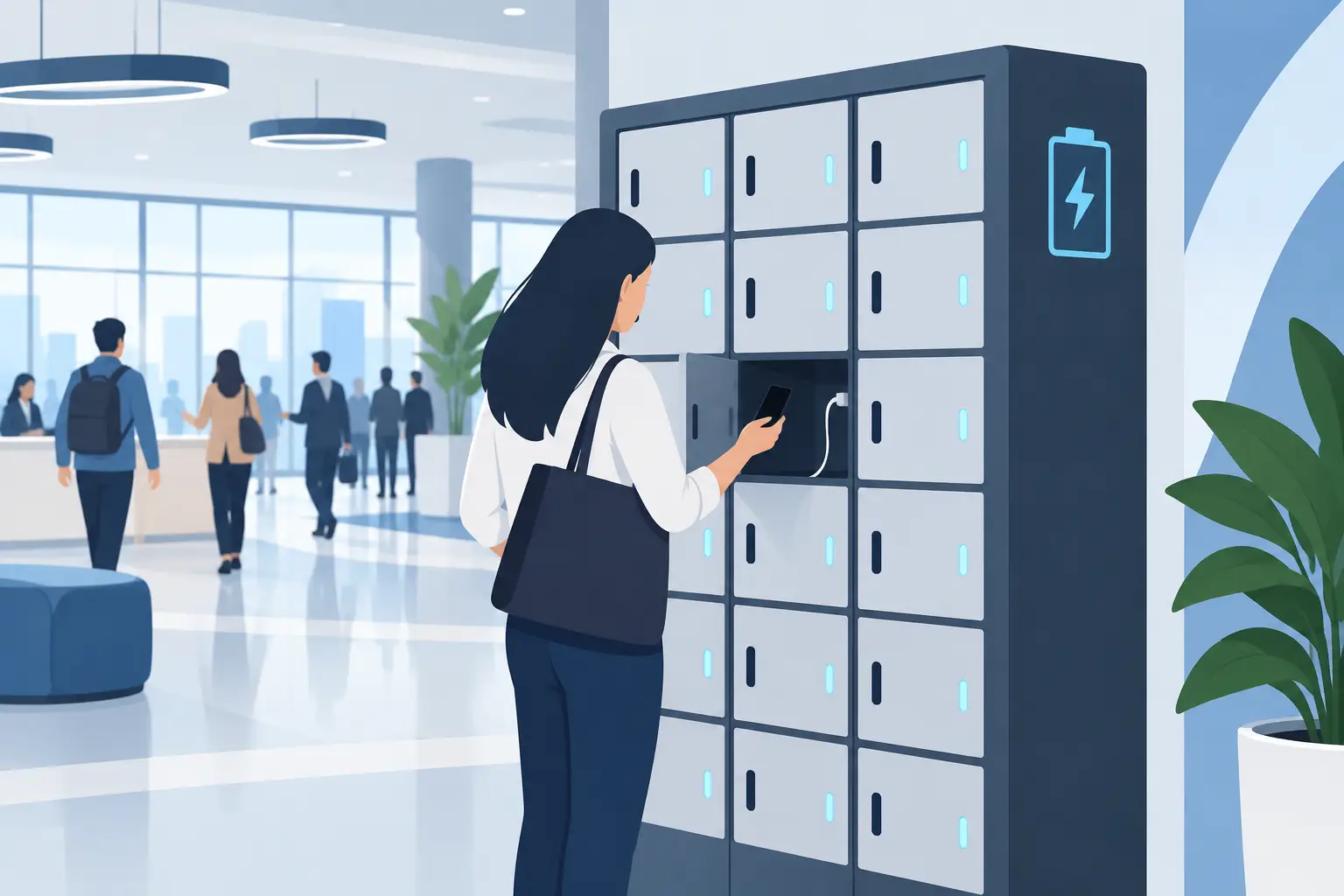
Charging Locker System Review for Busy Venues
Sep 27, 2026
Read this charging locker system review to compare security, charging speed, payment options, and ROI for events, offices, retail, and venues nationwide.
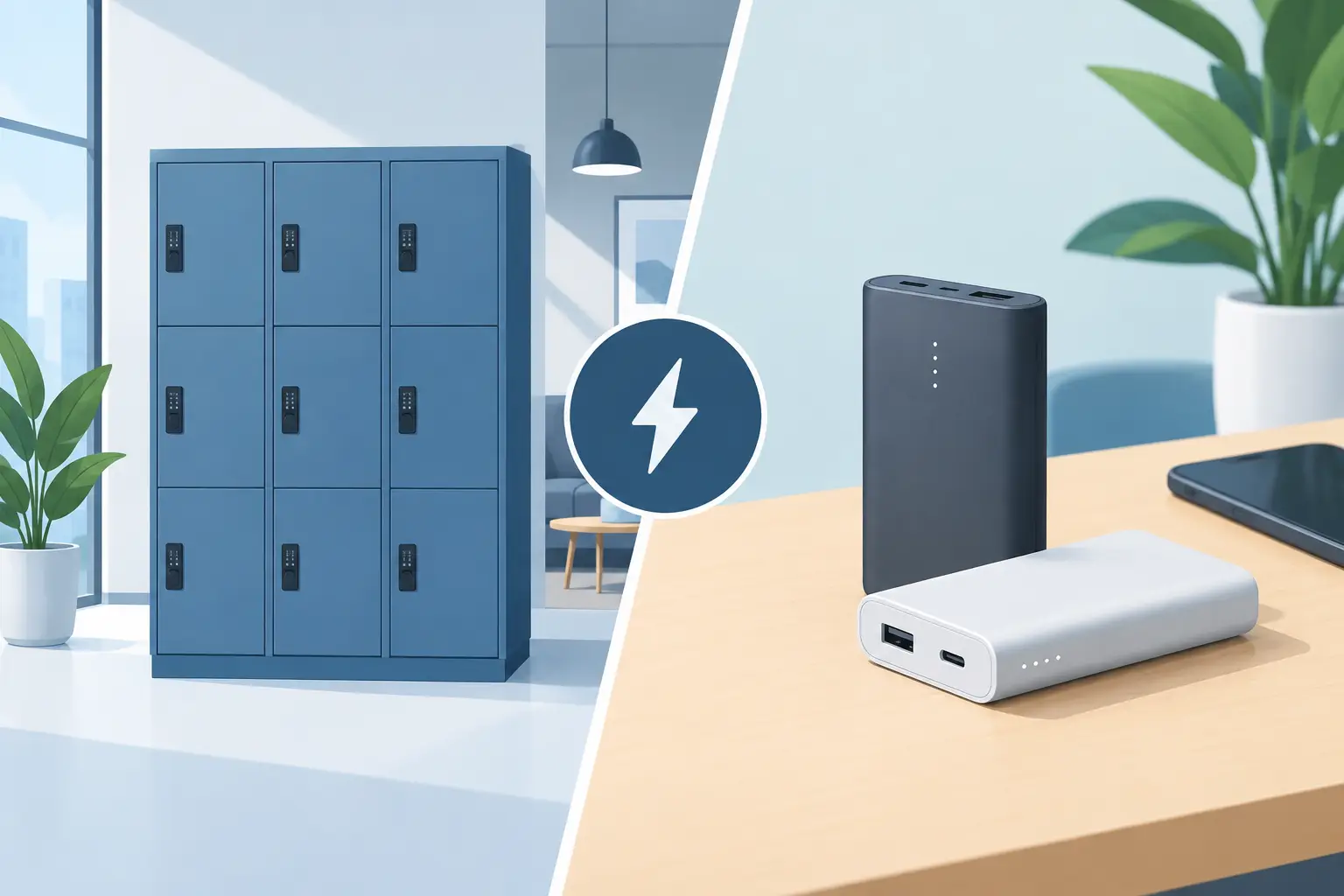
Lockers Versus Powerbanks: Which Fits Your Space?
Sep 25, 2026
Lockers versus powerbanks: compare security, dwell time, staffing, revenue, and deployment needs to choose the right charging amenity for your venue today.
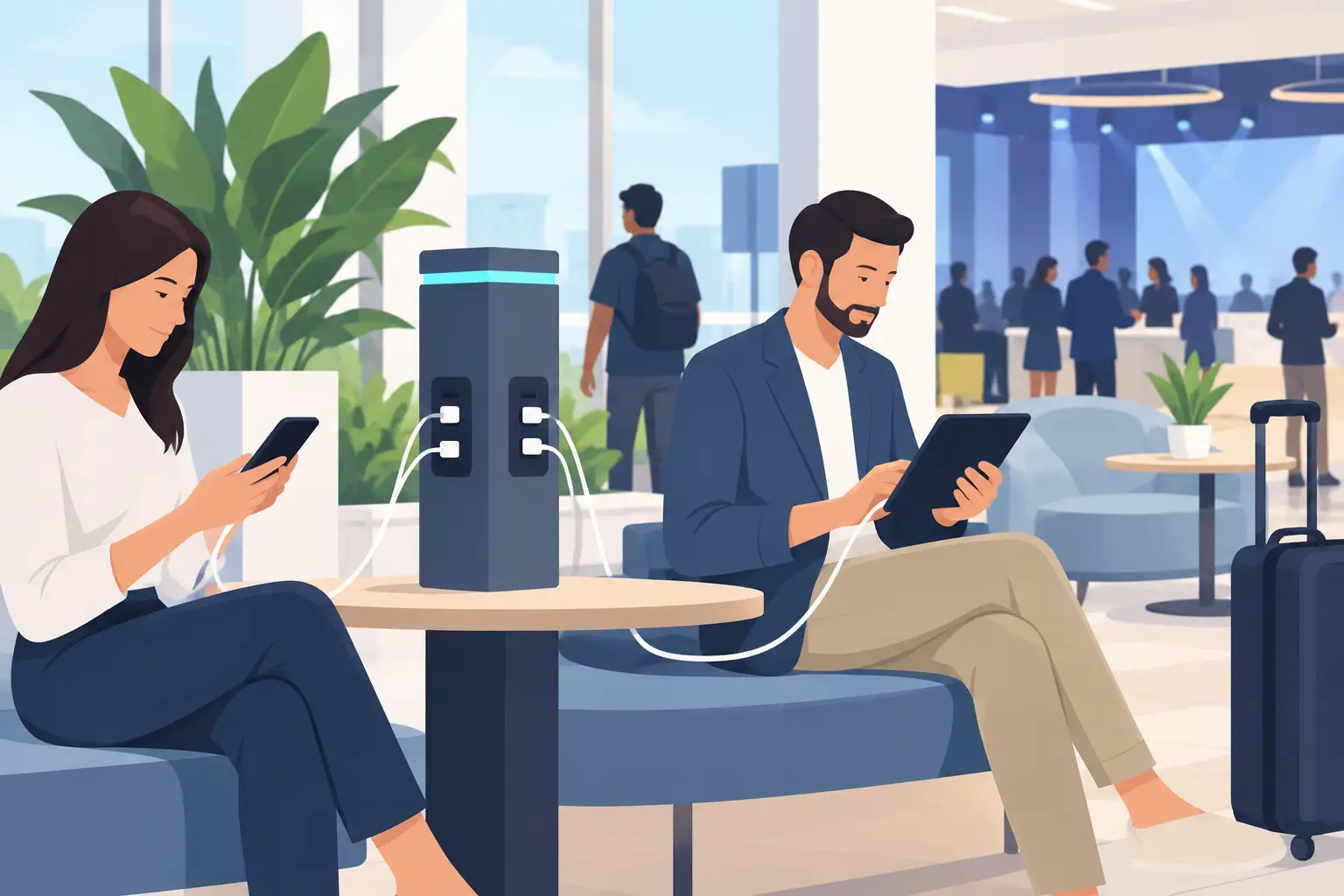
Public Device Charging Trends for Venues
Sep 23, 2026
Public device charging trends are reshaping venues, events, and workplaces with secure USB-C access, locker charging, and revenue-ready options for guests.
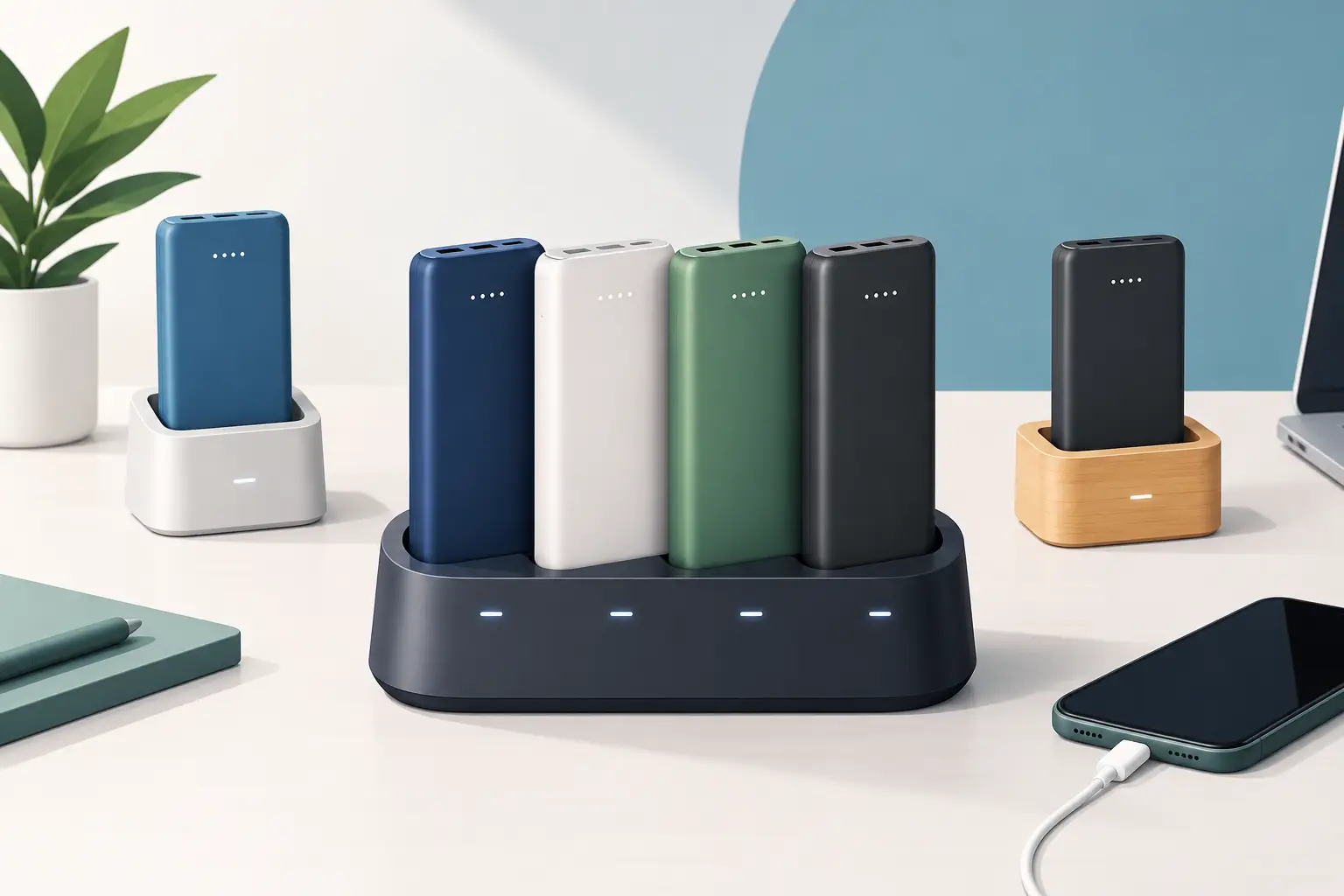
How to Create Branded Power Bank Docks That Sell
Sep 21, 2026
Learn how to create branded power bank docks that keep visitors engaged, strengthen your brand, and support free or paid charging programs on-site daily.

Locker Deployment Example for Busy Venues
Sep 19, 2026
See a locker deployment example that helps venues provide secure phone charging, reduce low-battery stress, and create a practical revenue option for guests.
Hotel Charging That Keeps Guests On Property
Sep 17, 2026
Hotel charging gives guests a secure place to power phones and laptops, extend their stay, and create new hospitality revenue opportunities on site daily.
How to Add Phone Charging to Your Business
Sep 15, 2026
Learn how to add phone charging to your business with secure, scalable stations that improve guest experience, dwell time, and revenue potential daily.
Best Secure Tablet Storage for Shared Devices
Sep 13, 2026
Find the best secure tablet storage for shared devices, events, offices, and public spaces with charging, access control, and room to scale confidently.

Power Bank Docking Review for Busy Venues
Sep 11, 2026
Use this power bank docking review to compare charging speed, security, payment options, branding, and operating costs before committing to deployment.

Charging Locker Procurement That Pays Off
Sep 09, 2026
Make charging locker procurement simpler with a practical plan for capacity, security, payment options, deployment, and long-term operating daily value.
Phone Charging Station Leasing for Businesses
Sep 08, 2026
Phone charging station leasing gives businesses a flexible way to add secure, branded charging while protecting cash flow and creating new revenue streams

Multi Device Charging Cabinets for Busy Venues
Sep 06, 2026
Multi device charging cabinets give visitors secure power, help staff manage shared devices, and create a practical amenity or revenue stream for venues.

How to Rent Charging Stations for Your Event
Sep 04, 2026
Learn how to rent charging stations for events, offices, and venues, from choosing secure formats to planning power, branding, delivery, and ROI needs.
Best Phone Charging for Hotels and Their Guests
Sep 02, 2026
Find the best phone charging for hotels with secure, guest-ready options that improve stays, support staff, and create new revenue opportunities on property.
Do Charging Lockers Prevent Theft at Events?
Aug 31, 2026
Do charging lockers prevent theft? Learn how lockable charging stations protect devices, reduce staff burden, and improve visitor confidence on site daily.
The Future of Public Charging Is Built for Dwell Time
Aug 29, 2026
The future of public charging will reward venues that pair fast, secure power with payment flexibility, strong uptime, and better visitor experiences.

How to Deploy Phone Charging Furniture Well
Aug 27, 2026
Learn how to deploy phone charging furniture in high-traffic spaces, from selecting locations and power to security, branding, pricing, and daily upkeep.
Can Charging Lockers Fit Laptops? What to Check
Aug 25, 2026
Can charging lockers fit laptops? Learn which locker dimensions, outlets, cables, and power limits support secure laptop charging at work and events today.
How to Lease Charging Lockers for Your Venue
Aug 23, 2026
Learn how to lease charging lockers with the right term, payment model, security features, and deployment plan for each location.
Best Charging Kiosks for Retail Stores Compared
Aug 21, 2026
Compare the best charging kiosks for retail to increase dwell time, protect customer devices, support modern USB-C needs, and create new revenue safely.
Can Charging Stations Charge Laptops Safely?
Aug 19, 2026
Can charging stations charge laptops? Learn which ports, wattages, and safety features businesses need to provide laptop power for visitors and staff.
Emergency Phone Charger Kiosk for Busy Venues
Aug 17, 2026
An emergency phone charger kiosk keeps guests connected, extends dwell time, and can turn charging access into a secure revenue opportunity for your venue today.

Fleet Device Charging Management That Works
Aug 15, 2026
Fleet device charging management keeps phones, tablets, and laptops ready, secure, and accounted for across every shift, site, and deployment without delays daily.
Best Event Phone Charging Rentals for Busy Venues
Aug 13, 2026
Find the best event phone charging rentals for secure, fast, branded power that keeps attendees engaged, extends dwell time, and can create event revenue.
Power Bank Rental vs Lockers: Which Fits?
Aug 11, 2026
Compare power bank rental vs lockers to choose the right charging solution for your venue, event, or workplace and improve guest experience and ROI today.
Free Charging vs Paid Charging: Which Works?
Aug 09, 2026
Free charging vs paid charging can improve visitor experience or create revenue. Learn how to choose the right model for your venue, event, or workplace.
Secure Device Charging Guide for Businesses
Aug 07, 2026
Use this secure device charging guide to protect phones, tablets, and laptops while providing reliable, convenient power for every guest at your venue.

Charging Station Leasing Guide for Businesses
Aug 04, 2026
Use this charging station leasing guide to compare terms, station types, payment options, and ROI before adding secure device charging to your space today.
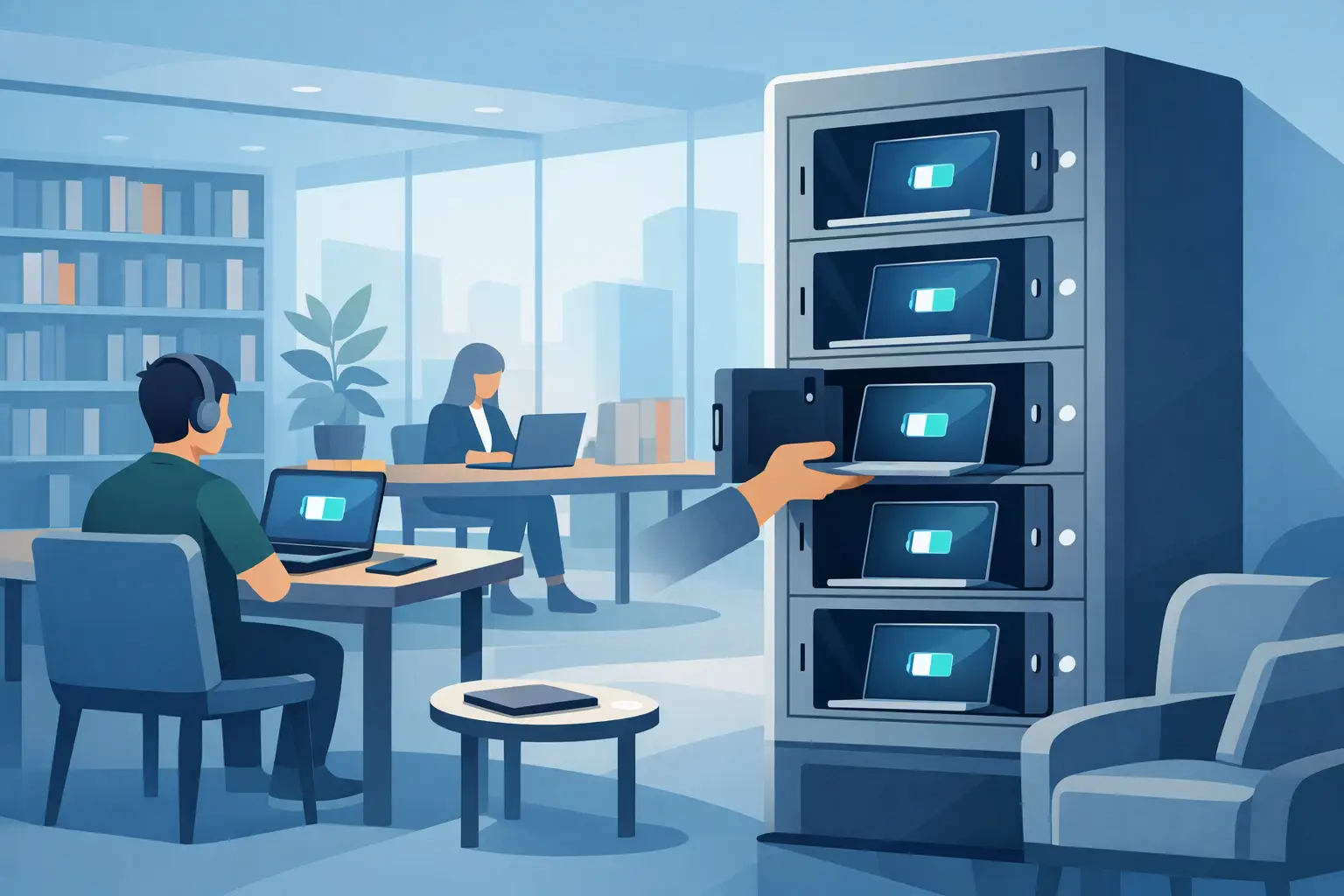
Laptop Charging Kiosk for Libraries That Works
Aug 03, 2026
Choose a laptop charging kiosk for libraries with secure storage, laptop-ready power, simple access, and a funding model that fits your space reliably.
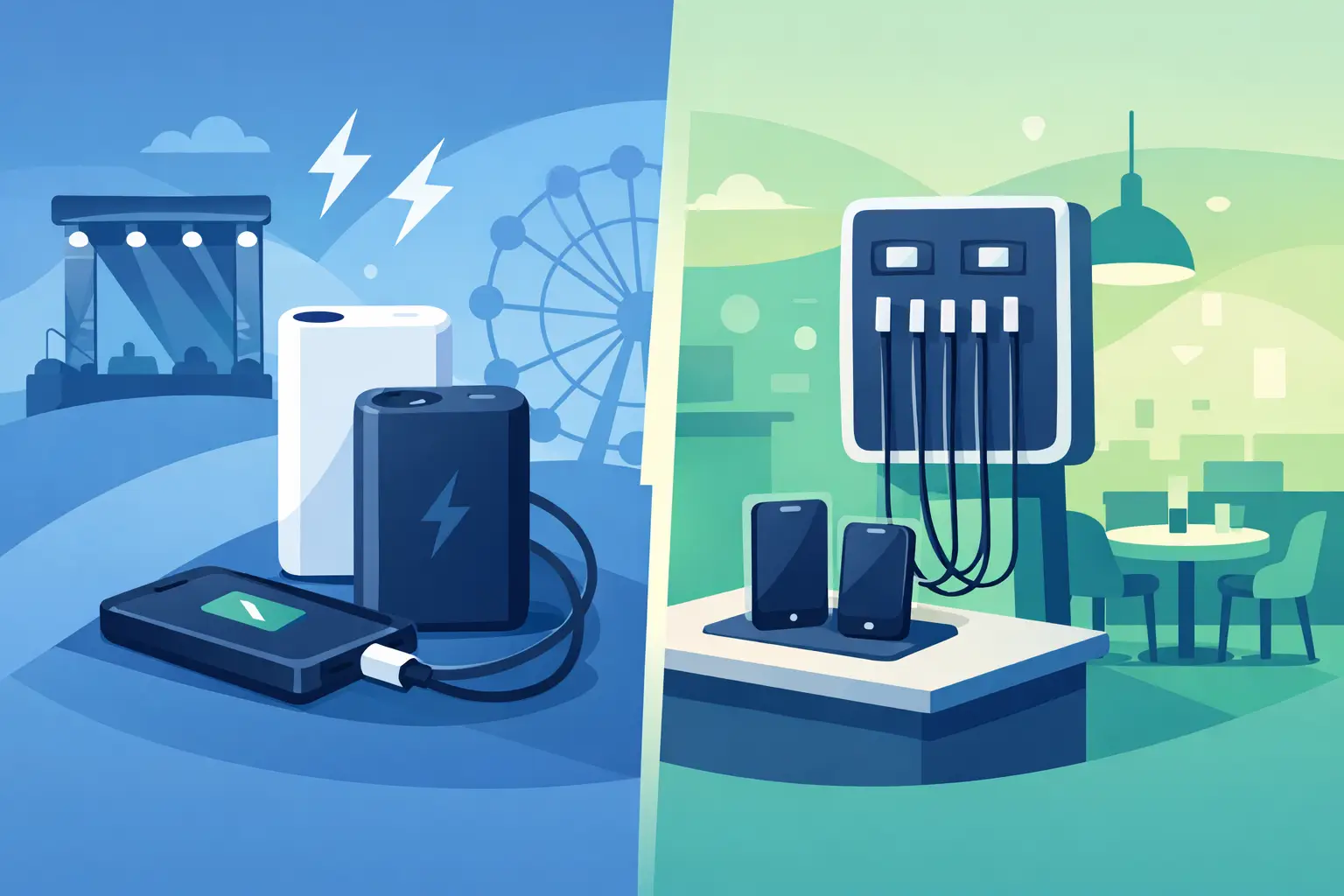
Power Banks vs Fixed Chargers for Venues
Aug 01, 2026
Compare power banks vs fixed chargers for events, venues, and workplaces. Choose secure charging that improves guest experience, uptime, and revenue onsite.
Why Offer Free Device Charging at Your Venue?
Jul 29, 2026
Why offer free device charging? Learn how it keeps visitors engaged, strengthens your brand, supports operations, and can create new revenue opportunities.
Public Charging Station Benefits for Business
Jul 27, 2026
Public charging station benefits include longer visits, happier guests, stronger brand visibility, and practical revenue options for high-traffic venues.

Phone Charging Lockers for Gyms That Members Use
Jul 26, 2026
Phone charging lockers for gyms keep members powered, valuables secure, and workouts on track while creating a valuable amenity or revenue opportunity.
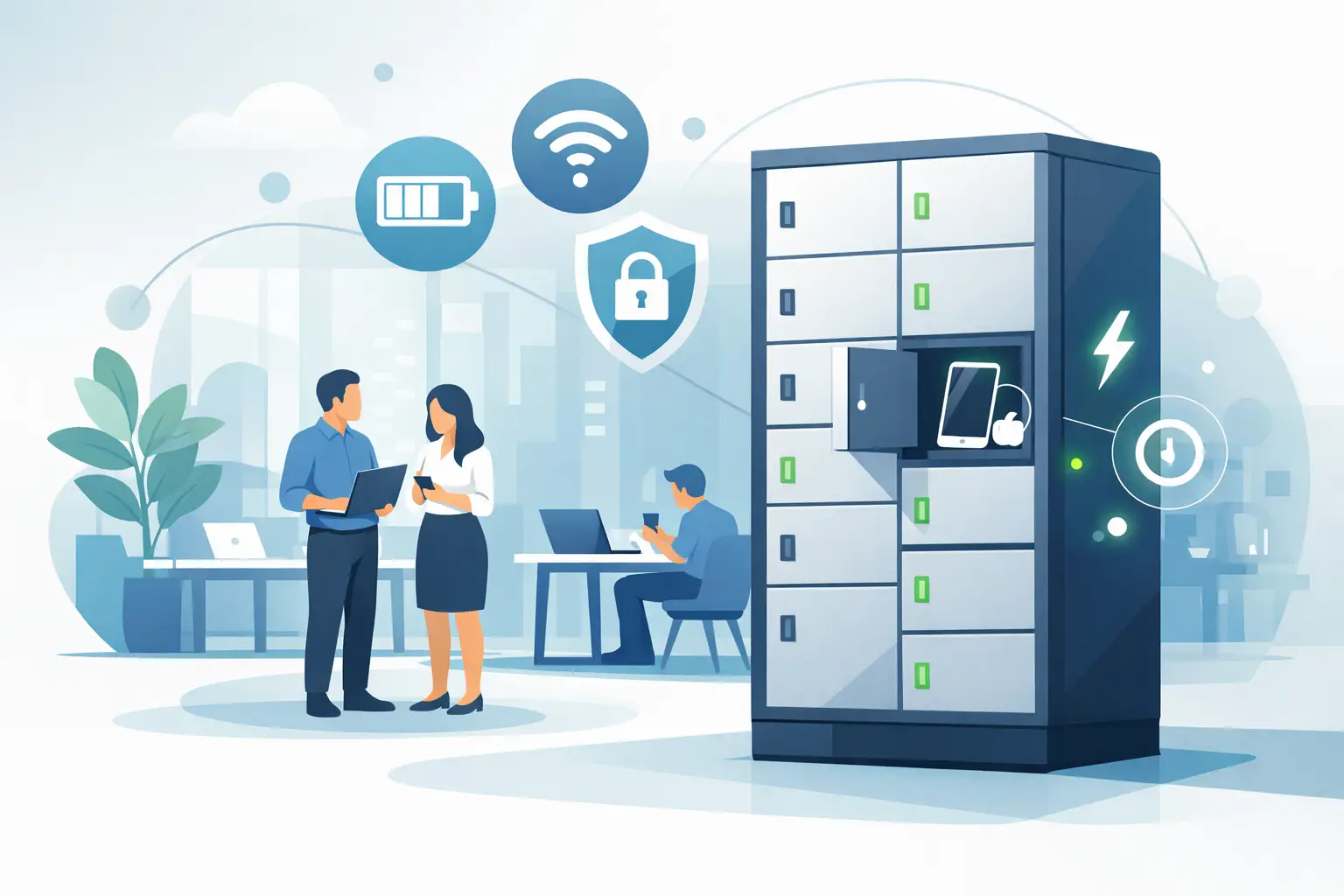
Best Charging Lockers for Offices in 2026
Jul 23, 2026
Find the best charging lockers for offices with secure storage, USB-C support, smart access, and the right capacity for staff, guests, and shared devices.
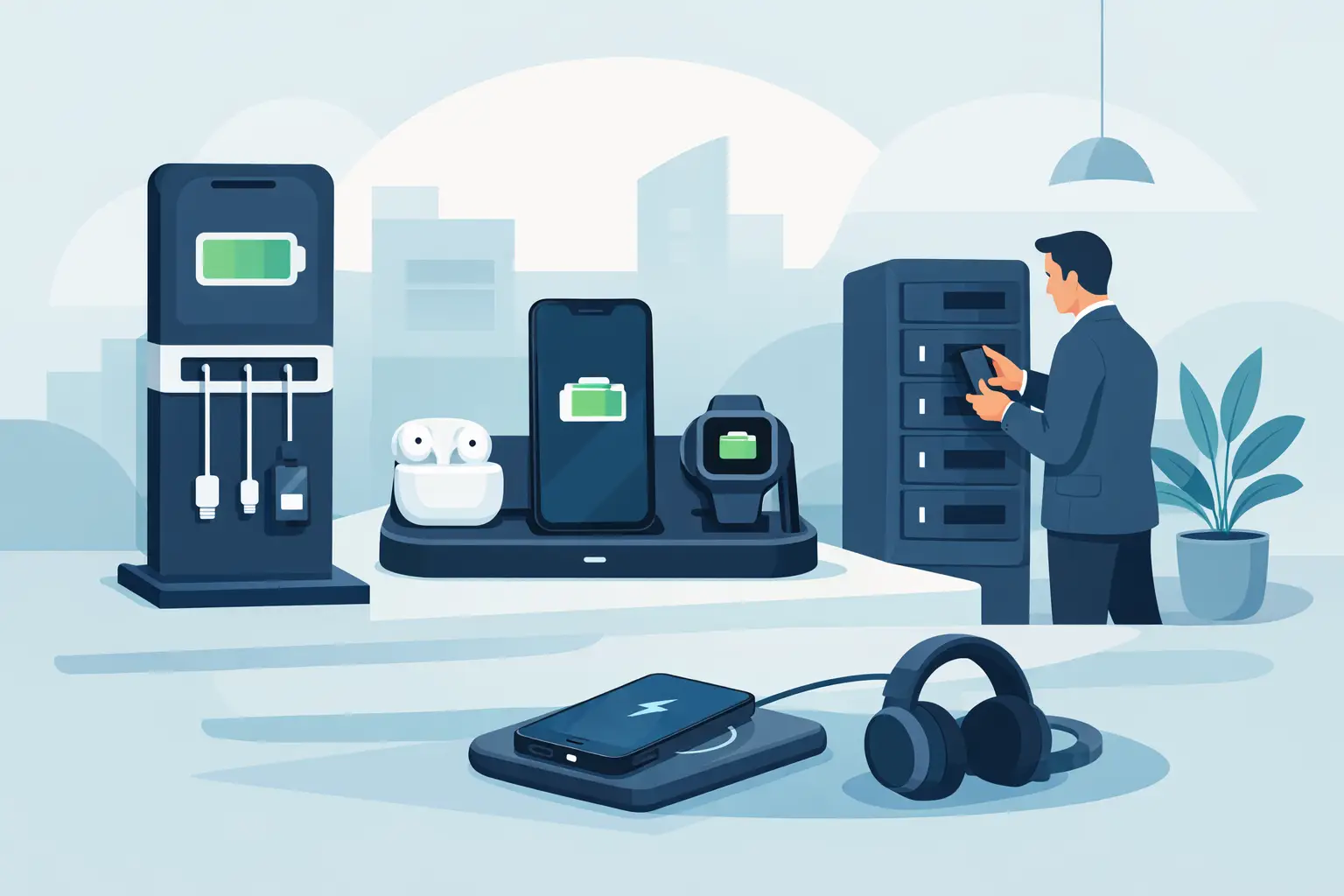
Phone Charging Stations That Work Harder
Jul 21, 2026
Phone charging stations keep guests engaged, staff productive, and events moving. Learn how to choose secure, scalable options that can earn revenue too.

How to Deploy Charging Amenities That Pay Off
Jul 19, 2026
Learn how to deploy charging amenities that keep visitors powered, increase dwell time, support operations, and create revenue in any venue with clarity.
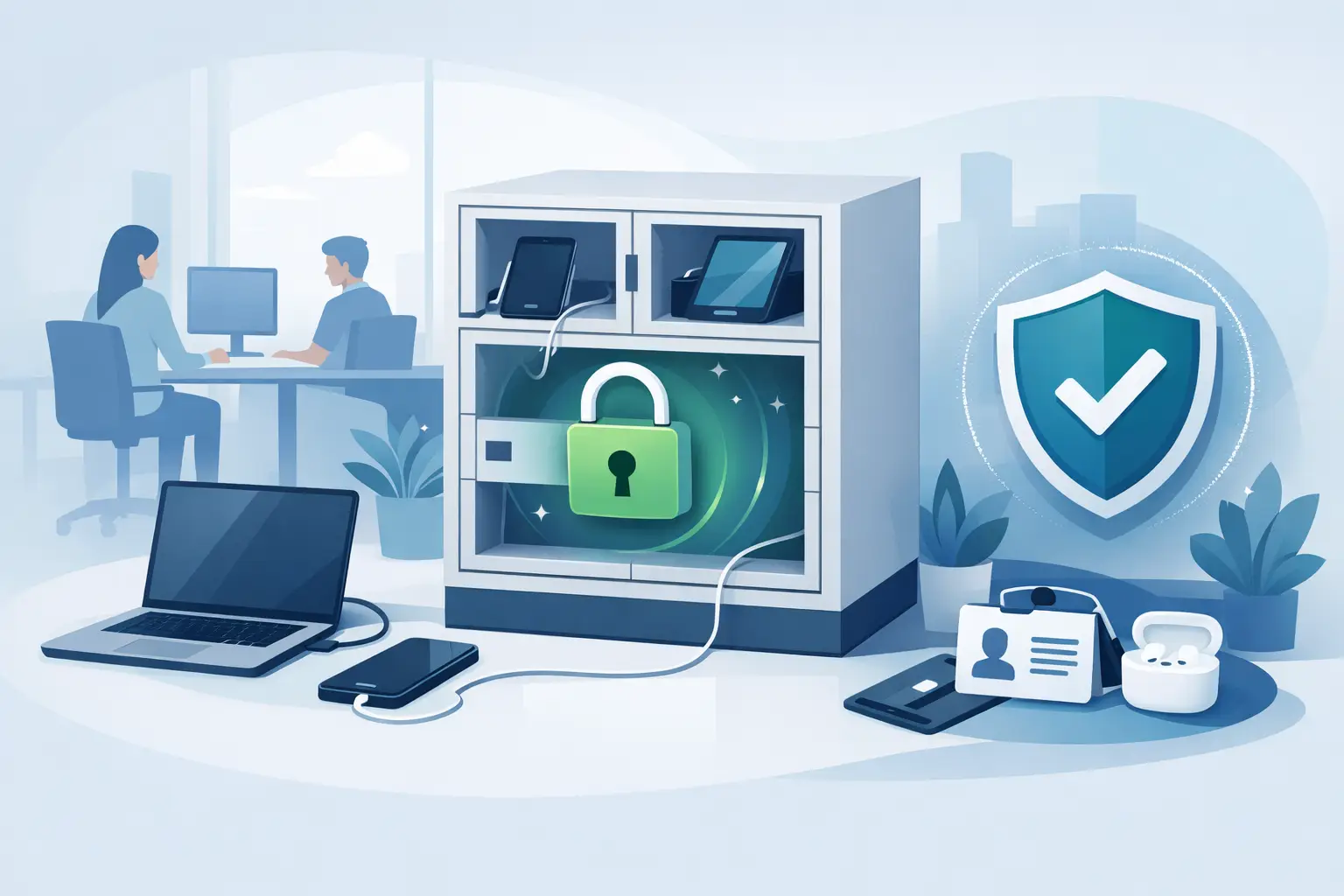
Secure Charging for Employee Devices at Work
Jul 18, 2026
Secure charging for employee devices keeps work moving while protecting phones, tablets, and laptops. Learn what a practical workplace setup needs today.
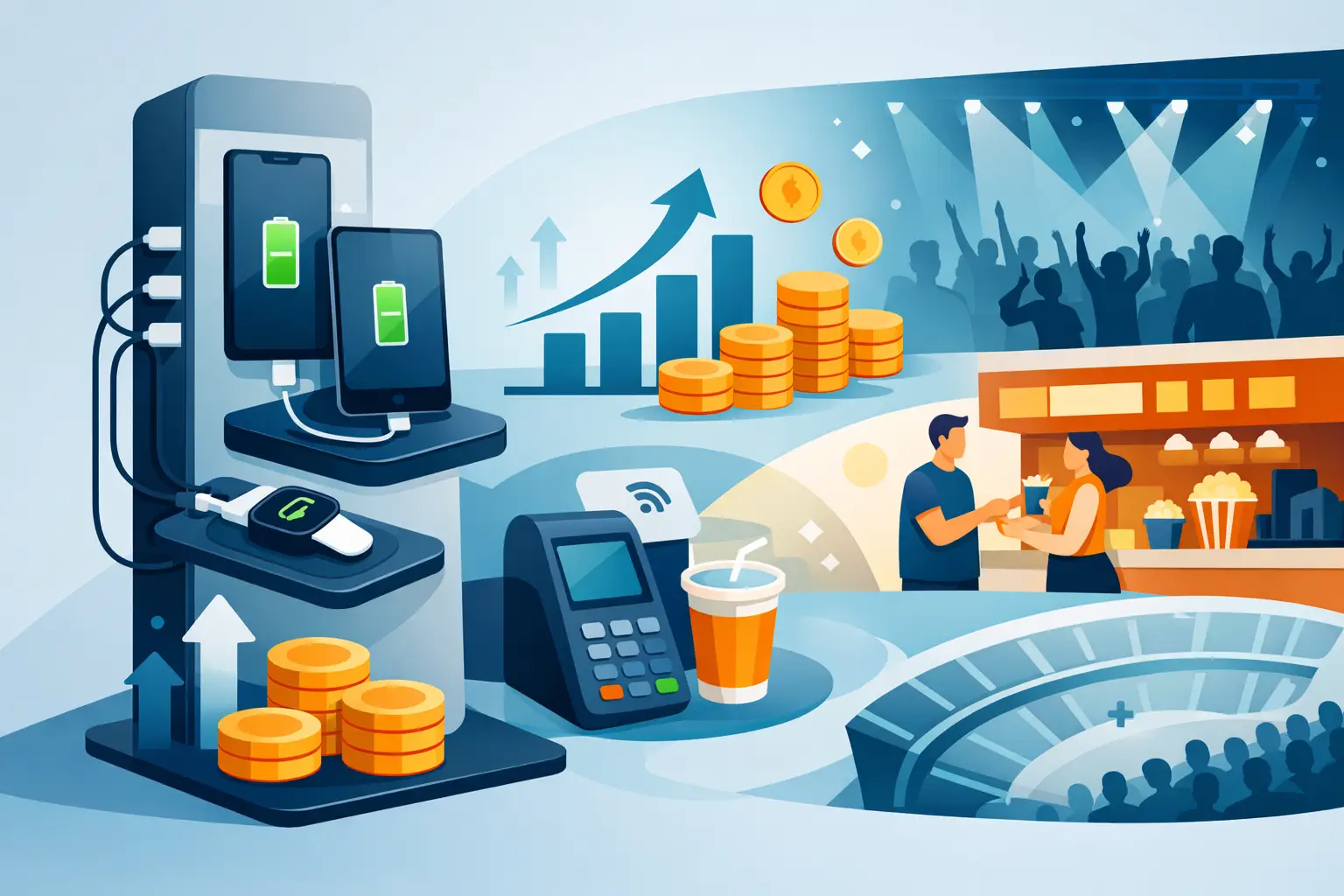
Venue Device Charging Solutions That Pay Off
Jul 16, 2026
Venue device charging solutions keep guests connected, increase dwell time, protect devices, and can create new revenue at events and public spaces daily.
Can Charging Kiosks Take Payments? Yes, Here’s How
Jul 14, 2026
Can charging kiosks take payments? See how POS-enabled charging turns low-battery demand into convenience, longer visits, and new venue revenue streams.

Custom Branded Charging Stations That Earn Attention
Jul 11, 2026
Custom branded charging stations turn low-battery stress into longer visits, stronger brand visibility, and a practical revenue opportunity for venues.
Charging Kiosks That People Actually Use
Jul 10, 2026
Charging kiosks keep guests powered, on-site, and engaged. Learn how to choose the right setup for security, revenue, and everyday use.

Charging Stations for Convention Centers
Jul 08, 2026
Charging stations for convention centers reduce attendee stress, boost dwell time, support sponsors, and create new revenue opportunities.
How to Lease Charging Kiosks Smartly
Jul 06, 2026
Learn how to lease charging kiosks with the right terms, pricing, features, and support so your venue adds convenience and potential revenue.
Visitor Amenity Charging Kiosk: What to Buy
Jul 04, 2026
A visitor amenity charging kiosk helps venues keep guests powered, engaged, and on-site while supporting security, branding, and revenue goals.

Business Charging Station Buying Guide
Jul 02, 2026
Business charging station buying guide for choosing secure, scalable charging solutions that improve guest experience and create revenue.
Contactless Payment Charging Station Benefits
Jun 30, 2026
A contactless payment charging station helps venues boost convenience, capture revenue, and keep guests engaged without adding operational friction.
How to Choose Charging Lockers for Your Space
Jun 28, 2026
Learn how to choose charging lockers for events, venues, offices, and retail spaces based on security, device mix, power needs, and ROI.

Are Public Charging Stations Safe to Use?
Jun 26, 2026
Are public charging stations safe to use? Learn the real risks, how secure charging stations work, and what businesses should provide.
Best Desktop Charging Station for Office Use
Jun 24, 2026
Find the right desktop charging station for office use with tips on safety, device mix, cable management, security, and long-term value.
Leasing vs Buying Charging Stations
Jun 22, 2026
Leasing vs buying charging stations comes down to budget, flexibility, and ROI. Learn which model fits events, venues, offices, and retail.
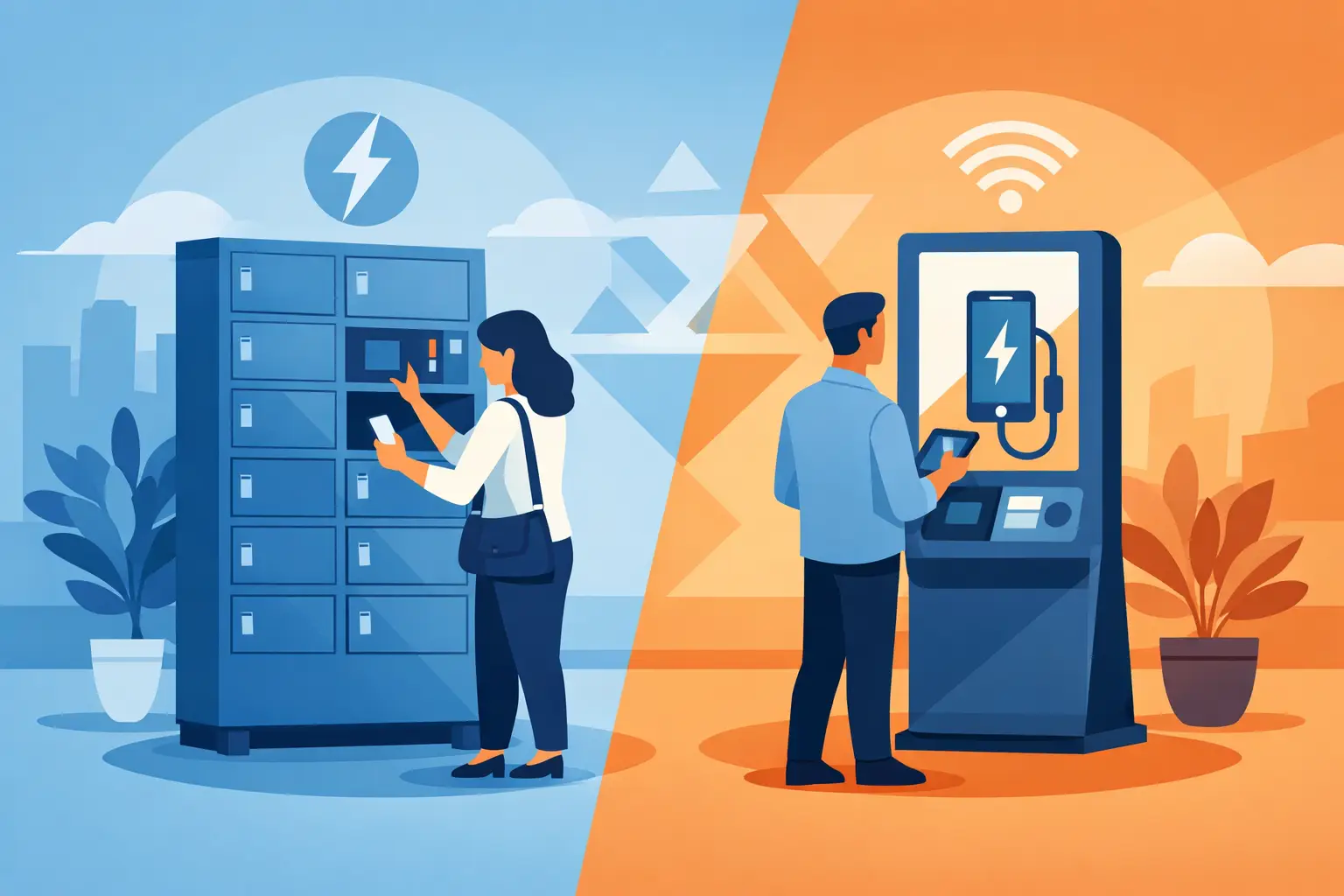
Charging Lockers vs Kiosks: What Fits Best?
Jun 20, 2026
Charging lockers vs kiosks: compare security, throughput, revenue, and fit by venue so you can choose the right charging setup for your space.

Charging Locker ROI Calculator Guide
Jun 17, 2026
Use a charging locker ROI calculator to estimate payback, revenue, and visitor impact. Learn which costs, assumptions, and metrics matter most.

How to Monetize Charging Kiosks
Jun 16, 2026
Learn how to monetize charging kiosks with the right pricing, placement, sponsorships, and formats to turn charging access into revenue.

What Is Juice Jacking Protection?
Jun 13, 2026
What is juice jacking protection? Learn how it blocks data theft through USB ports and why businesses should offer safer public charging access.
USB C Charging Trends Businesses Should Track
Jun 12, 2026
USB C charging trends are reshaping public, workplace, and event charging. See what matters for compatibility, speed, safety, and ROI.
USB C Charging Station Commercial Guide
Jun 09, 2026
A practical look at usb c charging station commercial options, including use cases, power, security, placement, pricing, and ROI for busy venues.
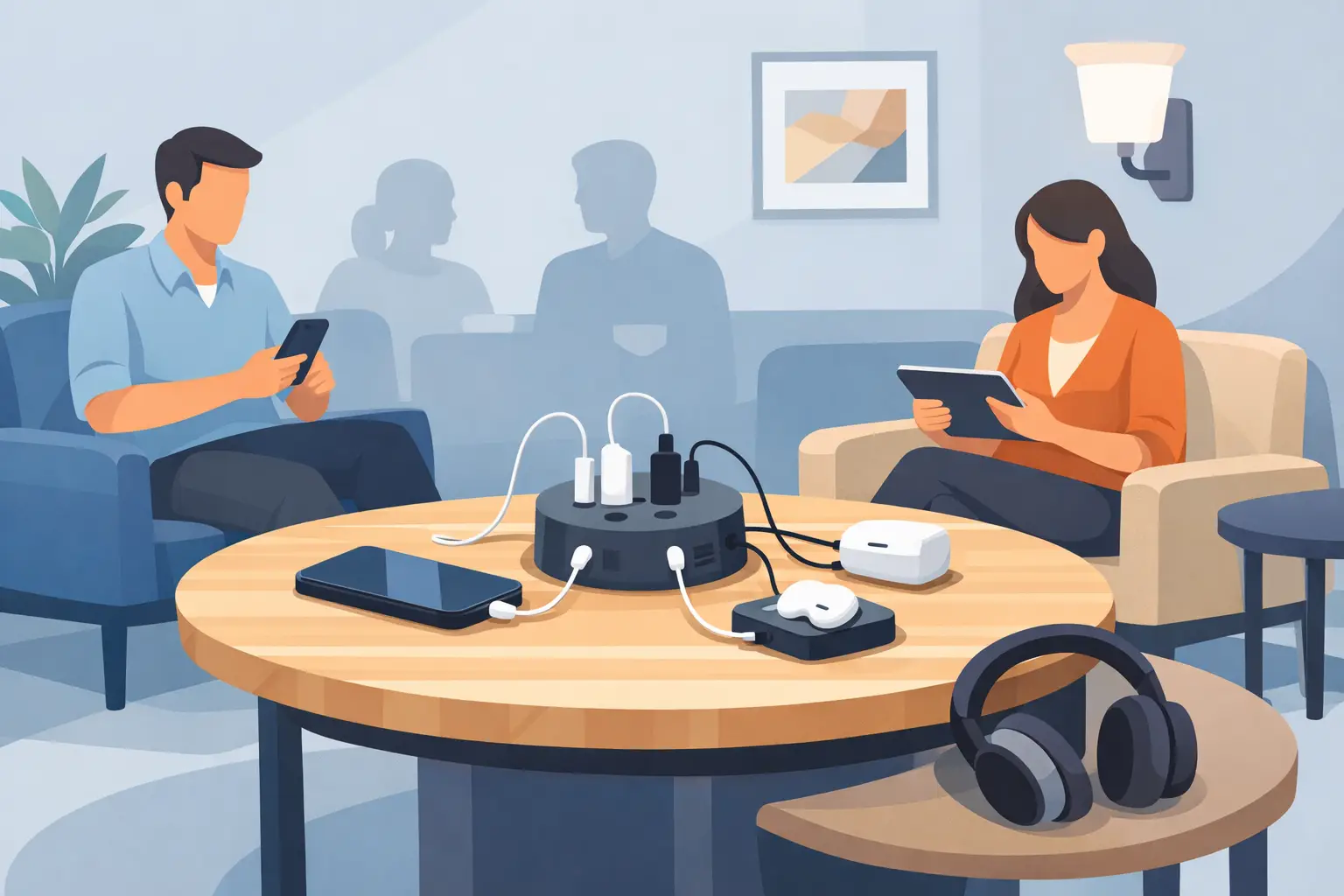
Charging Table for Waiting Room Buyers
Jun 08, 2026
A charging table for waiting room spaces keeps guests powered, improves dwell time, and adds convenience without adding operational friction.

What a Custom Charging Kiosk Wrap Should Do
Jun 07, 2026
A custom charging kiosk wrap should attract attention, fit the venue, and support ROI. Learn what to include and what to avoid.
Branded Charging Station for Events That Works
Jun 06, 2026
A branded charging station for events keeps guests powered, boosts dwell time, supports sponsors, and adds measurable value to the event floor.
Conference Charging Locker Rental That Works
Jun 05, 2026
Conference charging locker rental keeps attendees powered, secure, and engaged while creating smoother events, stronger sponsor value, and revenue.
Trade Show Phone Charging Station Guide
Jun 04, 2026
A trade show phone charging station can boost booth traffic, dwell time, and leads while reducing attendee battery stress and improving event ROI.
Event Charging Station Rental That Works
Jun 03, 2026
Event charging station rental keeps guests powered, engaged, and on site longer. Learn what to rent, what to ask, and how to avoid event-day issues.

Free Phone Charging Station Retail ROI
Jun 02, 2026
See how free phone charging station retail setups increase dwell time, improve customer experience, and support smarter in-store traffic flow.
Charging Kiosk With Payment System: Worth It?
Jun 01, 2026
A charging kiosk with payment system can add revenue, improve guest experience, and extend dwell time. Here's how to choose the right setup.
Pay Per Use Charging Station ROI Explained
May 31, 2026
Learn how a pay per use charging station creates revenue, improves visitor experience, and fits retail, events, offices, and public venues.
Power Bank Rental Station Buyer’s Guide
May 30, 2026
A power bank rental station helps venues keep guests charged, boost dwell time, and create revenue with flexible, low-friction charging access.
Choosing a Laptop Charging Locker Cabinet
May 29, 2026
Learn how to choose a laptop charging locker cabinet for offices, schools, events, and venues with the right mix of security, power, and ROI.
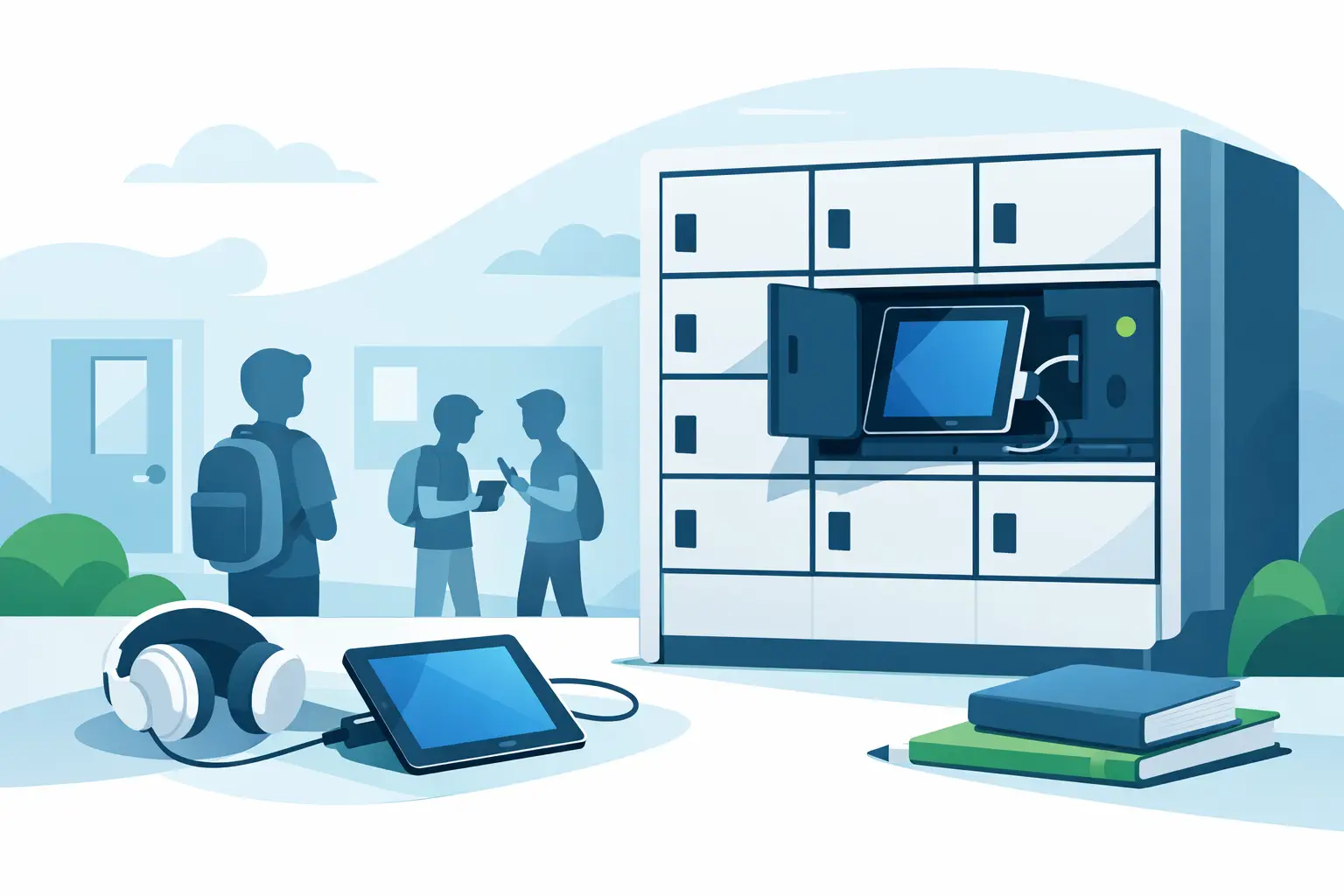
Tablet Charging Locker for Schools: What Matters
May 28, 2026
A tablet charging locker for schools improves device security, charging access, and classroom readiness. Here’s what buyers should evaluate.
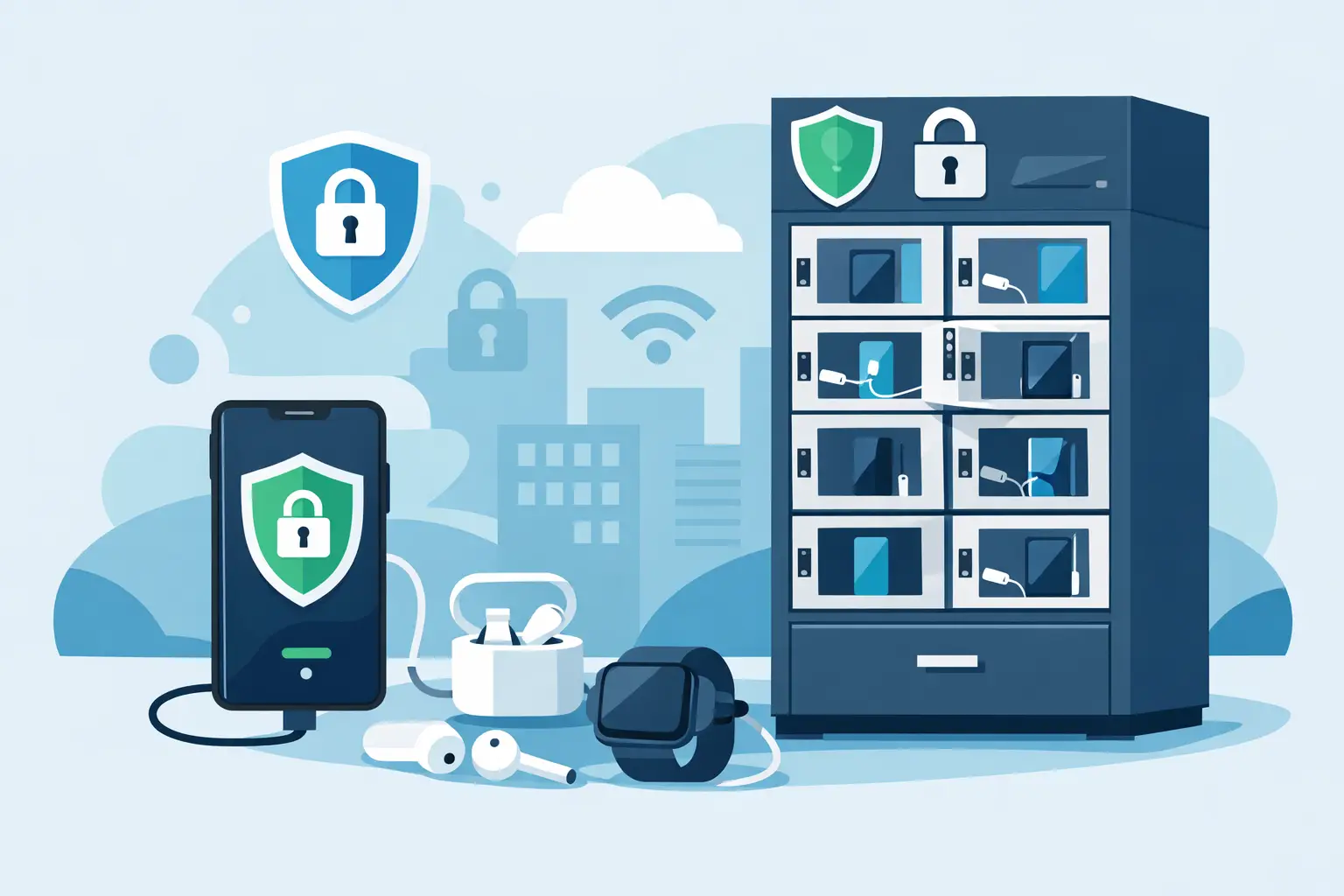
Secure Phone Charging Locker Buying Guide
May 27, 2026
Choose a secure phone charging locker that protects devices, improves guest experience, and fits your space, budget, and usage model.

Phone Charging Station for Business ROI
May 26, 2026
A phone charging station for business can boost dwell time, improve customer experience, and create revenue when matched to the right space.

How to make your phone battery last longer
Mar 20, 2025
It’s no secret that some smartphones have more powerful and longer lasting batteries than others. However, no matter how powerful the battery or how energy efficient your phone is, there are a number of apps and settings that will drain your battery faster. Identifying these apps and settings will help you keep usage to a […]

Phone Batteries – The Best and The Worst
Mar 29, 2017
When buying a new smartphone, there are a number of factors you will consider. From the brand and price, to the operating system, and other features like the camera. No matter what kind of phone you choose or the reason behind your purchase, one thing is for sure – you want the battery to last […]
What is USB-C and why is it important?
Mar 15, 2017
By now, you may have heard people talking about USB type C or perhaps you have even tried it out yourself. Either way, many experts agree that this is the future of USB ports and cables. What many people may not realize is that this particular type of connection is significantly different from older types […]