Locker Deployment Example for Busy Venues

A charging locker is easy to appreciate when a visitor is at 4% battery and needs to find a rideshare, access a ticket, or answer a work message. The harder question is how many lockers to deploy, where they belong, and whether the service should be free or paid. This locker deployment example shows how a busy venue can turn a visible pain point into a secure guest amenity and a potential revenue source.
A locker deployment example: an 800-person conference
Consider a two-day professional conference at a convention hotel. Attendance is expected to reach 800 people per day, with sessions running from 9 a.m. to 5 p.m., an exhibitor area open during breaks, and a networking reception each evening. Attendees rely on their phones for event schedules, digital tickets, notes, messaging, and travel arrangements. Many also carry tablets or laptops.
The event organizer wants a charging option that does not leave devices exposed on a counter and does not create a staffing burden. They also want an amenity that makes the exhibitor area more useful, encouraging attendees to stay nearby while their devices charge.
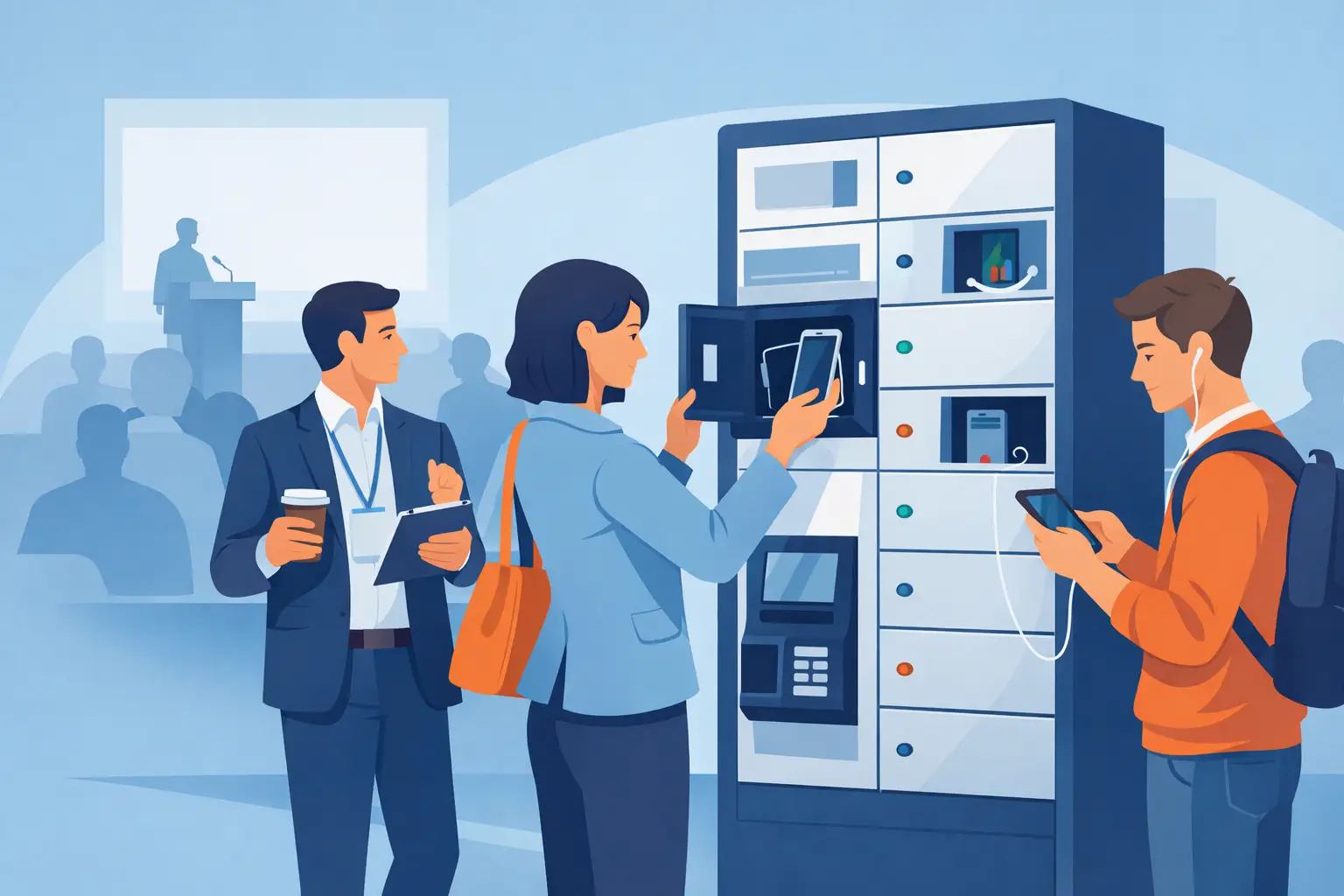
The recommended starting deployment is two secure charging lockers with 10 to 12 compartments each, placed in high-visibility locations near the registration and exhibitor areas. That provides 20 to 24 secure charging spaces without putting every unit in one crowded location.
This is not a one-size-fits-all number. An 800-person event with short sessions and a long lunch break may need more capacity than one where attendees remain seated for most of the day. But it is a practical starting point because a properly located locker can serve multiple users over the course of a day.
What the organizer is solving
The goal is not simply to supply outlets. Standard wall outlets create cable clutter, invite device theft concerns, and make guests feel tethered to one spot. A lockable charging locker gives attendees the freedom to leave a phone or tablet charging while they attend a session, meet with an exhibitor, or get lunch.
For the organizer, the deployment addresses three business needs at once: lower disconnect anxiety for attendees, longer dwell time near key event areas, and an opportunity to recover costs through sponsorship or pay-per-use charging.
Start with expected charging demand, not attendance
Attendance tells part of the story, but charging demand determines locker capacity. At an 800-person conference, not all 800 attendees will need a charger at the same time. A realistic estimate might be that 15% to 25% of attendees look for power during an average day. That equals 120 to 200 potential charging users.
Next, consider turnover. If the average phone charging session is 45 to 90 minutes, each locker compartment can serve several guests during an eight-hour event day. A 24-compartment deployment does not only serve 24 people. With good placement and clear instructions, it can serve 75 or more charging sessions across the day.
Demand tends to spike at predictable moments: before morning sessions, during lunch, after long presentations, and before evening transportation. Those peaks matter more than the daily average. If guests arrive at lunch and see every locker occupied, the amenity feels unavailable even if units sat empty earlier that morning.
For a conference with a heavy mobile-app experience, limited seating power, or attendees traveling in from out of town, move toward the higher end of the capacity range. If the venue already has abundant table power and attendees are mostly local, a smaller locker deployment may be sufficient.
Choose the right locker configuration
The conference example calls for compartments that support current phone charging needs, including USB-C, while retaining options for common device types. A mix of cable types is useful where guests may bring older devices, but USB-C capacity should be part of the plan rather than an afterthought.
Larger compartments may be needed if the audience regularly carries tablets, laptops, radios, scanners, or other work equipment. A trade show for field service teams has different needs from a consumer-facing festival. In that case, fewer large-format lockers may create more value than a higher count of phone-only compartments.
Security is equally important. Guests should be able to lock their device, charge it, and return without worrying that a valuable phone has been left unattended. Clear compartment numbering, simple lock instructions, and visible support contact information reduce friction when the venue is busy.
ChargeBar charging lockers can be configured around the venue’s device mix, power needs, branding goals, and payment model. That flexibility matters because the best configuration for a corporate office is rarely the best one for a ticketed public event.
Place lockers where behavior already happens
For this conference, one locker should sit near registration or the main entrance, where attendees first realize they forgot a charging cable or arrived with a low battery. The second unit should be positioned near the exhibitor area, coffee station, or networking zone, where a charging guest has a reason to stay and engage.
Avoid placing both units in a quiet hallway or behind a service desk. A hidden locker may be secure, but it will not deliver much guest benefit or sponsor visibility. At the same time, do not block exits, narrow walkways, or high-traffic pinch points. The best site is visible, accessible, and near an available power source without creating a crowding issue.
A branded floor sign or simple directional message can improve usage, especially at large venues. The message should be direct: secure charging available here. Guests should not have to ask whether a locker is free, whether they need to bring a cable, or whether they can leave their phone inside.
Decide whether charging is free, sponsored, or paid
The right payment model depends on what the organizer wants the locker deployment to accomplish. For an internal meeting or employee event, complimentary charging is usually the cleanest choice. It supports productivity and removes a common distraction without requiring transactions.
For the 800-person conference, there are three practical approaches. The organizer can offer free charging as part of the attendee experience. They can sell the locker presence to a sponsor, with branded graphics and a message such as “Charging provided by [Sponsor].” Or they can use a pay-per-use setup to help offset event costs.
Sponsored charging often works especially well at conferences because it creates a useful, repeat-view branding location rather than another banner guests walk past. Paid charging can work at public events with strong demand, but price sensitivity matters. If the fee is too high, guests may search for a wall outlet instead. If the unit is positioned as a secure convenience service, attendees are more likely to see the value.
Build the deployment plan before event day
Even a plug-and-play charging locker benefits from a short operational plan. Confirm power access and the final footprint with the venue early. If the unit will be moved through loading docks, elevators, or narrow doors, measure those routes before delivery day. Small logistical details can create avoidable setup delays.
The event team should also decide who handles simple guest questions. This does not need to be a dedicated attendant. Registration staff, security personnel, or an event captain can be shown how the locker works, what to do if a guest forgets a code, and where to escalate a service issue.
Before doors open, test every compartment and charging connection with a current phone. Check visibility from the main traffic path, verify that instructions are readable, and make sure cables are neatly managed. This is also the moment to confirm that branded panels, sponsor materials, and pricing messages are accurate.
Measure more than occupied compartments
A successful locker deployment is not only about utilization. For this conference, the organizer should track how often lockers are used, when usage peaks, and whether guests ask for more capacity. Staff can also note whether attendees linger around the exhibitor area after using the charging service.
If the lockers are sponsored or paid, track revenue and sponsor exposure alongside usage. A unit that generates modest direct revenue may still earn its place if it keeps attendees on the show floor longer or gives a sponsor meaningful engagement. Conversely, a fully occupied locker in a poor location may indicate a capacity problem, not a placement success.
Post-event feedback is valuable, but it should be specific. Ask whether attendees found the lockers easily, felt comfortable leaving devices inside, and would use the service again. Those answers help determine whether the next event needs more compartments, a different location, or a different charging format such as a kiosk, charging table, or power bank rental station.
When this example should change
A multi-day conference with 2,000 attendees may require several locker banks distributed across floors. A retail location may begin with a smaller unit near fitting rooms or the customer service area. A hospital waiting room may prioritize free access, durable hardware, and straightforward instructions over payment integration.
For organizations managing company-owned tablets, radios, or scanners, the focus shifts further. The deployment may need asset tracking, assigned compartments, overnight charging, and device-ready accountability at shift change. In that setting, a locker becomes part of daily operations rather than a guest amenity.
The best deployment starts with the moment people most need power and the business outcome that matters most at that location. Put secure charging where low batteries interrupt the experience, then give guests a simple reason to use it with confidence.
Related posts
USB-C Migration Trends Businesses Need to Plan For
Oct 31, 2026
USB-C migration trends are changing public charging. See what businesses should upgrade to support phones, tablets, laptops, safety, and revenue growth.

Event Charging Sponsorship Guide for Better ROI
Oct 29, 2026
Use this event charging sponsorship guide to build sponsor value, select the right charging setup, measure results, and improve attendee experience now.
Charging Station Financing Options for Business
Oct 28, 2026
Compare charging station financing options for your business, from purchase and leasing to rentals and revenue-share models that fit your rollout goals.

Charging Furniture That Keeps Visitors Longer
Oct 25, 2026
Charging furniture gives visitors a place to power up, stay longer, and keep moving. Learn how to choose secure, profitable options for your space with confidence.

Kiosk Revenue Case Study That Can Pay Off
Oct 23, 2026
A kiosk revenue case study for venue operators: learn how pricing, foot traffic, payment flow, and placement shape charging station returns over time.
How to Lease Charging Equipment for Your Venue
Oct 21, 2026
Learn how to lease charging equipment that fits your venue, protects devices, supports modern USB-C needs, and can create a new revenue stream for guests.
How to Prevent Cable Theft at Charging Stations
Oct 19, 2026
Learn how to prevent cable theft at public and workplace charging stations with better hardware, placement, inspections, and simple operating policies.
Charging Station Durability That Holds Up
Oct 17, 2026
Charging station durability protects uptime, visitor trust, and revenue. Learn what to look for in materials, cables, locks, power, and service needs.

Commercial Charging Procurement Guide for Buyers
Oct 15, 2026
Use this commercial charging procurement guide to choose secure, scalable device charging for venues, staff, and events while managing cost and ROI wisely.
Public Phone Charging Setup Guide for Venues
Oct 13, 2026
A public phone charging setup guide for venues that want safer access, longer visits, and practical revenue from reliable charging stations on site daily.
What Is Power Bank Rental for Businesses?
Oct 11, 2026
What is power bank rental? Learn how rental stations work, where they fit, and how businesses can improve guest experience and create revenue on-site.

Charging Station Sponsorship Results That Matter
Oct 09, 2026
Measure charging station sponsorship results with practical metrics for brand exposure, engagement, leads, dwell time, and revenue across live events.
How to Finance Charging Infrastructure Wisely
Oct 07, 2026
Learn how to finance charging infrastructure with purchase, lease, rental, and revenue models that fit your venue, event, budget, and growth goals today.
How to Install Charging Lockers Safely at Work
Oct 05, 2026
Learn how to install charging lockers safely with practical placement, power, security, and maintenance guidance for workplaces and public venues every.
Commercial Charging Locker Review for Buyers
Oct 03, 2026
A commercial charging locker review for buyers comparing security, charging speed, payment options, capacity, and long-term operating value at venues.

How to Manage Shared Devices Without the Chaos
Oct 01, 2026
Learn how to manage shared devices with clear ownership, secure charging, simple checkout rules, and reporting that keeps teams productive every shift.
Charging Station Maintenance That Protects Uptime
Sep 29, 2026
Charging station maintenance protects uptime, revenue, and user trust with practical inspections, cleaning, cable care, and payment system checks weekly.
Charging Locker System Review for Busy Venues
Sep 27, 2026
Read this charging locker system review to compare security, charging speed, payment options, and ROI for events, offices, retail, and venues nationwide.
Lockers Versus Powerbanks: Which Fits Your Space?
Sep 25, 2026
Lockers versus powerbanks: compare security, dwell time, staffing, revenue, and deployment needs to choose the right charging amenity for your venue today.
Public Device Charging Trends for Venues
Sep 23, 2026
Public device charging trends are reshaping venues, events, and workplaces with secure USB-C access, locker charging, and revenue-ready options for guests.
How to Create Branded Power Bank Docks That Sell
Sep 21, 2026
Learn how to create branded power bank docks that keep visitors engaged, strengthen your brand, and support free or paid charging programs on-site daily.
Locker Deployment Example for Busy Venues
Sep 19, 2026
See a locker deployment example that helps venues provide secure phone charging, reduce low-battery stress, and create a practical revenue option for guests.
Hotel Charging That Keeps Guests On Property
Sep 17, 2026
Hotel charging gives guests a secure place to power phones and laptops, extend their stay, and create new hospitality revenue opportunities on site daily.
How to Add Phone Charging to Your Business
Sep 15, 2026
Learn how to add phone charging to your business with secure, scalable stations that improve guest experience, dwell time, and revenue potential daily.
Best Secure Tablet Storage for Shared Devices
Sep 13, 2026
Find the best secure tablet storage for shared devices, events, offices, and public spaces with charging, access control, and room to scale confidently.

Power Bank Docking Review for Busy Venues
Sep 11, 2026
Use this power bank docking review to compare charging speed, security, payment options, branding, and operating costs before committing to deployment.

Charging Locker Procurement That Pays Off
Sep 09, 2026
Make charging locker procurement simpler with a practical plan for capacity, security, payment options, deployment, and long-term operating daily value.
Phone Charging Station Leasing for Businesses
Sep 08, 2026
Phone charging station leasing gives businesses a flexible way to add secure, branded charging while protecting cash flow and creating new revenue streams

Multi Device Charging Cabinets for Busy Venues
Sep 06, 2026
Multi device charging cabinets give visitors secure power, help staff manage shared devices, and create a practical amenity or revenue stream for venues.

How to Rent Charging Stations for Your Event
Sep 04, 2026
Learn how to rent charging stations for events, offices, and venues, from choosing secure formats to planning power, branding, delivery, and ROI needs.
Best Phone Charging for Hotels and Their Guests
Sep 02, 2026
Find the best phone charging for hotels with secure, guest-ready options that improve stays, support staff, and create new revenue opportunities on property.
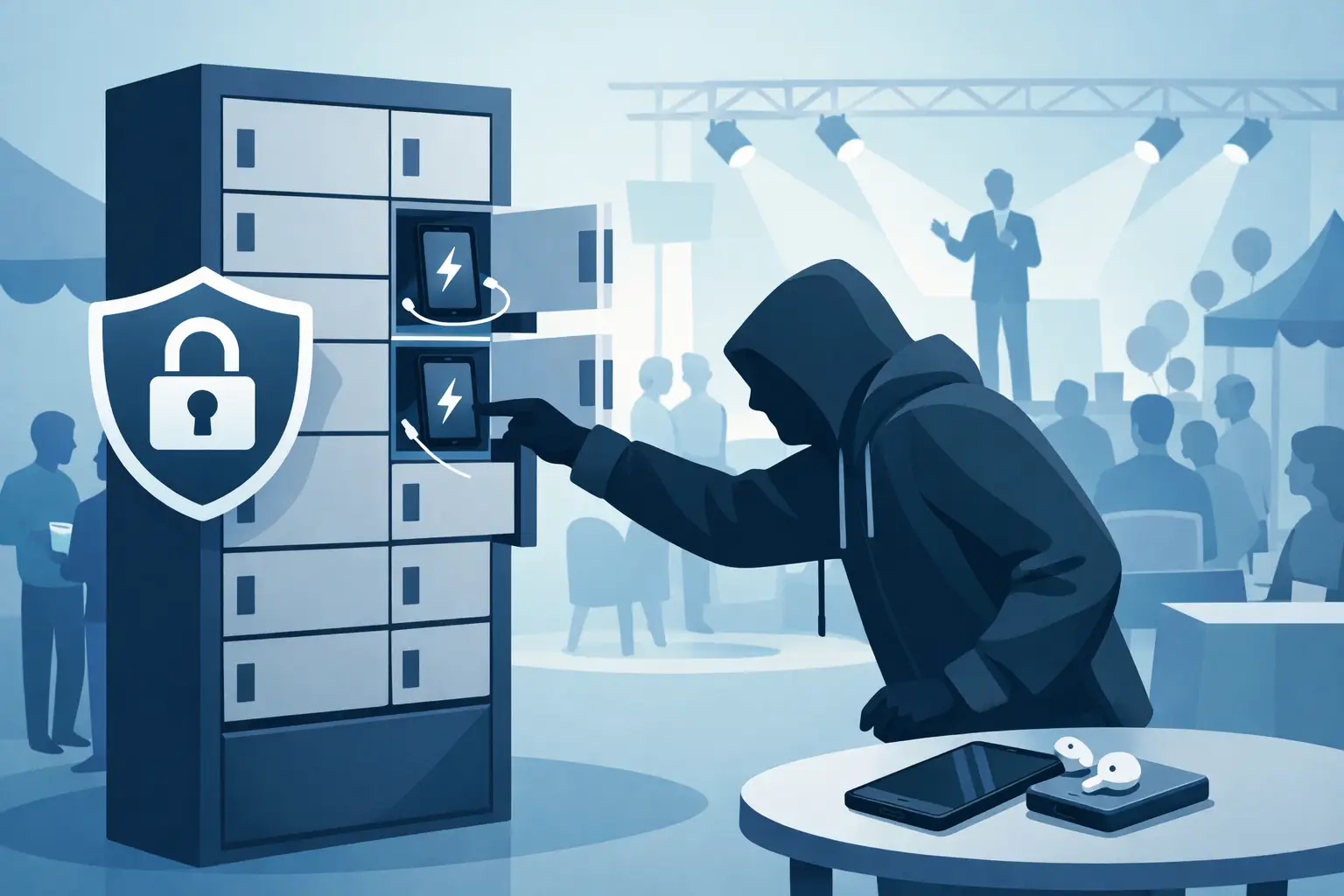
Do Charging Lockers Prevent Theft at Events?
Aug 31, 2026
Do charging lockers prevent theft? Learn how lockable charging stations protect devices, reduce staff burden, and improve visitor confidence on site daily.
The Future of Public Charging Is Built for Dwell Time
Aug 29, 2026
The future of public charging will reward venues that pair fast, secure power with payment flexibility, strong uptime, and better visitor experiences.

How to Deploy Phone Charging Furniture Well
Aug 27, 2026
Learn how to deploy phone charging furniture in high-traffic spaces, from selecting locations and power to security, branding, pricing, and daily upkeep.

Can Charging Lockers Fit Laptops? What to Check
Aug 25, 2026
Can charging lockers fit laptops? Learn which locker dimensions, outlets, cables, and power limits support secure laptop charging at work and events today.
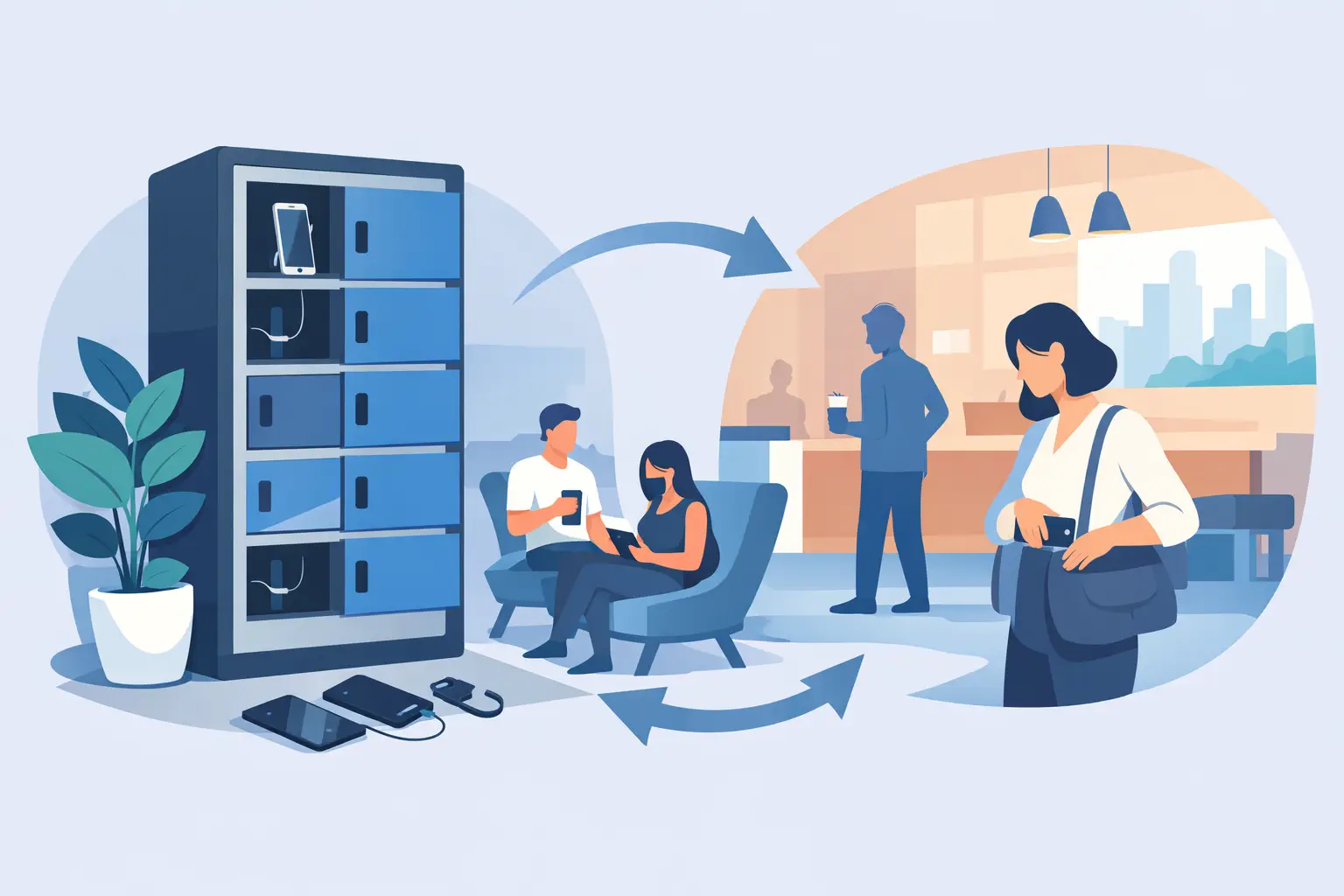
How to Lease Charging Lockers for Your Venue
Aug 23, 2026
Learn how to lease charging lockers with the right term, payment model, security features, and deployment plan for each location.
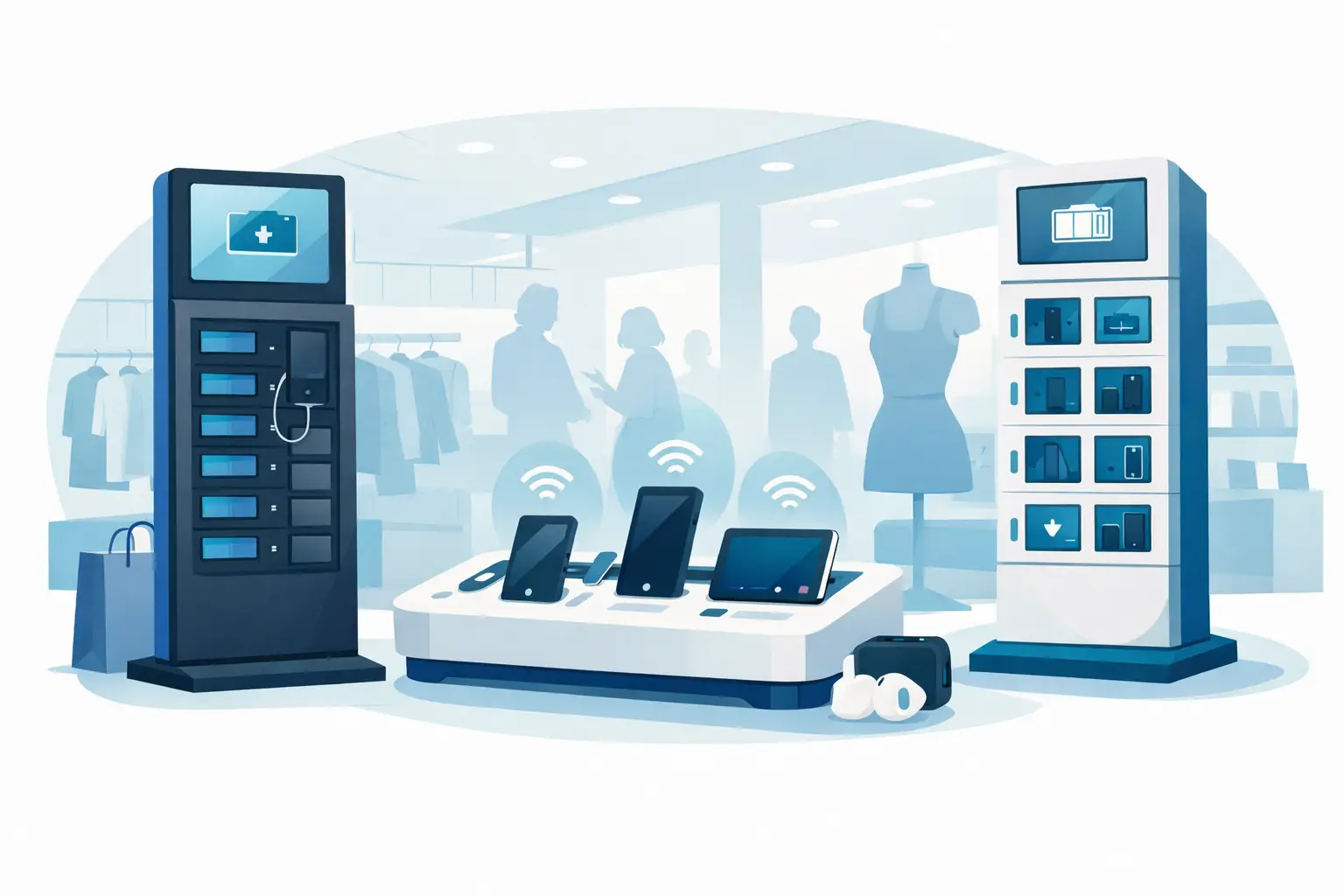
Best Charging Kiosks for Retail Stores Compared
Aug 21, 2026
Compare the best charging kiosks for retail to increase dwell time, protect customer devices, support modern USB-C needs, and create new revenue safely.
Can Charging Stations Charge Laptops Safely?
Aug 19, 2026
Can charging stations charge laptops? Learn which ports, wattages, and safety features businesses need to provide laptop power for visitors and staff.
Emergency Phone Charger Kiosk for Busy Venues
Aug 17, 2026
An emergency phone charger kiosk keeps guests connected, extends dwell time, and can turn charging access into a secure revenue opportunity for your venue today.
Fleet Device Charging Management That Works
Aug 15, 2026
Fleet device charging management keeps phones, tablets, and laptops ready, secure, and accounted for across every shift, site, and deployment without delays daily.
Best Event Phone Charging Rentals for Busy Venues
Aug 13, 2026
Find the best event phone charging rentals for secure, fast, branded power that keeps attendees engaged, extends dwell time, and can create event revenue.
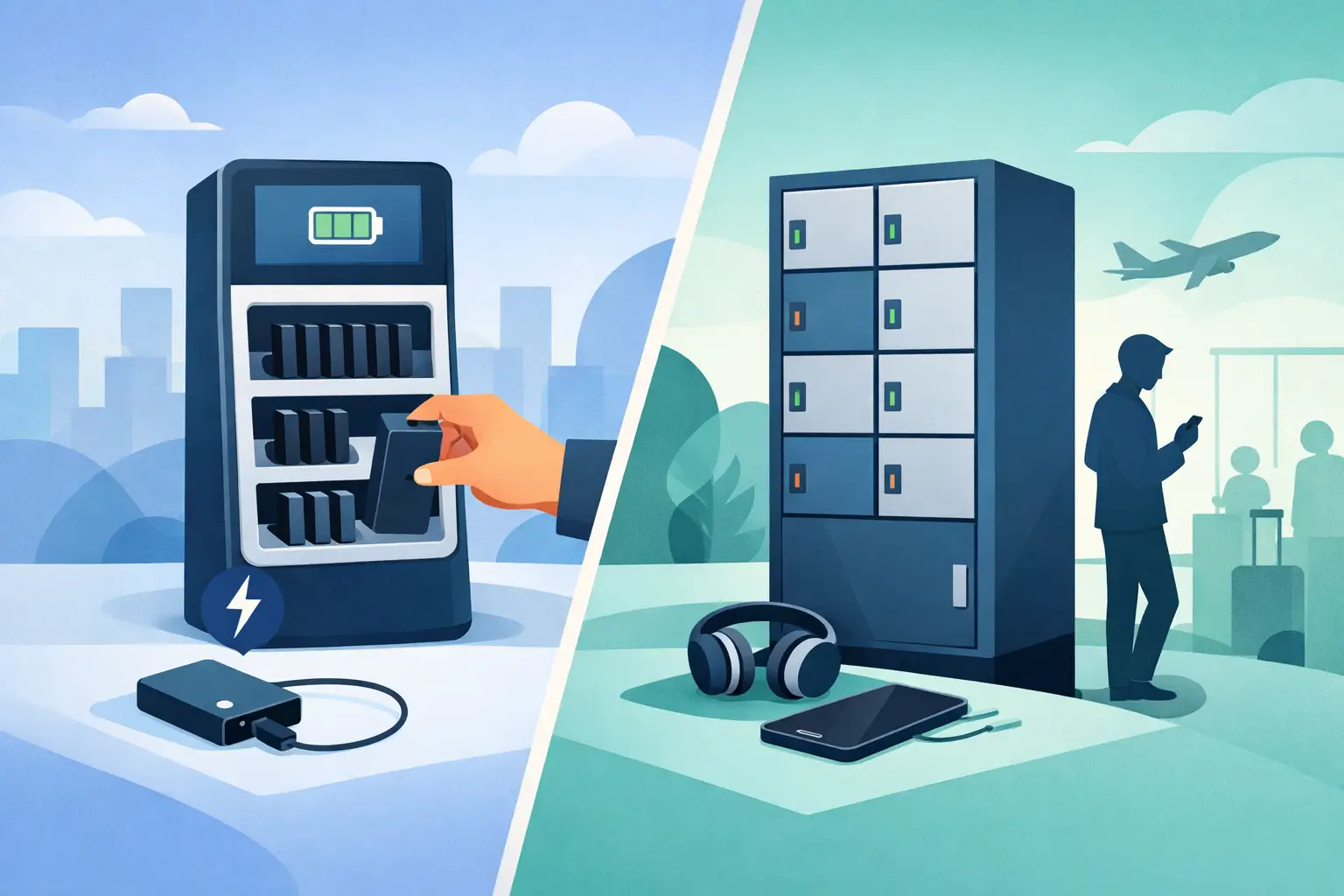
Power Bank Rental vs Lockers: Which Fits?
Aug 11, 2026
Compare power bank rental vs lockers to choose the right charging solution for your venue, event, or workplace and improve guest experience and ROI today.
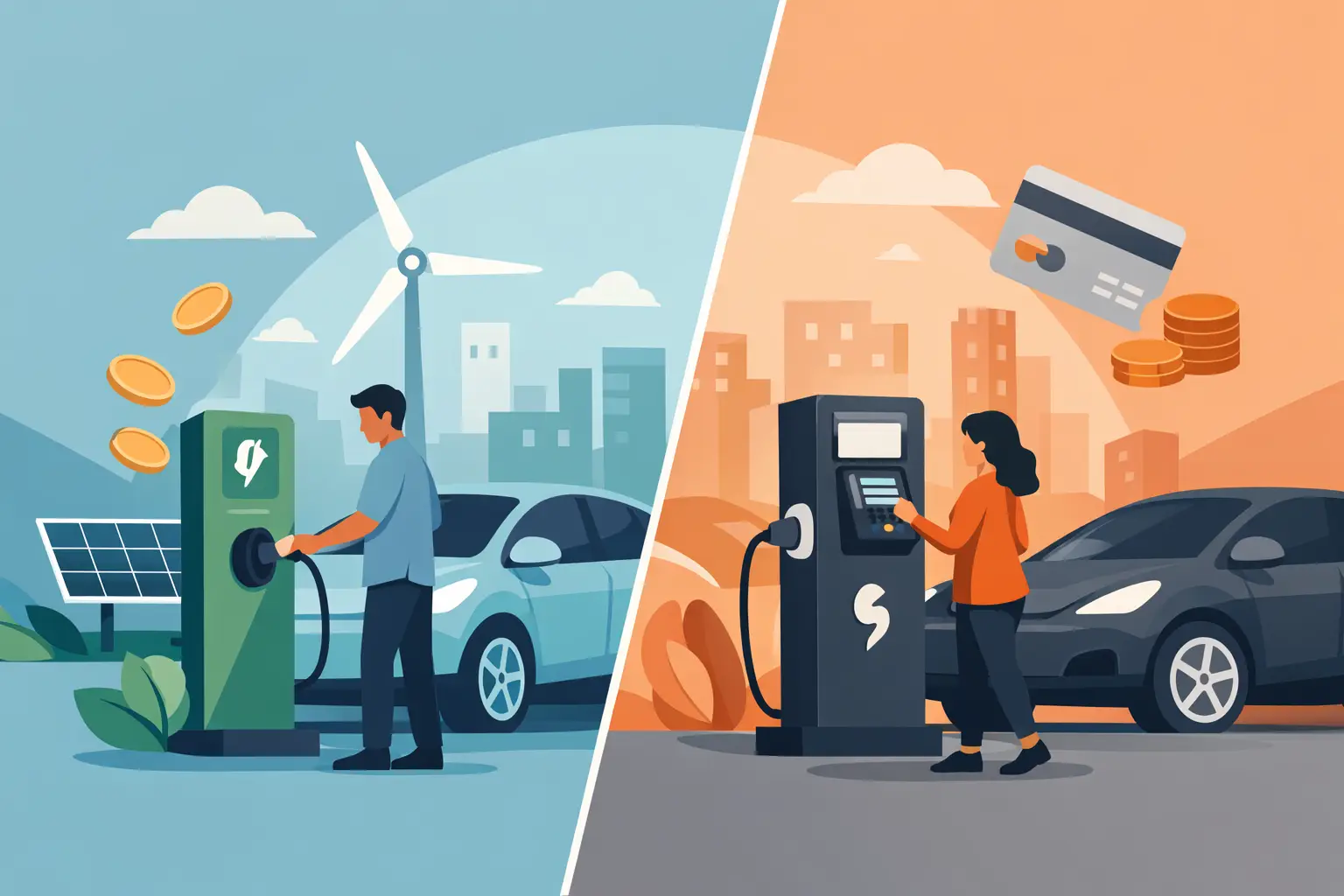
Free Charging vs Paid Charging: Which Works?
Aug 09, 2026
Free charging vs paid charging can improve visitor experience or create revenue. Learn how to choose the right model for your venue, event, or workplace.
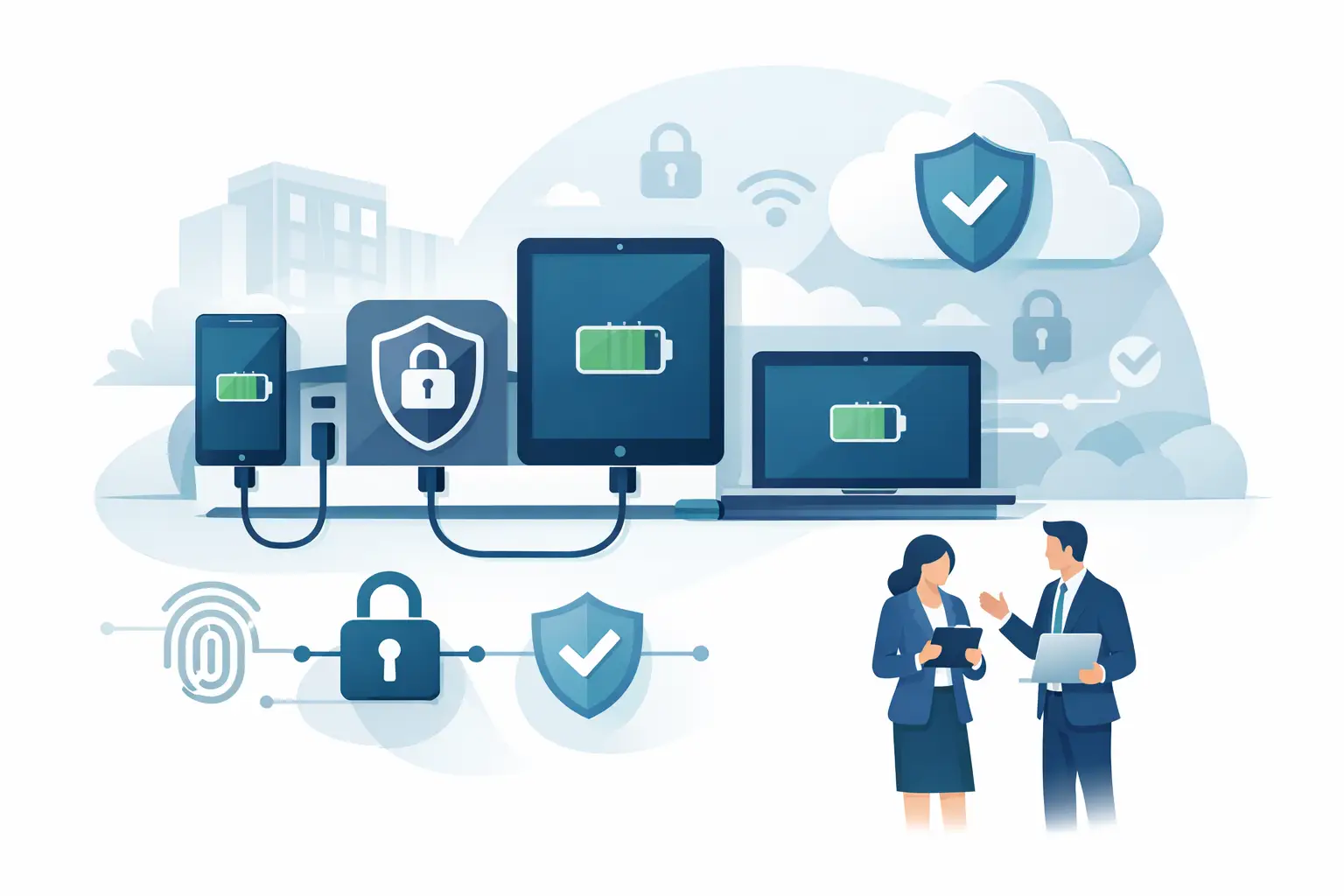
Secure Device Charging Guide for Businesses
Aug 07, 2026
Use this secure device charging guide to protect phones, tablets, and laptops while providing reliable, convenient power for every guest at your venue.

Charging Station Leasing Guide for Businesses
Aug 04, 2026
Use this charging station leasing guide to compare terms, station types, payment options, and ROI before adding secure device charging to your space today.
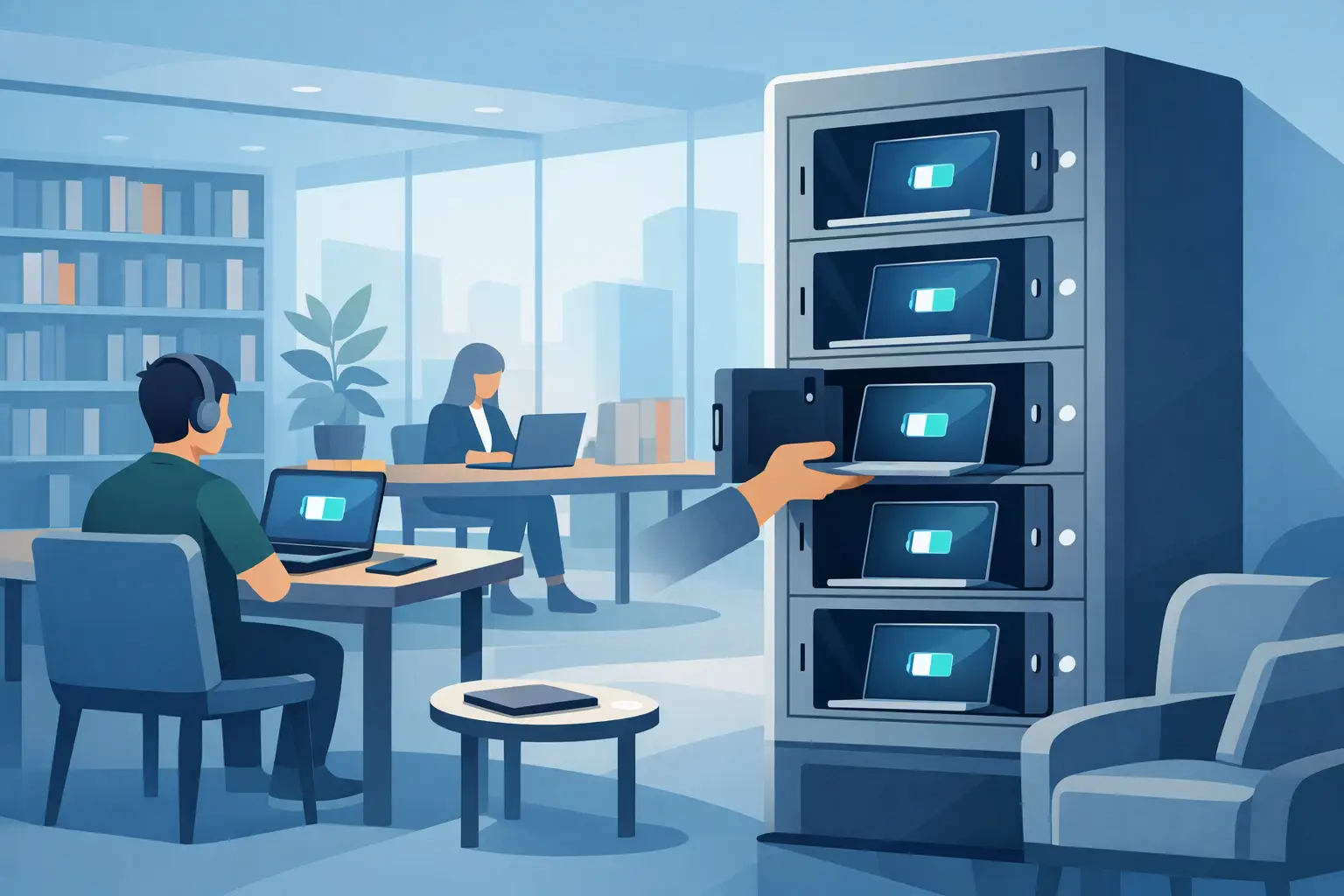
Laptop Charging Kiosk for Libraries That Works
Aug 03, 2026
Choose a laptop charging kiosk for libraries with secure storage, laptop-ready power, simple access, and a funding model that fits your space reliably.
Power Banks vs Fixed Chargers for Venues
Aug 01, 2026
Compare power banks vs fixed chargers for events, venues, and workplaces. Choose secure charging that improves guest experience, uptime, and revenue onsite.
Why Offer Free Device Charging at Your Venue?
Jul 29, 2026
Why offer free device charging? Learn how it keeps visitors engaged, strengthens your brand, supports operations, and can create new revenue opportunities.
Public Charging Station Benefits for Business
Jul 27, 2026
Public charging station benefits include longer visits, happier guests, stronger brand visibility, and practical revenue options for high-traffic venues.

Phone Charging Lockers for Gyms That Members Use
Jul 26, 2026
Phone charging lockers for gyms keep members powered, valuables secure, and workouts on track while creating a valuable amenity or revenue opportunity.
Best Charging Lockers for Offices in 2026
Jul 23, 2026
Find the best charging lockers for offices with secure storage, USB-C support, smart access, and the right capacity for staff, guests, and shared devices.
Phone Charging Stations That Work Harder
Jul 21, 2026
Phone charging stations keep guests engaged, staff productive, and events moving. Learn how to choose secure, scalable options that can earn revenue too.

How to Deploy Charging Amenities That Pay Off
Jul 19, 2026
Learn how to deploy charging amenities that keep visitors powered, increase dwell time, support operations, and create revenue in any venue with clarity.
Secure Charging for Employee Devices at Work
Jul 18, 2026
Secure charging for employee devices keeps work moving while protecting phones, tablets, and laptops. Learn what a practical workplace setup needs today.
Venue Device Charging Solutions That Pay Off
Jul 16, 2026
Venue device charging solutions keep guests connected, increase dwell time, protect devices, and can create new revenue at events and public spaces daily.
Can Charging Kiosks Take Payments? Yes, Here’s How
Jul 14, 2026
Can charging kiosks take payments? See how POS-enabled charging turns low-battery demand into convenience, longer visits, and new venue revenue streams.

Custom Branded Charging Stations That Earn Attention
Jul 11, 2026
Custom branded charging stations turn low-battery stress into longer visits, stronger brand visibility, and a practical revenue opportunity for venues.
Charging Kiosks That People Actually Use
Jul 10, 2026
Charging kiosks keep guests powered, on-site, and engaged. Learn how to choose the right setup for security, revenue, and everyday use.
Charging Stations for Convention Centers
Jul 08, 2026
Charging stations for convention centers reduce attendee stress, boost dwell time, support sponsors, and create new revenue opportunities.

How to Lease Charging Kiosks Smartly
Jul 06, 2026
Learn how to lease charging kiosks with the right terms, pricing, features, and support so your venue adds convenience and potential revenue.

Visitor Amenity Charging Kiosk: What to Buy
Jul 04, 2026
A visitor amenity charging kiosk helps venues keep guests powered, engaged, and on-site while supporting security, branding, and revenue goals.

Business Charging Station Buying Guide
Jul 02, 2026
Business charging station buying guide for choosing secure, scalable charging solutions that improve guest experience and create revenue.
Contactless Payment Charging Station Benefits
Jun 30, 2026
A contactless payment charging station helps venues boost convenience, capture revenue, and keep guests engaged without adding operational friction.
How to Choose Charging Lockers for Your Space
Jun 28, 2026
Learn how to choose charging lockers for events, venues, offices, and retail spaces based on security, device mix, power needs, and ROI.

Are Public Charging Stations Safe to Use?
Jun 26, 2026
Are public charging stations safe to use? Learn the real risks, how secure charging stations work, and what businesses should provide.
Best Desktop Charging Station for Office Use
Jun 24, 2026
Find the right desktop charging station for office use with tips on safety, device mix, cable management, security, and long-term value.
Leasing vs Buying Charging Stations
Jun 22, 2026
Leasing vs buying charging stations comes down to budget, flexibility, and ROI. Learn which model fits events, venues, offices, and retail.
Charging Lockers vs Kiosks: What Fits Best?
Jun 20, 2026
Charging lockers vs kiosks: compare security, throughput, revenue, and fit by venue so you can choose the right charging setup for your space.

Charging Locker ROI Calculator Guide
Jun 17, 2026
Use a charging locker ROI calculator to estimate payback, revenue, and visitor impact. Learn which costs, assumptions, and metrics matter most.

How to Monetize Charging Kiosks
Jun 16, 2026
Learn how to monetize charging kiosks with the right pricing, placement, sponsorships, and formats to turn charging access into revenue.
What Is Juice Jacking Protection?
Jun 13, 2026
What is juice jacking protection? Learn how it blocks data theft through USB ports and why businesses should offer safer public charging access.
USB C Charging Trends Businesses Should Track
Jun 12, 2026
USB C charging trends are reshaping public, workplace, and event charging. See what matters for compatibility, speed, safety, and ROI.
USB C Charging Station Commercial Guide
Jun 09, 2026
A practical look at usb c charging station commercial options, including use cases, power, security, placement, pricing, and ROI for busy venues.
Charging Table for Waiting Room Buyers
Jun 08, 2026
A charging table for waiting room spaces keeps guests powered, improves dwell time, and adds convenience without adding operational friction.

What a Custom Charging Kiosk Wrap Should Do
Jun 07, 2026
A custom charging kiosk wrap should attract attention, fit the venue, and support ROI. Learn what to include and what to avoid.
Branded Charging Station for Events That Works
Jun 06, 2026
A branded charging station for events keeps guests powered, boosts dwell time, supports sponsors, and adds measurable value to the event floor.
Conference Charging Locker Rental That Works
Jun 05, 2026
Conference charging locker rental keeps attendees powered, secure, and engaged while creating smoother events, stronger sponsor value, and revenue.
Trade Show Phone Charging Station Guide
Jun 04, 2026
A trade show phone charging station can boost booth traffic, dwell time, and leads while reducing attendee battery stress and improving event ROI.
Event Charging Station Rental That Works
Jun 03, 2026
Event charging station rental keeps guests powered, engaged, and on site longer. Learn what to rent, what to ask, and how to avoid event-day issues.

Free Phone Charging Station Retail ROI
Jun 02, 2026
See how free phone charging station retail setups increase dwell time, improve customer experience, and support smarter in-store traffic flow.
Charging Kiosk With Payment System: Worth It?
Jun 01, 2026
A charging kiosk with payment system can add revenue, improve guest experience, and extend dwell time. Here's how to choose the right setup.
Pay Per Use Charging Station ROI Explained
May 31, 2026
Learn how a pay per use charging station creates revenue, improves visitor experience, and fits retail, events, offices, and public venues.
Power Bank Rental Station Buyer’s Guide
May 30, 2026
A power bank rental station helps venues keep guests charged, boost dwell time, and create revenue with flexible, low-friction charging access.
Choosing a Laptop Charging Locker Cabinet
May 29, 2026
Learn how to choose a laptop charging locker cabinet for offices, schools, events, and venues with the right mix of security, power, and ROI.

Tablet Charging Locker for Schools: What Matters
May 28, 2026
A tablet charging locker for schools improves device security, charging access, and classroom readiness. Here’s what buyers should evaluate.
Secure Phone Charging Locker Buying Guide
May 27, 2026
Choose a secure phone charging locker that protects devices, improves guest experience, and fits your space, budget, and usage model.

Phone Charging Station for Business ROI
May 26, 2026
A phone charging station for business can boost dwell time, improve customer experience, and create revenue when matched to the right space.

How to make your phone battery last longer
Mar 20, 2025
It’s no secret that some smartphones have more powerful and longer lasting batteries than others. However, no matter how powerful the battery or how energy efficient your phone is, there are a number of apps and settings that will drain your battery faster. Identifying these apps and settings will help you keep usage to a […]

Phone Batteries – The Best and The Worst
Mar 29, 2017
When buying a new smartphone, there are a number of factors you will consider. From the brand and price, to the operating system, and other features like the camera. No matter what kind of phone you choose or the reason behind your purchase, one thing is for sure – you want the battery to last […]
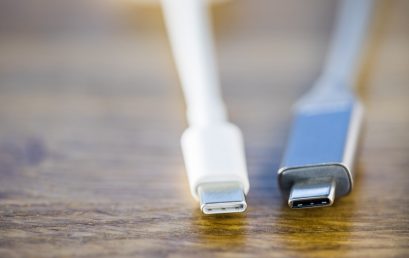
What is USB-C and why is it important?
Mar 15, 2017
By now, you may have heard people talking about USB type C or perhaps you have even tried it out yourself. Either way, many experts agree that this is the future of USB ports and cables. What many people may not realize is that this particular type of connection is significantly different from older types […]