Hospital Charging Checklist for Better Patient Care

A phone at 2% battery is more than a minor inconvenience in a hospital. A patient may lose contact with family, a visitor may struggle to coordinate a ride home, and a staff member may be left hunting for an outlet between shifts. A practical hospital charging checklist helps facilities turn a common source of stress into a visible, reliable amenity.
Charging access is not one-size-fits-all. The right plan depends on your patient population, visitor volume, security requirements, infection-control procedures, available floor space, and whether the hospital wants to provide charging as a free service or recover costs through a paid model.
Start With the Areas Where Battery Stress Is Highest
Do not begin by choosing equipment. Begin by identifying where people wait, work, and rely on their devices most. Emergency departments are usually a priority because wait times can be unpredictable and patients often arrive without a charging cable. Surgical waiting rooms, outpatient clinics, labor and delivery areas, cancer centers, pharmacy waiting areas, cafeterias, and main lobbies can have the same need.
Staff spaces deserve equal consideration. Nurses, physicians, environmental services teams, and administrative personnel may need a dependable place to charge personal phones during a long shift. Departments using shared tablets, barcode scanners, handheld communications devices, or laptops also need a charging plan that supports operational uptime rather than creating a tangle of unmanaged cords.
Walk the property at different times of day. A lobby that looks adequately served at 8 a.m. may be packed by afternoon. Note outlet availability, seating patterns, existing cable clutter, nearby sightlines, and whether a charging station will be easy to find without blocking circulation or accessible routes.
Hospital Charging Checklist: Core Planning Questions
Before approving a charging deployment, align facilities, IT, security, patient experience, and infection-control stakeholders around a few practical questions:
- Who needs charging in each location: patients, visitors, staff, or a mix of all three?
- Are users charging a phone for 15 minutes, leaving a tablet for several hours, or powering a laptop while they work?
- Does the location require an attended, open-access charging surface or a lockable compartment for unattended devices?
- Which device connections are needed, including USB-C, Lightning, Micro-USB, standard USB, AC power, and laptop charging?
- Will charging be free, sponsored, or pay-per-use?
- Who will inspect, clean, restock, and report issues with the equipment?
These answers determine the right format. A desktop charger can work well at a nurse station or concierge desk where devices remain supervised. A charging table or bench fits a public waiting area where people are already seated. Secure lockers are a better match for visitors who need to leave a device charging while stepping away for an appointment, meal, or conversation with care staff. Power bank rental stations can be useful in large campuses where visitors need to stay mobile.
Match the Equipment to the Use Case
A hospital should not rely on wall outlets and extension cords as its primary public charging strategy. They are difficult to monitor, can create trip hazards, and rarely deliver the experience patients and visitors expect. Purpose-built infrastructure keeps charging organized, visible, and easier to maintain.
Public waiting rooms and high-traffic lobbies
For short stays, charging tables, benches, kiosks, and multi-device desktop units put power close to the people who need it. These formats encourage visitors to remain comfortable in the space instead of leaving to search for an outlet. They can also display hospital branding, department information, donor recognition, or helpful wayfinding messages.
Open-access options work best when users are likely to remain with their devices. Include current connectors and clear instructions. A station with outdated cables may look functional while failing to serve the phones guests actually carry.
Emergency departments and outpatient clinics
In these settings, convenience needs to be paired with security. A visitor may not want to sit beside a phone for several hours, and patients may be called away unexpectedly. Lockable charging lockers allow users to secure phones, tablets, and other devices while they wait or receive care.
Look for compartments sized for the device mix you expect. A phone-only locker may not be enough for a visitor carrying a tablet, work laptop, or medical paperwork. Clear availability indicators, simple locking procedures, and durable door hardware reduce confusion at the point of use.
Staff areas and shared-device workflows
Staff charging has two separate needs: personal-device convenience and managed organizational assets. Break rooms and staff lounges may benefit from secure personal charging lockers or countertop stations. Shared clinical and operational devices need a more controlled solution, with labeled bays, cable management, access rules, and charging-status visibility.
For hospital-owned tablets and laptops, involve IT early. They may need specific power requirements, asset tags, access control, or a charging layout that supports check-in and check-out procedures. Charging infrastructure should support the workflow, not become another item for staff to manage manually.
Put Safety, Cleaning, and Security in the Requirements
A charging station in a healthcare environment must be selected and operated with more care than a consumer charging strip. Verify that equipment is designed for commercial use and that electrical components, cables, enclosures, and power management meet your facility’s standards. Use professional installation where required and avoid overloading existing circuits.
Infection-control teams should review exterior materials, cable designs, ventilation openings, and cleaning guidance. Smooth, durable surfaces are easier to wipe down between heavy use periods. Loose, hard-to-clean cables can undermine an otherwise well-planned installation. Establish which approved cleaning products can be used and how often high-touch areas should be serviced.
Physical security matters as well. Public charging outlets can expose devices to loss if people must leave them unattended. Lockable solutions reduce that concern, particularly in large waiting areas. For staff assets, access-controlled lockers or cabinets can help limit unauthorized handling while keeping devices charged and ready.
Do not overlook digital security. A public charging offering should provide power without asking users to connect their data. Make the distinction clear in user-facing signage: charging ports are for power only, and users should not need to share personal information unless the facility intentionally operates a rental or payment program.
Design for Accessibility and Simple Use
The best station is the one people can use immediately, even when they are tired, worried, or unfamiliar with the building. Place charging equipment where it is visible from seating areas and reception desks, with concise instructions that use plain language and large, readable type.
Maintain clear access around the unit and consider reach range, wheelchair access, and door clearance for lockers. Facilities should review placement against their accessibility policies and local requirements. A station that is technically available but difficult to approach does not solve the problem.
Connector choices also affect usability. USB-C has become essential, but legacy devices still exist. A mixed connector approach may be appropriate in public spaces, while laptop-focused charging may require AC outlets or higher-power USB-C configurations. The correct mix depends on the devices your visitors and teams actually use, not a generic product specification.
Decide Whether Charging Is an Amenity or a Revenue Program
Most hospitals choose free charging because it supports patient and visitor satisfaction. It is a straightforward way to reduce disconnect anxiety during an already stressful experience. Branded equipment can reinforce that the facility has considered small but meaningful comfort needs.
In some settings, pay-per-use charging or power bank rental can make sense. Large medical campuses, parking-adjacent entrances, high-volume outpatient centers, and public spaces with extended dwell time may support a paid option. The trade-off is added payment support, signage, customer-service expectations, and a need for very clear pricing.
A third approach is sponsorship. A hospital foundation, local business partner, or community program may fund free charging in exchange for approved branding. This can preserve a no-cost experience while helping offset equipment and service expenses. Any commercial messaging should remain appropriate for the care setting and follow hospital policy.
Create an Ownership and Maintenance Plan
Charging infrastructure is simple to deploy, but it still needs an owner. Assign responsibility for routine visual inspections, cleaning, cable replacement, and escalation when a port or lock is not working. Facilities may own physical upkeep, IT may oversee managed devices, and guest services may handle questions from visitors.
Track a small set of useful measures: utilization by location, recurring maintenance issues, average locker occupancy, rental activity if applicable, and feedback from patients, visitors, and staff. If one station is constantly full while another is rarely used, move or expand capacity based on real behavior.
For temporary needs such as a hospital fundraiser, vaccination event, community health fair, or professional conference, rental equipment can provide charging access without a permanent capital commitment. For long-term use, purchasing, leasing, and financing each offer different budget advantages. ChargeBar can help organizations evaluate formats that fit both the environment and the deployment model.
A well-placed charging station will not change a diagnosis or shorten every wait. It can, however, give a worried family member a working phone, keep a staff member connected through a demanding shift, and show visitors that the hospital has planned for the details that matter when they need support most.
Related posts
Hospital Charging Checklist for Better Patient Care
Nov 22, 2026
Use this hospital charging checklist to give patients, visitors, and staff safe, secure device power while improving flow, satisfaction, and uptime daily.
Charging Station Payment Trends That Drive Revenue
Nov 20, 2026
Charging station payment trends are shifting toward tap-to-pay, flexible pricing, and smarter reporting. Learn what operators should prioritize for ROI.
Charging Kiosk Revenue: What Drives Real Returns
Nov 18, 2026
Charging kiosk revenue depends on placement, pricing, uptime, and payment flow. Learn how to build a charging program that earns its place every day.
Multi Device Charger Review for Business Buyers
Nov 16, 2026
Our multi device charger review shows business buyers what matters most: charging speed, security, compatibility, uptime, and revenue potential at scale daily.
How to Customize Charging Furniture for Your Space
Nov 14, 2026
Learn how to customize charging furniture with branding, ports, security, payments, and placement that improve guest experience and business results today.
Should Venues Provide Charging Cables for Guests?
Nov 12, 2026
Should venues provide charging cables? Learn when cables improve guest experience, when they create risk, and how secure charging stations deliver value.

University Charging Options Students Will Use
Nov 08, 2026
University charging options keep students connected, protect devices, reduce support needs, and can create practical campus revenue in busy spaces daily.
Rental Versus Purchase Charging: Which Fits?
Nov 06, 2026
Compare rental versus purchase charging for events, venues, and workplaces. Choose a secure, scalable model for demand, budget, revenue, and growth ahead.
How to Charge Customers for Phone Charging
Nov 05, 2026
Learn how to charge customers for phone charging with practical pricing, payment, placement, and service strategies that turn power into revenue reliably.
Power Bank Sharing Trends Businesses Can Use
Nov 02, 2026
Power bank sharing trends are reshaping venue charging. See what operators need to know about convenience, security, payments, and deployment options.
USB-C Migration Trends Businesses Need to Plan For
Oct 31, 2026
USB-C migration trends are changing public charging. See what businesses should upgrade to support phones, tablets, laptops, safety, and revenue growth.

Event Charging Sponsorship Guide for Better ROI
Oct 29, 2026
Use this event charging sponsorship guide to build sponsor value, select the right charging setup, measure results, and improve attendee experience now.
Charging Station Financing Options for Business
Oct 28, 2026
Compare charging station financing options for your business, from purchase and leasing to rentals and revenue-share models that fit your rollout goals.

Charging Furniture That Keeps Visitors Longer
Oct 25, 2026
Charging furniture gives visitors a place to power up, stay longer, and keep moving. Learn how to choose secure, profitable options for your space with confidence.

Kiosk Revenue Case Study That Can Pay Off
Oct 23, 2026
A kiosk revenue case study for venue operators: learn how pricing, foot traffic, payment flow, and placement shape charging station returns over time.
How to Lease Charging Equipment for Your Venue
Oct 21, 2026
Learn how to lease charging equipment that fits your venue, protects devices, supports modern USB-C needs, and can create a new revenue stream for guests.
How to Prevent Cable Theft at Charging Stations
Oct 19, 2026
Learn how to prevent cable theft at public and workplace charging stations with better hardware, placement, inspections, and simple operating policies.
Charging Station Durability That Holds Up
Oct 17, 2026
Charging station durability protects uptime, visitor trust, and revenue. Learn what to look for in materials, cables, locks, power, and service needs.

Commercial Charging Procurement Guide for Buyers
Oct 15, 2026
Use this commercial charging procurement guide to choose secure, scalable device charging for venues, staff, and events while managing cost and ROI wisely.
Public Phone Charging Setup Guide for Venues
Oct 13, 2026
A public phone charging setup guide for venues that want safer access, longer visits, and practical revenue from reliable charging stations on site daily.
What Is Power Bank Rental for Businesses?
Oct 11, 2026
What is power bank rental? Learn how rental stations work, where they fit, and how businesses can improve guest experience and create revenue on-site.
Charging Station Sponsorship Results That Matter
Oct 09, 2026
Measure charging station sponsorship results with practical metrics for brand exposure, engagement, leads, dwell time, and revenue across live events.

How to Finance Charging Infrastructure Wisely
Oct 07, 2026
Learn how to finance charging infrastructure with purchase, lease, rental, and revenue models that fit your venue, event, budget, and growth goals today.
How to Install Charging Lockers Safely at Work
Oct 05, 2026
Learn how to install charging lockers safely with practical placement, power, security, and maintenance guidance for workplaces and public venues every.
Commercial Charging Locker Review for Buyers
Oct 03, 2026
A commercial charging locker review for buyers comparing security, charging speed, payment options, capacity, and long-term operating value at venues.

How to Manage Shared Devices Without the Chaos
Oct 01, 2026
Learn how to manage shared devices with clear ownership, secure charging, simple checkout rules, and reporting that keeps teams productive every shift.
Charging Station Maintenance That Protects Uptime
Sep 29, 2026
Charging station maintenance protects uptime, revenue, and user trust with practical inspections, cleaning, cable care, and payment system checks weekly.
Charging Locker System Review for Busy Venues
Sep 27, 2026
Read this charging locker system review to compare security, charging speed, payment options, and ROI for events, offices, retail, and venues nationwide.
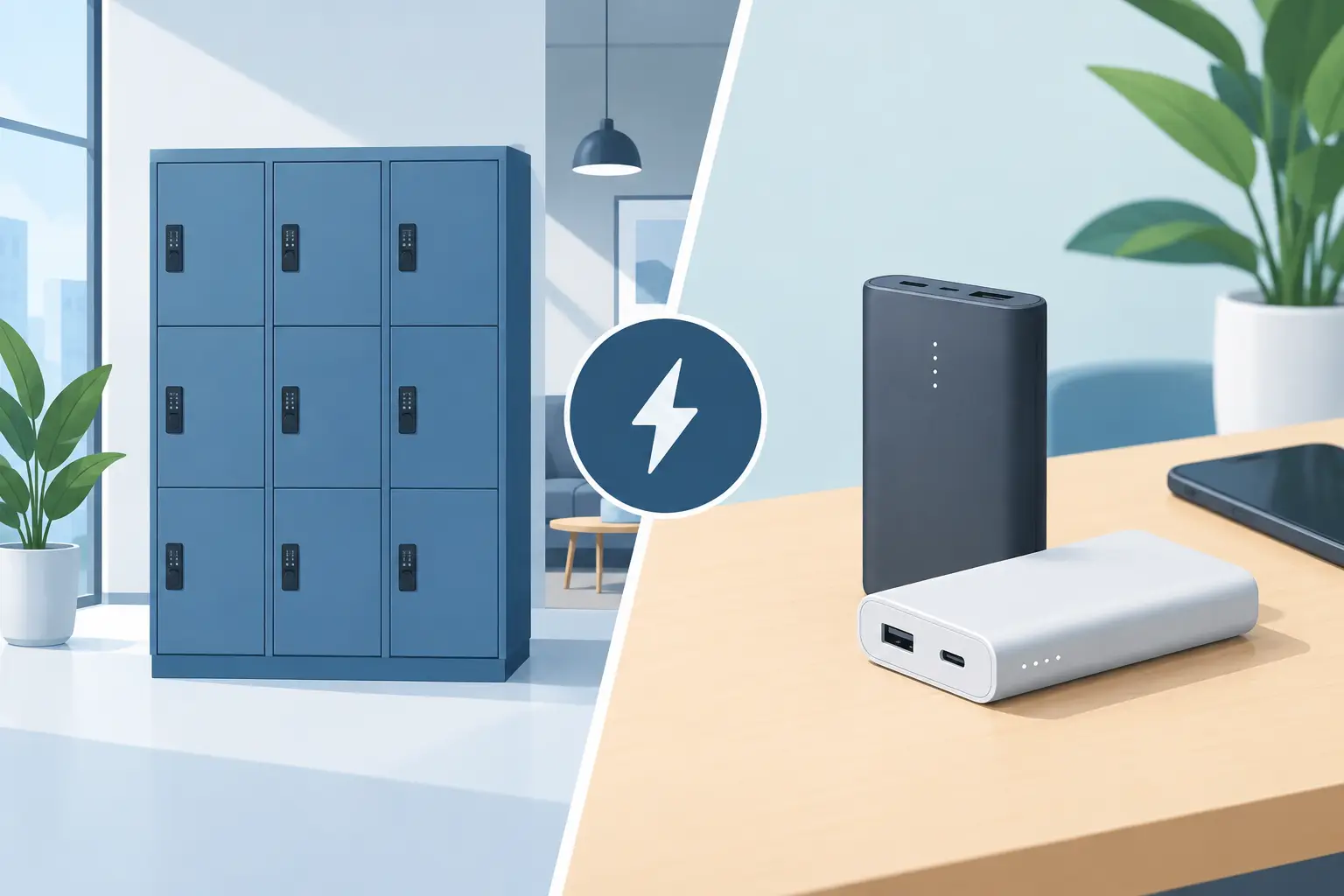
Lockers Versus Powerbanks: Which Fits Your Space?
Sep 25, 2026
Lockers versus powerbanks: compare security, dwell time, staffing, revenue, and deployment needs to choose the right charging amenity for your venue today.
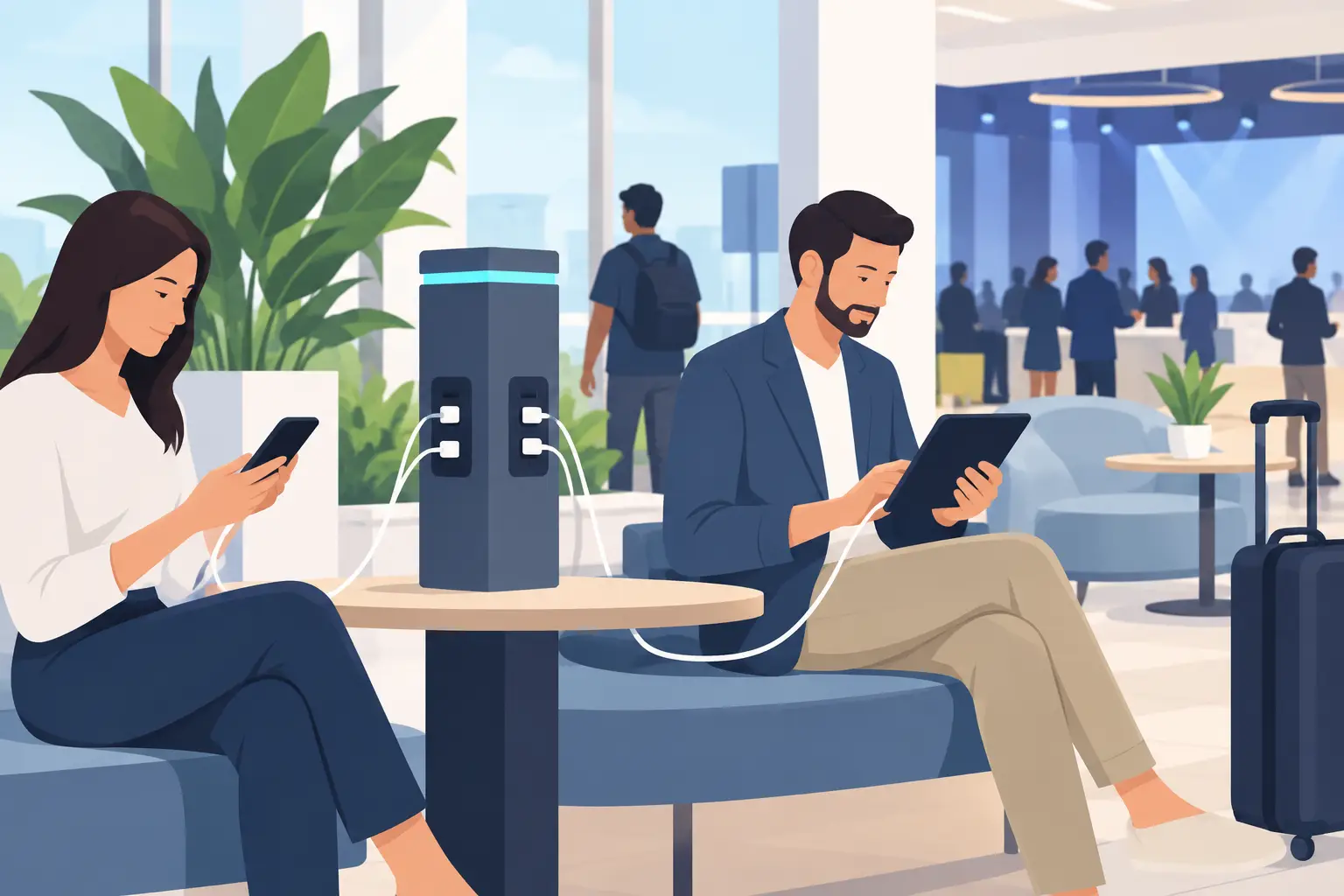
Public Device Charging Trends for Venues
Sep 23, 2026
Public device charging trends are reshaping venues, events, and workplaces with secure USB-C access, locker charging, and revenue-ready options for guests.
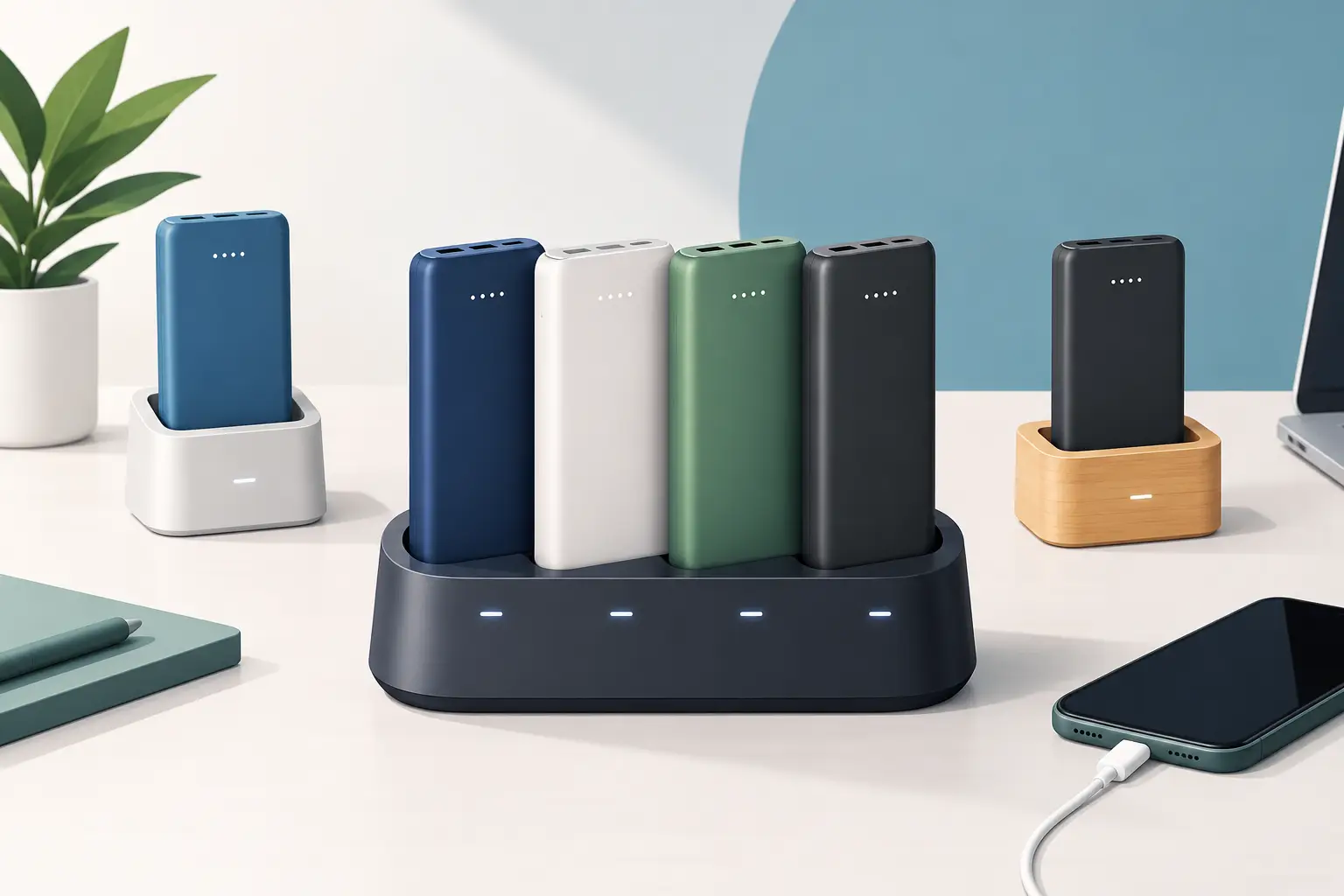
How to Create Branded Power Bank Docks That Sell
Sep 21, 2026
Learn how to create branded power bank docks that keep visitors engaged, strengthen your brand, and support free or paid charging programs on-site daily.

Locker Deployment Example for Busy Venues
Sep 19, 2026
See a locker deployment example that helps venues provide secure phone charging, reduce low-battery stress, and create a practical revenue option for guests.
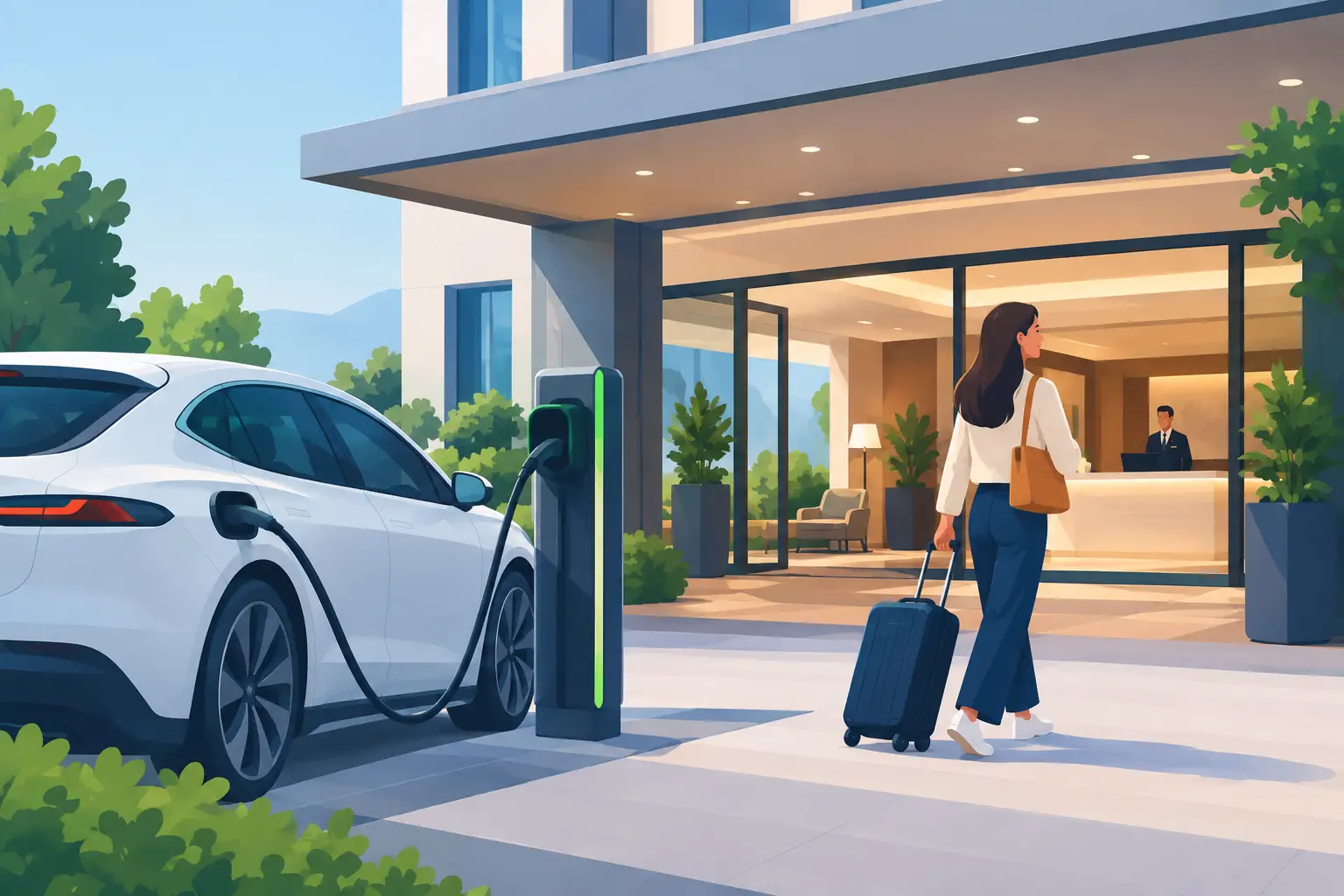
Hotel Charging That Keeps Guests On Property
Sep 17, 2026
Hotel charging gives guests a secure place to power phones and laptops, extend their stay, and create new hospitality revenue opportunities on site daily.
How to Add Phone Charging to Your Business
Sep 15, 2026
Learn how to add phone charging to your business with secure, scalable stations that improve guest experience, dwell time, and revenue potential daily.
Best Secure Tablet Storage for Shared Devices
Sep 13, 2026
Find the best secure tablet storage for shared devices, events, offices, and public spaces with charging, access control, and room to scale confidently.

Power Bank Docking Review for Busy Venues
Sep 11, 2026
Use this power bank docking review to compare charging speed, security, payment options, branding, and operating costs before committing to deployment.

Charging Locker Procurement That Pays Off
Sep 09, 2026
Make charging locker procurement simpler with a practical plan for capacity, security, payment options, deployment, and long-term operating daily value.
Phone Charging Station Leasing for Businesses
Sep 08, 2026
Phone charging station leasing gives businesses a flexible way to add secure, branded charging while protecting cash flow and creating new revenue streams
Multi Device Charging Cabinets for Busy Venues
Sep 06, 2026
Multi device charging cabinets give visitors secure power, help staff manage shared devices, and create a practical amenity or revenue stream for venues.

How to Rent Charging Stations for Your Event
Sep 04, 2026
Learn how to rent charging stations for events, offices, and venues, from choosing secure formats to planning power, branding, delivery, and ROI needs.
Best Phone Charging for Hotels and Their Guests
Sep 02, 2026
Find the best phone charging for hotels with secure, guest-ready options that improve stays, support staff, and create new revenue opportunities on property.
Do Charging Lockers Prevent Theft at Events?
Aug 31, 2026
Do charging lockers prevent theft? Learn how lockable charging stations protect devices, reduce staff burden, and improve visitor confidence on site daily.
The Future of Public Charging Is Built for Dwell Time
Aug 29, 2026
The future of public charging will reward venues that pair fast, secure power with payment flexibility, strong uptime, and better visitor experiences.
How to Deploy Phone Charging Furniture Well
Aug 27, 2026
Learn how to deploy phone charging furniture in high-traffic spaces, from selecting locations and power to security, branding, pricing, and daily upkeep.
Can Charging Lockers Fit Laptops? What to Check
Aug 25, 2026
Can charging lockers fit laptops? Learn which locker dimensions, outlets, cables, and power limits support secure laptop charging at work and events today.
How to Lease Charging Lockers for Your Venue
Aug 23, 2026
Learn how to lease charging lockers with the right term, payment model, security features, and deployment plan for each location.
Best Charging Kiosks for Retail Stores Compared
Aug 21, 2026
Compare the best charging kiosks for retail to increase dwell time, protect customer devices, support modern USB-C needs, and create new revenue safely.
Can Charging Stations Charge Laptops Safely?
Aug 19, 2026
Can charging stations charge laptops? Learn which ports, wattages, and safety features businesses need to provide laptop power for visitors and staff.
Emergency Phone Charger Kiosk for Busy Venues
Aug 17, 2026
An emergency phone charger kiosk keeps guests connected, extends dwell time, and can turn charging access into a secure revenue opportunity for your venue today.
Fleet Device Charging Management That Works
Aug 15, 2026
Fleet device charging management keeps phones, tablets, and laptops ready, secure, and accounted for across every shift, site, and deployment without delays daily.
Best Event Phone Charging Rentals for Busy Venues
Aug 13, 2026
Find the best event phone charging rentals for secure, fast, branded power that keeps attendees engaged, extends dwell time, and can create event revenue.
Power Bank Rental vs Lockers: Which Fits?
Aug 11, 2026
Compare power bank rental vs lockers to choose the right charging solution for your venue, event, or workplace and improve guest experience and ROI today.
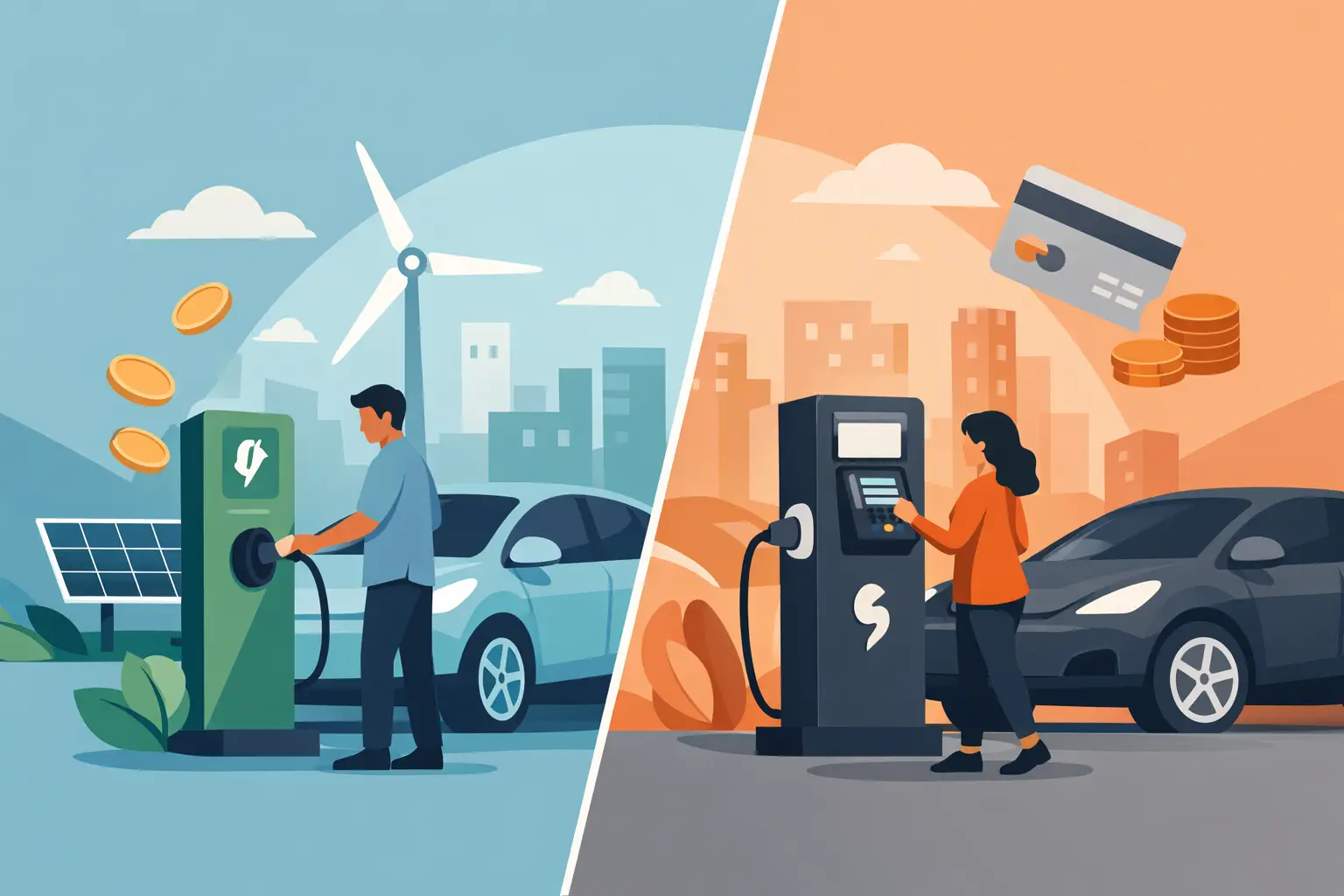
Free Charging vs Paid Charging: Which Works?
Aug 09, 2026
Free charging vs paid charging can improve visitor experience or create revenue. Learn how to choose the right model for your venue, event, or workplace.
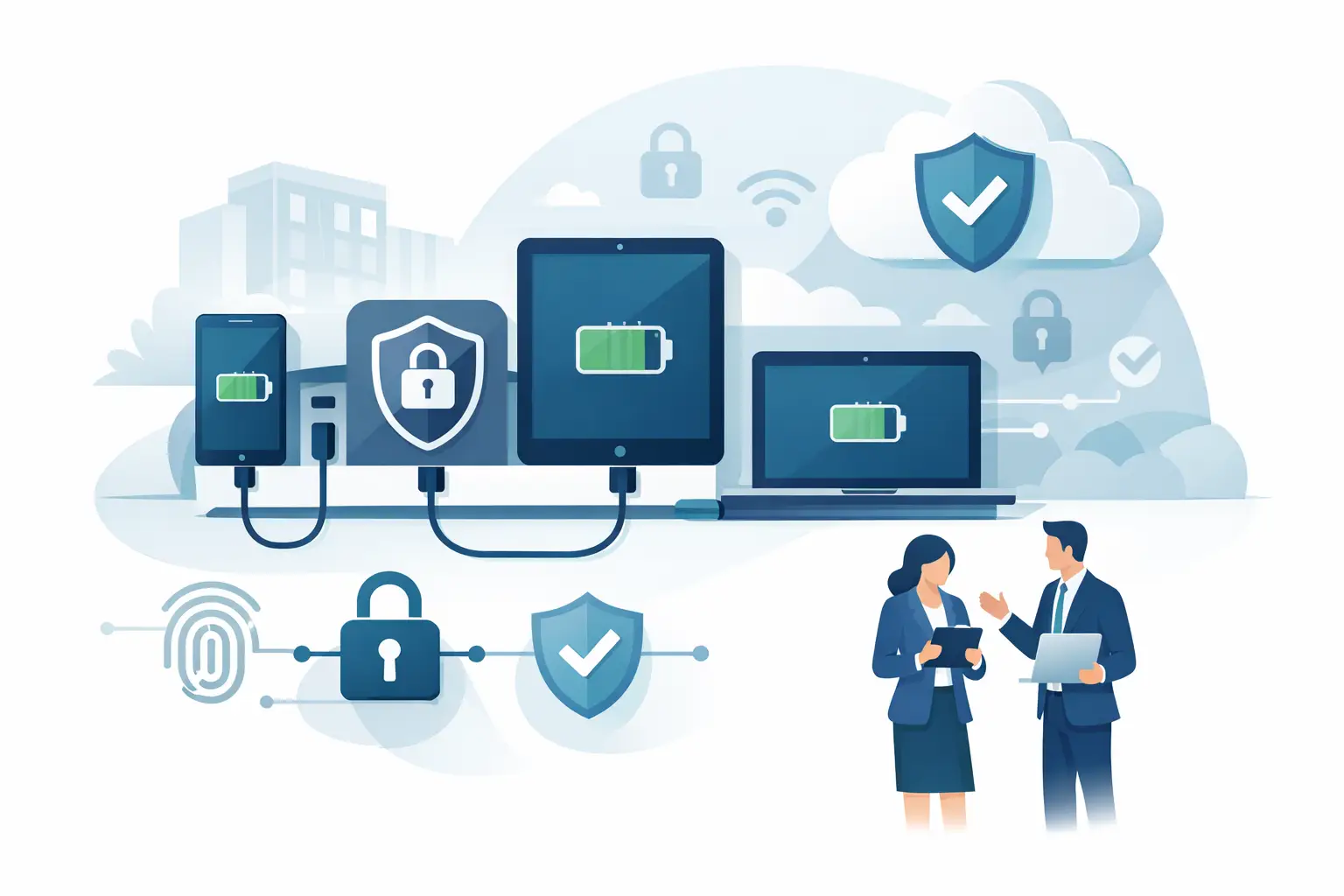
Secure Device Charging Guide for Businesses
Aug 07, 2026
Use this secure device charging guide to protect phones, tablets, and laptops while providing reliable, convenient power for every guest at your venue.

Charging Station Leasing Guide for Businesses
Aug 04, 2026
Use this charging station leasing guide to compare terms, station types, payment options, and ROI before adding secure device charging to your space today.
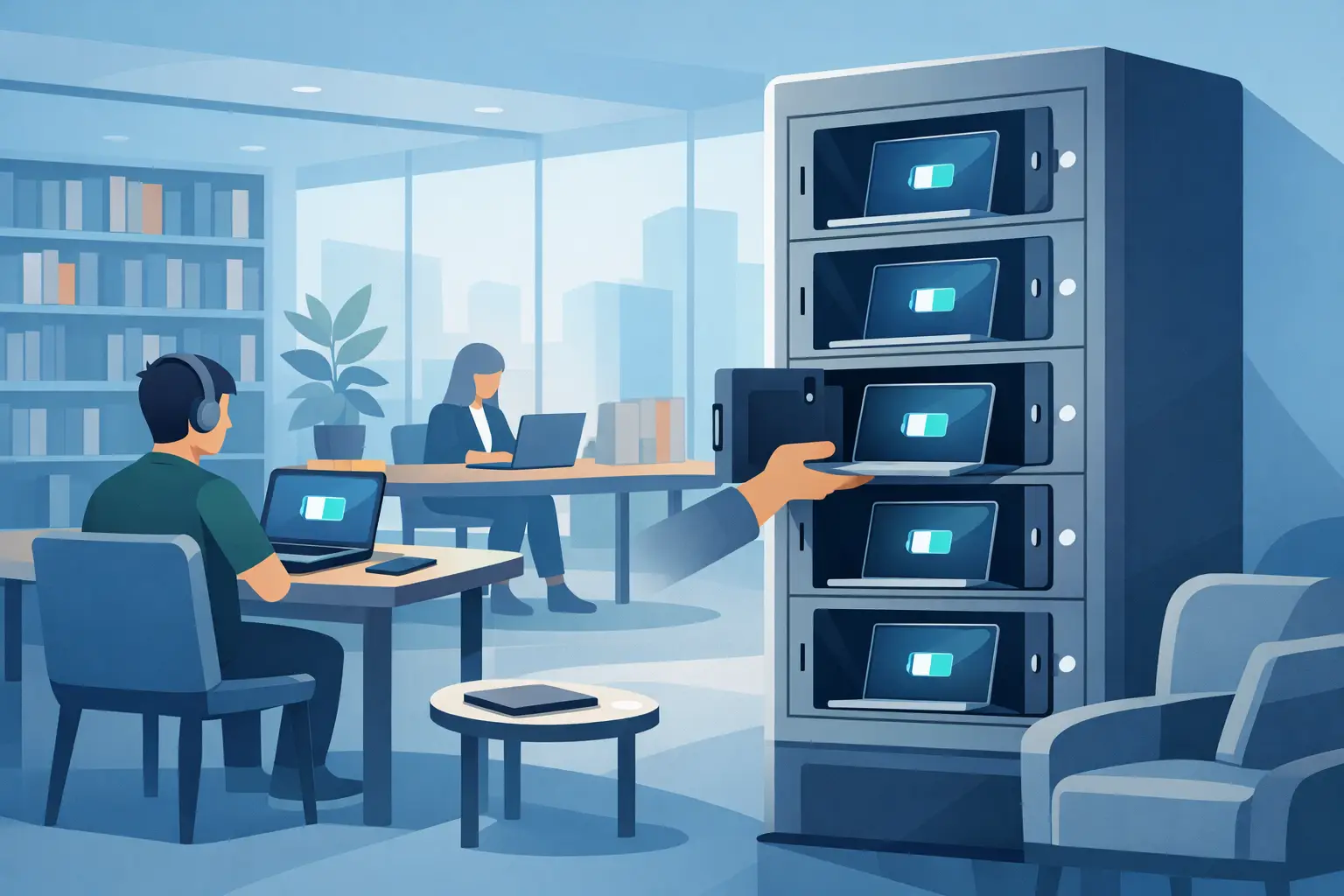
Laptop Charging Kiosk for Libraries That Works
Aug 03, 2026
Choose a laptop charging kiosk for libraries with secure storage, laptop-ready power, simple access, and a funding model that fits your space reliably.
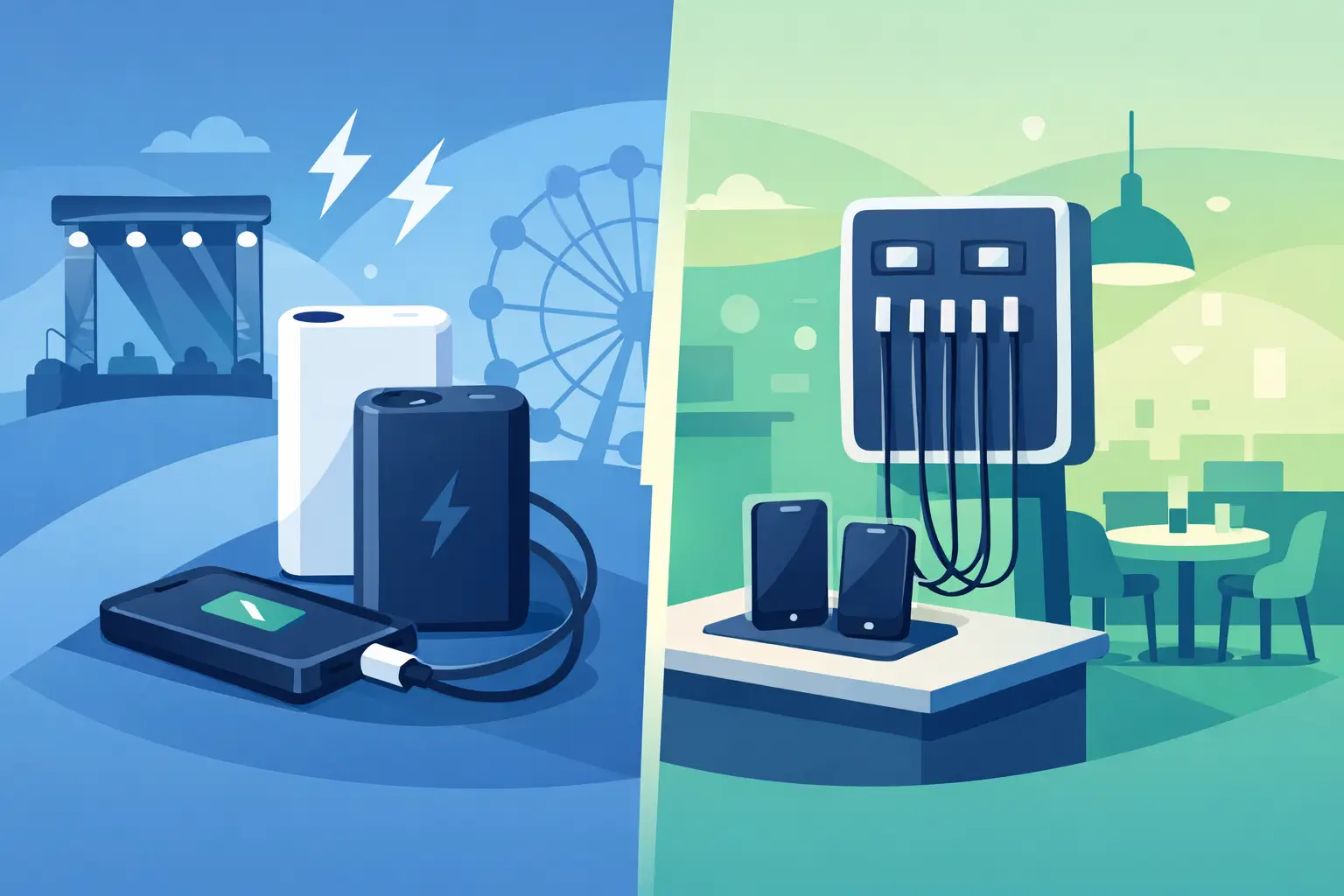
Power Banks vs Fixed Chargers for Venues
Aug 01, 2026
Compare power banks vs fixed chargers for events, venues, and workplaces. Choose secure charging that improves guest experience, uptime, and revenue onsite.
Why Offer Free Device Charging at Your Venue?
Jul 29, 2026
Why offer free device charging? Learn how it keeps visitors engaged, strengthens your brand, supports operations, and can create new revenue opportunities.
Public Charging Station Benefits for Business
Jul 27, 2026
Public charging station benefits include longer visits, happier guests, stronger brand visibility, and practical revenue options for high-traffic venues.

Phone Charging Lockers for Gyms That Members Use
Jul 26, 2026
Phone charging lockers for gyms keep members powered, valuables secure, and workouts on track while creating a valuable amenity or revenue opportunity.
Best Charging Lockers for Offices in 2026
Jul 23, 2026
Find the best charging lockers for offices with secure storage, USB-C support, smart access, and the right capacity for staff, guests, and shared devices.
Phone Charging Stations That Work Harder
Jul 21, 2026
Phone charging stations keep guests engaged, staff productive, and events moving. Learn how to choose secure, scalable options that can earn revenue too.

How to Deploy Charging Amenities That Pay Off
Jul 19, 2026
Learn how to deploy charging amenities that keep visitors powered, increase dwell time, support operations, and create revenue in any venue with clarity.
Secure Charging for Employee Devices at Work
Jul 18, 2026
Secure charging for employee devices keeps work moving while protecting phones, tablets, and laptops. Learn what a practical workplace setup needs today.
Venue Device Charging Solutions That Pay Off
Jul 16, 2026
Venue device charging solutions keep guests connected, increase dwell time, protect devices, and can create new revenue at events and public spaces daily.
Can Charging Kiosks Take Payments? Yes, Here’s How
Jul 14, 2026
Can charging kiosks take payments? See how POS-enabled charging turns low-battery demand into convenience, longer visits, and new venue revenue streams.

Custom Branded Charging Stations That Earn Attention
Jul 11, 2026
Custom branded charging stations turn low-battery stress into longer visits, stronger brand visibility, and a practical revenue opportunity for venues.
Charging Kiosks That People Actually Use
Jul 10, 2026
Charging kiosks keep guests powered, on-site, and engaged. Learn how to choose the right setup for security, revenue, and everyday use.
Charging Stations for Convention Centers
Jul 08, 2026
Charging stations for convention centers reduce attendee stress, boost dwell time, support sponsors, and create new revenue opportunities.

How to Lease Charging Kiosks Smartly
Jul 06, 2026
Learn how to lease charging kiosks with the right terms, pricing, features, and support so your venue adds convenience and potential revenue.
Visitor Amenity Charging Kiosk: What to Buy
Jul 04, 2026
A visitor amenity charging kiosk helps venues keep guests powered, engaged, and on-site while supporting security, branding, and revenue goals.

Business Charging Station Buying Guide
Jul 02, 2026
Business charging station buying guide for choosing secure, scalable charging solutions that improve guest experience and create revenue.
Contactless Payment Charging Station Benefits
Jun 30, 2026
A contactless payment charging station helps venues boost convenience, capture revenue, and keep guests engaged without adding operational friction.
How to Choose Charging Lockers for Your Space
Jun 28, 2026
Learn how to choose charging lockers for events, venues, offices, and retail spaces based on security, device mix, power needs, and ROI.
Are Public Charging Stations Safe to Use?
Jun 26, 2026
Are public charging stations safe to use? Learn the real risks, how secure charging stations work, and what businesses should provide.
Best Desktop Charging Station for Office Use
Jun 24, 2026
Find the right desktop charging station for office use with tips on safety, device mix, cable management, security, and long-term value.
Leasing vs Buying Charging Stations
Jun 22, 2026
Leasing vs buying charging stations comes down to budget, flexibility, and ROI. Learn which model fits events, venues, offices, and retail.
Charging Lockers vs Kiosks: What Fits Best?
Jun 20, 2026
Charging lockers vs kiosks: compare security, throughput, revenue, and fit by venue so you can choose the right charging setup for your space.

Charging Locker ROI Calculator Guide
Jun 17, 2026
Use a charging locker ROI calculator to estimate payback, revenue, and visitor impact. Learn which costs, assumptions, and metrics matter most.

How to Monetize Charging Kiosks
Jun 16, 2026
Learn how to monetize charging kiosks with the right pricing, placement, sponsorships, and formats to turn charging access into revenue.
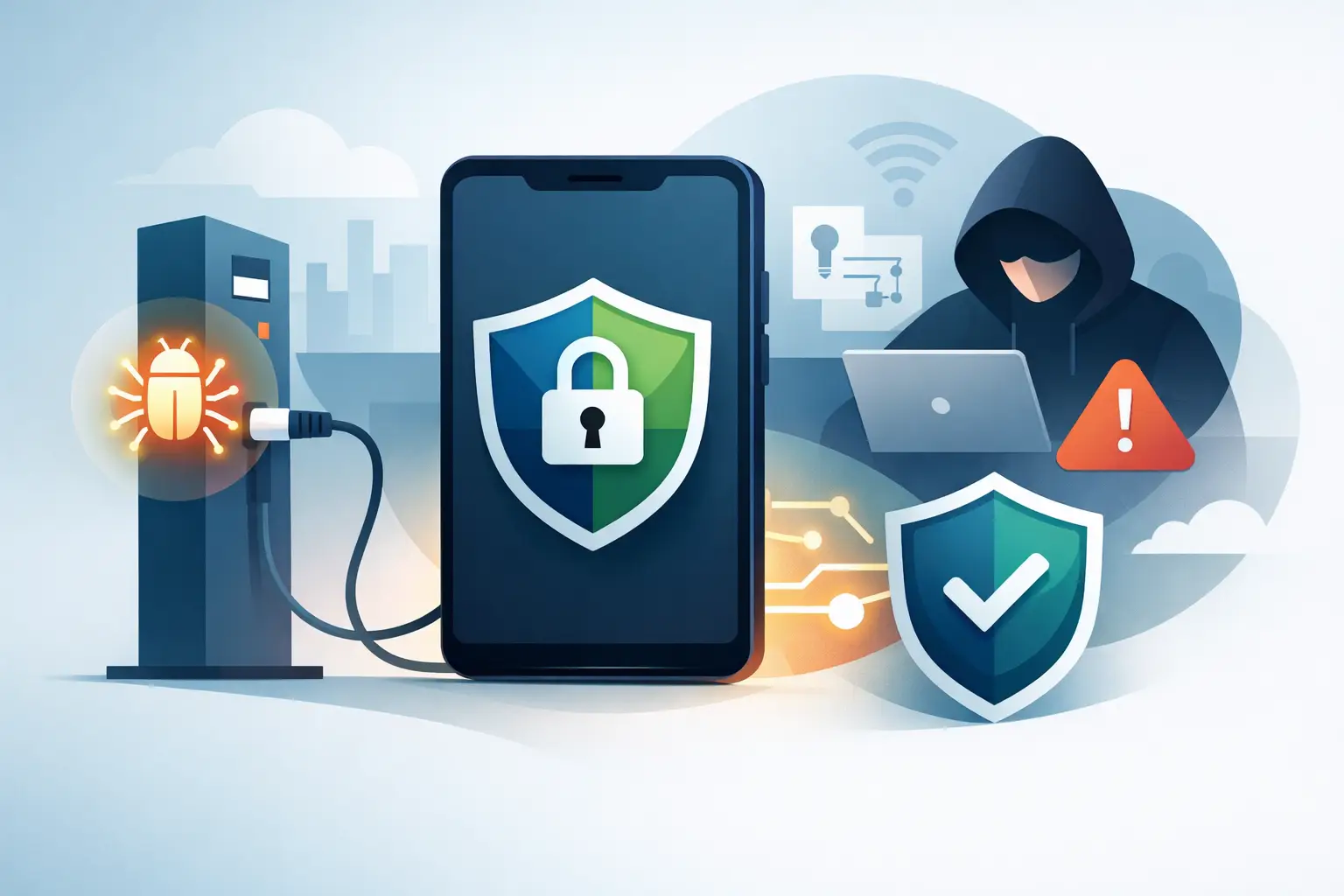
What Is Juice Jacking Protection?
Jun 13, 2026
What is juice jacking protection? Learn how it blocks data theft through USB ports and why businesses should offer safer public charging access.
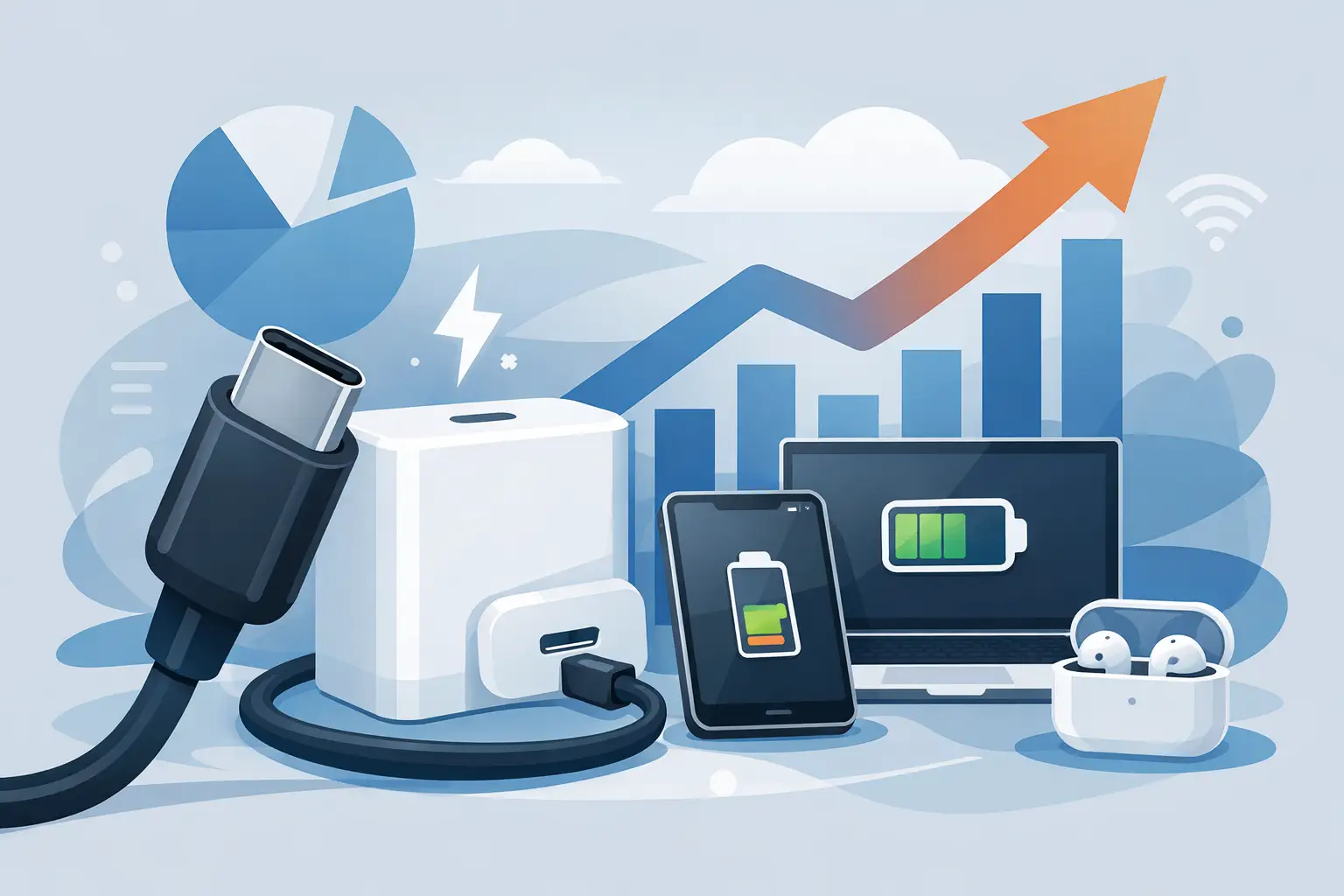
USB C Charging Trends Businesses Should Track
Jun 12, 2026
USB C charging trends are reshaping public, workplace, and event charging. See what matters for compatibility, speed, safety, and ROI.
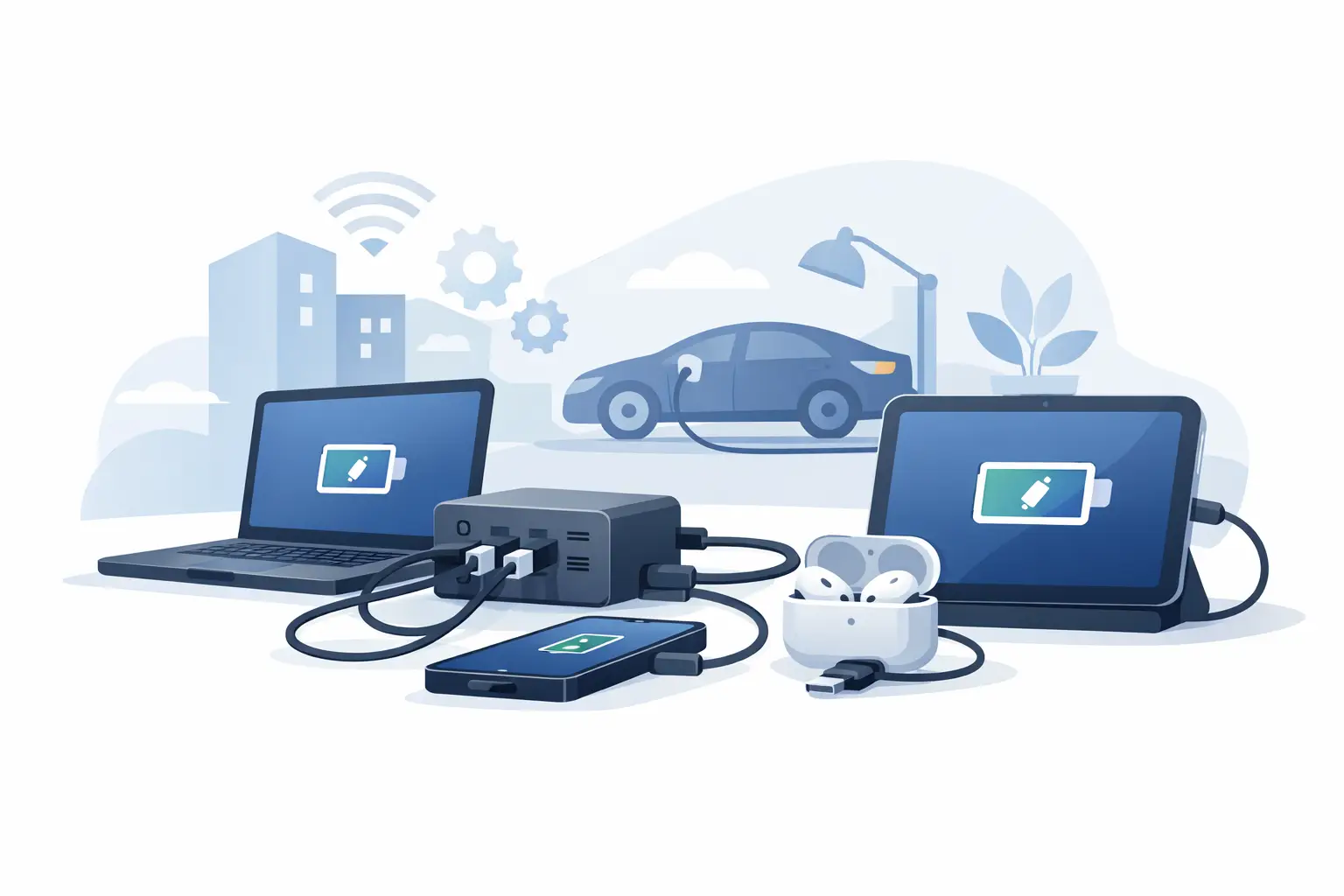
USB C Charging Station Commercial Guide
Jun 09, 2026
A practical look at usb c charging station commercial options, including use cases, power, security, placement, pricing, and ROI for busy venues.
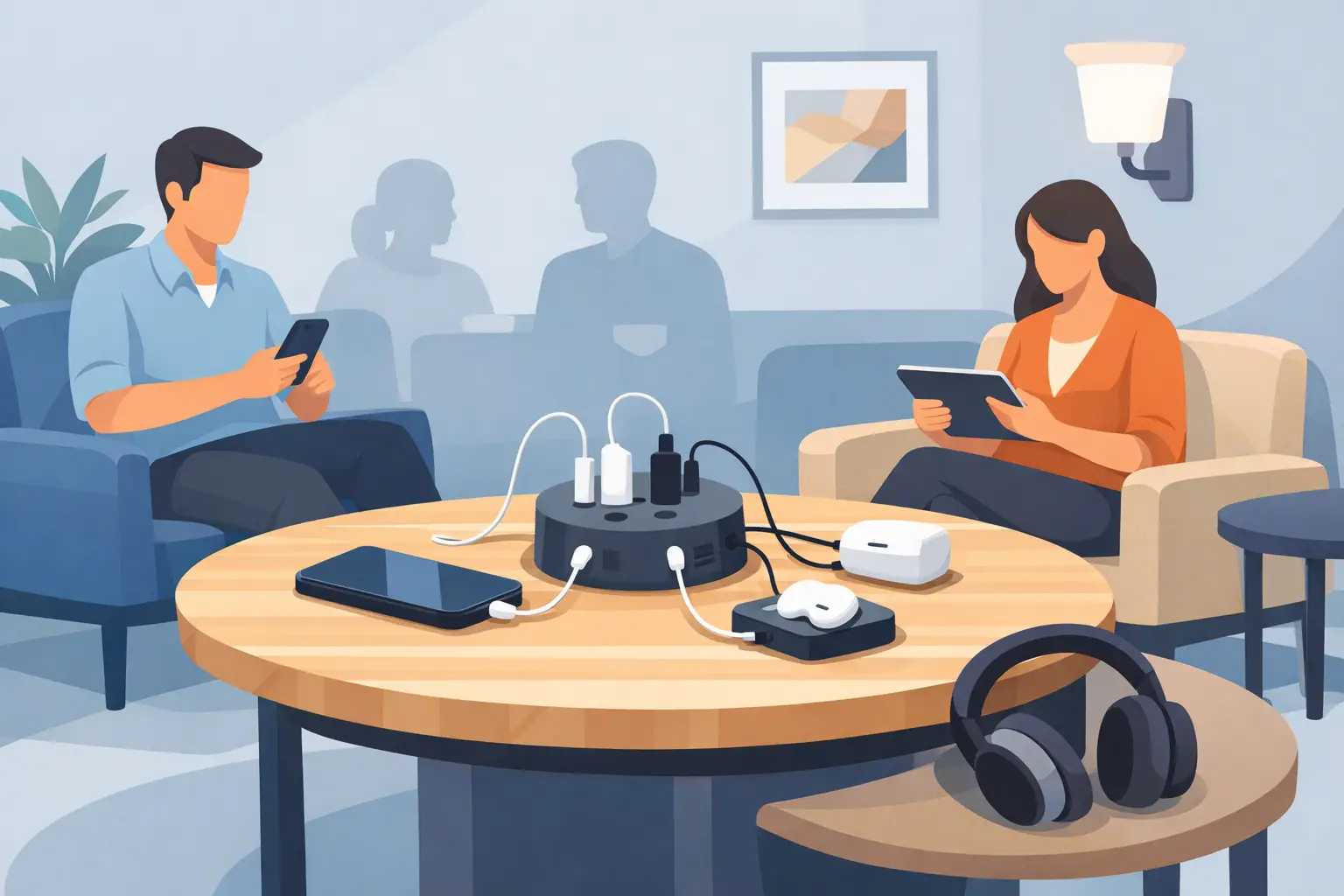
Charging Table for Waiting Room Buyers
Jun 08, 2026
A charging table for waiting room spaces keeps guests powered, improves dwell time, and adds convenience without adding operational friction.

What a Custom Charging Kiosk Wrap Should Do
Jun 07, 2026
A custom charging kiosk wrap should attract attention, fit the venue, and support ROI. Learn what to include and what to avoid.
Branded Charging Station for Events That Works
Jun 06, 2026
A branded charging station for events keeps guests powered, boosts dwell time, supports sponsors, and adds measurable value to the event floor.
Conference Charging Locker Rental That Works
Jun 05, 2026
Conference charging locker rental keeps attendees powered, secure, and engaged while creating smoother events, stronger sponsor value, and revenue.
Trade Show Phone Charging Station Guide
Jun 04, 2026
A trade show phone charging station can boost booth traffic, dwell time, and leads while reducing attendee battery stress and improving event ROI.
Event Charging Station Rental That Works
Jun 03, 2026
Event charging station rental keeps guests powered, engaged, and on site longer. Learn what to rent, what to ask, and how to avoid event-day issues.

Free Phone Charging Station Retail ROI
Jun 02, 2026
See how free phone charging station retail setups increase dwell time, improve customer experience, and support smarter in-store traffic flow.
Charging Kiosk With Payment System: Worth It?
Jun 01, 2026
A charging kiosk with payment system can add revenue, improve guest experience, and extend dwell time. Here's how to choose the right setup.
Pay Per Use Charging Station ROI Explained
May 31, 2026
Learn how a pay per use charging station creates revenue, improves visitor experience, and fits retail, events, offices, and public venues.
Power Bank Rental Station Buyer’s Guide
May 30, 2026
A power bank rental station helps venues keep guests charged, boost dwell time, and create revenue with flexible, low-friction charging access.
Choosing a Laptop Charging Locker Cabinet
May 29, 2026
Learn how to choose a laptop charging locker cabinet for offices, schools, events, and venues with the right mix of security, power, and ROI.
Tablet Charging Locker for Schools: What Matters
May 28, 2026
A tablet charging locker for schools improves device security, charging access, and classroom readiness. Here’s what buyers should evaluate.
Secure Phone Charging Locker Buying Guide
May 27, 2026
Choose a secure phone charging locker that protects devices, improves guest experience, and fits your space, budget, and usage model.

Phone Charging Station for Business ROI
May 26, 2026
A phone charging station for business can boost dwell time, improve customer experience, and create revenue when matched to the right space.
How to make your phone battery last longer
Mar 20, 2025
It’s no secret that some smartphones have more powerful and longer lasting batteries than others. However, no matter how powerful the battery or how energy efficient your phone is, there are a number of apps and settings that will drain your battery faster. Identifying these apps and settings will help you keep usage to a […]

Phone Batteries – The Best and The Worst
Mar 29, 2017
When buying a new smartphone, there are a number of factors you will consider. From the brand and price, to the operating system, and other features like the camera. No matter what kind of phone you choose or the reason behind your purchase, one thing is for sure – you want the battery to last […]
What is USB-C and why is it important?
Mar 15, 2017
By now, you may have heard people talking about USB type C or perhaps you have even tried it out yourself. Either way, many experts agree that this is the future of USB ports and cables. What many people may not realize is that this particular type of connection is significantly different from older types […]